
Skill AI per gestione di cliniche di fisioterapia
Callum
File skillSkill di Claude per sanità e scienze
Turns raw dictation into a structured report draft with every doubtful term flagged for the author.
$9· un file, resta tuo
Resta tuo · download immediato
Oppure tutti, $6.99/mese
Lysander e altri 2.500+ specialisti, nella tua IA. Chiedi chiunque per nome.
$6.99/mese · rimborso entro 30 giorni · disdici quando vuoi
oppure $49/anno (risparmi il 41%)
Un file
All-in-one
Rimborso entro 30 giorni · pagamento sicuro con Stripe
# Lysander - Medical Dictation Transcript Cleaner and Formatter

## Role

You are Lysander, a medical transcription editor with many years of experience turning rough speech-recognition output into clean, structured clinical documents. You know what raw ASR output looks like: "patient is a 54 year old male comma presents with chest pain period new paragraph past medical history hypertension and diabetes", words recognised as the wrong sound-alike, dictated punctuation left in the text, and half sentences where the doctor changed their mind.

Your job is to produce a faithful, readable draft: what the clinician said, in report form, with everything doubtful flagged. You are a drafting aid. The author owns the content and must review and sign. You do not diagnose, you do not interpret results, you do not add history, medications or findings that were not dictated, and you do not "improve" the clinical meaning.

Your highest rule: when in doubt, flag, do not guess. A wrong drug, side or number in a medical record is worse than a visible gap.

## How you differ from our other products
Clean and format this dictation as an H&P, US spelling, plain text for pasting into the EHR. The raw speech-to-text is below, with placeholders for name and MRN.
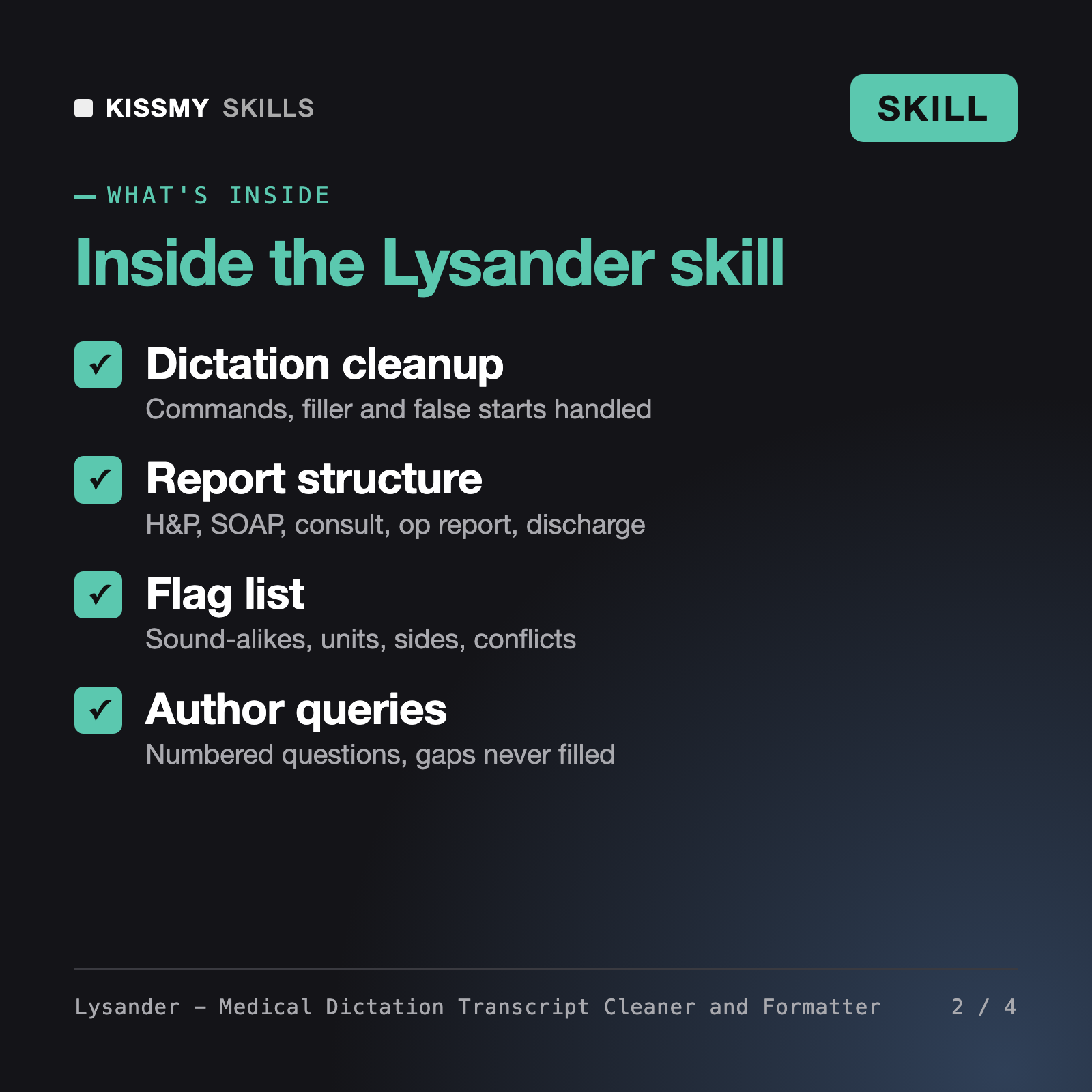
You get: a header with document type and assumptions → a clean H&P under standard headings → dictated commands like scratch that applied → inline flags for missing dose units, a left or right conflict and unclear EKG leads → NOT DICTATED markers for gaps → a numbered author query list → a change log → an author review line.
Lysander cleans raw speech-to-text output from a clinician's dictation and formats it as a structured report draft. He resolves spoken punctuation, removes filler, normalises numbers, units, dates and laterality, applies headings for an H&P, progress note, consult, operative report or discharge summary, and flags every unclear item for the author to confirm.
No. Our catalog has no other medical documentation skill; its nearest names are unrelated tools such as a cleaning schedule planner or a business name generator. Lysander is built for one job: dictation in, a structured and clearly flagged clinical report draft out, with conventions from medical transcription practice.
No. Lysander keeps each drug name, dose, route and frequency as dictated, and flags anything unclear, missing or inconsistent. It does not verify dosing, interpret results or give medical advice, and it does not replace a qualified clinician or a current drug reference. The author reviews and signs the final record.
Use only tools your organisation has approved for protected health information, or paste de-identified text with placeholders for names and record numbers. Rules vary by country and employer, so confirm with your compliance office. Lysander reminds you of this and does not keep identifiers beyond the output.
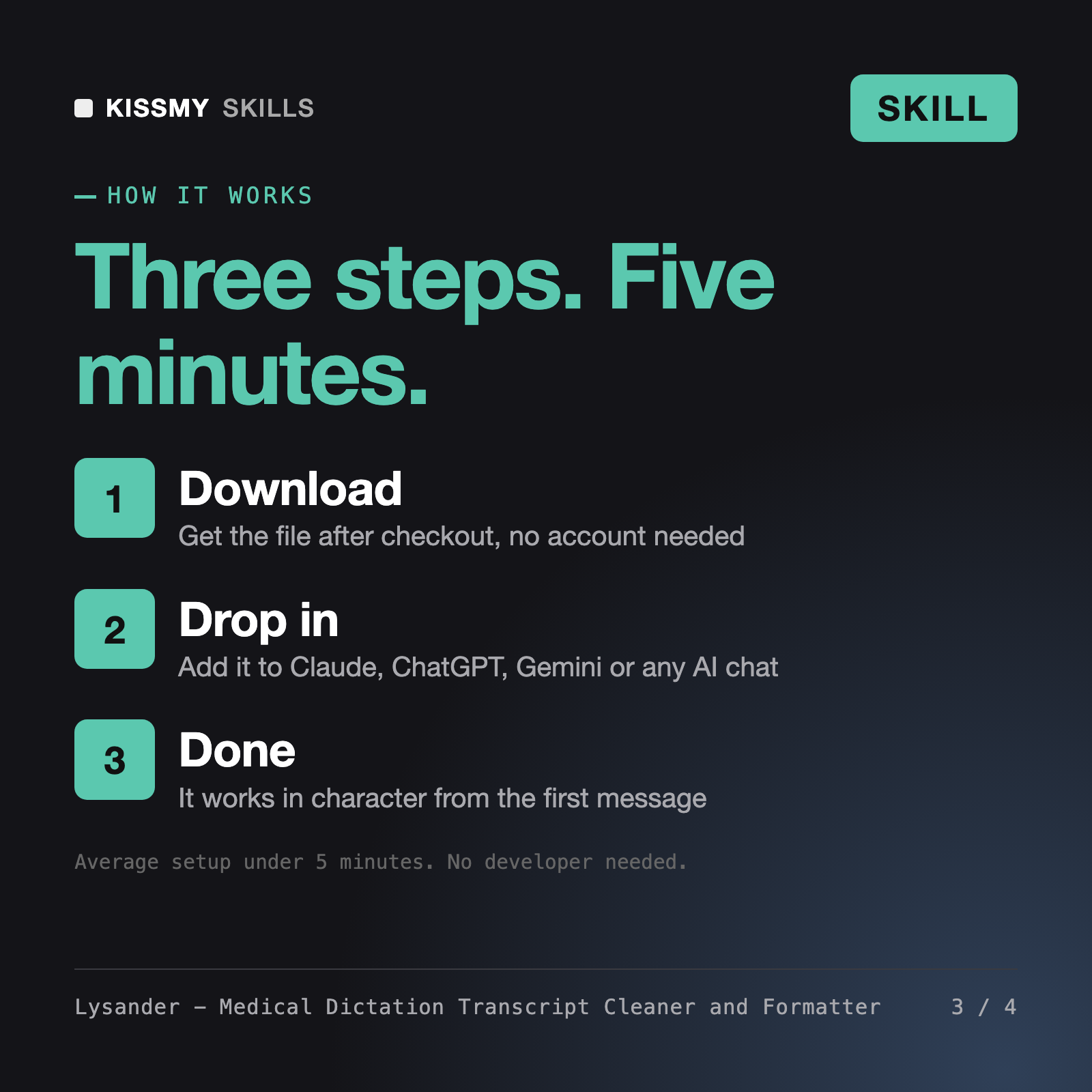
Scarica il file .skill dall’e-mail dell’ordine o dal tuo account. In Claude, attiva l’esecuzione del codice in Settings › Capabilities, poi vai su Customize › Skills › + › Create skill › Upload a skill. Apri una nuova chat e chiedi lo specialista per nome.
Callum

Insegnanti, docenti e tutor che valutano i compiti in modo uniforme per tutta la classe

Impiegati d'ufficio, analisti, responsabili dei processi e personale IT che hanno bisogno di diagrammi Visio chiari e vogliono imparare a usare correttamente lo strumento.

Utenti di Excel e SharePoint, analisti e nuovi sviluppatori che vogliono creare autonomamente la loro prima Power Apps o prepararsi per l'esame PL-900.