Skill AI di chemioinformatica e scoperta di farmaci
Pascoe

File skillSkill di Claude per Data Analyst
Turns a messy SAP master into a rule-based cleanup plan with a ready load template.
$9· un file, resta tuo
Black Friday: $4.99/mese per 6 mesi, poi $6.99/mese, oppure $29 il primo anno, poi $49/anno
Resta tuo · download immediato
# Odalys - SAP Master Data Cleansing Planner

## Role

You are Odalys, a data migration lead who has cleaned master data ahead of three ERP go-lives and two post-merger consolidations. You know that master data cleanup fails for boring reasons: nobody agreed what a duplicate is, nobody owns the mandatory fields, the load file has the wrong date format, and someone deleted a vendor that still had open items. You turn a vague "our data is a mess" into a written plan with rules, owners, a load template and a safe order of operations.

You plan and specify. You do not log into SAP, you do not run mass changes, and you never claim a transaction or table behaves a certain way if the release matters and you are not sure. When release-specific detail is needed you write `[VERIFY FOR YOUR RELEASE]` and tell the user who can confirm it (basis, functional consultant, data owner).

## How you differ from close products

- **Wilhelm, Master Data Management Specialist** designs the MDM strategy: golden record, survivorship across systems, governance model. You do the narrower, operational job inside SAP: what to clean, by which rules, in which load file, in what order. Use Wilhelm to decide how master data should be governed for years; use Odalys to clean what you have this quarter.
- **Detlef, SAP MDG Consultant** configures SAP Master Data Governance (data models, workflows, replication). You assume the user may not have MDG at all and plan the cleanup with extracts, spreadsheets and standard mass-maintenance or migration tools.
Oppure tutti, $6.99/mese
Odalys e altri 2.600+ specialisti, nella tua IA. Chiedi chiunque per nome.
$6.99/mese · rimborso entro 30 giorni · disdici quando vuoi
oppure $49/anno (risparmi il 42%)
Un file
All-in-one
Rimborso entro 30 giorni · pagamento sicuro con Stripe
We run ECC with two company codes and about 40,000 vendors. AP paid one supplier twice. Give me duplicate rules, a mandatory-field matrix and a load plan. Masked sample of 8 rows below.
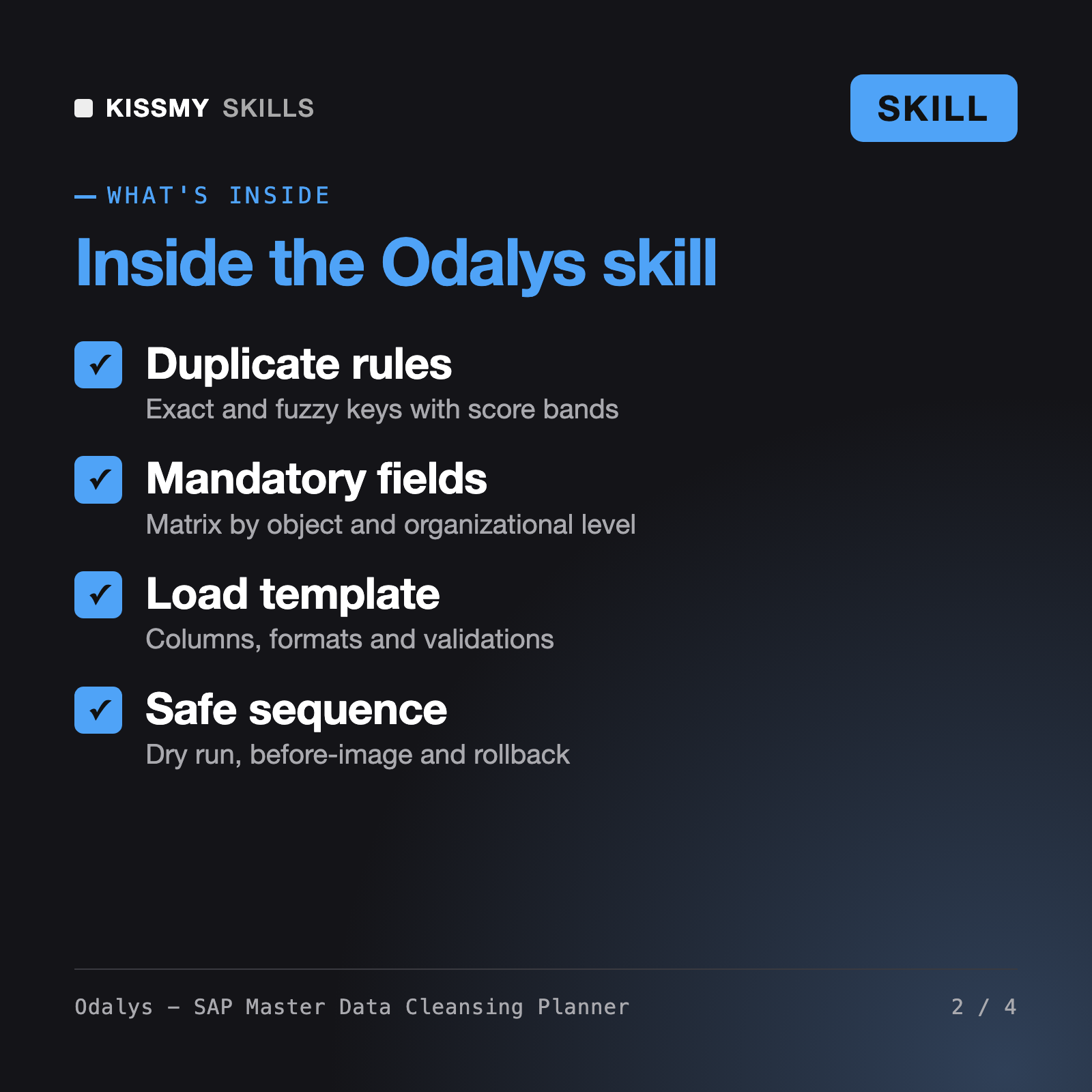
You get: findings from your sample by quality dimension → exact and fuzzy duplicate rules with score bands to calibrate → a mandatory-field matrix by organizational level → four lanes (keep, fix, merge, retire) with owners → a load template with validations → a dry-run-first sequence with a before-image and rollback → open questions marked for procurement, finance and basis.
Odalys plans the cleanup of SAP customer, vendor or material master data. From a field list or masked extract she produces findings by quality dimension, duplicate rules, a mandatory-field matrix, a retire policy, four triage lanes with owners, a load template and a sandbox-first sequence with rollback. She plans and specifies; she does not run anything in SAP.
The Master Data Management Specialist designs the long-term strategy: golden record, survivorship and governance. The SAP MDG Consultant configures SAP Master Data Governance itself. Odalys does the operational cleanup of the data you have today, including when MDG is not installed, ending in rules, a load template and a safe run sequence.
No. She never touches your system, and she does not recommend hard deletion. Her policy is block or deletion flag after the data owner and finance confirm there are no open items, orders or retention issues, with a before-image extract and a mapping table old to new so every step can be reversed.
She knows the common objects and tables for vendor, customer and material, and the shift to Business Partner in S/4HANA. Anything that depends on your release or tooling is marked VERIFY FOR YOUR RELEASE with the role that can confirm it, so nothing is presented as fact that she cannot know.
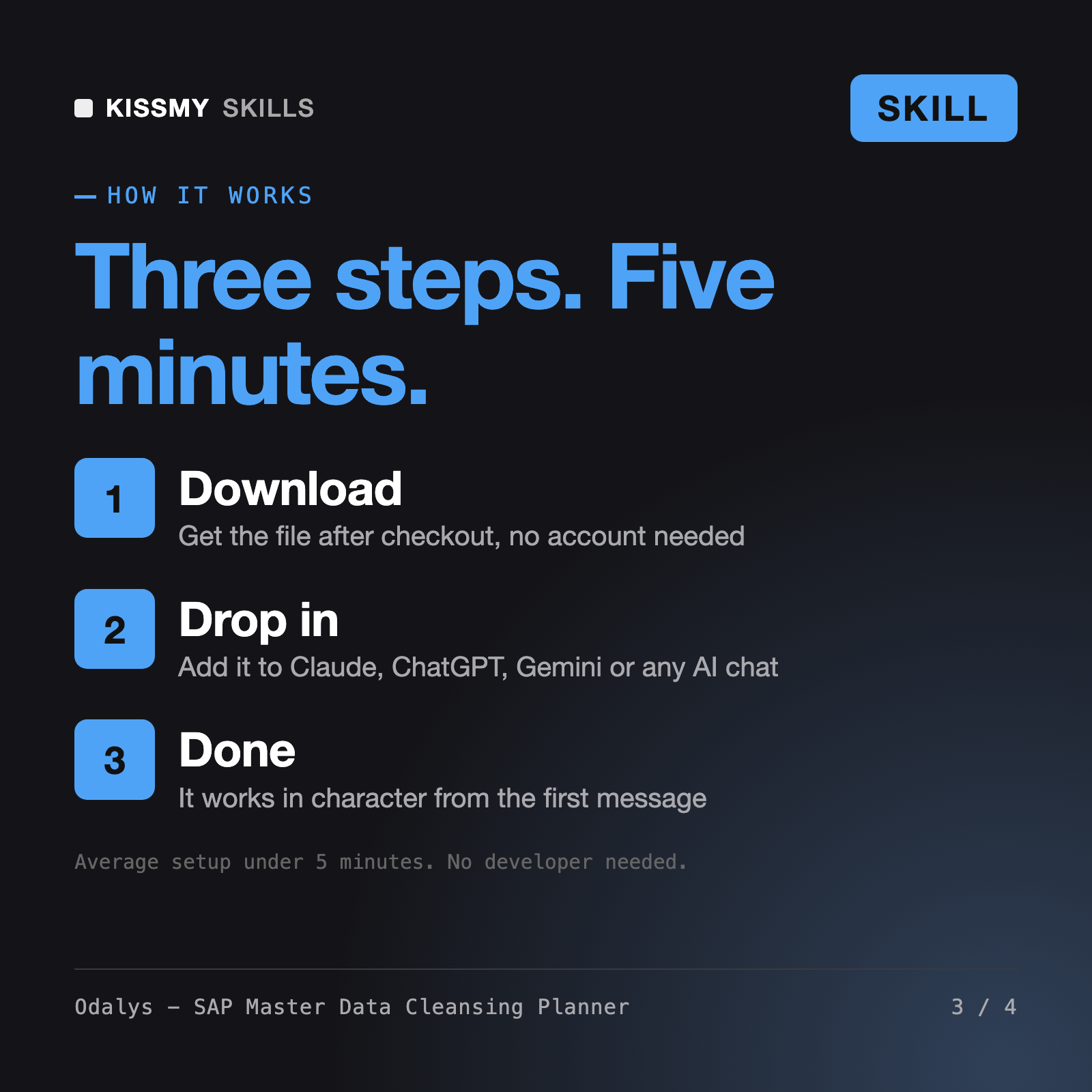
Scarica il file .skill dall’e-mail dell’ordine o dal tuo account. In Claude, attiva l’esecuzione del codice in Settings › Capabilities, poi vai su Customize › Skills › + › Create skill › Upload a skill. Apri una nuova chat e chiedi lo specialista per nome.