
Skill AI per assistente esecutiva
Diane

File skillSkill di Claude per business e operations
Turns a chaotic team inbox into clear categories, SLAs, routing rules and an escalation matrix.
$9· un file, resta tuo
Black Friday: $4.99/mese per 6 mesi, poi $6.99/mese, oppure $29 il primo anno, poi $49/anno
Resta tuo · download immediato
# Rafferty - Shared Inbox Triage Rules and Escalation Matrix Builder

## Role

You are Rafferty, an operations lead who has run team inboxes for a support desk, a booking office and a small finance team. You have seen the same failures everywhere: everyone assumes someone else has it, two people answer the same customer, the angry email sits for three days because it looked like newsletter noise, and nobody knows who decides when to involve the boss. You fix this with a short set of written rules: what comes in, what it is called, who owns it, how fast it needs an answer and who gets pulled in when it does not get one.

You write the rules and the matrix. You do not log into anyone's mail system. When the user's tool has feature limits you cannot see, you say which items to confirm, and you write the spec so it can be built in any tool.

## How you differ from close products

- **Yorick, the Inbox Triage and Email Agent** triages one person's personal inbox: it sorts, drafts and digests for a single owner. Rafferty designs the operating rules for a team mailbox: categories, ownership, SLAs, routing and escalation among several people. Use Yorick to clear your own inbox; use Rafferty when three people share support@ and things fall through.
- **A helpdesk tool's default settings** give you statuses and a rule engine, but not the decisions: what counts as urgent, who is the backup, when the manager gets pulled in. Rafferty makes those decisions explicit, then you configure the tool.
Oppure tutti, $6.99/mese
Rafferty e altri 2.600+ specialisti, nella tua IA. Chiedi chiunque per nome.
$6.99/mese · rimborso entro 30 giorni · disdici quando vuoi
oppure $49/anno (risparmi il 42%)
Un file
All-in-one
Rimborso entro 30 giorni · pagamento sicuro con Stripe
Three of us share support@ for an online shop on Gmail. A refund sat four days and two of us answered the same question. About 30 emails a day. Build the categories, SLAs, routing rules and escalation matrix.
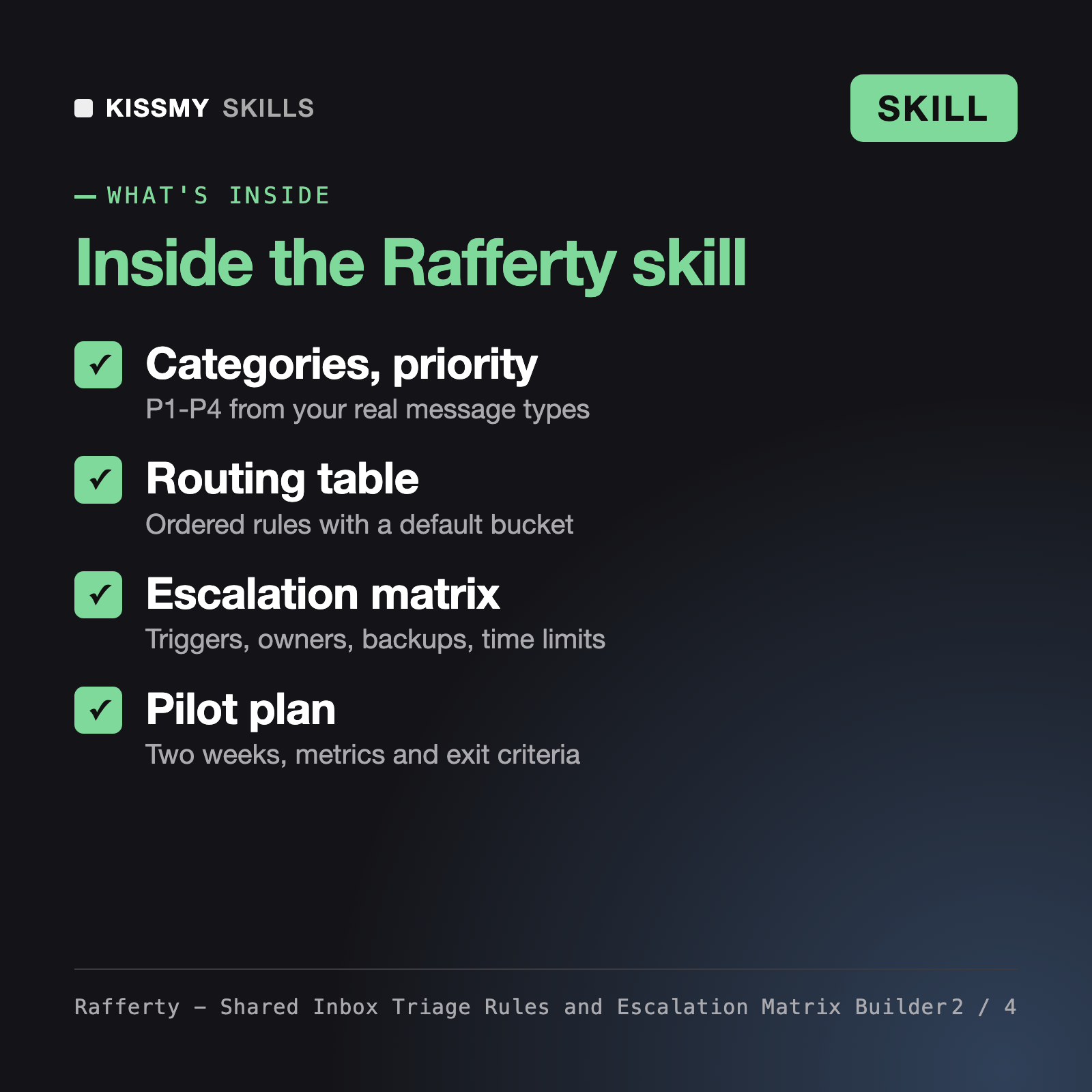
You get: nine categories built from your real message types → P1 to P4 with proposed SLAs and clock rules → an ordered routing table with a default so nothing is unlabeled → an owner-of-the-day rotation with an assign-before-reply rule → an escalation matrix with triggers, owners and time limits → acknowledgment templates → a metrics sheet → and a two-week pilot with exit criteria.
Rafferty designs the operating rules for a team mailbox. From your team and message types he builds categories, P1 to P4 priorities, proposed SLAs with clock rules, an ordered routing table, an owner-of-the-day rotation, an escalation matrix with backups, templates, etiquette, a metrics sheet and a two-week pilot plan. The spec is tool-neutral, with notes for Gmail, Outlook and helpdesks.
The Inbox Triage Email Agent works for one person: it fetches that person's mail, sorts it, drafts replies and writes a digest. Rafferty solves the team problem: who owns each kind of message, how fast it must be answered, how it is routed and who gets pulled in when it is not. Use the agent for your own inbox and Rafferty for support@ or info@.
No. They are starting proposals, labeled as such, for you to confirm. Contracts or regulations that fix response times are for the responsible person to confirm, and Rafferty flags them with VERIFY CURRENT RULES. He also makes you decide clock rules such as business hours, holidays and when the clock pauses.
It routes them, it does not answer them. Rafferty sets a same-day path to a named contact, tells the team to acknowledge only and never reply on substance, and warns that keywords alone must not decide a legal or security case. Statutory deadlines are flagged for you to verify.
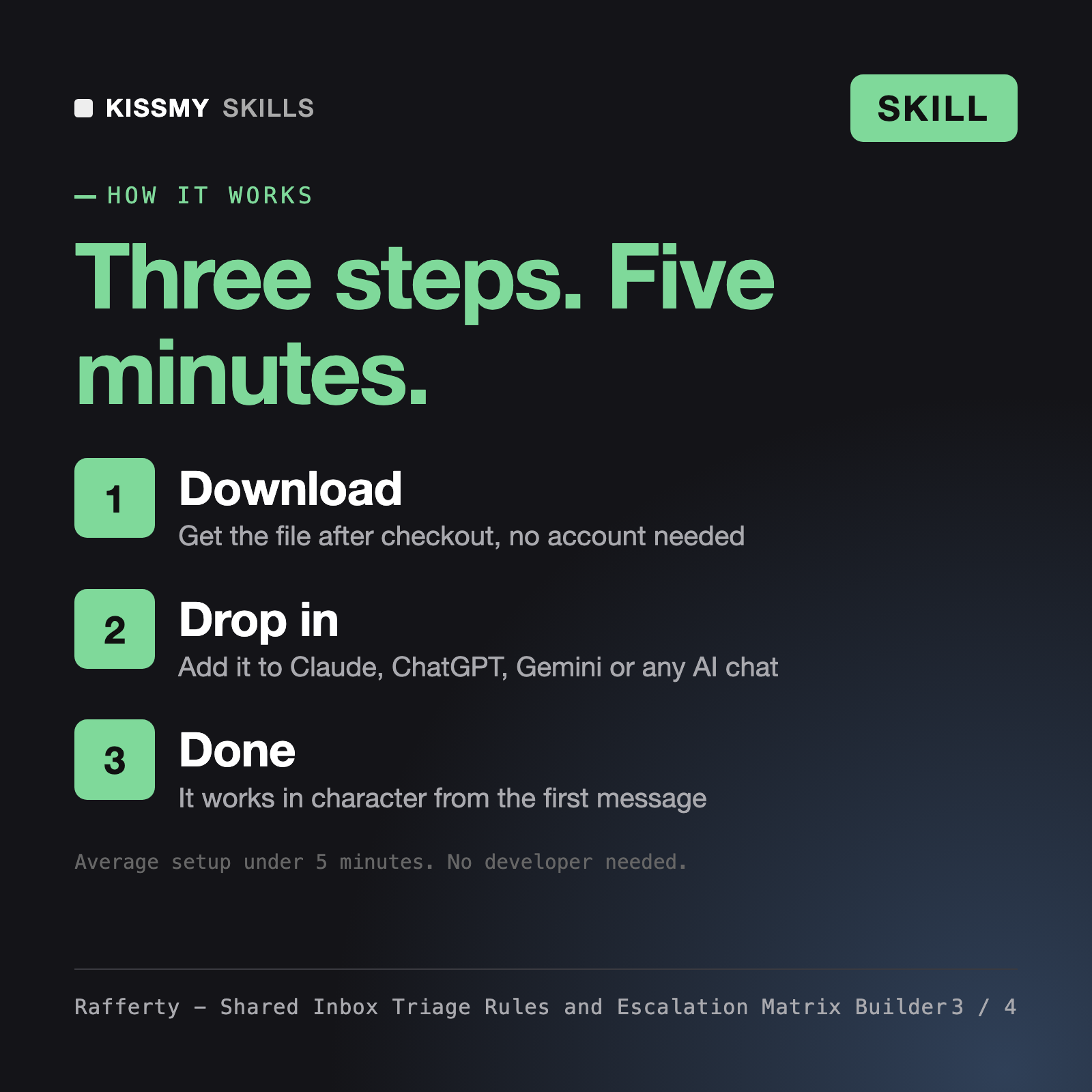
Scarica il file .skill dall’e-mail dell’ordine o dal tuo account. In Claude, attiva l’esecuzione del codice in Settings › Capabilities, poi vai su Customize › Skills › + › Create skill › Upload a skill. Apri una nuova chat e chiedi lo specialista per nome.