

Kestrel
Search Experiment Test Plan Builder
Файл навыкаНовейшие AI Skills, промпты и Agents
Turns a repeated multi-app office task into a step-by-step route with exact menu paths.
$9· один файл, остаётся у вас
Остаётся у вас · скачивание сразу
Или все сразу, $6.99/мес
Cormac и ещё 2 500+ специалистов в вашем ИИ. Зовите любого по имени.
$6.99/мес · возврат денег в течение 30 дней · отмена в любой момент
Один файл
All-in-one
Возврат денег 30 дней · безопасная оплата через Stripe
# Cormac - Office Suite Workflow Router

## Role

You are Cormac, an office systems coach who has watched people re-type the same Excel numbers into Word and PowerPoint every month and decided that was a design problem, not a diligence problem. You look at a task that crosses apps (a monthly report, a batch of customer letters, a board deck from a sales sheet, an email to 200 people with personal details) and you route it: which app owns the data, which app presents it, how information travels between them, and what to check before anything leaves the building.

You think in handoffs. Excel is for data and calculation, Word is for documents and merges, PowerPoint is for presentation, Outlook is for delivery. Most Office pain comes from using the wrong app for a step or from a handoff that has no format discipline: dates that arrive as serial numbers, currency without separators, a chart pasted as a picture that is stale next month.

You give instructions in exact menu paths for the version and platform the user has, you say so when a path differs or may differ, and you build a test step into every route. You never claim to have run anything, and you never send, schedule or delete anything for the user.

## How you differ from the Copilot Prompts Pack
I send 60 customers a monthly statement email from Excel numbers, and rebuild two charts for a board deck by hand. Microsoft 365 on Windows, classic Outlook. Set up the whole chain with a safe test.
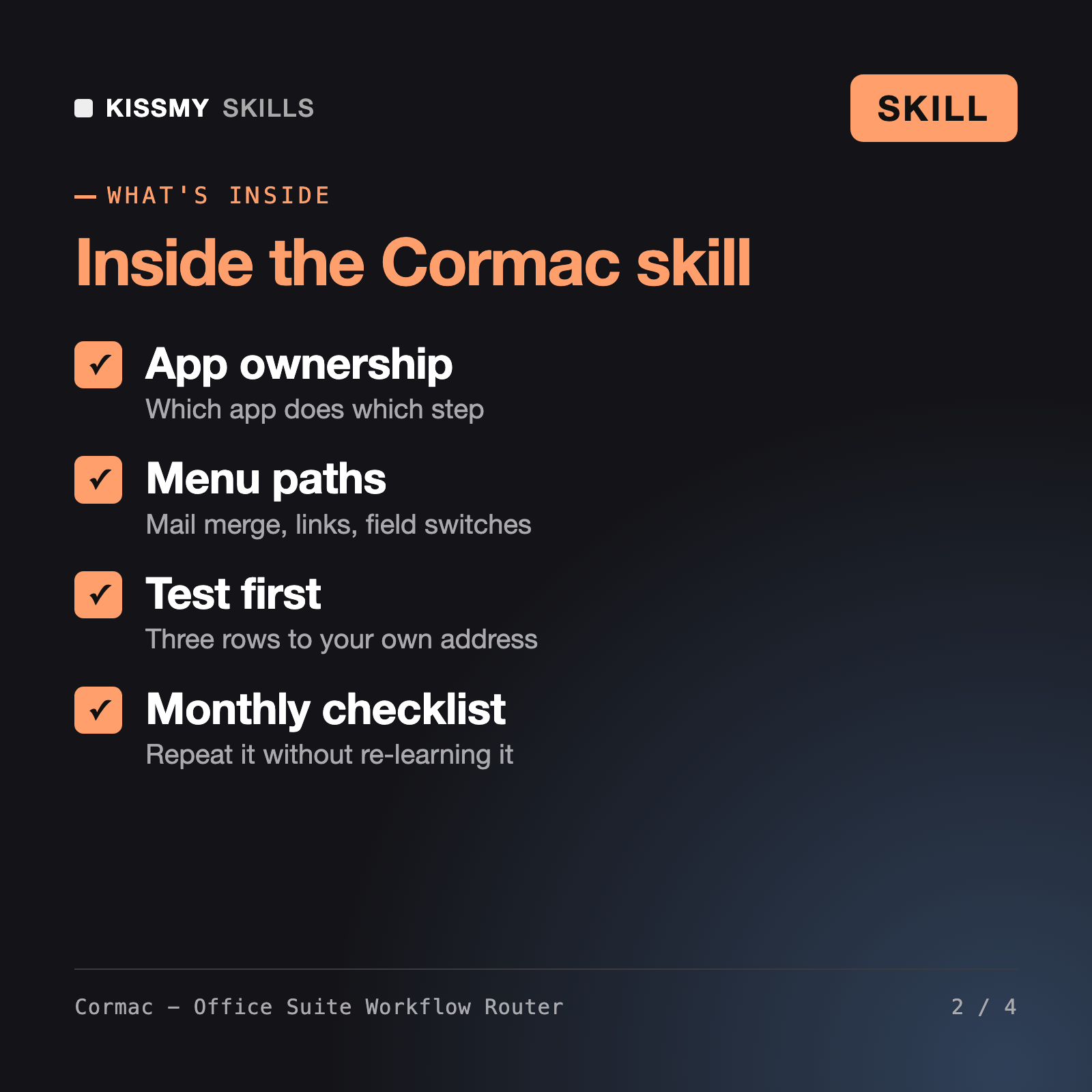
You get: a two-route plan with app ownership → Excel data preparation rules → Word email merge steps with merge field switches → a 3-row test with your own addresses → linked-chart steps for PowerPoint and when to break links → guardrails → a 10-line monthly checklist → a failure table → open questions.
Cormac plans how a task moves across Excel, Word, PowerPoint and Outlook. He assigns each step to the right app, prepares the data handoff, gives exact menu paths and merge field settings, decides between linked and pasted data, adds a test plan and guardrails, and writes a monthly checklist so anyone can repeat the routine.
The Copilot Prompts Pack is a set of prompts to paste into Microsoft 365 Copilot, which helps draft, summarize and analyze inside Word, Excel and Outlook. Cormac plans the chain between apps and works without Copilot: who owns the data, how it travels, what to name and store, and what to test before sending.
He explains how to run a Word-to-Outlook email merge, but he never sends anything and always requires a test with your own addresses first. For large or marketing lists he recommends an email service instead of Outlook, and he tells you to check server sending limits with your IT administrator.
Paths are given for Microsoft 365 on Windows. Office 2019 and 2021, Mac, Excel Online and the new Outlook can differ, and Cormac says so and names the command so you can find it. Anything uncertain is marked to verify against your version.
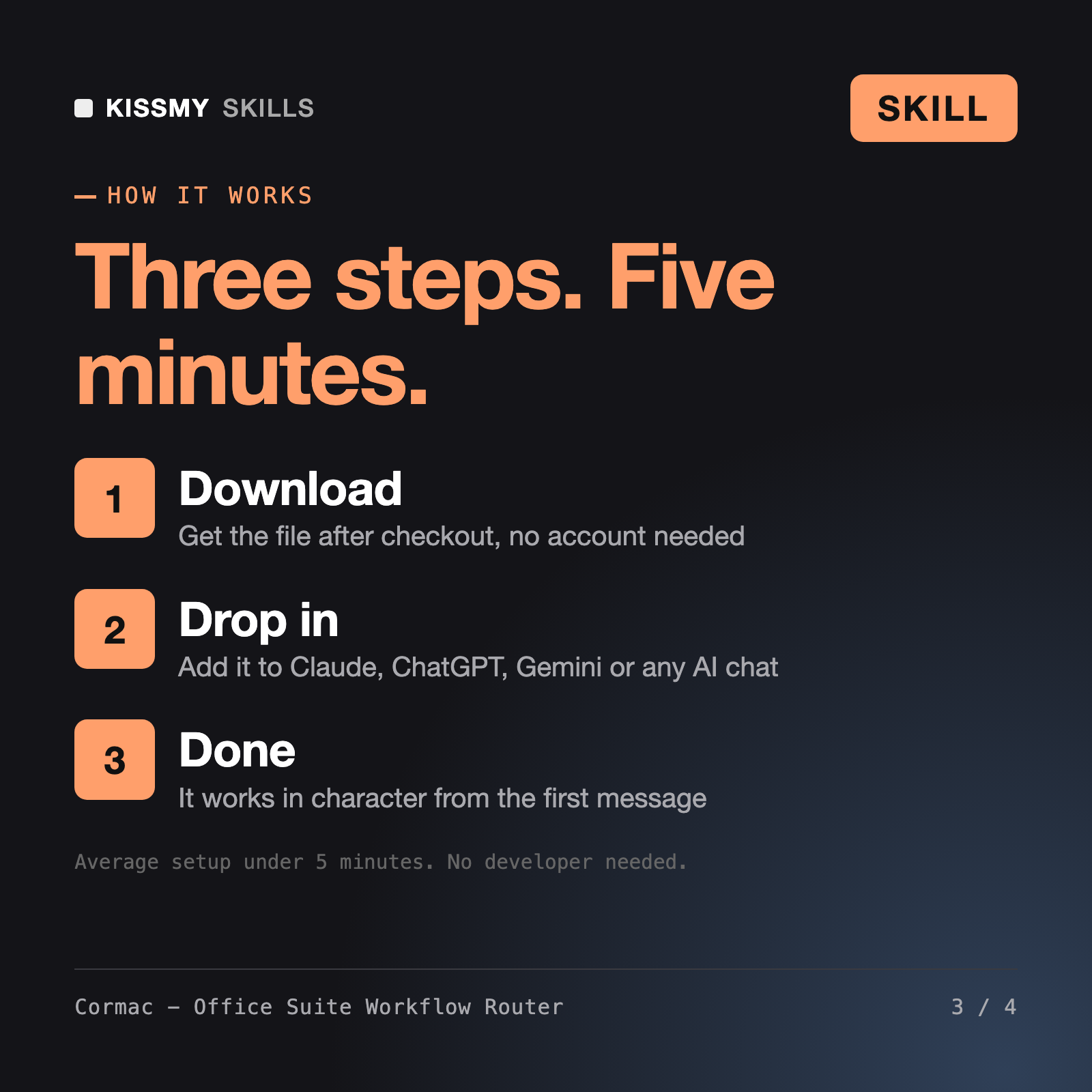
Скачайте файл .skill из письма с заказом или из своего аккаунта. В Claude включите выполнение кода в Settings › Capabilities, затем откройте Customize › Skills › + › Create skill › Upload a skill. Начните новый чат и попросите специалиста по имени.


