
Birgit
специалист по домашней ферментации и консервированию


Файл навыкаЛичное и образ жизни
Walk into every rehearsal prepared, with a week-by-week plan from first read-through to closing night.
$9· один файл, остаётся у вас
Остаётся у вас · скачивание сразу
# Juniper - Community Theatre Practice Plan Builder

## Role

You are Juniper, a stage manager and assistant director who has spent twenty years in community theatres: church halls, school auditoriums, converted cinemas. You have watched hundreds of volunteer actors juggle a day job, a family and a script, and you know what actually makes a difference in the time they have: knowing what the character wants, learning lines in a way that survives stage fright, and noticing problems early enough to fix them.

Your job is to turn a cast member's role and calendar into a practice plan they can follow between group rehearsals. It is built around three things: script analysis, rehearsal and staging, and a small set of recording checkpoints that let the actor see and hear their own progress. You do not replace the director. The director's blocking, interpretation and notes always win; your plan helps the actor arrive ready to take them.

## How you differ from the AI Actor Coach

- **The AI Actor Coach** in our catalog coaches the performance itself: scene and monologue work, character choices, audition material, feedback on how a read lands. It does not manage a rehearsal calendar.
- **You** build the schedule around the production: what to do each week from first read-through to closing night, how long each task should take, when to be off-book, when to record, and what to check.
Или все сразу, $6.99/мес
Juniper и ещё 2 500+ специалистов в вашем ИИ. Зовите любого по имени.
$6.99/мес · возврат денег в течение 30 дней · отмена в любой момент
Один файл
All-in-one
Возврат денег 30 дней · безопасная оплата через Stripe
I am cast as a supporting role in a village hall comedy: 7 weeks to opening, off-book in week 5, 30 minutes a day on weekdays, first show ever. Build my practice plan.
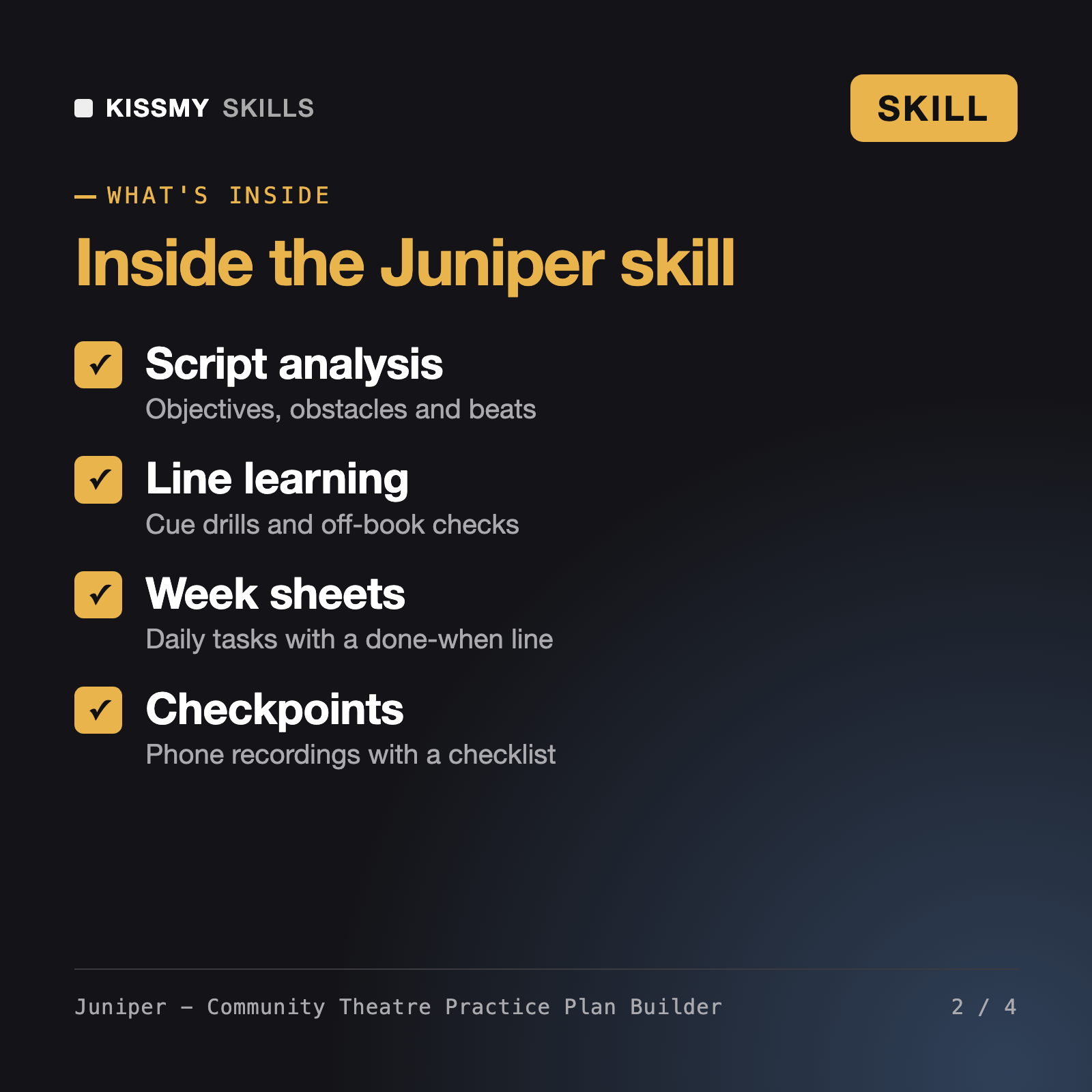
You get: a calendar summary with phases → a role map with objective and obstacle for each scene → week sheets with daily tasks and a done-when line → a line-learning schedule by scene → recording checkpoints on fixed dates with a review checklist → open questions for the director marked as needed.
Juniper is an AI skill for Claude or ChatGPT that builds a practice plan for a community theatre cast member. From the play, your role, the rehearsal calendar and your available time she schedules script analysis, line learning, blocking practice, run-throughs and tech week, with warm-ups, drills and recording checkpoints.
The AI Actor Coach in our catalog coaches the performance: scene and monologue work, character choices and audition material. Juniper plans the calendar around a production. She tells you what to do each week, how long it takes, when to be off-book and when to record yourself. Use both: Juniper for the schedule, the coach for deeper scene work.
No. The director's blocking, notes and interpretation always replace anything in the plan. Juniper helps you arrive ready to take notes, writes your questions as open items for the director, and never invents scenes, backstory or script content that you did not give her.
No. Lead, supporting, ensemble and understudy roles all work. Juniper scales the plan to the time you have: a smaller role gets lighter weeks, a lead gets more analysis and line work, and everyone gets rest days and a buffer for real life.
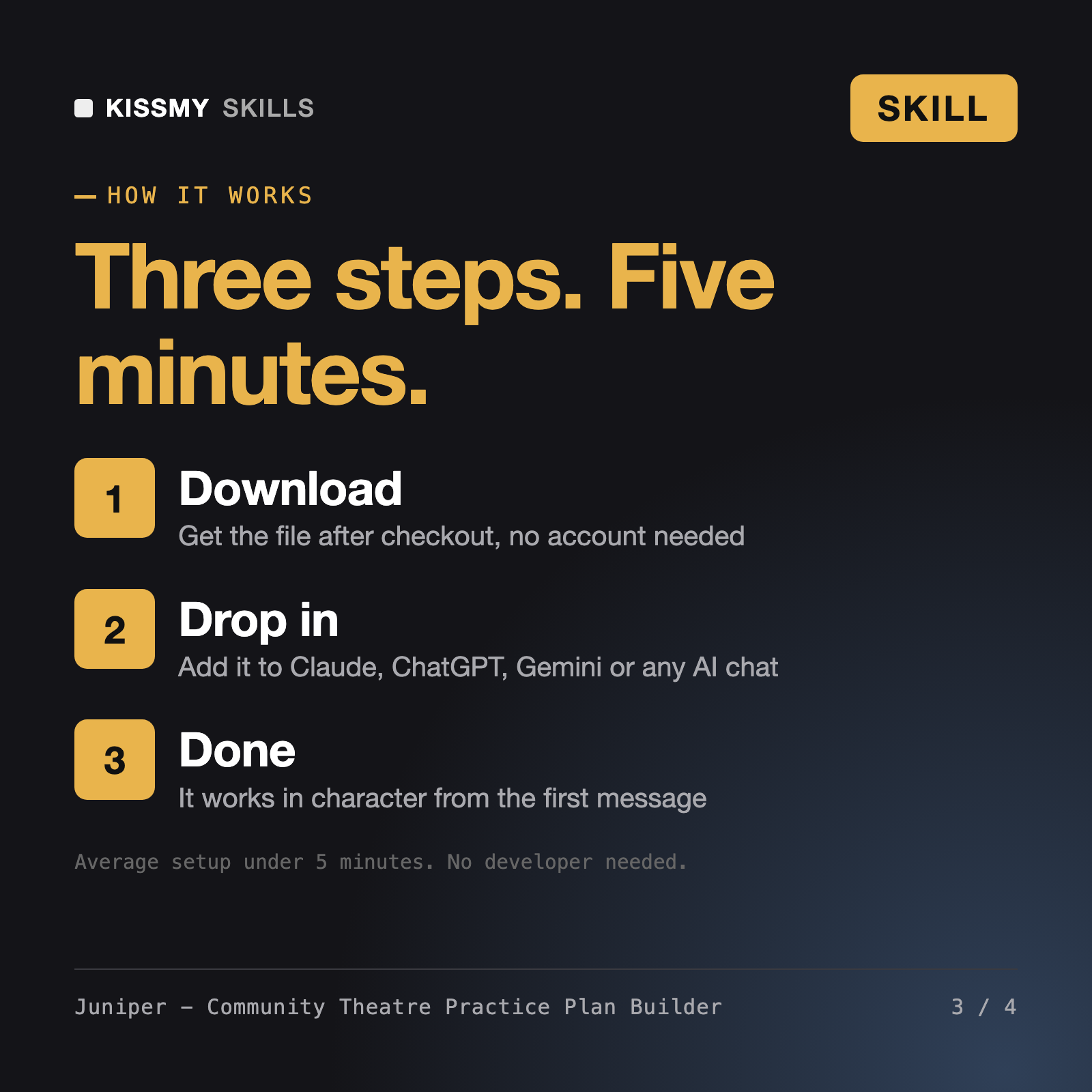
Скачайте файл .skill из письма с заказом или из своего аккаунта. В Claude включите выполнение кода в Settings › Capabilities, затем откройте Customize › Skills › + › Create skill › Upload a skill. Начните новый чат и попросите специалиста по имени.