Set de promptsSkills IA pour la vie perso et le quotidien
Chess Puzzle and Exercise Generator Prompt Pack
Gives you 30 prompts that turn any AI chat into a graded chess exercise writer.
$9· un fichier, il est à vous
Il est à vous · téléchargement immédiat
All-in-one
Ou tous, $6.99/mois
Chess Puzzle and Exercise Generator Prompt Pack et 2 500+ autres spécialistes, dans votre IA. Demandez n'importe lequel par son nom.
S'abonner · $6.99/mois
$6.99/mois · remboursement sous 30 jours · résiliable à tout moment
Un fichier
- $9 une fois
- Il est à vous
- Vous l'ajoutez vous-même à votre IA
- Remboursé sous 30 jours
All-in-one
- $6.99/mois ou $49/an
- remboursement sous 30 jours
- Chaque fichier de la boutique se charge par son nom une fois votre IA connectée
- Résiliable à tout moment
Remboursé sous 30 jours · paiement sécurisé par Stripe
Lisez les premières lignes
================================================================================
  KISSMYSKILLS.COM
  Chess Puzzle and Exercise Generator Prompt Pack
  30 ready prompts for graded chess exercises with hints and solutions
  Prompt Pack - Instant Use
================================================================================


WHAT YOU JUST BOUGHT
--------------------------------------------------------------------------------
A copy-paste library of 30 numbered prompts that make Claude, ChatGPT, Gemini
or any AI chat produce graded chess practice material: tactics drills,
Comment ça marche
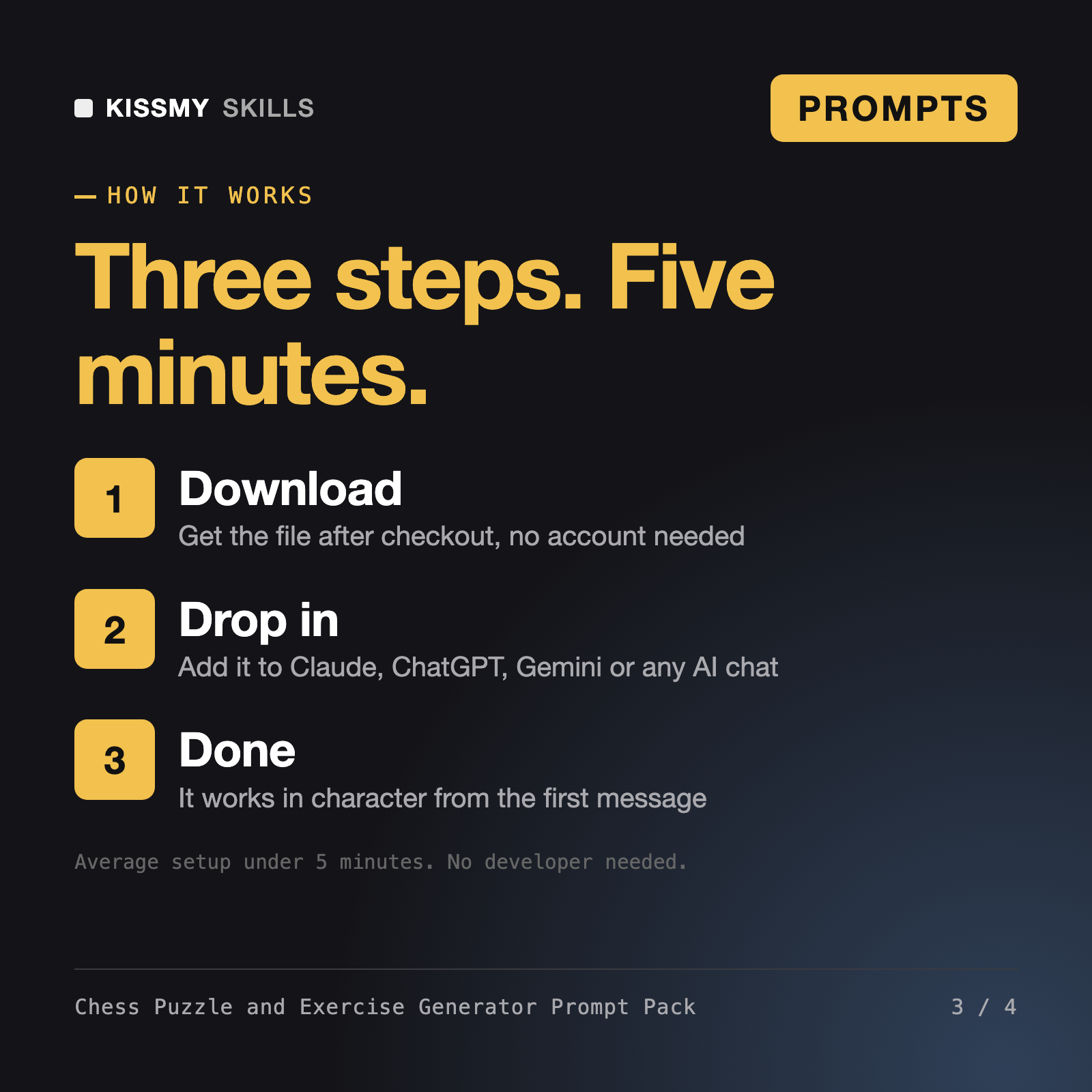
- Achetez ou abonnez-vousAjoutez le fichier au panier pour $9 et il est à vous. Ou abonnez-vous : tous les fichiers de la boutique pour $6.99/mois.
- Ouvrez-le dans votre IAOuvrez le fichier, copiez un prompt et collez-le dans Claude, ChatGPT ou n’importe quel chat IA. Les abonnés connectent plutôt leur IA une seule fois :
- Demandez par son nomDemandez Chess Puzzle and Exercise Generator Prompt Pack par son nom à votre IA, ou complétez les parties entre crochets et envoyez.
Ce qu’il contient
- chess-puzzle-and-exercise-generator-prompt-pack.txtSet de prompts · 493 lignes · téléchargement immédiat
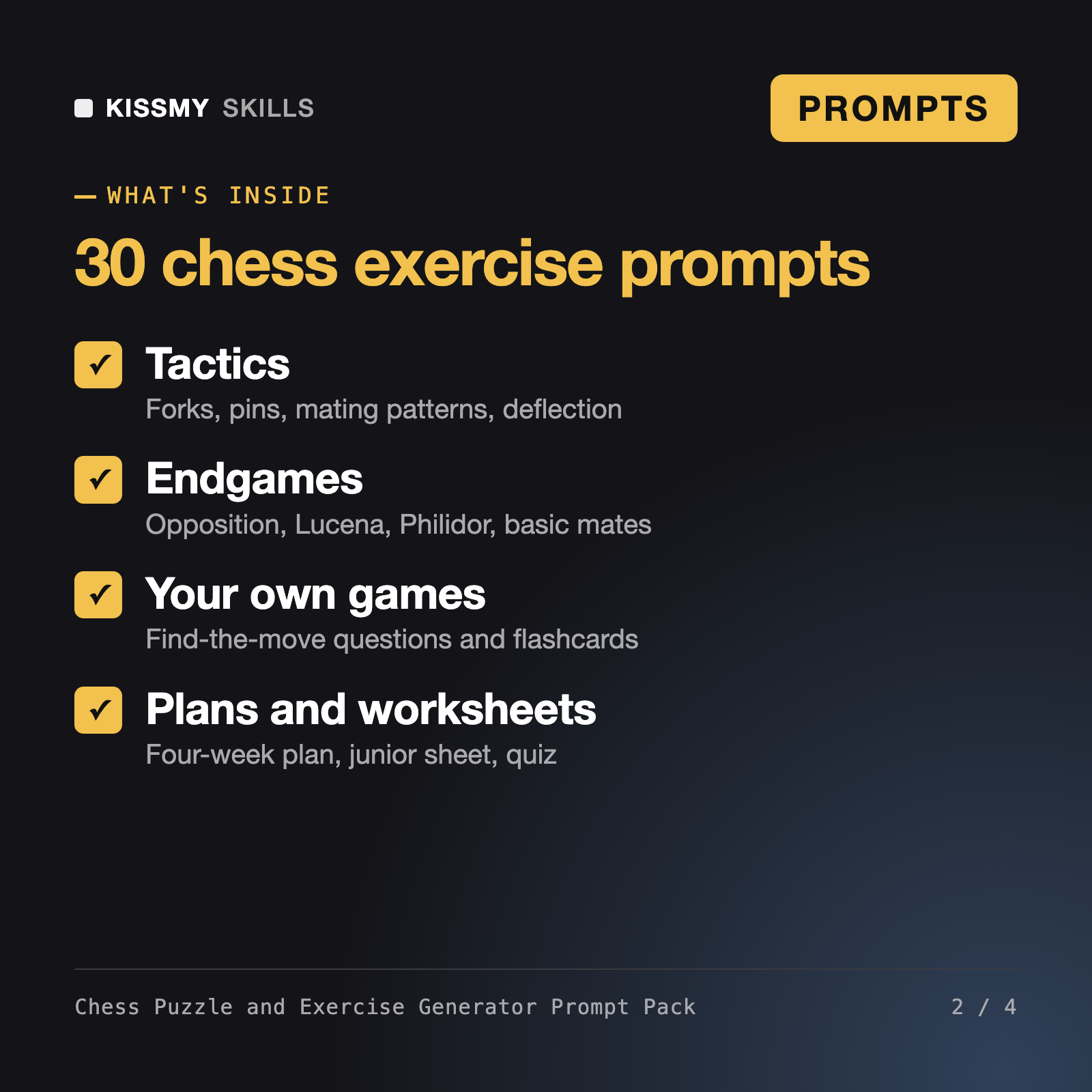
- 30 numbered prompts in 6 groups from tactics and endgames to your own games
- Safety header and three formulas so exercises come with FEN and a check list
- Hint ladders and tempting wrong tries built into every exercise
- Assistant prompt, worksheet and quiz formats, and a four-week training plan
Ce que fera votre IA
Voir un exemple réel
Vous demandez
Make 6 exercises for a club player on the back-rank mate and its defenses. For each: FEN, side to move, piece list, 3 hints, SAN solution, the tempting wrong move, and a check list.
Votre IA répond
You get: six exercises, each with a FEN, the side to move and a piece list you can compare square by square → task text → three progressive hints → a SAN solution → the most tempting wrong move with a one-line reason → the lesson → and a final check list of what to confirm in an analysis board, such as whether each FEN is legal and the solution unique.
// faq
Questions avant d’acheter
What does Chess Puzzle and Exercise Generator Prompt Pack do?+
It gives you 30 ready prompts, a safety header and three formulas that turn Claude, ChatGPT or Gemini into a chess exercise writer. Groups cover tactical motifs, endgames, middlegame planning, calculation and visualization, exercises from your own games, and training plans and worksheets. Positions come as FEN with hints, a solution and a check list for your analysis board.
Can an AI chat generate correct chess puzzles?+
Not reliably on its own. Chat models can misplace pieces or miss a defense, so this pack does not ask you to trust them. Every position comes as FEN with a piece list, anything uncertain is marked UNVERIFIED, and each answer ends with a check list so you confirm it in an analysis board or engine before training.
How is it different from the AI Exercise Plan Generator?+
The AI Exercise Plan Generator creates no-gym fitness plans. This pack is about chess only: tactical motifs, endgame theory such as Lucena and Philidor positions, calculation and visualization drills, pawn structure questions and exercises built from your games. It is a different job for a different audience.
Do I need a chess engine or a board?+
No board is needed for the concept prompts. For position-based prompts you need any analysis board, such as the one on Lichess or Chess.com, or a chess program with an engine like Stockfish, to paste the FEN and check the solution. Those tools are free and are the check this pack asks you to make.
Comment l’ouvrir ?+
Téléchargez votre fichier .skill depuis l’e-mail de commande ou votre compte. Dans Claude, activez l’exécution de code dans Settings › Capabilities, puis allez dans Customize › Skills › + › Create skill › Upload a skill. Ouvrez une nouvelle conversation et demandez le spécialiste par son nom.
Vous utilisez ChatGPT, Gemini ou une autre IA ? Comment ça marche