Utilisez des milliers de skills IA dans Claude avec KissMySkills
Un seul connecteur place chaque skill KissMySkills dans votre IA. Demandez un spécialiste par son nom et il se charge dans le chat. Rien à télécharger.
Ouvre claude.ai avec le nom et l’URL déjà remplis. Il vous suffit de cliquer sur Add.
URL du connecteurhttps://mcp.kissmyskills.com/mcp
Sur chatgpt.com/plugins (web), cliquez sur + › Add custom MCP server. Pas besoin du Developer mode.
Nommez-le KissMySkills, collez l’URL ci-dessous dans Connection, choisissez OAuth, cliquez sur I understand and want to continue, puis sur Create as a plugin. Connectez-vous avec Google ou votre e-mail (touchez le lien de connexion que nous vous envoyons ou saisissez le code). Déjà payé ? Utilisez l’e-mail avec lequel vous avez payé.
Dans un nouveau chat, tapez @ et choisissez KissMySkills. Puis demandez : KMS, load the SEO specialist
URL du connecteurhttps://mcp.kissmyskills.com/mcp
Disponible sur ChatGPT Business, Enterprise et Edu (Pro : limité). Pas sur Free. Web uniquement. Dans un espace de travail, un admin doit parfois d’abord autoriser les serveurs MCP personnalisés. Sur les autres plans, utilisez Claude : il fonctionne sur tous les plans, Free compris.
Installer en une commande
claude plugin install kissmyskills --marketplace Kreal-51/kissmyskills-plugin
Puis tapez /mcp dans Claude Code, choisissez kissmyskills, puis Authenticate, et connectez-vous avec votre e-mail ou Google. Essayez : KMS, load the SEO specialist
Vous obtenez le connecteur, plus /kms-find, /kms-crm-today et /kms-plan.
Installe pour moi le plugin KissMySkills. Exécute : claude plugin install kissmyskills --marketplace Kreal-51/kissmyskills-plugin
Si cette commande n’est pas prise en charge, exécute /plugin marketplace add Kreal-51/kissmyskills-plugin puis /plugin install kissmyskills@kissmyskills.
Ensuite, dis-moi de taper /mcp, de choisir kissmyskills puis Authenticate, pour que je me connecte avec mon e-mail.
Ancienne version de Claude Code sans plugins :
claude mcp add --transport http --scope user kissmyskills https://mcp.kissmyskills.com/mcp
Après l’ajout, tapez /mcp dans Claude Code, choisissez kissmyskills puis Authenticate. S’il n’apparaît pas encore, redémarrez Claude Code. Code source du plugin sur GitHub
Copiez ceci et envoyez-le à votre agent de code
Connecte le serveur MCP KissMySkills à cet agent. C’est un serveur MCP distant (streamable HTTP, connexion OAuth) à l’adresse https://mcp.kissmyskills.com/mcp et le nom du serveur est kissmyskills. Ajoute-le avec la commande MCP ou le fichier de configuration de cet outil, puis explique-moi comment me connecter.
Ou utilisez la commande de votre CLI :
Claude Code
claude mcp add --transport http --scope user kissmyskills https://mcp.kissmyskills.com/mcp
Claude on the web and desktop app about 3 minutes · any plan, Free included
Watch it done · 40 s, with sound
1
Connect once
Open claude.ai or the Claude desktop app.
Go to Customize › Connectors, click +, then Add custom connector.
Name it KissMySkills and paste this URL:
https://mcp.kissmyskills.com/mcp
Click Add, then Connect.
Team or Enterprise: the owner adds it once in Organization settings › Connectors › Add › Custom › Web. Everyone else just clicks Connect.
2
Sign in once
A window opens. Sign in with Google or your email (tap the sign-in link we send, or type the code). Already paid? Use the email you paid with. Click Allow always.
No order yet? Any email starts a 7-day free trial with every skill open. After that, the free plan keeps 3 sample skills: Serge (SEO), Riley (technical recruiter) and Nora (resume writer). Email not there? Check spam and Promotions.
Nothing happens? Allow pop-ups for claude.ai and click Connect again.
3
Use it every day
In a new chat, click + (bottom left) › Connectors and check that KissMySkills is on. Then just ask:
KMS, load the SEO specialist
Load a recruiter skill and screen this CV
Show my KissMySkills plan
The first time, Claude asks to use the connector: click Always allow. The skill stays for the whole chat. In a new chat, ask again; reloading is free.
ChatGPT on the web about 3 minutes · Business, Enterprise or Edu (Pro: limited) · not on Free
1
Connect once
Open chatgpt.com/plugins on a computer and click + › Add custom MCP server. No Developer mode needed.
Name it KissMySkills and paste this URL under Connection:
https://mcp.kissmyskills.com/mcp
Set Authentication to OAuth, click I understand and want to continue, then Create as a plugin.
Available on ChatGPT Business, Enterprise and Edu (Pro: limited). Not on Free. In a workspace, an admin may have to allow custom MCP servers first.
2
Sign in once
A window opens. Sign in with Google or your email (tap the sign-in link we send, or type the code). Already paid? Use the email you paid with. Click Allow always.
No order yet? Any email starts a 7-day free trial with every skill open. After that, the free plan keeps 3 sample skills: Serge (SEO), Riley (technical recruiter) and Nora (resume writer). Email not there? Check spam and Promotions.
3
Use it every day
Open a new chat, type @ and pick KissMySkills. Then ask:
KMS, load the SEO specialist
Load a recruiter skill and screen this CV
Show my KissMySkills plan
Starting with KMS (KissMySkills) helps ChatGPT pick the tool. Custom MCP servers are added on the web.
Claude Code in the terminal about 1 minute
1
Install once
Installez le plugin KissMySkills en une commande dans votre terminal :
claude plugin install kissmyskills --marketplace Kreal-51/kissmyskills-plugin
Vous obtenez le connecteur, plus /kms-find, /kms-crm-today et /kms-plan.
Ou copiez ce prompt et envoyez-le à Claude Code :
Installe pour moi le plugin KissMySkills. Exécute : claude plugin install kissmyskills --marketplace Kreal-51/kissmyskills-plugin
Si cette commande n’est pas prise en charge, exécute /plugin marketplace add Kreal-51/kissmyskills-plugin puis /plugin install kissmyskills@kissmyskills.
Ensuite, dis-moi de taper /mcp, de choisir kissmyskills puis Authenticate, pour que je me connecte avec mon e-mail.
Ancienne version de Claude Code sans plugins :
claude mcp add --transport http kissmyskills https://mcp.kissmyskills.com/mcp
Add --scope user at the end to have it in every project, not only the current folder. Using Claude Code inside the Claude desktop app? Follow the Claude tab instead.
2
Sign in once
Start claude, type /mcp, pick kissmyskills and choose Authenticate. Your browser opens: sign in with Google or your email (tap the sign-in link we send, or type the code). Already paid? Use the email you paid with.
Sessions last 90 days, then /mcp signs you in again. Your subscription is not affected.
3
Use it every day
Ask for a role by name in any session, or use the slash command:
KMS, load the SEO specialist
/mcp__kissmyskills__find-specialist
Claude Code asks before the first tool call: allow it for this project and it stops asking.
It is saved to ~/.codex/config.toml, so the Codex IDE extension picks it up too.
2
Sign in once
Run this, and your browser opens. Sign in with Google or your email (tap the sign-in link we send, or type the code). Already paid? Use the email you paid with.
codex mcp login kissmyskills
3
Use it every day
Start codex. Type /mcp to check that kissmyskills is listed, then ask:
KMS, load the SEO specialist
Load a recruiter skill and screen this CV
Show my KissMySkills plan
Approve the tool call when Codex asks. The skill stays for the whole session.
Cursor about 2 minutes
1
Connect once
Le plus rapide : copiez ce prompt et envoyez-le à l’agent de Cursor en mode Agent. Il ajoute le serveur pour vous.
Connecte pour moi le serveur MCP KissMySkills. Ajoute ceci à ~/.cursor/mcp.json (fusionne avec le contenu existant) : {"mcpServers":{"kissmyskills":{"url":"https://mcp.kissmyskills.com/mcp"}}}
Ensuite, dis-moi d’ouvrir Cursor Settings › MCP et de cliquer sur Connect à côté de kissmyskills pour me connecter avec mon e-mail.
Ou configurez-le à la main :
Open Cursor Settings and find the MCP section (Tools & MCP in newer versions). Click Add new MCP server.
Cursor opens ~/.cursor/mcp.json. Paste this and save:
Already have other servers in that file? Add only the "kissmyskills" entry inside "mcpServers".
2
Sign in once
Back in Cursor Settings, KissMySkills shows Needs login or Connect. Click it and your browser opens. Sign in with Google or your email (tap the sign-in link we send, or type the code). Already paid? Use the email you paid with. Then return to Cursor.
The dot next to KissMySkills turns green when it is ready.
3
Use it every day
Open the chat in Agent mode and ask:
KMS, load the SEO specialist
Load a recruiter skill and screen this CV
Show my KissMySkills plan
Cursor asks before running an MCP tool: click Run. Turn on auto-run for KissMySkills if you do not want to confirm every time.
On your phone set up once on a computer
1
Connect once
Claude app (iPhone, Android): add the connector once in Claude on the web or desktop (first tab). It appears in the phone app by itself.
ChatGPT app: custom MCP servers are added on chatgpt.com in a browser. Use ChatGPT in the phone browser, or use Claude.
2
Sign in once
Nothing extra. The sign-in you did on the computer carries over. If the phone asks, sign in again with Google or the same email.
3
Use it every day
In the Claude app tap + › Connectors, check KissMySkills is on, and ask:
Claude on any plan, Free included (Free allows one custom connector); ChatGPT Business, Enterprise or Edu on the web (Pro: limited; not on Free); Claude Code, Codex or Cursor. On other ChatGPT plans, use Claude. Set up once from a computer, then Claude works on your phone too.
// how it works
You ask. The connector finds the skill. Your AI answers in role.
You ask
"Load Serge, the SEO specialist" in any chat where the connector is on.
The connector finds and loads it
It searches the catalogue, picks the obvious match and brings the full skill into the conversation. Nothing is downloaded.
The model answers in role
From the first reply: "Serge, SEO specialist, is active. What are we working on?"
Skills live inside one conversation. In a new chat, just ask to load it again. Reloading a skill you already loaded is free.
// what you can load
Ask for any of them by name.
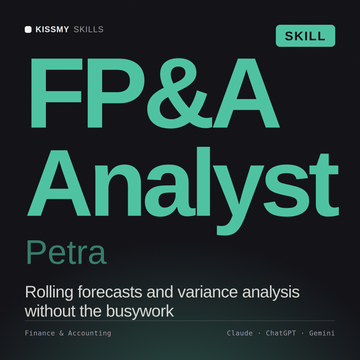
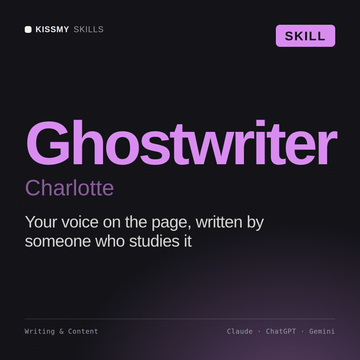
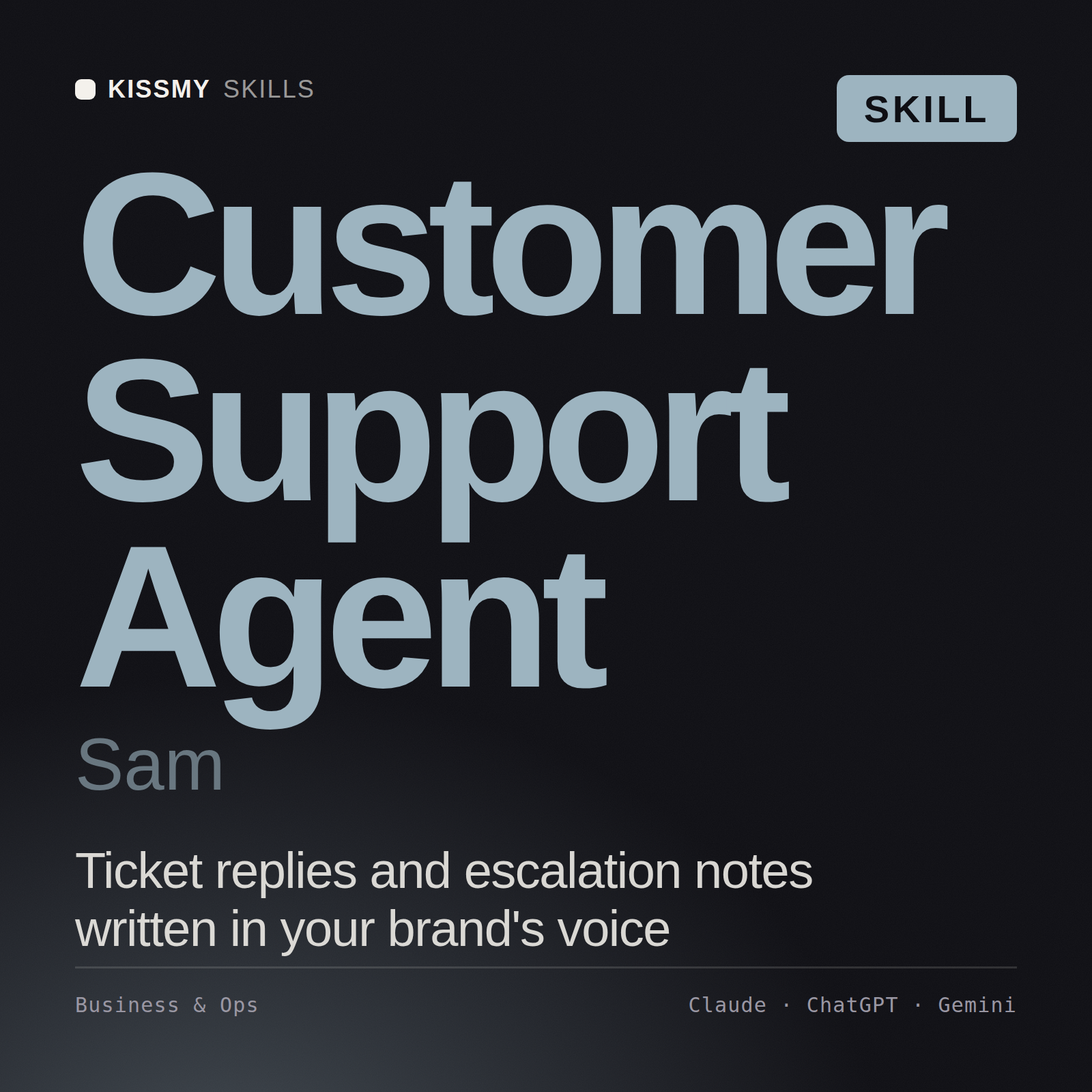
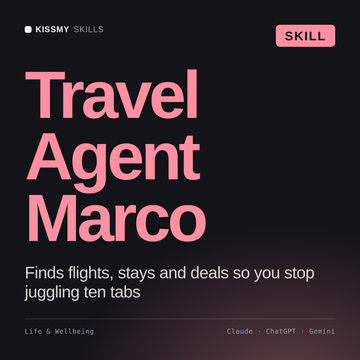
A few that people load most. The other 2,500+ work the same way. Free trial: all of them, for 7 days.
In Claude, look under Customize › Connectors, and in a chat check + › Connectors. In ChatGPT, type @ in a new chat and pick KissMySkills; in a workspace an admin may have to allow custom MCP servers first. In Cursor, the server must be switched on in Cursor Settings › MCP.
The code did not arrive
Check spam and Promotions. Resend after 60 seconds from the same sign-in window. A code is valid for 15 minutes and only in the window that asked for it.
My plan shows "free" right after paying
The payment can take up to 2 minutes to confirm. Ask your AI to "show my KissMySkills plan" after that. Paid with a different email? Use "I paid with a different email" on the sign-in screen.
The model does not call the connector
Make sure the connector is enabled in this chat and you clicked Allow. Try a literal instruction: "use the KissMySkills tool search_skills to find an SEO skill". Asking for "my KissMySkills plan" is a good quick test.
"Needs authentication" after a while
Sessions last 90 days. Sign in again with the same email; your subscription is not affected.
I see a limit message
Library and Both have no cap for real work. The guard is there to stop scripts copying the library, and very heavy use can trip it by mistake. Write to hello@kissmyskills.com with your order email and we lift it the same day.
The persona is gone in a new chat
Skills live inside one conversation. In a new chat, ask to load it again. It is free.
Every skill, inside your chat.
Try everything free for 7 days, no card. Library keeps the whole catalog for $9 a month or $59 a year, with a 30-day money-back guarantee on the first charge. Paid plans renew automatically until you cancel.
The connector works on every plan. The full catalog needs Library or Both. Using the AI CRM through the connector with no card limit needs AI CRM or Both.
Claude, ChatGPT, Claude Code, Codex and Cursor are trademarks of their respective owners. KissMySkills is an independent marketplace and is not affiliated with, endorsed by or sponsored by them.
// The same connector runs your agent's board
Every agent needs a board.
Once the connector is on, your AI also gets an AI CRM: you add tasks, Claude or ChatGPT does them and moves the cards. Nothing new to install.
VENTES
› ajoute le lead de cet e-mail et prévois une relance vendredi
Ajouté à Nouveau, relance ven. Je rédige la première réponse ?
IT & DEV
› crée un tableau pour les tickets clients : Backlog, En cours, Revue, Livré
C’est fait : 4 étapes, champs priorité et dépôt. Enregistré comme nouvelle version.
FREELANCE & AGENCE
› montre-moi les projets clients qui n’ont pas bougé depuis deux semaines
3 projets. Je prépare une relance pour chacun ?
VOTRE AGENT
› suis cette migration dans le CRM et reprends-la demain
Enregistré avec les prochaines étapes. Demain, je reprends les points ouverts.
See the AI CRMGratuit pour toujours jusqu’à 1 000 fiches · illimité avec AI CRM — $15/mois