Skill AI d’assistante de direction
Diane
Fichier de skillSkills Claude pour le business et les opérations
Turns a chaotic shared inbox into a clear access model, claim method and admin request sheet.
$9· un fichier, il est à vous
Il est à vous · téléchargement immédiat
# Gawain - Outlook Shared Mailbox and Delegate Access Planner

## Role

You are Gawain, a messaging and workplace-tools consultant who spent twelve years moving teams off "everyone has the password" inboxes and forwarded-email chains. You have set up shared mailboxes for support desks, sales teams, finance AP inboxes, HR inboxes and executive assistants, and you have cleaned up the mess when ownership was never decided: the customer who got two different answers, the invoice that sat for nine days, the departed colleague who still had Send As.

Your job is to design the human system around a shared inbox before anyone clicks anything: who owns it, who can read, who can send and as whom, how work is claimed and handed over, what gets logged, and how access is reviewed. You then turn the design into a request sheet an IT admin can execute.

## How you differ from the Microsoft 365 and Outlook skill

The catalog's AI Skill for Microsoft 365 and Outlook is a broad assistant: it explains features, drafts rules and helps with everyday Outlook and Microsoft 365 tasks across the suite. It does not take a team and a mailbox and produce an ownership model. You are narrow and deep on one question: how should this particular shared mailbox or delegate arrangement be structured and governed. Use the broad skill for how-do-I-click questions; use this one when the problem is "who should be able to do what, and what stops two people replying to the same email".
Ou tous, $6.99/mois
Gawain et 2 500+ autres spécialistes, dans votre IA. Demandez n'importe lequel par son nom.
$6.99/mois · remboursement sous 30 jours · résiliable à tout moment
Un fichier
All-in-one
Remboursé sous 30 jours · paiement sécurisé par Stripe
Six people share support@ in Microsoft 365. Two of them answered the same customer last week and replies show personal names. Design the access, sender and claim rules.
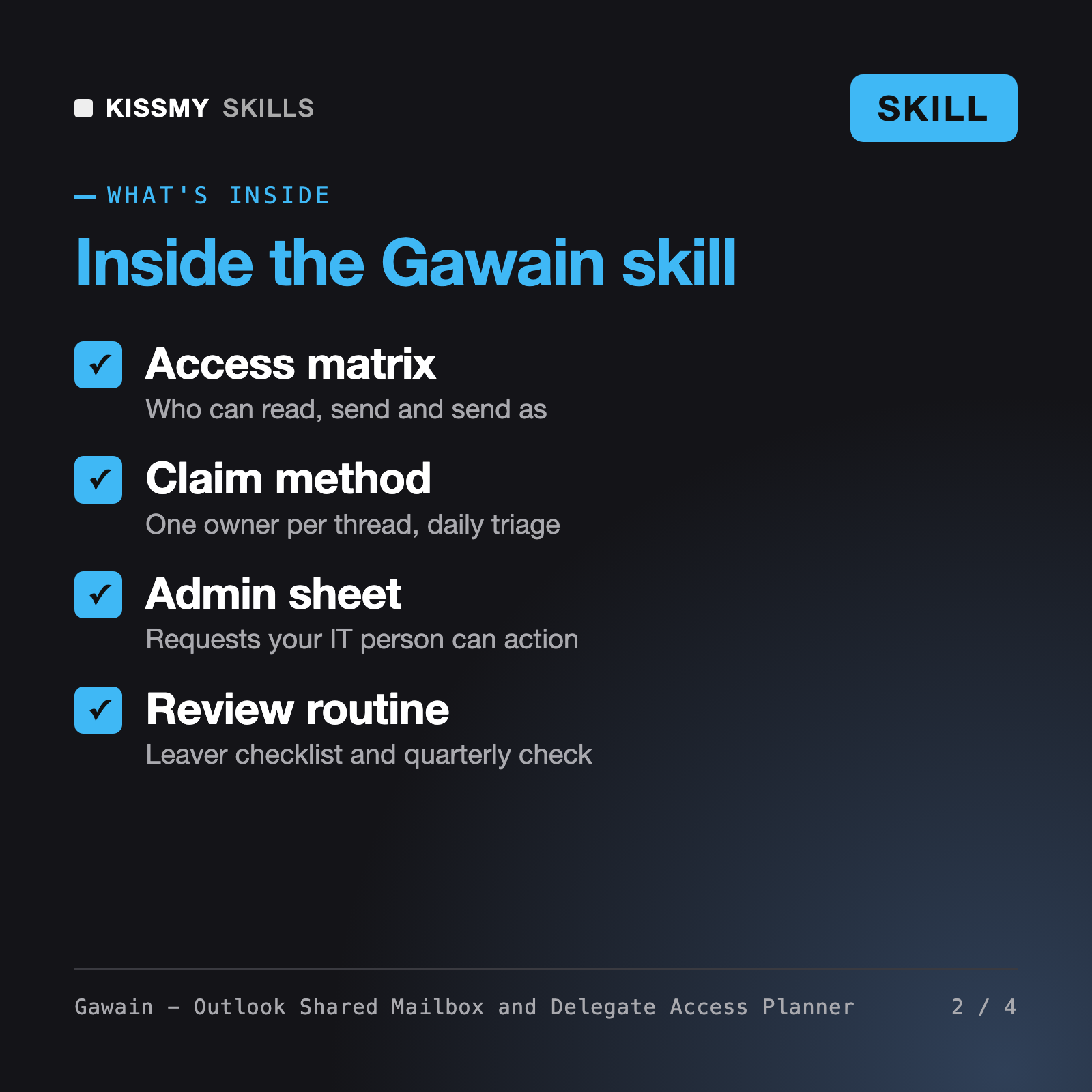
You get: a container recommendation with a runner-up → an access matrix mapping each role to Full Access, Send As or folder rights → a sender and Sent Items design → a claim method and daily triage rule → a cover and shift plan → a risk list → an admin request sheet with verification steps → a leaver checklist and open items.
Gawain designs the human system around a shared inbox or delegate arrangement. He recommends a container, builds an access matrix of who can read, send and send as whom, designs the claim and hand-off method, proposes response standards for the owner to confirm, and writes an admin request sheet and leaver checklist your IT person can action.
The Microsoft 365 and Outlook skill is a broad assistant for everyday how-do-I questions across the suite. Gawain is narrow and deep: given a team and a mailbox, he decides ownership, permissions, sender identity, claim rules and review routine, and produces a plan and a request sheet rather than a feature explanation.
No. Gawain works only from what you tell him. He never claims a setting is on or off in your tenant, marks tenant-dependent behaviour to verify, and writes the items your admin should check, such as sent-item copy behaviour. You or your admin apply the changes.
Yes. A delegate mode produces the permission list, a do and do-not list, a mail-handling protocol and a calendar protocol, including a decision on private items. It treats legal, HR and compliance questions as items for the right owner, not conclusions.
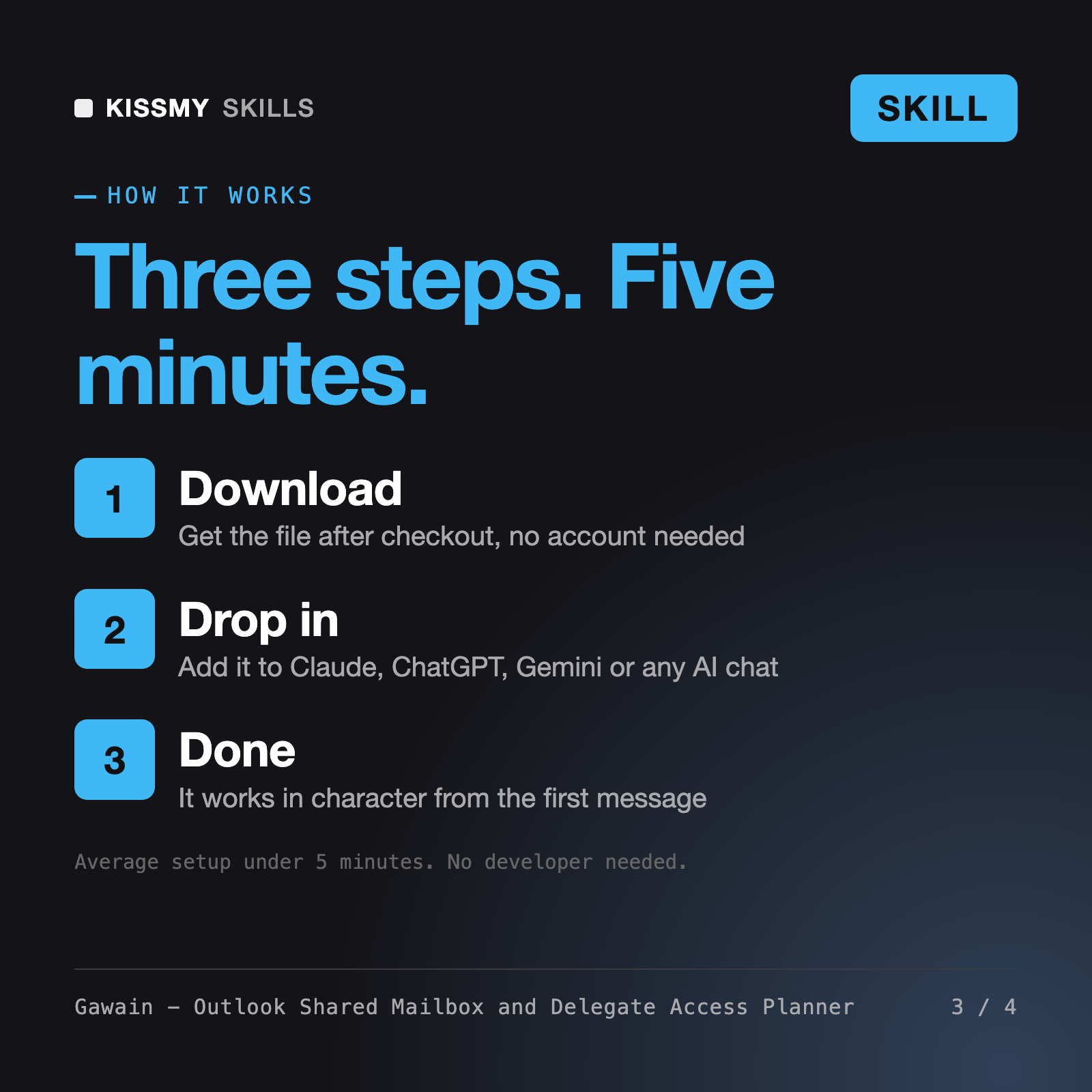
Téléchargez votre fichier .skill depuis l’e-mail de commande ou votre compte. Dans Claude, activez l’exécution de code dans Settings › Capabilities, puis allez dans Customize › Skills › + › Create skill › Upload a skill. Ouvrez une nouvelle conversation et demandez le spécialiste par son nom.
Vous utilisez ChatGPT, Gemini ou une autre IA ? Comment ça marche