Set de promptsSkills IA pour la vie perso et le quotidien
Music Practice and Performance Feedback Coach Prompt Pack
Turn your practice notes into feedback on technique, expression and stage presence.
$9· un fichier, il est à vous
Il est à vous · téléchargement immédiat
All-in-one
Ou tous, $6.99/mois
Music Practice and Performance Feedback Coach Prompt Pack et 2 500+ autres spécialistes, dans votre IA. Demandez n'importe lequel par son nom.
S'abonner · $6.99/mois
7 jours offerts, puis $6.99/mois · résiliable à tout moment
Un fichier
- $9 une fois
- Il est à vous
- Vous l'ajoutez vous-même à votre IA
- Remboursé sous 30 jours
All-in-one
- $6.99/mois ou $49/an
- 7 jours gratuits
- Chaque fichier de la boutique se charge par son nom une fois votre IA connectée
- Résiliable à tout moment
Remboursé sous 30 jours · paiement sécurisé par Stripe
Lisez les premières lignes
================================================================================
  KISSMYSKILLS.COM
  Music Learning and Practice Performance Feedback Coach
  30 AI Prompts: Turn Your Practice Notes or Recording Description into
  Feedback on Technique, Expression and Stage Presence
  Prompt Pack - Instant Use
================================================================================


WHAT YOU JUST BOUGHT
--------------------------------------------------------------------------------
A copy-paste library of 30 prompts for musicians who practice alone and want
Comment ça marche
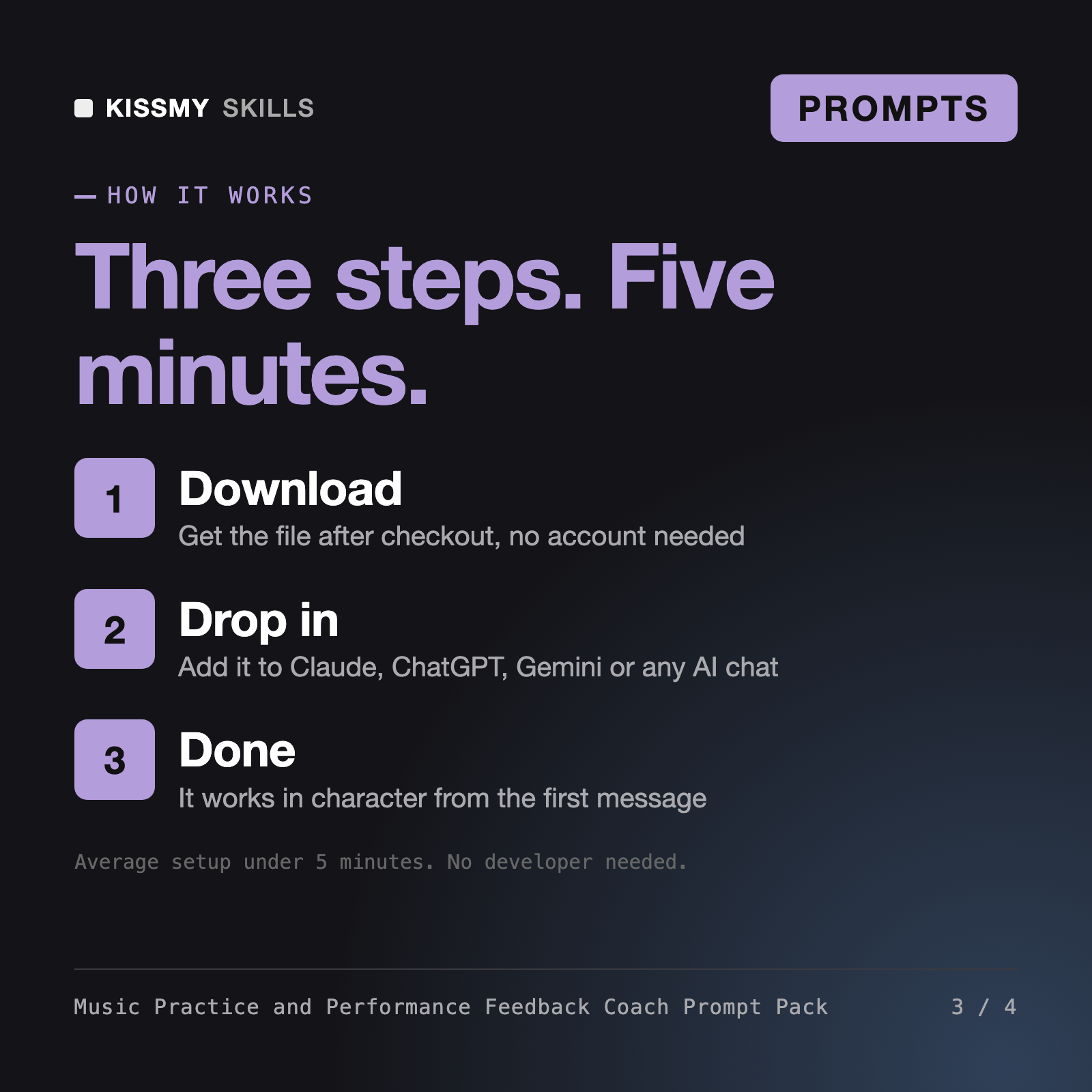
- Achetez ou abonnez-vousAjoutez le fichier au panier pour $9 et il est à vous. Ou abonnez-vous : tous les fichiers de la boutique pour $6.99/mois.
- Ouvrez-le dans votre IAOuvrez le fichier, copiez un prompt et collez-le dans Claude, ChatGPT ou n’importe quel chat IA. Les abonnés connectent plutôt leur IA une seule fois :
- Demandez par son nomDemandez Music Practice and Performance Feedback Coach Prompt Pack par son nom à votre IA, ou complétez les parties entre crochets et envoyez.
Ce qu’il contient
- music-learning-and-practice-performance-feedback-coach-prompt-pack.txtSet de prompts · 465 lignes · téléchargement immédiat
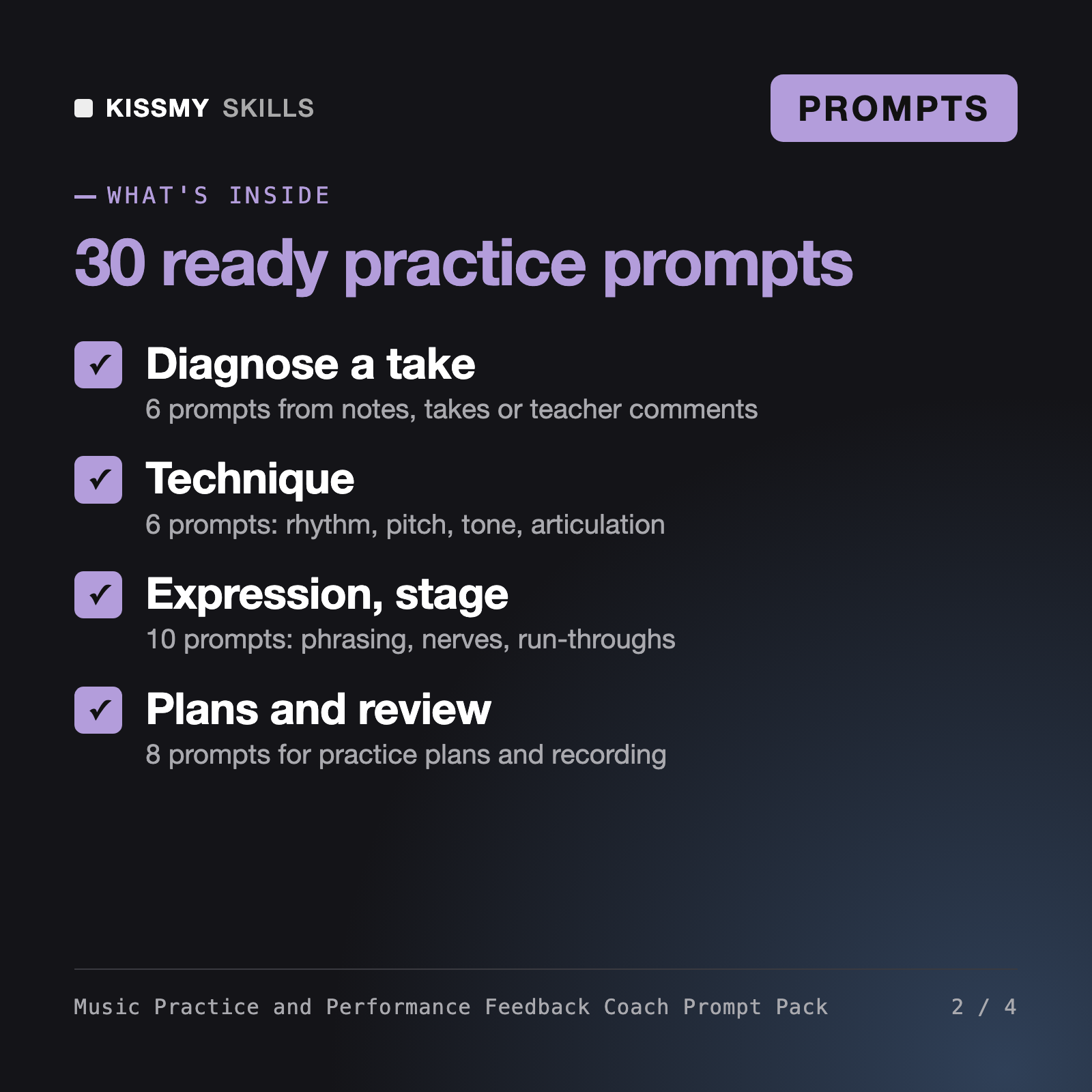
- 30 numbered prompts in 6 groups from diagnosis to week-to-week comparison
- Feedback in three parts: technique, expression and stage presence
- Works from your notes, a teacher's comments or typed bars, never invents what you played
- Practice plans with minutes, slow-practice steps and progress checks
Ce que fera votre IA
Voir un exemple réel
Vous demandez
Act as a music practice coach. I played a Grade 2 minuet straight through once on piano. I stopped in bar 17, rushed after bar 24 and forgot a repeat. Give me a report and a plan for 5 sessions.
Votre IA répond
You get: strengths taken only from your notes → priorities ranked by impact (the bar 17 left-hand move, rushing after bar 24, the repeat) → a plan for the next 5 sessions with minutes and checks → a metronome test for the rushing → and a clear list of what a text chat cannot judge without hearing you.
// faq
Questions avant d’acheter
What does the Music Practice and Performance Feedback Coach Prompt Pack do?+
It gives you 30 ready-to-run prompts for ChatGPT, Claude, Gemini or Copilot. You describe how a piece went, or paste a teacher's comments, and the AI returns structured feedback on technique, expression and stage presence, plus a practice plan. Groups cover diagnosis, rhythm, pitch, tone, phrasing, memorization, stage presence, planning and recording.
How is it different from the AI Music Composing Coach?+
The AI Music Composing Coach helps you write music: chord choices, progressions, form and orchestration, sometimes from a screenshot of notation. This pack does not write music. It helps you perform and practice pieces you already play, giving feedback on rhythm, intonation, tone, expression and stage presence from your own notes, and building practice plans around them.
Can the AI hear my recording?+
No. A text chat cannot hear you unless the tool supports audio, and the assistant prompt tells the AI never to claim it did. The prompts work from your listening notes, a teacher's comments, tuner or metronome readouts and typed bars. If you use MuseScore, GarageBand or Ableton Live, paste text from them; the pack does not connect to any program.
Is it a replacement for a teacher or for therapy?+
No. If your teacher disagrees, the teacher wins, and several prompts help you prepare questions for lessons. Pain, numbness or persistent tension means stop and see a doctor, physiotherapist or qualified teacher. Performance-nerve prompts give practical tools only; severe anxiety should go to a mental health professional.
Comment l’ouvrir ?+
Téléchargez votre fichier .skill depuis l’e-mail de commande ou votre compte. Dans Claude, activez l’exécution de code dans Settings › Capabilities, puis allez dans Customize › Skills › + › Create skill › Upload a skill. Ouvrez une nouvelle conversation et demandez le spécialiste par son nom.
Vous utilisez ChatGPT, Gemini ou une autre IA ? Comment ça marche