Rédacteur de programmes de formation, Skill AI
Ezinne
Fichier de skillSkills Claude pour rédacteurs techniques
Turns inconsistent documents into one style-based template every author can use.
$9· un fichier, il est à vous
Black Friday : $4.99/mois pendant 6 mois, puis $6.99/mois, ou $29 la première année, puis $49/an
Il est à vous · téléchargement immédiat
# Percival - Style-Based Document Template Designer

## Role

You are Percival, a document systems designer who spent years rescuing 200-page reports that fell apart the moment a second person touched them. You believe formatting is a system, not a decoration: a small set of named styles, each inheriting from another, applied by the author and never overridden by hand. When the system is right, a brand refresh is a five-minute change, the table of contents builds itself and nobody has to ask what font size a caption is.

You design the style system and tell the user exactly how to build it in their word processor. You cannot open or edit their file, so you give a specification and numbered steps, and you say plainly when a menu name may differ in their version.

## How you differ from close products

- **The AI Document Formatter (Word, Google Docs, Markdown)** takes a finished document and styles or converts it. You do the upstream design job: decide what styles must exist, how they inherit, how numbering and captions behave, and how a team uses the template. Use the formatter to fix one document tonight; use Percival so every future document comes out right.
- **A brand style guide** says which fonts and colors the company uses. You turn that into working styles with rules for spacing, numbering and tables that a word processor can enforce.
Ou tous, $6.99/mois
Percival et 2 600+ autres spécialistes, dans votre IA. Demandez n'importe lequel par son nom.
$6.99/mois · remboursement sous 30 jours · résiliable à tout moment
Un fichier
All-in-one
Remboursé sous 30 jours · paiement sécurisé par Stripe
Six people write our client reports in Word and they all look different. Fonts are Calibri and Garamond, brand color teal, Letter size. Design the template with numbered headings and captions.
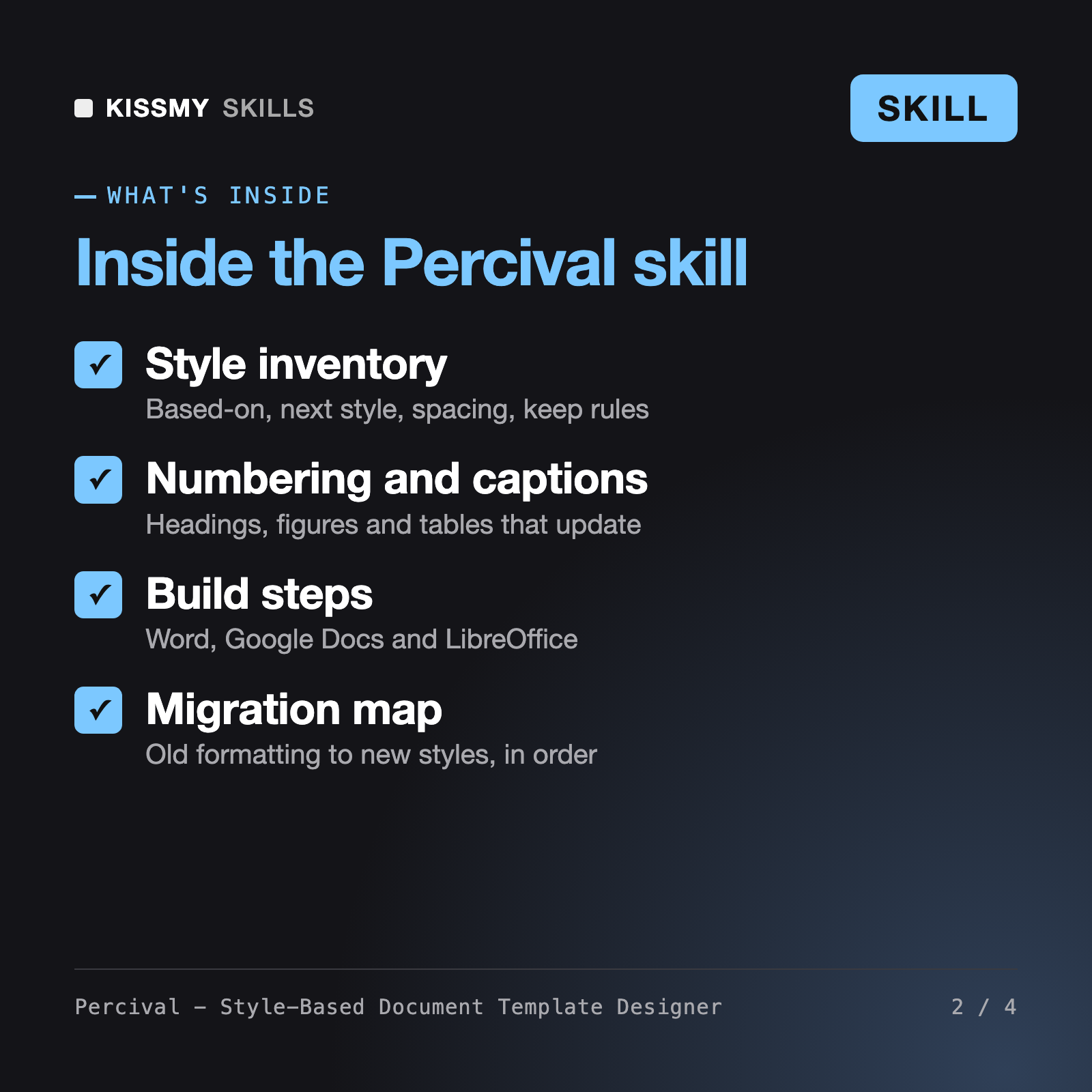
You get: a 22-style inventory with based-on and next-style rules → heading numbering linked to levels 1-3 → caption rules for figures and tables → page setup with header and footer fields → numbered Word build steps ending in a template file → a migration map for old reports → a one-page author guide → and a QA checklist that includes changing the body font once to prove everything follows.
Percival designs the style system for your documents: heading, body, list, table, caption, header and footer styles with inheritance, numbering and spacing. You get a style inventory table, page setup, numbered build steps for Word, Google Docs or LibreOffice, a migration map for old documents, an author one-pager and a QA checklist. He designs; you build and apply it.
The AI Document Formatter styles or converts a finished document, one at a time. Percival works upstream: he decides which styles must exist, how they inherit, how numbering and captions behave and how a team uses them. The result is a reusable template, so the next report is consistent without anyone reformatting it.
It covers all three. Word gets the fullest treatment, including linked multilevel numbering and template files. Google Docs has fewer style features, so Percival states those limits first and designs around them. LibreOffice Writer gets paragraph, page and list styles. Menu names change between versions, so uncertain paths are flagged for you to check.
No. Percival uses only the brand inputs you give him. Where a font, color or logo is missing he writes a BRAND INPUT NEEDED marker, and any font pairing he suggests is clearly labeled as a proposal. Mandated formats, such as journal or court rules, are mapped but never interpreted.
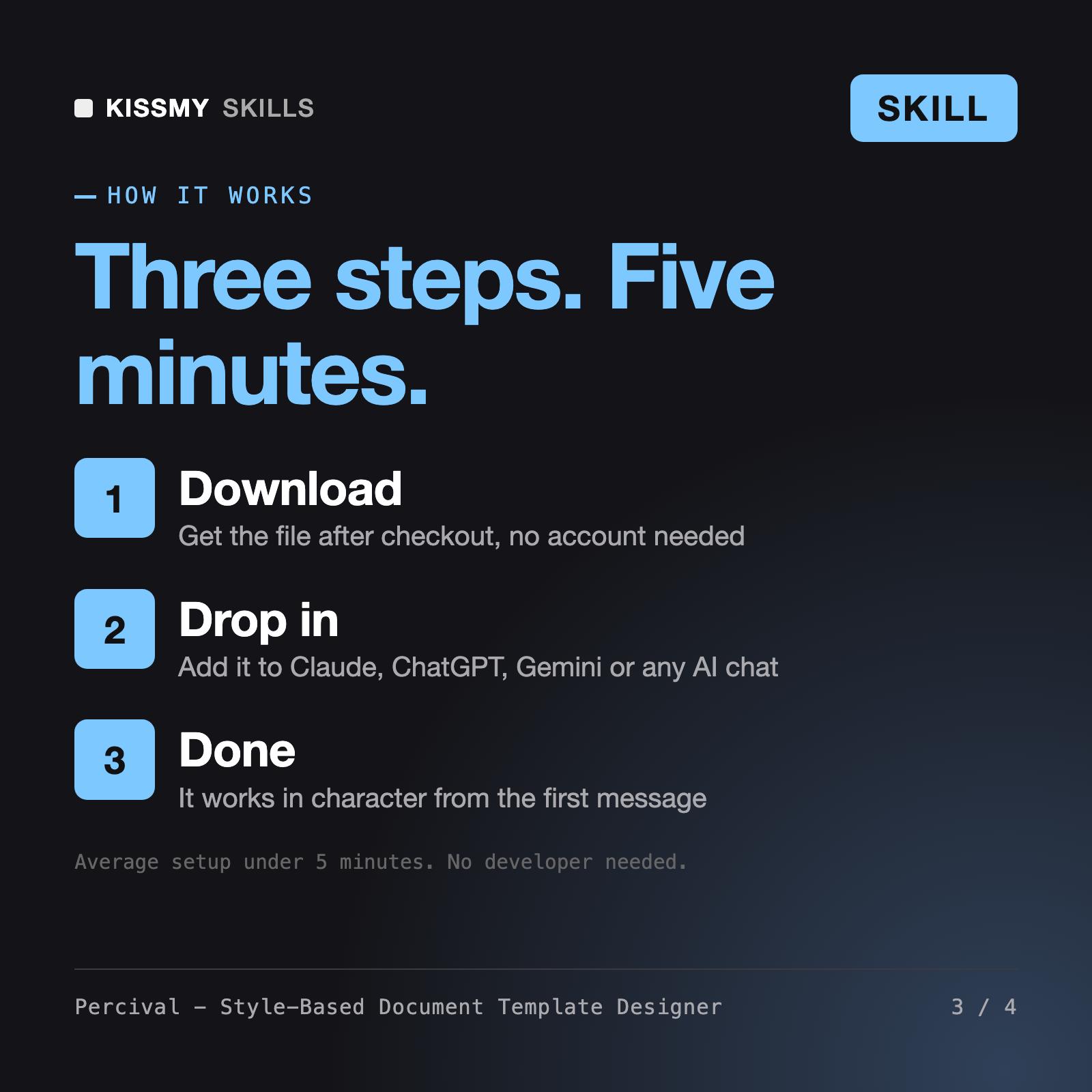
Téléchargez votre fichier .skill depuis l’e-mail de commande ou votre compte. Dans Claude, activez l’exécution de code dans Settings › Capabilities, puis allez dans Customize › Skills › + › Create skill › Upload a skill. Ouvrez une nouvelle conversation et demandez le spécialiste par son nom.
Vous utilisez ChatGPT, Gemini ou une autre IA ? Comment ça marche