
AI Plot Generator
Novelists, screenwriters, game writers and anyone stuck in act two
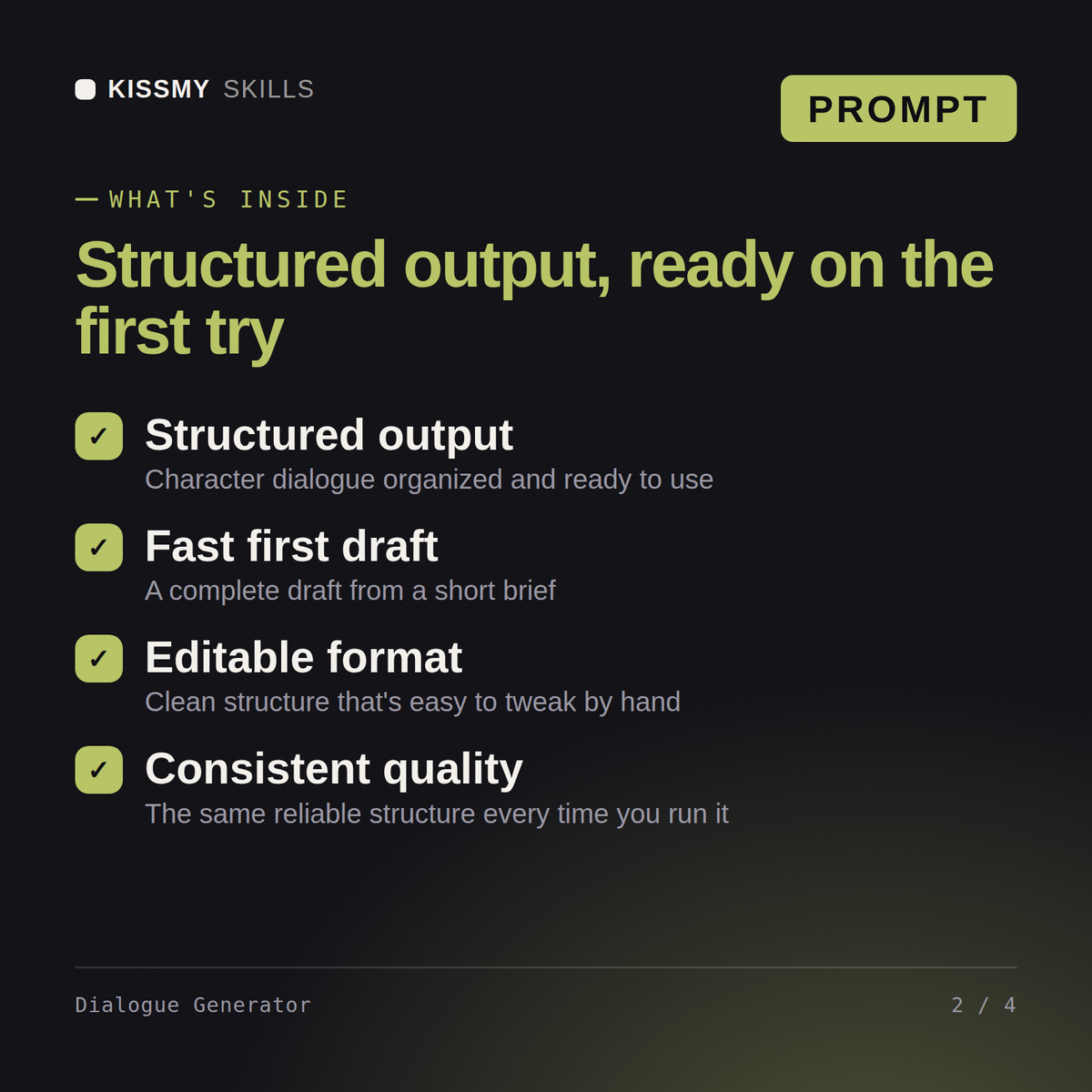

Your AI works as a dialogue writer who works from the gap between what a character says and what they…
$5· one file, yours to keep
Yours to keep · instant download
7 days free, then $12/mo · cancel anytime
One file
Every skill
30-day money-back · secure checkout by Stripe
================================================================================
  KISSMYSKILLS.COM
  AI Dialogue Generator Prompt
  Claude Prompt — Instant Use
================================================================================


WHAT YOU JUST BOUGHT
────────────────────────────────────────────────────────────────────────────────
AI dialogue reads like two people announcing their feelings in complete
sentences, with a different speech tag propping up every line. This prompt
turns Claude, ChatGPT or Gemini into a dialogue writer who works from the gap
Two sisters in a hospital corridor at 3am. One needs a form signed, the other wants an apology.
You get: the scene in your format → what each character wants and will not say → a subtext note → the lines cut for being too direct → an alternate final line at a colder temperature
Turn Claude into a dialogue generator that writes subtext instead of speeches. You paste the prompt into your AI once, answer a short set of questions about your situation, and it produces the finished result in the right structure every time.
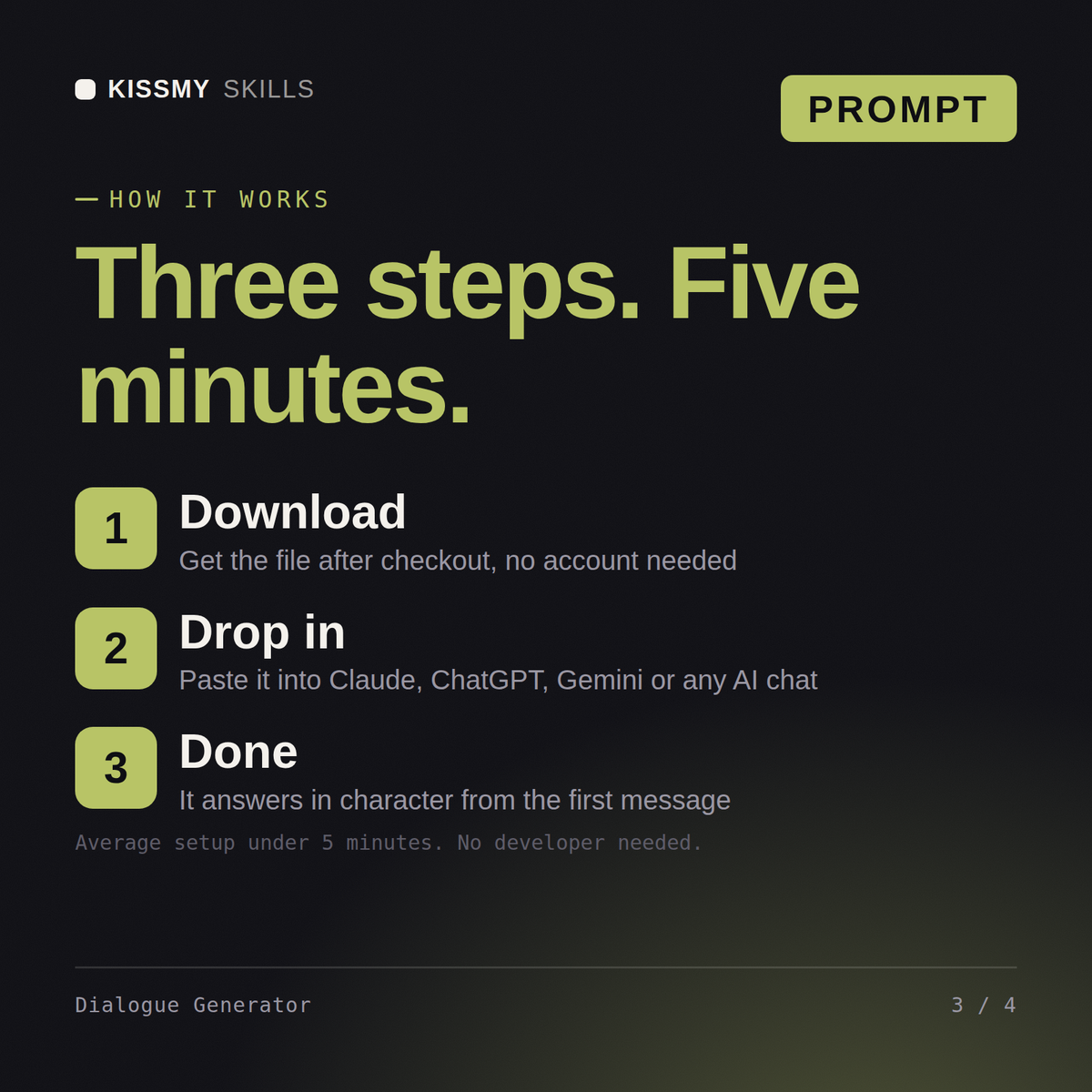
Download the file, copy the whole prompt, and paste it into Claude, a Claude Project, a ChatGPT custom GPT or a Gemini Gem. Then describe what you need in plain English. Setup takes under two minutes and you only do it once.
Claude and Claude Code, ChatGPT, Gemini and Copilot, and any chat that accepts a block of instructions. Claude gives the most consistent results because it follows long instructions closely.
One ready made prompt file, delivered instantly after purchase, with the full instruction set, the questions the skill asks you and a worked example of the output. Pay once, keep forever, yours permanently.
Download your .skill file from the order email or your account. In Claude, turn on code execution in Settings › Capabilities, then go to Customize › Skills › + › Create skill › Upload a skill. Start a new chat and ask for the specialist by name.
Novelists, screenwriters, game writers and anyone stuck in act two

Novelists, screenwriters, game writers and tabletop game masters

Fiction writers, competition entrants, students and anyone drafting short stories

Rappers, songwriters, producers and anyone writing verses or hooks