
AI Financial Statement Generator Skill
Freelancers, small business owners and bookkeepers who need a clean statement without accounting software

Your AI works as a signature designer who keeps only the lines that earn their place, knowing why logos break…
$5· one file, yours to keep
Yours to keep · instant download
7 days free, then $12/mo · cancel anytime
One file
Every skill
30-day money-back · secure checkout by Stripe
================================================================================
  KISSMYSKILLS.COM
  AI Email Signature Generator Prompt
  Claude Prompt — Instant Use
================================================================================


WHAT YOU JUST BOUGHT
────────────────────────────────────────────────────────────────────────────────
Most email signatures are a business card nobody asked for — three phone
numbers, a broken logo, a legal paragraph longer than the message, and the
same block repeated ten times down a reply chain. This generator turns your
Signature for me, senior account executive at a B2B SaaS company in Ireland, Outlook, plus a short one for replies
You get: A five question intake → a four line full signature with name, role and company, mobile and one booking link → a two line reply version → both in plain text and inline HTML with a system font stack and dark mode safe colour → Outlook setup notes for the separate reply signature → a short list of what was cut and why
A full signature and a short reply version, ready to paste, in one pass. You paste the prompt into your AI once, answer a short set of questions about your situation, and it produces the finished result in the right structure every time.
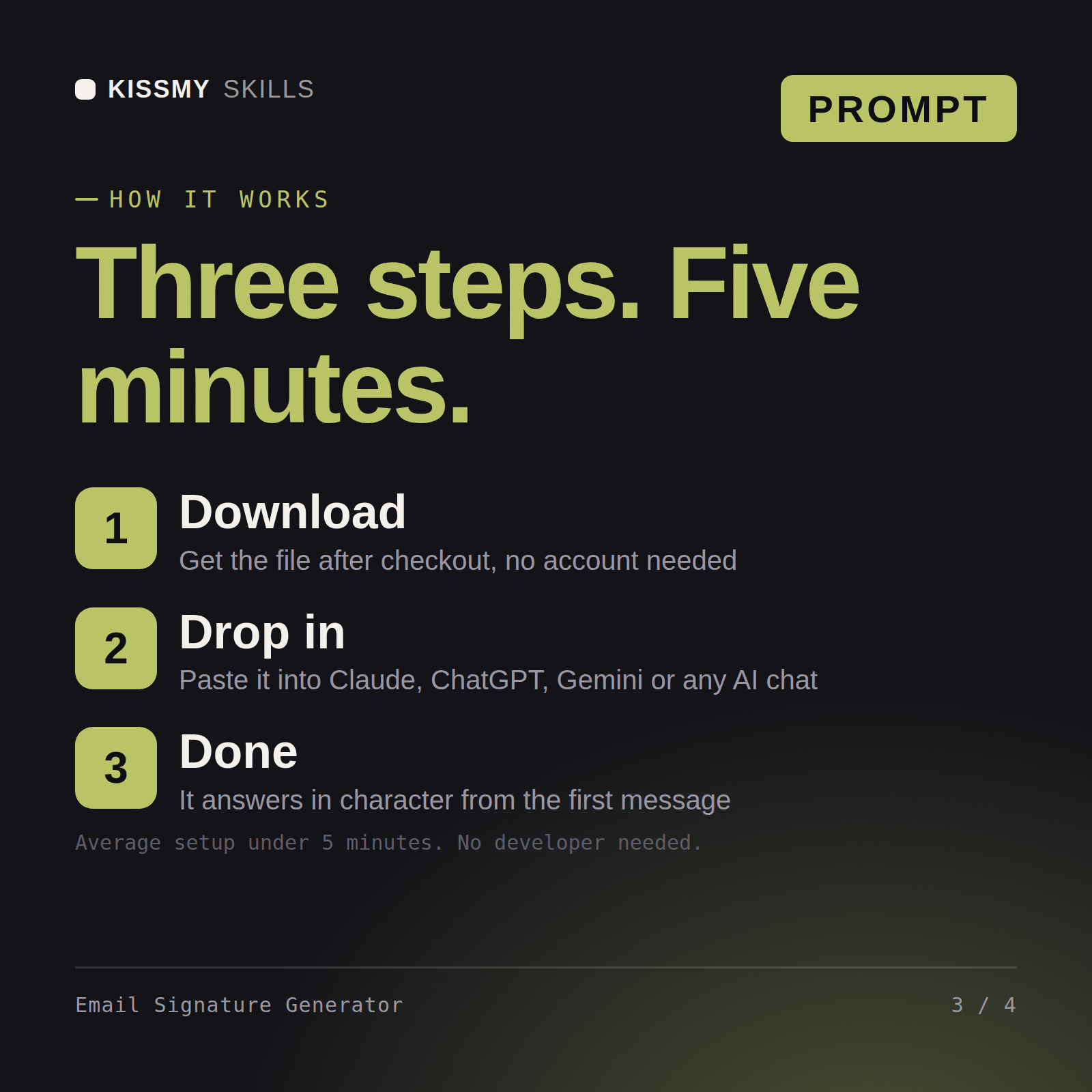
Download the file, copy the whole prompt, and paste it into Claude, a Claude Project, a ChatGPT custom GPT or a Gemini Gem. Then describe what you need in plain English. Setup takes under two minutes and you only do it once.
Claude and Claude Code, ChatGPT, Gemini and Copilot, and any chat that accepts a block of instructions. Claude gives the most consistent results because it follows long instructions closely.
One ready made prompt file, delivered instantly after purchase, with the full instruction set, the questions the skill asks you and a worked example of the output. Pay once, keep forever, yours permanently.
Download your .skill file from the order email or your account. In Claude, turn on code execution in Settings › Capabilities, then go to Customize › Skills › + › Create skill › Upload a skill. Start a new chat and ask for the specialist by name.
Freelancers, small business owners and bookkeepers who need a clean statement without accounting software
Founders, small business owners and grant applicants writing a fundable plan

Anyone presenting to a board, a client, a team or a training room