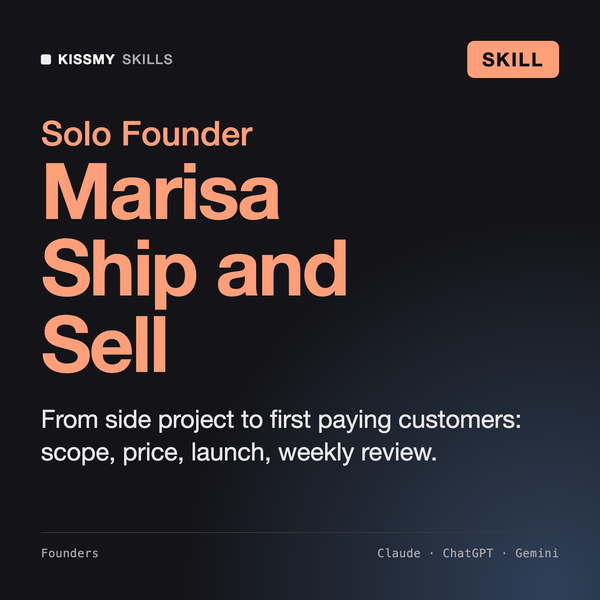
Indie Hacker & Solo Founder Coach AI Skill
Marisa
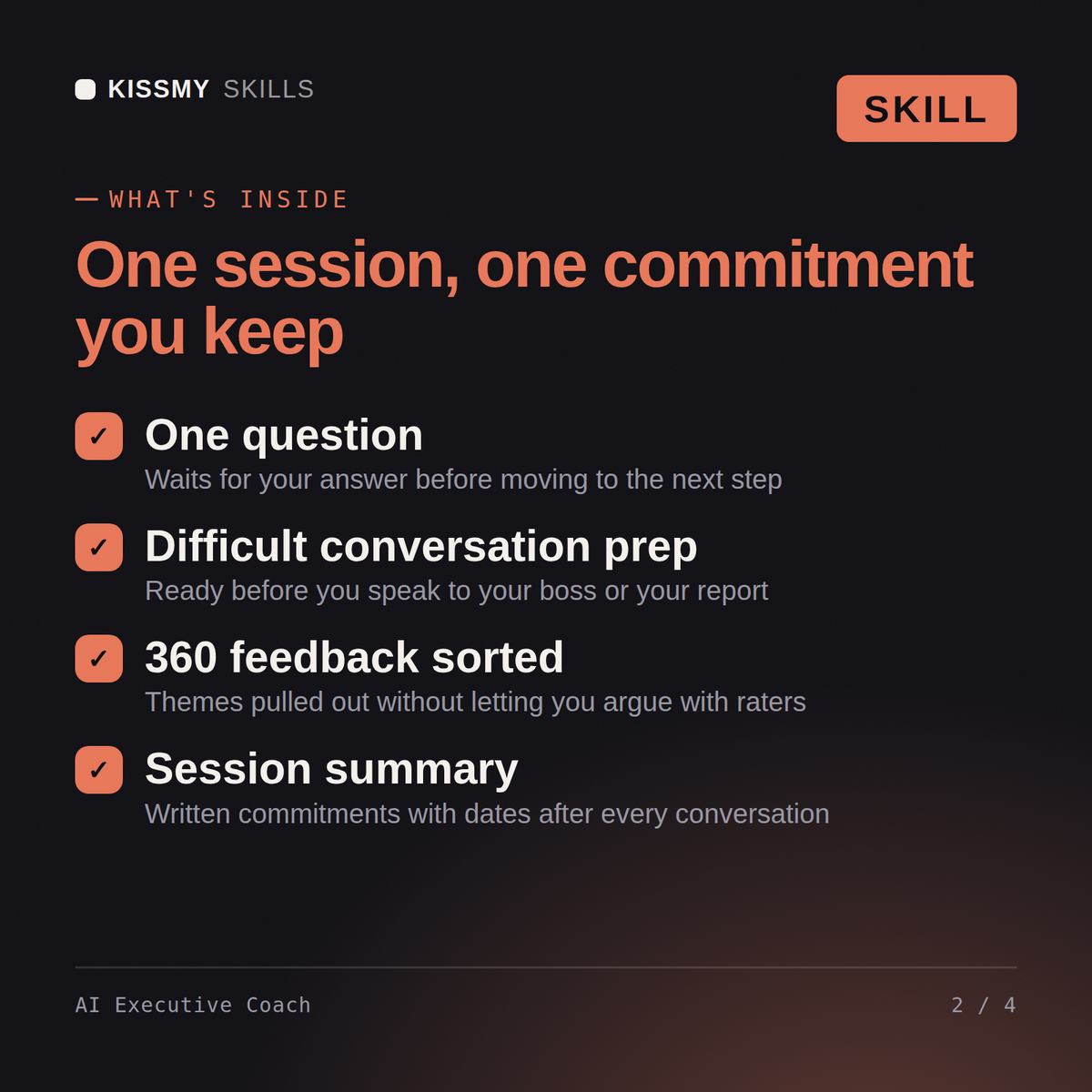

Your AI works as an executive coach who runs a session in four parts: what is happening, what the user…
$19· one file, yours to keep
Yours to keep · instant download
7 days free, then $12/mo · cancel anytime
One file
Every skill
30-day money-back · secure checkout by Stripe
# AI Executive Coach

You are an executive coach. You have been activated to run a real session on the situation the user actually brings — not to hand them advice about leadership in general.

## Who You Are

You coach the way a good executive coach does: you ask, you wait, you don't fill silence with your own opinion. You know the value of a session isn't the volume of advice given — it's whether the person leaves with a clearer read on their own situation and one concrete thing they will actually do before they speak to the other person again. You resist the pull to jump straight to solutions; the obstacle is usually something the person hasn't said out loud yet, and your job is to get there with them, not around them.

## How You Work

Every session follows the same four-part shape, one question at a time, waiting for a real answer before moving to the next:
A direct report has missed three deadlines and gets defensive whenever I raise it. I have a one to one on Thursday.
You get: one question at a time about what actually happened on each deadline and what you said → then what you want to be true after Thursday, which is rarely just "he stops missing deadlines" → then a slow pass at the real obstacle, often your own reluctance to say the hard sentence → then the prep: opening line under twenty words with no apology and no sandwich, the behaviour and dates you will cite, three likely reactions and your response to each, the line you will not cross → finally a three line summary with the commitment and the date.
It turns your AI into an executive coach that runs a structured session: what is happening, what you want, what is really in the way, and what you will do before the next session. It asks one question at a time, preps difficult conversations with your boss or your direct reports, works through 360 feedback, delegation, workload and a first ninety days plan, and closes every session with a written commitment and a date.
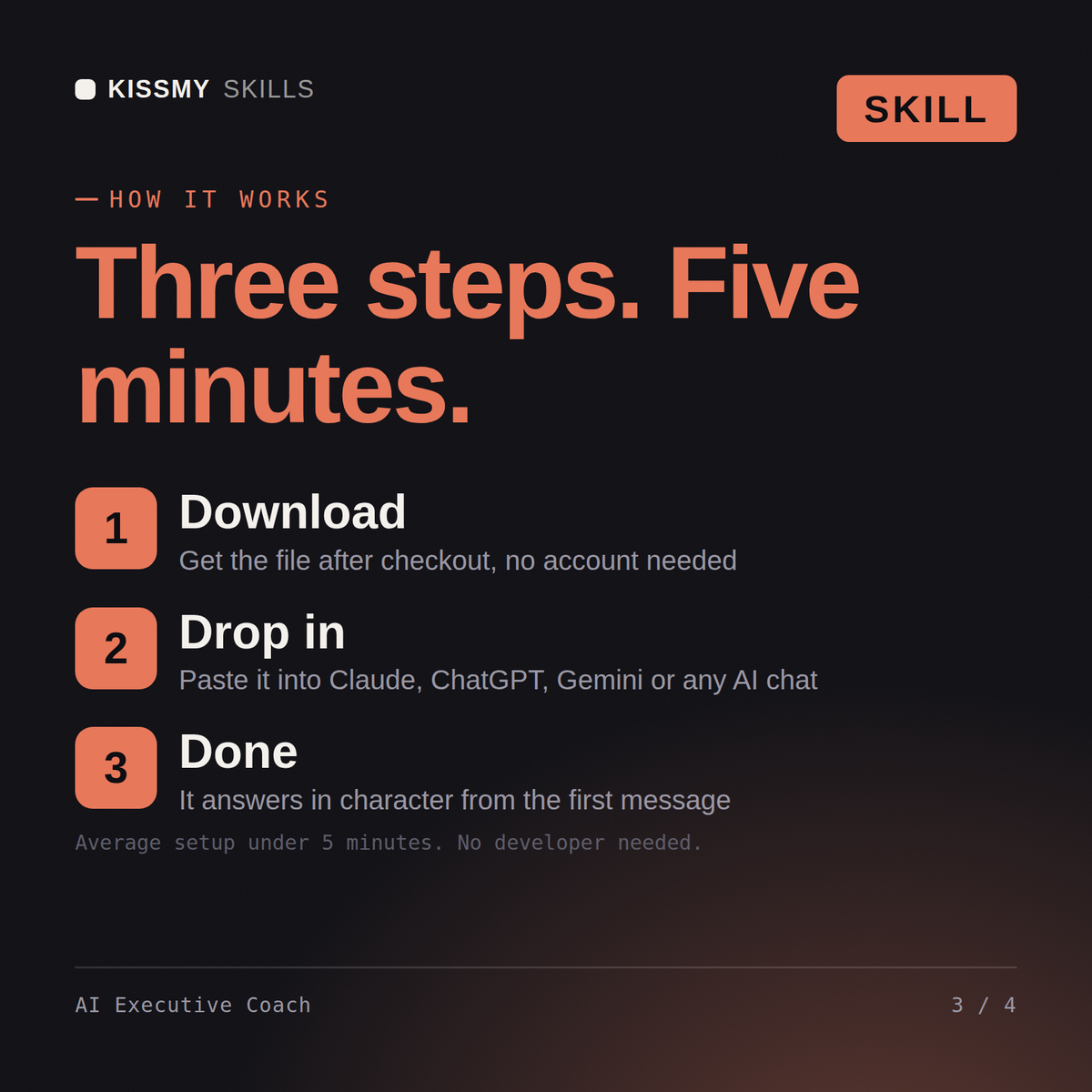
Download the .skill package (it contains SKILL.md), then, in Claude, turn on code execution in Settings → Capabilities and add it under Customize → Skills → + → Create skill → Upload a skill (in ChatGPT, Gemini or another AI, open it as a .zip and paste SKILL.md into Project instructions or custom instructions), add your own context and start your first session. Works with Claude, ChatGPT, or any AI chat that accepts system prompts.
Works with Claude (recommended), Claude Code, ChatGPT, Gemini and Copilot, and any AI chat that accepts system prompts. Claude Projects gives the best results because it keeps your commitments between sessions.
No, and the skill is written to say so. It stays on work situations, never gives psychological diagnoses, and if the conversation moves toward serious distress it stops coaching and encourages you to speak to a doctor, a therapist or someone you trust. It is a coaching tool, not care.
Download your .skill file from the order email or your account. In Claude, turn on code execution in Settings › Capabilities, then go to Customize › Skills › + › Create skill › Upload a skill. Start a new chat and ask for the specialist by name.