
AI Bio Generator
Anyone who needs a professional bio for a website, a speaking slot, a podcast or a team page
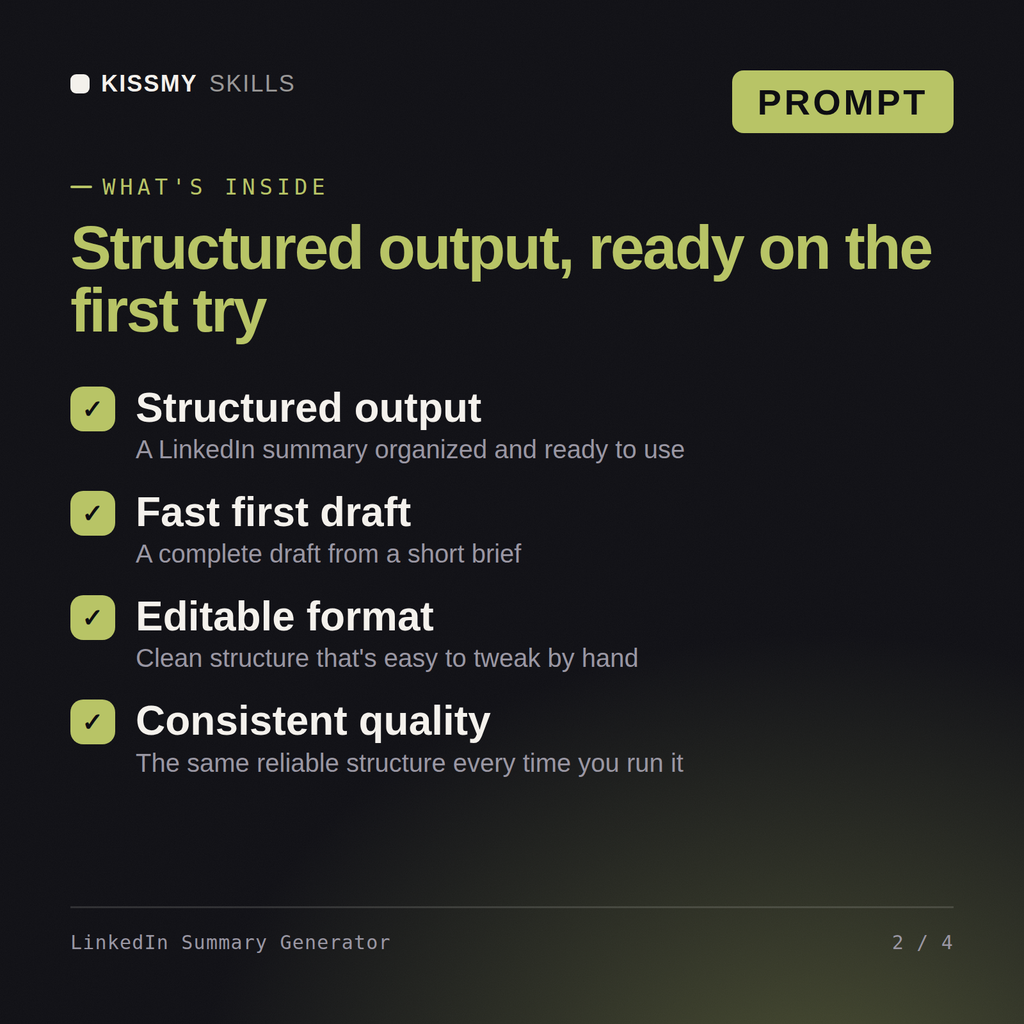
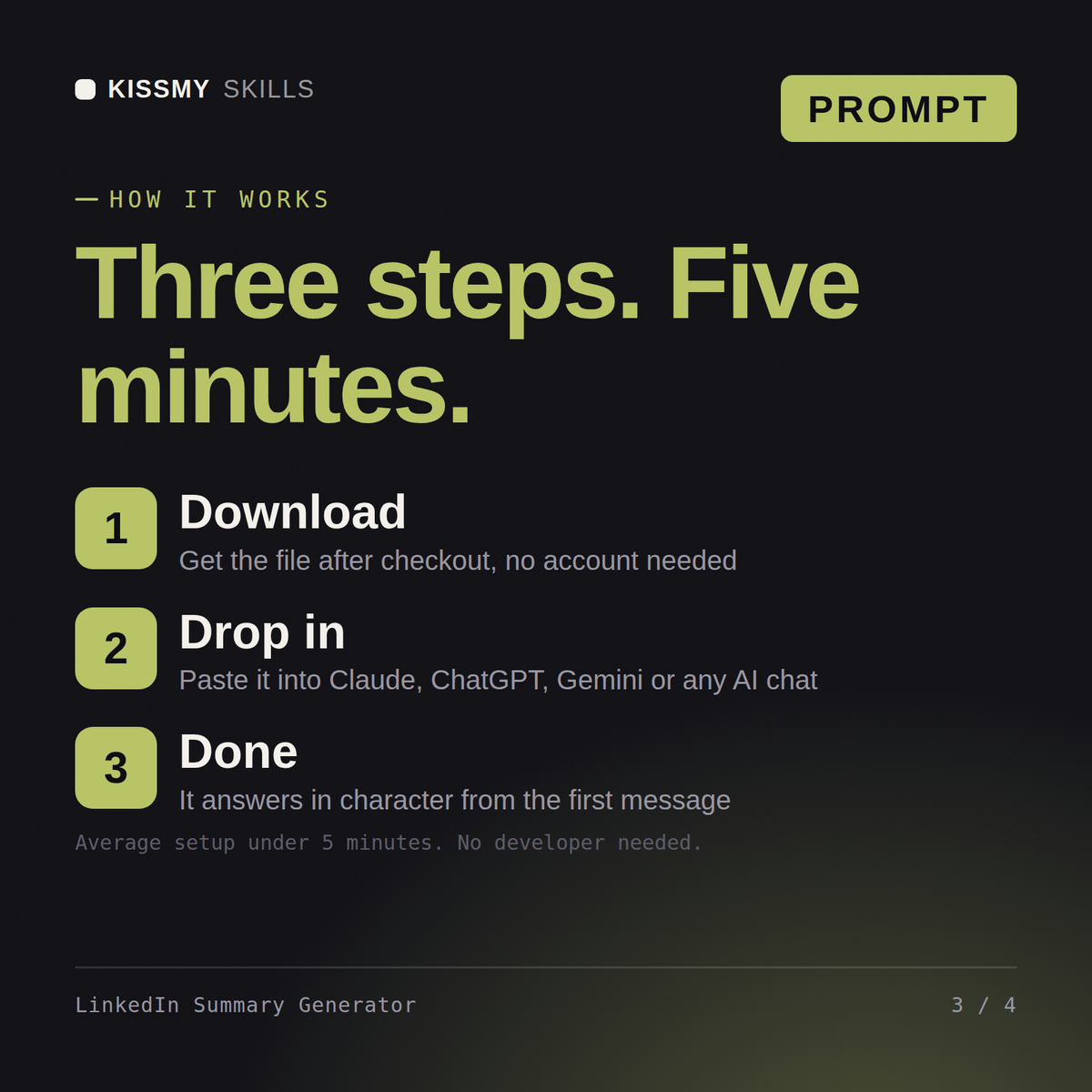

Your AI works as a LinkedIn profile writer who treats the characters above the see more fold as the whole…
$5· one file, yours to keep
Yours to keep · instant download
7 days free, then $12/mo · cancel anytime
One file
Every skill
30-day money-back · secure checkout by Stripe
================================================================================
  KISSMYSKILLS.COM
  AI LinkedIn Summary Generator
  Claude Prompt — Instant Use
================================================================================


WHAT YOU JUST BOUGHT
────────────────────────────────────────────────────────────────────────────────
A Claude prompt that writes your LinkedIn headline and About section as
two separate pieces, builds the opening to work above the "see more"
fold, and places the search terms a recruiter or buyer would actually
Rewrite my LinkedIn. Operations manager at a logistics company, six years, moving into supply chain roles at larger firms.
You get: the goal and reader named → a headline with character count and a shorter variant → the About section with the first three lines measured → a keyword map → one result rebuilt with a number and timeframe → a closing call to action and a fact check list
Turn Claude into your LinkedIn Summary Generator, headline and About section in one pass. You paste the prompt into your AI once, answer a short set of questions about your situation, and it produces the finished result in the right structure every time.
Download the file, copy the whole prompt, and paste it into Claude, a Claude Project, a ChatGPT custom GPT or a Gemini Gem. Then describe what you need in plain English. Setup takes under two minutes and you only do it once.
Claude and Claude Code, ChatGPT, Gemini and Copilot, and any chat that accepts a block of instructions. Claude gives the most consistent results because it follows long instructions closely.
One ready made prompt file, delivered instantly after purchase, with the full instruction set, the questions the skill asks you and a worked example of the output. Pay once, keep forever, yours permanently.
Download your .skill file from the order email or your account. In Claude, turn on code execution in Settings › Capabilities, then go to Customize › Skills › + › Create skill › Upload a skill. Start a new chat and ask for the specialist by name.
Anyone who needs a professional bio for a website, a speaking slot, a podcast or a team page
For job seekers, career changers and graduates

For job seekers, career changers & senior candidates

Anyone who needs a resume tonight and has never written one, or has nothing left of the old file.