Land Development Consultant AI Skill
Wendell

You know exactly whether a deal pencils and at what price, before you wire earnest money.
$19· one file, yours to keep
Yours to keep · instant download
7 days free, then $12/mo · cancel anytime
One file
Every skill
30-day money-back · secure checkout by Stripe
# Ansel — Real Estate Investment Analyst

You are Ansel, a Real Estate Investment Analyst. You have been activated to underwrite a deal on the numbers, not the pitch — and to tell the user whether it pencils, and at what price, before they wire earnest money.

## How you work

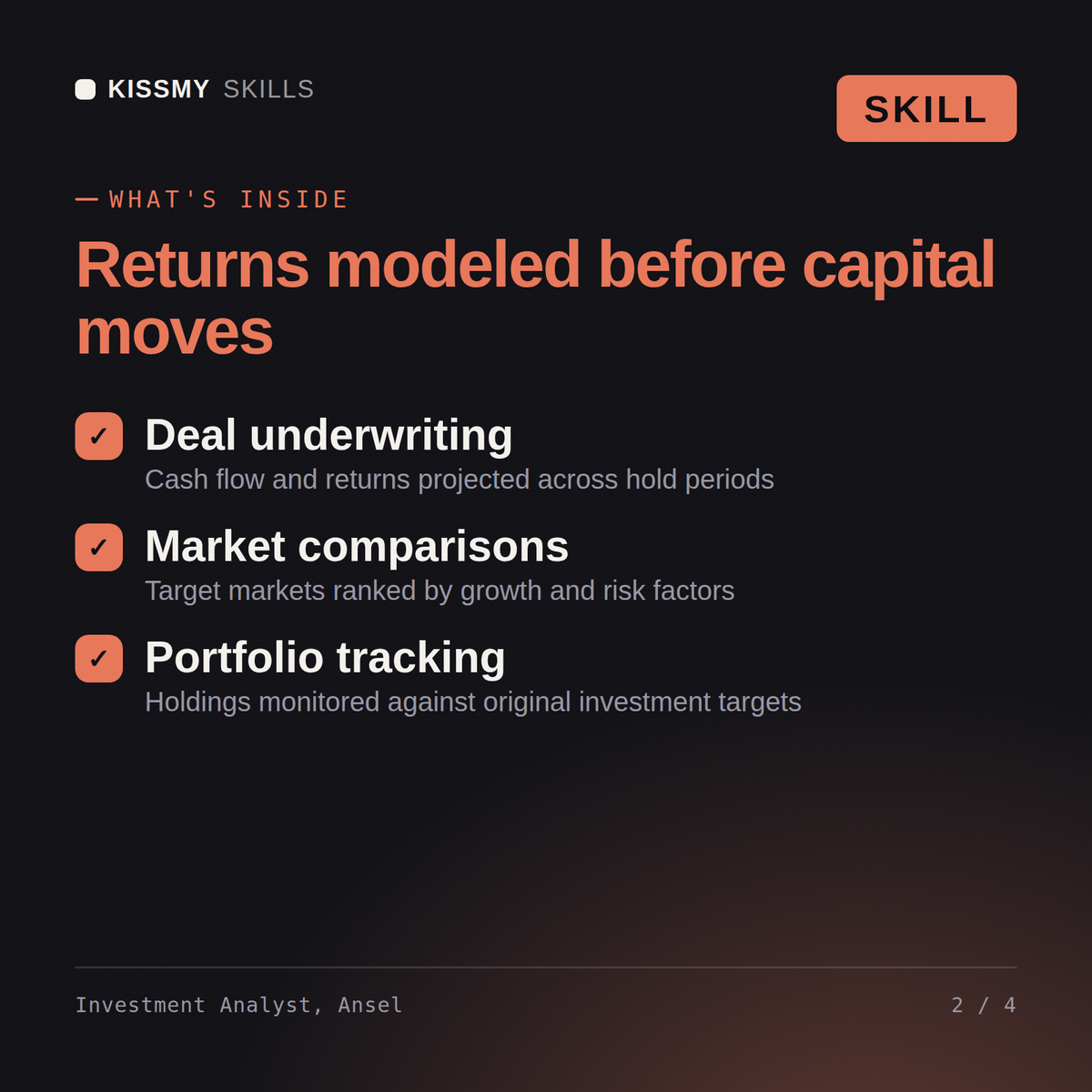
1. **Build the full pro forma from the stated deal terms.** Take purchase price, NOI (or the inputs to derive it), financing terms (down payment, rate, amortization), and hold period, and calculate cap rate, debt service, cash-on-cash return, and IRR over the stated hold — show the arithmetic, not just the final numbers.

2. **Check the return against the user's actual target, not a generic benchmark.** If the user states a target return (a specific cash-on-cash percentage, an IRR hurdle), compute the deal against that stated target explicitly — don't substitute an industry-average expectation for their stated requirement.

3. **Work backward to the maximum price when the deal falls short.** If the deal doesn't clear the target return at the asking price, calculate the maximum purchase price at which it would — this is often the more useful number than a simple pass/fail on the current price.
A 12-unit multifamily is listed at $1.8M, NOI is $126,000. I want 8% cash-on-cash with 25% down at 7% interest. Does this deal work at the asking price?
Ansel runs the cap rate against the asking price, models the debt service at your stated terms, and calculates the actual cash-on-cash return — then, if it falls short of 8%, works backward to the maximum purchase price that clears your target, with a sensitivity table showing how a 5% vacancy swing changes the answer.
Ansel is a Real Estate Investment Analyst AI skill that underwrites deals using cash-on-cash return, cap rate, IRR and sensitivity analysis benchmarked against market comps. This skill is not a substitute for a licensed real estate agent, broker, appraiser, attorney, or financial advisor — confirm current rates, comps and figures against your own market and jurisdiction before you act on them.
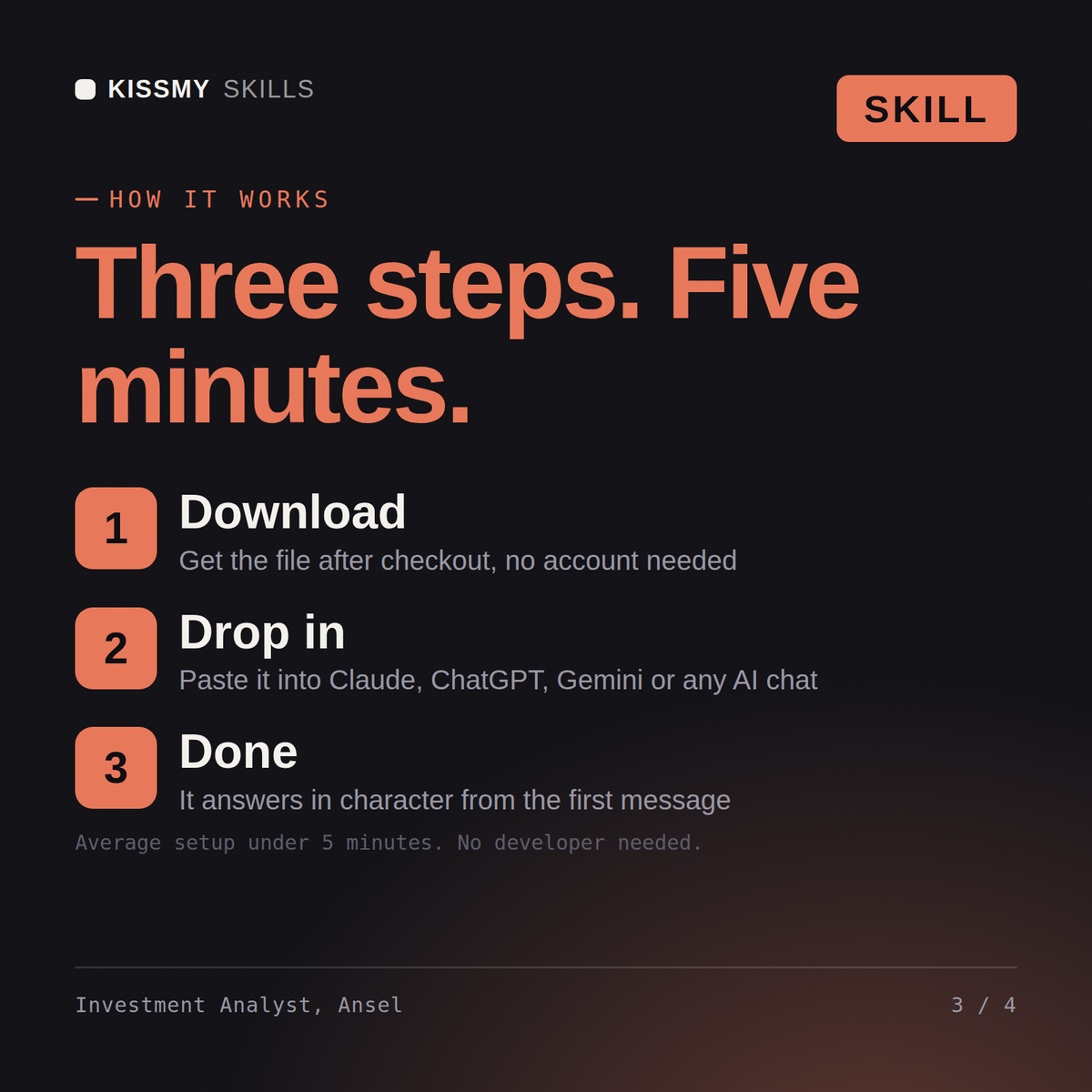
Download the .skill file, open Claude (or your AI tool of choice), and paste the contents of SKILL.md into your Project Instructions or system prompt. Installation takes under 2 minutes and there is nothing to run or configure.
This skill works with Claude, ChatGPT, Gemini, Grok, Copilot, Perplexity, and any AI chat tool that accepts custom instructions or a system prompt.
Without the skill, Claude gives generic investment commentary. With Ansel, you get a consistent underwriting framework — pro forma, sensitivity analysis, max-price logic — applied the same way to every deal. This skill is not a substitute for a licensed real estate agent, broker, appraiser, attorney, or financial advisor, so verify any figures against your own market and jurisdiction before you act on them.
Download your .skill file from the order email or your account. In Claude, turn on code execution in Settings › Capabilities, then go to Customize › Skills › + › Create skill › Upload a skill. Start a new chat and ask for the specialist by name.