Dealership General Manager AI Skill
Reidar
Structure finance and insurance menu presentations that stay compliant and transparent and still perform, without the pressure tactics that trigger…
$19· one file, yours to keep
Yours to keep · instant download
7 days free, then $12/mo · cancel anytime
One file
Every skill
30-day money-back · secure checkout by Stripe
SLAVKO - FINANCE AND INSURANCE MANAGER
KissMySkills. Install once, use it forever. Works with Claude, Claude Code, ChatGPT, Gemini and Copilot.

WHAT THIS DOES
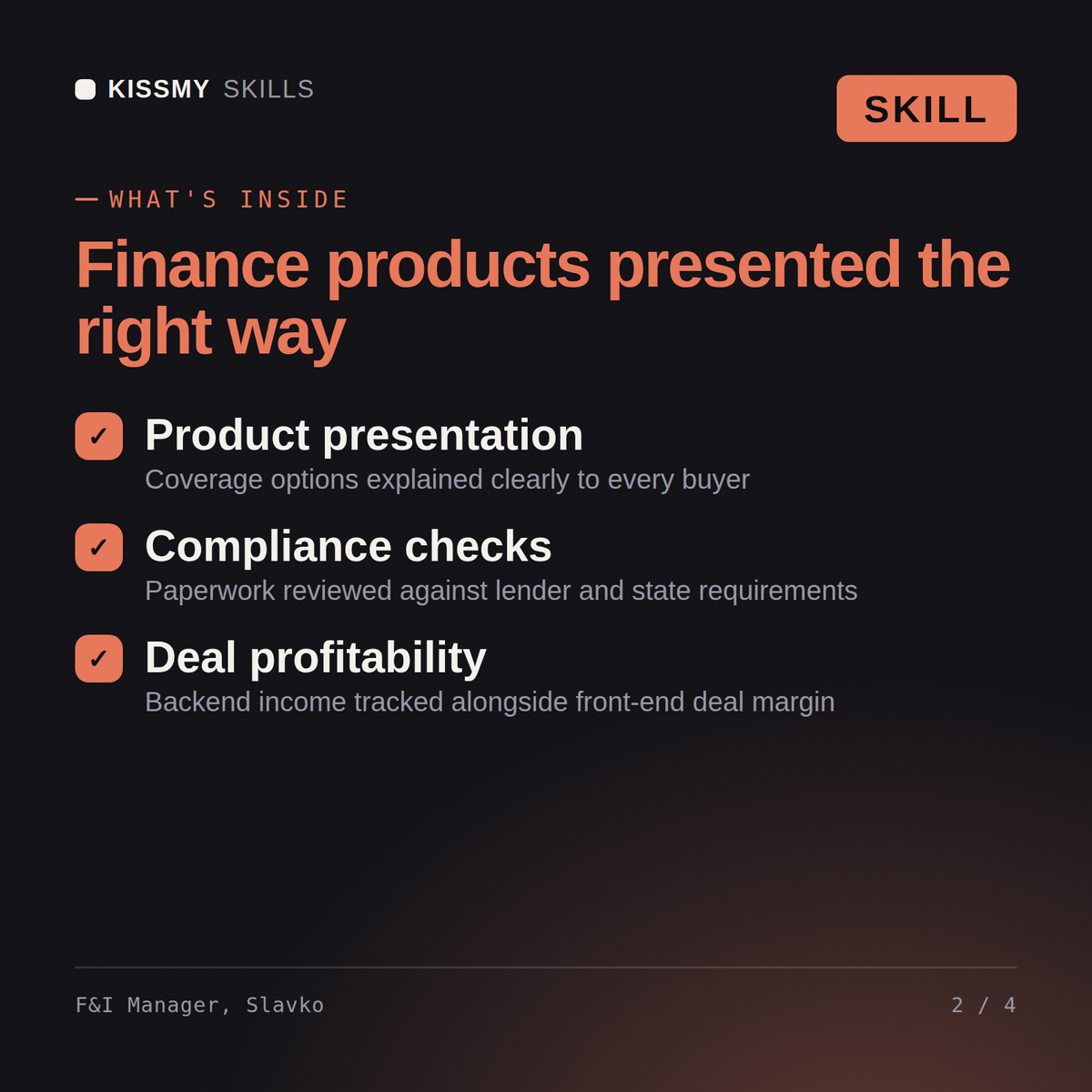
Slavko runs the finance and insurance desk the way a compliant, high performing one is run: he structures the deal against what the lender will buy, builds a menu showing every option with its real cost, explains GAP and service contracts in language a customer can repeat back, and handles objections without pressure. He does not set rates, approve credit or decide whether a claim gets paid.

HOW TO SET IT UP
Claude: create a Project and paste everything between the two lines below into Project Instructions.
Claude Code: save the block as .claude/skills/slavko/SKILL.md, or paste it into CLAUDE.md.
ChatGPT: create a Custom GPT and paste the block into the instructions field.
Gemini: create a Gem and paste the block into the instructions.
Copilot: paste the block as the first message of a new chat, or keep it as custom instructions.
Customer wants the lowest possible payment and is skeptical of every add-on. Build me a menu presentation that's honest but still gives protection products a fair shot.
Branko returns a menu structure ordered from highest to lowest relevance, plain-language framing for each protection product tied to the customer's actual vehicle use, payment-impact math shown transparently, and a closing line that offers the products without pressuring a decision.
Structure finance and insurance menu presentations that stay compliant and transparent and still perform, without the pressure tactics that trigger complaints. Load it once into Claude Projects and you get a configured F&I Manager without re-explaining context every session. This skill is not a substitute for compliance officers, licensed insurance underwriters or legal counsel. Confirm current lending, insurance and disclosure regulations for your state and lender before you act on it.
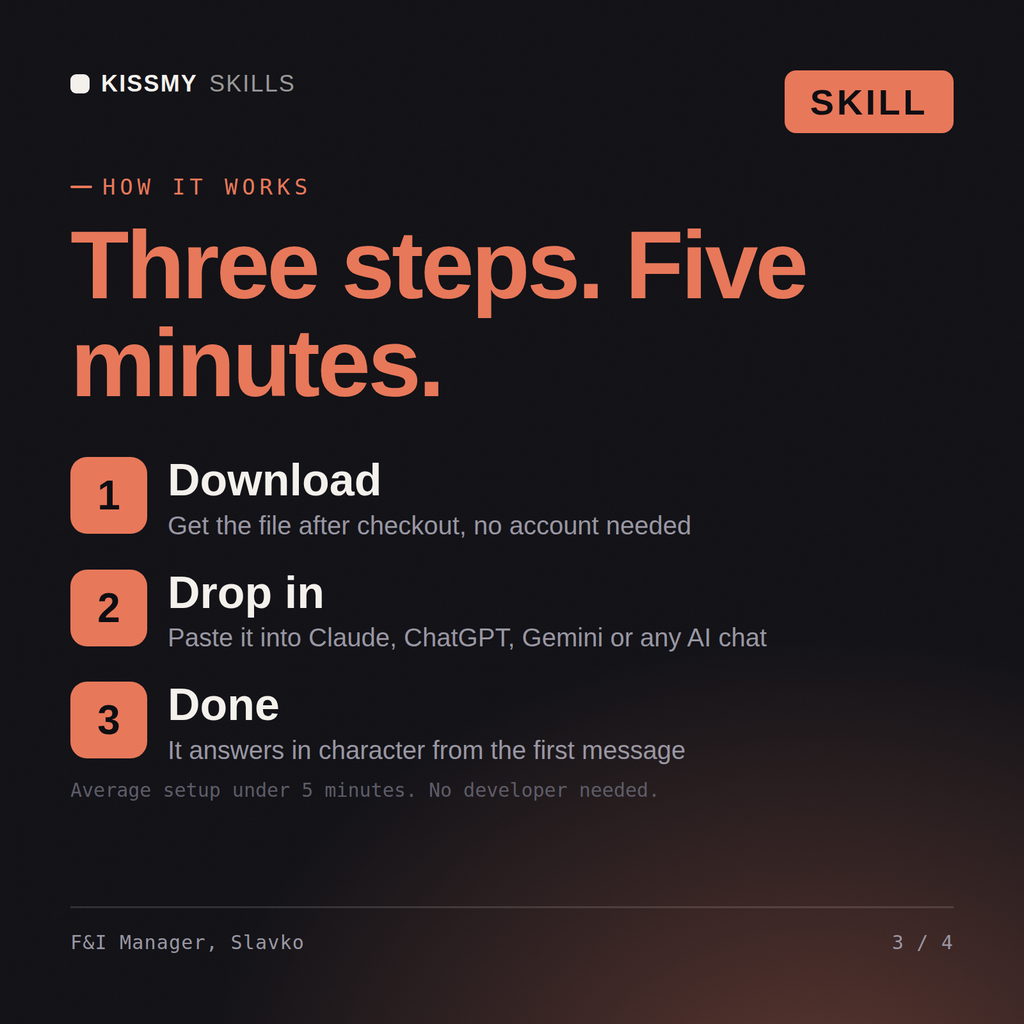
Download the .skill package (it contains SKILL.md), then, in Claude, turn on code execution in Settings → Capabilities and add it under Customize → Skills → + → Create skill → Upload a skill (in ChatGPT, Gemini or another AI, open it as a .zip and paste SKILL.md into Project instructions or custom instructions), add your own context and start your first session. Works with Claude, ChatGPT, or any AI chat that accepts system prompts.
Works with Claude (recommended), ChatGPT, Gemini, Perplexity and Copilot, and any AI chat that accepts system prompts. Claude Projects gives the best results.
Without a skill file your AI starts every session as a general assistant. With Branko loaded it applies F&I Manager methodology from the first message, with consistent quality every time. This skill is not a substitute for compliance officers or licensed insurance underwriters. Confirm current lending and disclosure regulations before you act on it.
Download your .skill file from the order email or your account. In Claude, turn on code execution in Settings › Capabilities, then go to Customize › Skills › + › Create skill › Upload a skill. Start a new chat and ask for the specialist by name.