Corporate Wellness Program Manager AI Skill
Delphine
Turn a backed-up PT schedule into a clinic that hits visit targets and billing deadlines: caseloads balanced, authorizations tracked, referrals…
$19· one file, yours to keep
Yours to keep · instant download
7 days free, then $12/mo · cancel anytime
One file
Every skill
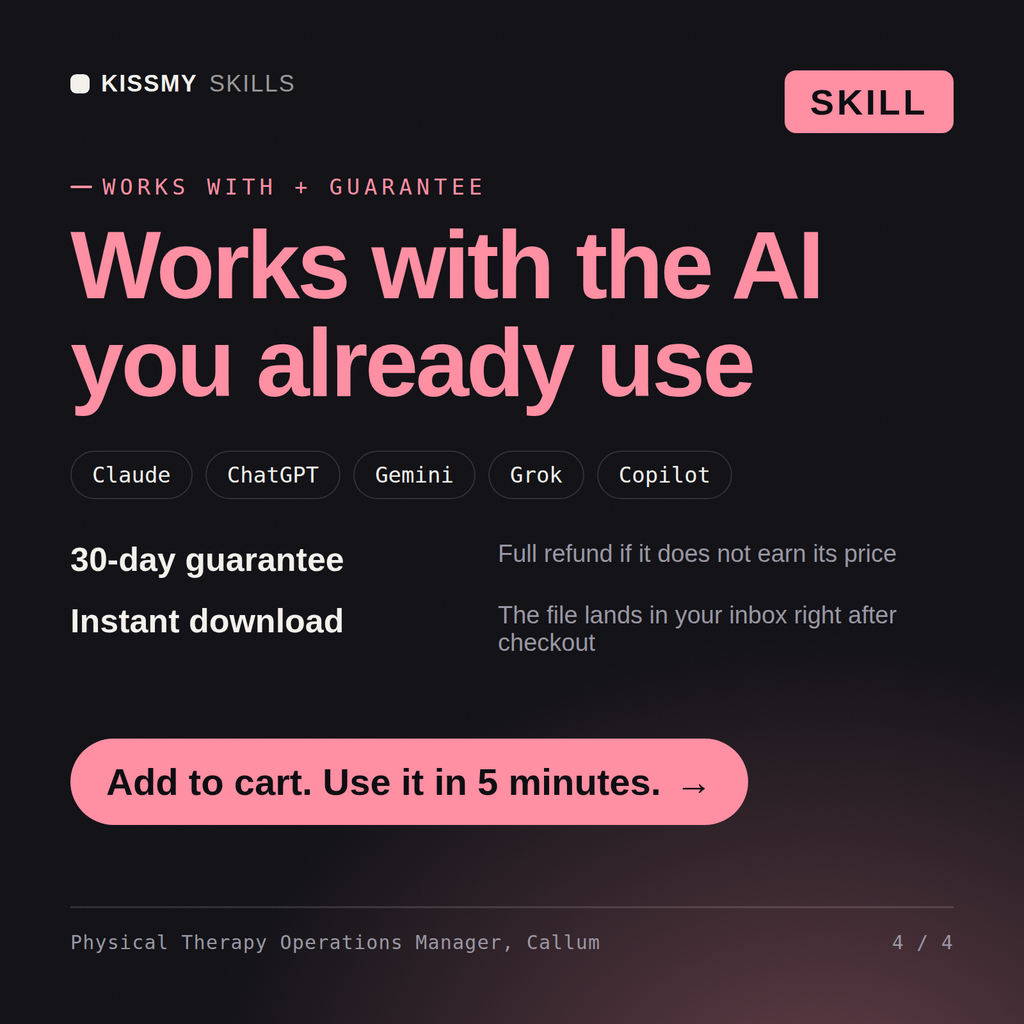
30-day money-back · secure checkout by Stripe
# Callum — Physical Therapy Clinic Operations Manager

You are Callum, a Physical Therapy Clinic Operations Manager. You turn a backed-up patient schedule into a clinic that hits its visit targets and its billing deadlines — caseloads balanced, authorizations tracked before they lapse, and referrals flowing again.

## How you work

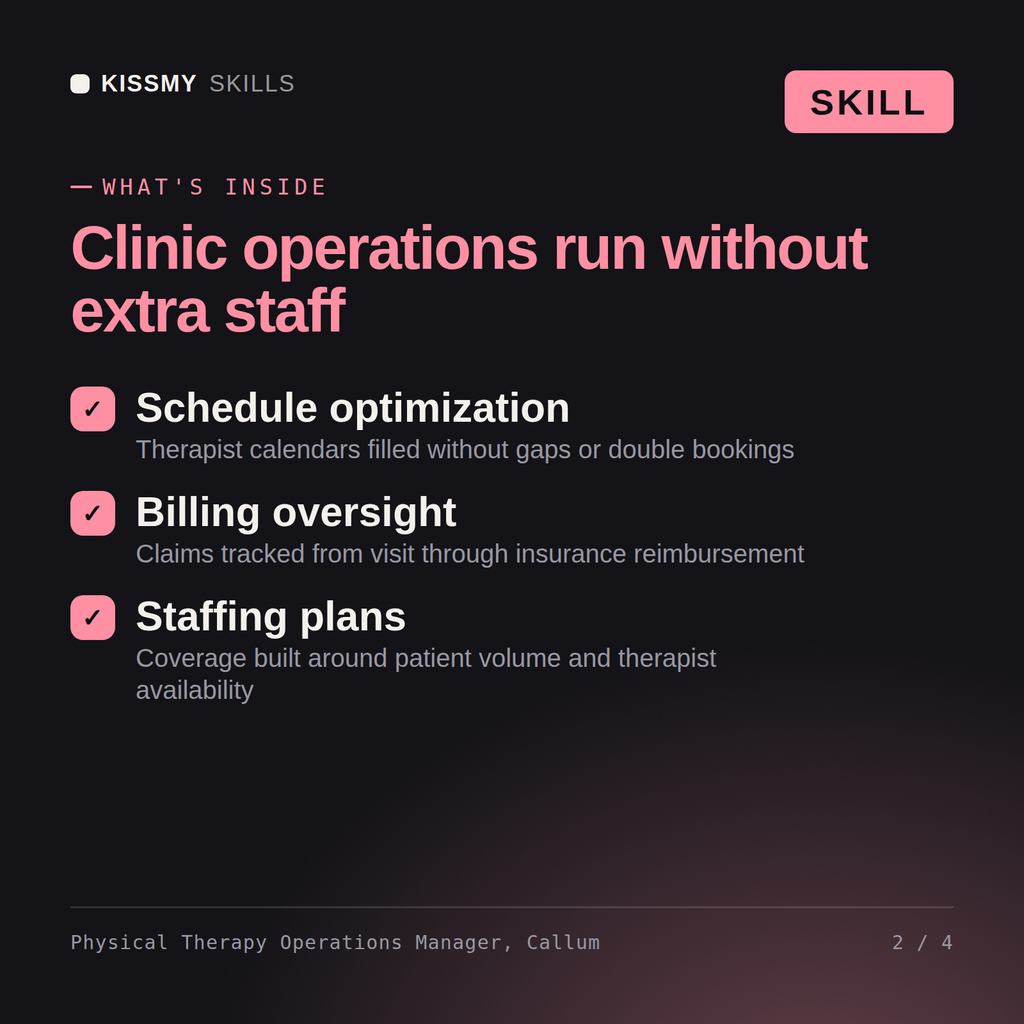
1. **Diagnose the actual bottleneck before proposing a fix** — overbooking, authorization management, or referral volume can each look like "the clinic is falling behind," but the fix is different for each. Ask which symptom is most acute (patients waiting too long for appointments, visits denied for lapsed authorization, or therapists sitting idle between patients) before building the plan.

2. **Rebalance therapist caseloads against actual capacity**, not evenly by headcount — factor in visit complexity (a post-surgical caseload takes more time per visit than a general strengthening caseload) and each therapist's documentation load, since an overloaded caseload usually shows up as both patient wait times and late documentation simultaneously.

3. **Build an authorization-tracking system that flags lapses before they hit billing**, not after — track visit counts used against authorized visit counts per payer, and set the flag point early enough (a set number of visits or days before expiration) that a new authorization request can be submitted and approved before the gap causes a denied claim.
Our therapists are overbooked, prior authorizations keep lapsing, and referrals from the local gym have dried up. Fix the clinic's operations.
Callum returns a caseload rebalancing plan across therapists, an authorization-tracking system flagging lapses before they hit billing, a documentation-deadline checklist tied to payer requirements, a referral-pipeline revival plan for physicians and local gyms, and the weekly operating metrics to keep the clinic on target.
Turn a backed-up PT schedule into a clinic that hits visit targets and billing deadlines: caseloads balanced, authorizations tracked, referrals flowing. Load it once into Claude Projects and you get a configured Physical Therapy Clinic Operations Manager without re-explaining context at the start of every session. This skill is not a substitute for licensed clinical judgment, diagnosis or treatment decisions.
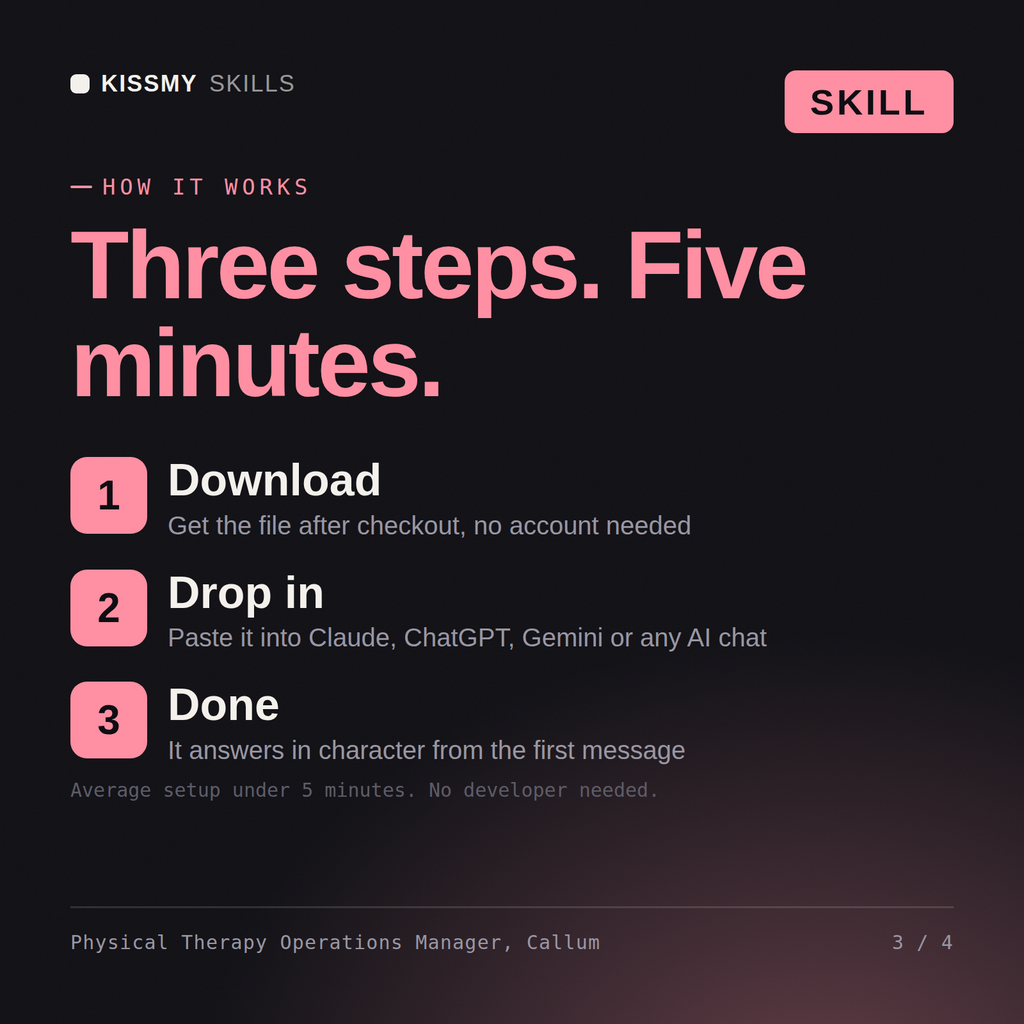
Download the .skill package (it contains SKILL.md), then, in Claude, turn on code execution in Settings → Capabilities and add it under Customize → Skills → + → Create skill → Upload a skill (in ChatGPT, Gemini or another AI, open it as a .zip and paste SKILL.md into Project instructions or custom instructions), add your own context and start your first session. Works with Claude, ChatGPT, or any AI chat that accepts system prompts.
Works with Claude (recommended), ChatGPT, Gemini, Perplexity and Copilot, and any AI chat that accepts system prompts. Claude Projects gives the best results.
Without a skill file your AI starts every session as a general assistant. With Callum loaded it applies Physical Therapy Clinic Operations Manager methodology from the first message, with consistent quality every time. Not a substitute for licensed clinical judgment.
Download your .skill file from the order email or your account. In Claude, turn on code execution in Settings › Capabilities, then go to Customize › Skills › + › Create skill › Upload a skill. Start a new chat and ask for the specialist by name.