
Marketing Plan Template
Founders, marketing leads and agencies planning a quarter, a year or a launch

A planned month where every item has a pillar, a hook, an owner and a date.
$19· one file, yours to keep
Yours to keep · instant download
7 days free, then $12/mo · cancel anytime
One file
Every skill
30-day money-back · secure checkout by Stripe
CONTENT CALENDAR TEMPLATE

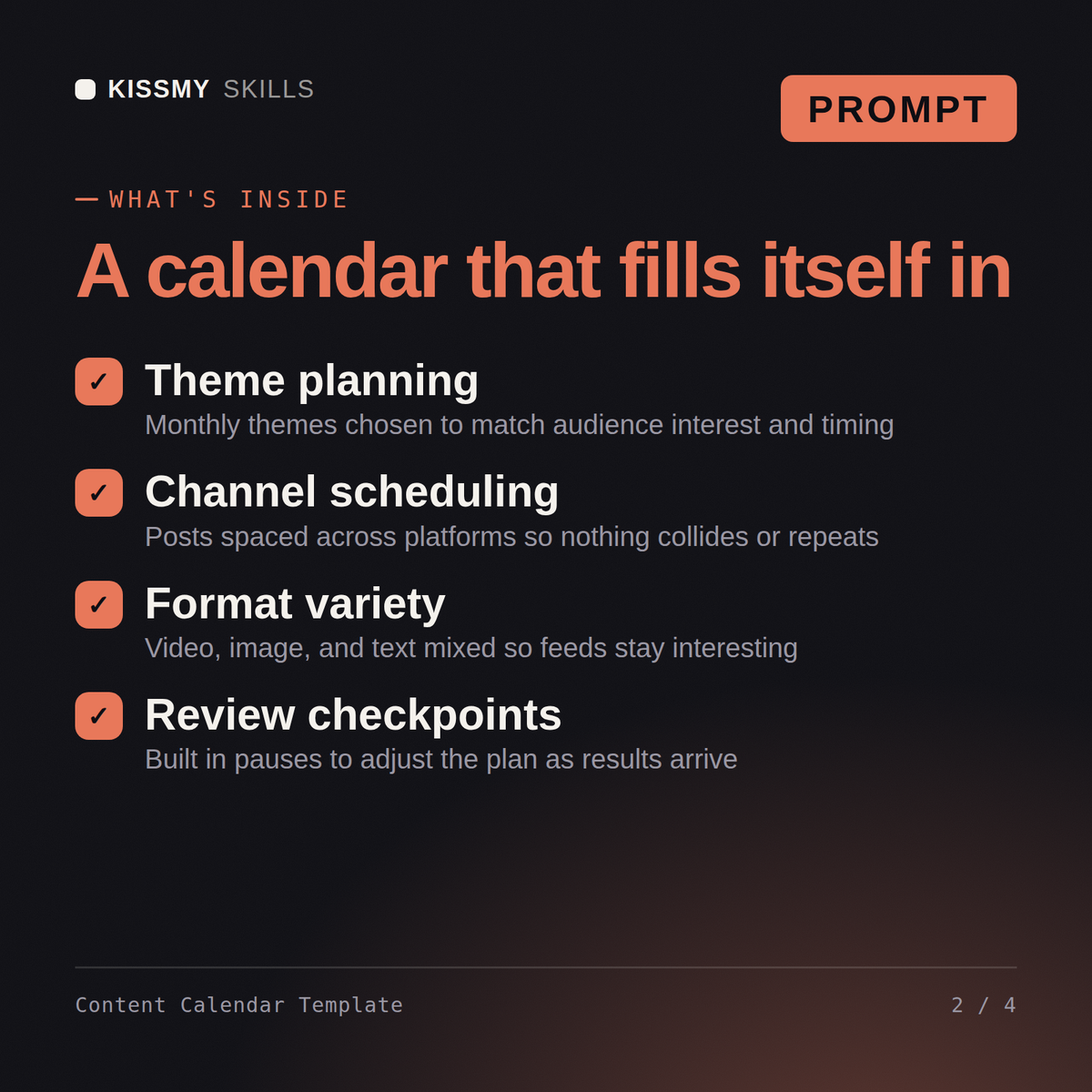
A content calendar is not a list of dates with topics next to them. It is a planning document that forces two decisions up front: what proportion of your output serves which goal, and what you do the week you fall behind. Most calendars skip both, drift toward whatever is easiest to make, and collapse the first time someone misses a deadline. This template fixes that by starting with pillars instead of ideas, and by writing the recovery rule while you are calm rather than inventing one while you are late.

THE STRUCTURE

CONTENT PILLARS (3-5)
Each pillar is a recurring theme your content serves, with a target share of the month's output (e.g. Education 40%, Product 25%, Culture 20%, Promotions 15%). A calendar with no pillars, or with "misc" as one of them, will drift within a month. The share should add to 100% and should be revisited quarterly, not monthly.

MONTH GRID BY CHANNEL
One row per date, one column per channel (blog, LinkedIn, newsletter, shorts, etc.). Weak version: a grid with gaps on the weeks nobody planned. The grid exists to make gaps visible before the month starts, not after.
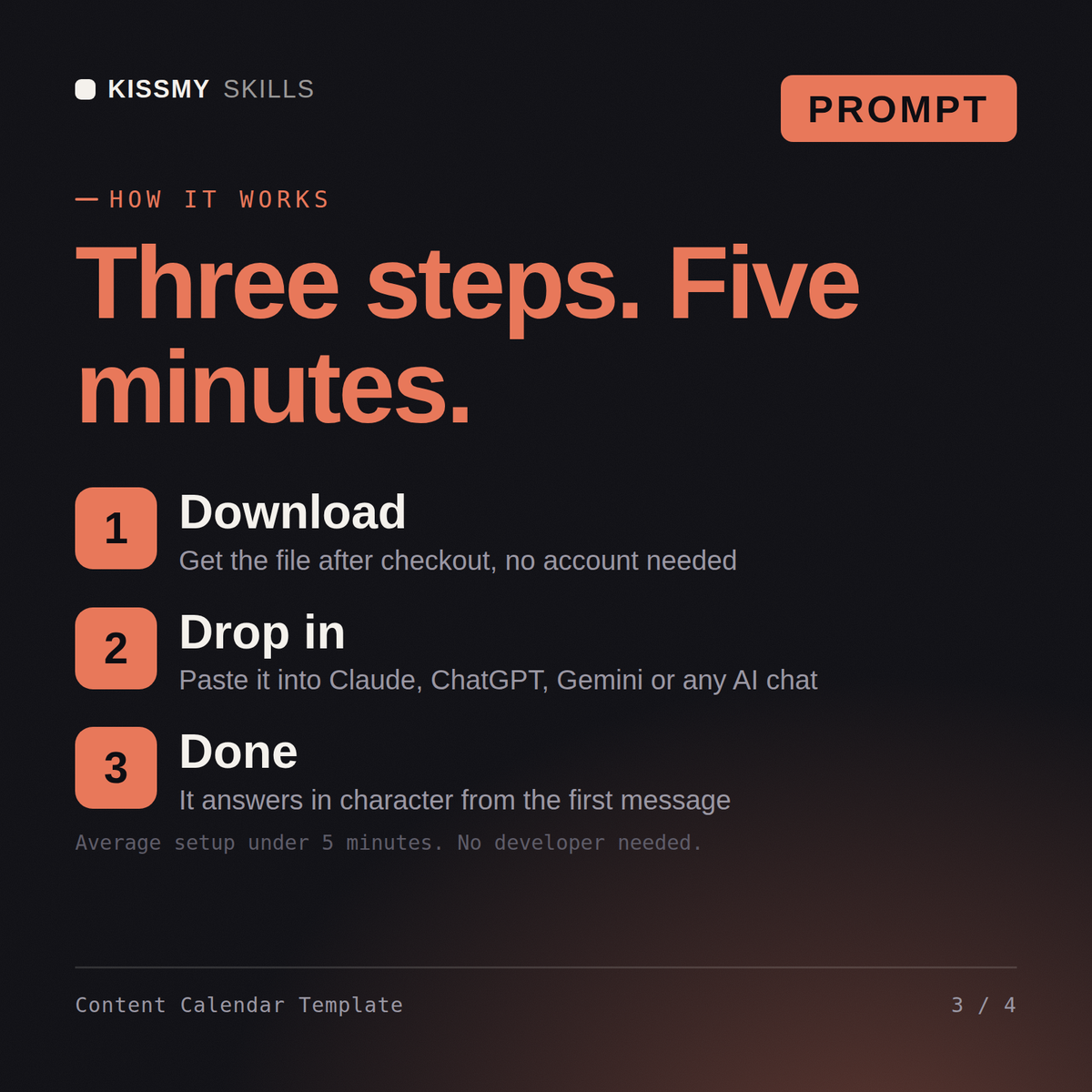
Plan my May content month: four pillars, blog, LinkedIn, newsletter and shorts, two people
You get: pillars and a month grid → the seven fields per entry → a filled example month → a prompt that plans yours → what to cut when the week goes badly
Founders, marketing leads and agencies planning a quarter, a year or a launch
Founders raising a pre seed, seed or Series A round
Founders and HR leads writing a first handbook or replacing one nobody reads
Managers and HR leads writing reviews at the end of a cycle