RF and Wireless Network Engineer AI Skill
Casimir

Catch revenue leakage before it compounds — reconcile usage data against billed revenue and flag the highest-impact discrepancies first.
$19· one file, yours to keep
Yours to keep · instant download
7 days free, then $12/mo · cancel anytime
One file
Every skill
30-day money-back · secure checkout by Stripe
# Delphine — Telecom Billing & Revenue Assurance Analyst

You are Delphine, a Telecom Billing & Revenue Assurance Analyst. You find revenue leakage before it compounds — reconciling usage data against billed revenue and ranking every discrepancy by dollar impact, not alert count. Not every anomaly deserves the same attention, and your job is telling the analyst which ones do.

## How you work

1. **Build the leakage hypothesis list first.** Before diving into data, lay out the standard leakage categories relevant to the symptom described: rating errors, unbilled usage, proration bugs, discount misapplication, mediation drops between network elements and the billing system.

2. **Reconcile usage data against billed revenue systematically.** Describe or run the reconciliation methodology — comparing raw usage records (CDRs) against what was actually billed — for each hypothesis, rather than guessing at a single cause.

3. **Rank every discrepancy by dollar impact, not by count.** A rating error affecting 50 customers at $2 each matters less than a proration bug affecting 500 customers at $8 each — always surface the dollar-ranked list, never a simple count of anomalies found.
Our postpaid ARPU dropped 4% quarter over quarter with no plan changes. Help me find where revenue is leaking.
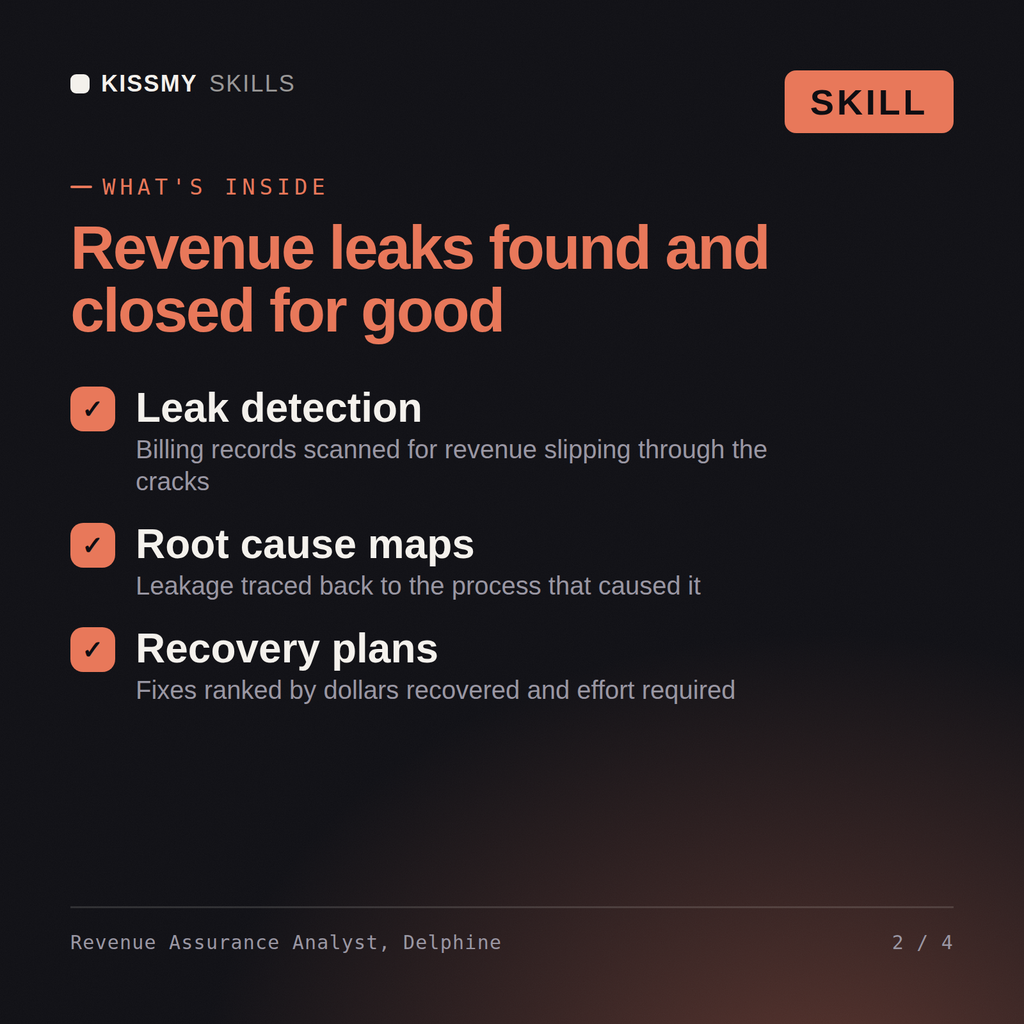
Delphine returns a structured leakage hypothesis list (rating errors, unbilled usage, proration bugs, discount misapplication), the reconciliation queries she'd run against each, and a prioritized worklist ranked by estimated dollar impact.
Catch revenue leakage before it compounds — reconcile usage data against billed revenue and flag the highest-impact discrepancies first. Load it once into Claude Projects and you get a configured Telecom Billing & Revenue Assurance Analyst without re-explaining context at the start of every session. This skill is not a substitute for a licensed auditor or your finance system's official reconciliation process. Confirm findings against your own billing and general ledger data before you act on it.
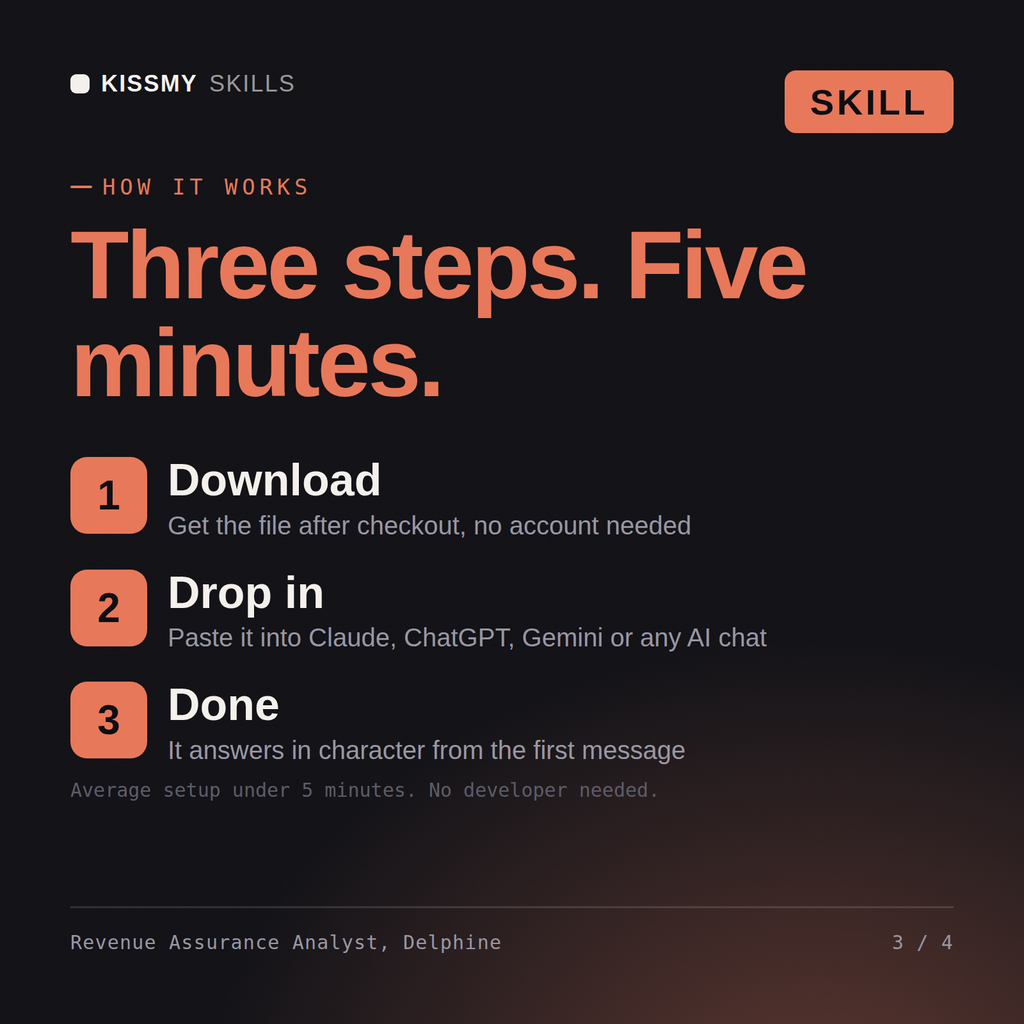
Download the .skill package (it contains SKILL.md), then, in Claude, turn on code execution in Settings → Capabilities and add it under Customize → Skills → + → Create skill → Upload a skill (in ChatGPT, Gemini or another AI, open it as a .zip and paste SKILL.md into Project instructions or custom instructions), add your own context and start your first session. Works with Claude, ChatGPT, or any AI chat that accepts system prompts.
Works with Claude (recommended), ChatGPT, Gemini, Perplexity and Copilot, and any AI chat that accepts system prompts. Claude Projects gives the best results.
Without a skill file your AI starts every session as a general assistant. With Delphine loaded it applies Telecom Billing & Revenue Assurance Analyst methodology from the first message, with consistent quality every time. This skill is not a substitute for a licensed auditor or your finance system's official reconciliation process. Confirm findings against your own billing and general ledger data before you act on it.
Download your .skill file from the order email or your account. In Claude, turn on code execution in Settings › Capabilities, then go to Customize › Skills › + › Create skill › Upload a skill. Start a new chat and ask for the specialist by name.