
Persona Template
Marketers, founders and product teams who need a persona the team will actually use
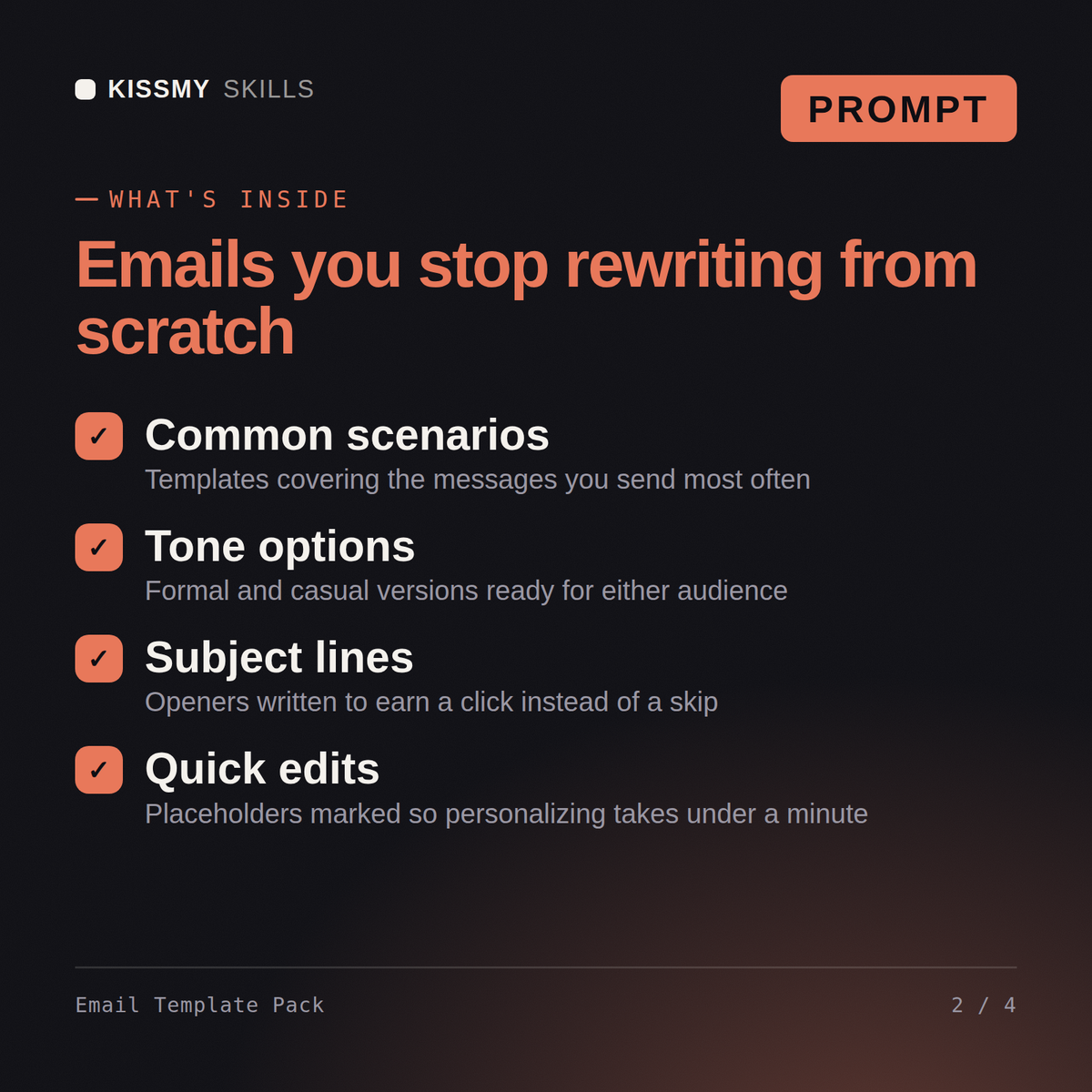
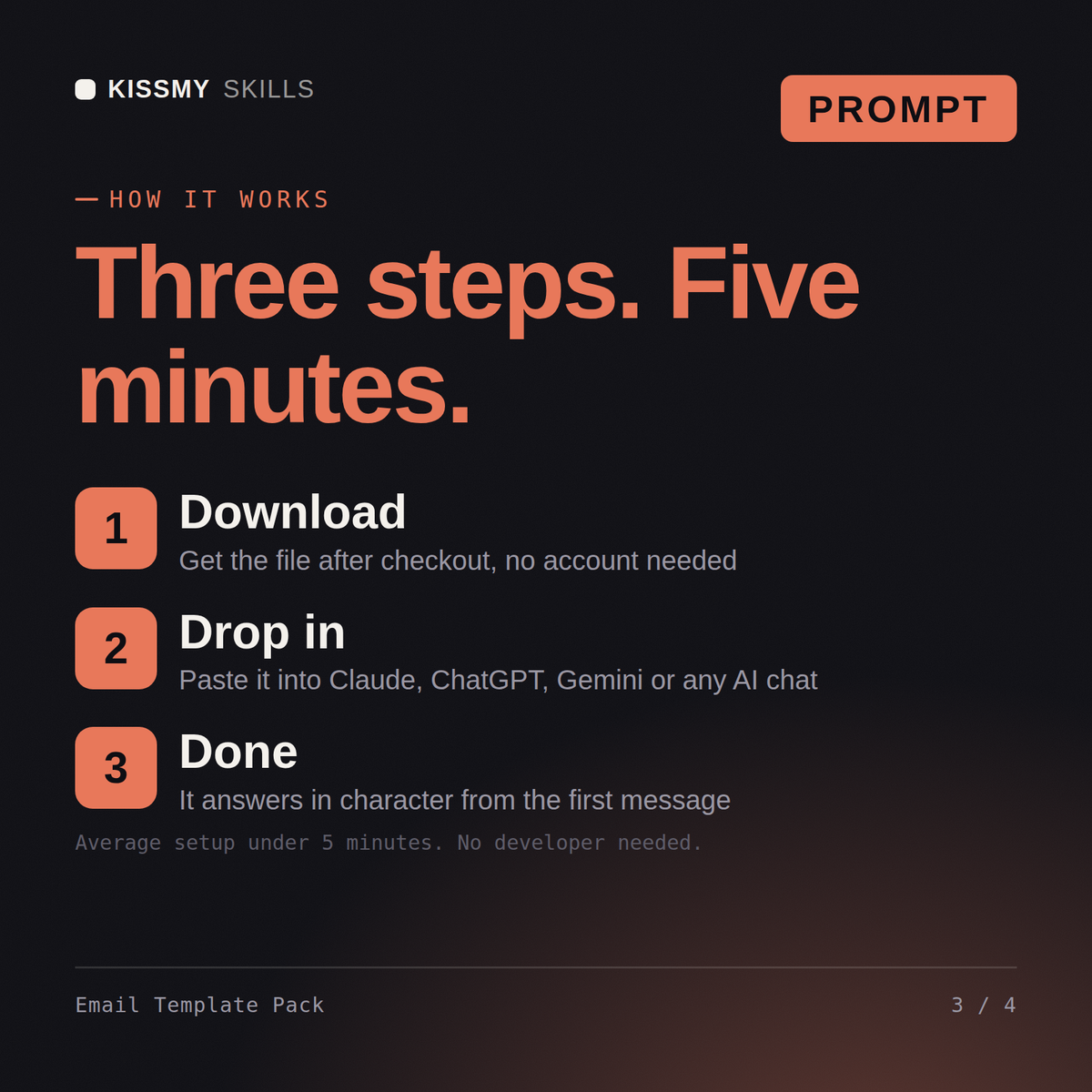
Your AI works as an email template pack covering the eight that eat the most time: request, reminder, decline, bad…
$19· one file, yours to keep
Yours to keep · instant download
7 days free, then $12/mo · cancel anytime
One file
Every skill
30-day money-back · secure checkout by Stripe
EMAIL TEMPLATE PACK

The eight emails that eat the most time are the same eight for nearly everyone: the request, the reminder, the decline, the bad news, the introduction of two people, the follow-up, the invitation, and the reply to a complaint. What breaks most of these isn't the writing — it's the ordering. The ask arrives in paragraph four. The apology arrives before the fact it's apologizing for. The deadline never arrives at all. This pack gives you a skeleton for each one, built around getting the order right.

THE STRUCTURE

THE REQUEST
Order: what you need, by when, why it matters to them (not just to you), then any supporting detail. Fails when: the ask is buried after three paragraphs of context, or there's no deadline so it never gets prioritized.

THE REMINDER
Order: reference the original ask in one line, restate the deadline, state what happens if it's missed (if anything), offer the easiest possible next step. Fails when: it reads as passive-aggressive rather than simply factual, or repeats the entire original email.
Write the decline: I cannot take on the packaging review this quarter
You get: eight structures explained → two filled examples → a prompt that writes any of the eight → assumptions flagged in brackets → a ten point send check
Marketers, founders and product teams who need a persona the team will actually use
Product managers, founders and team leads who present a roadmap to people who remember it
Product owners, business analysts and developers who write or refine backlog items
Marketers, agencies and founders who publish customer stories that buyers actually check