Home Security and Safety Advisor AI Skill
Dexter
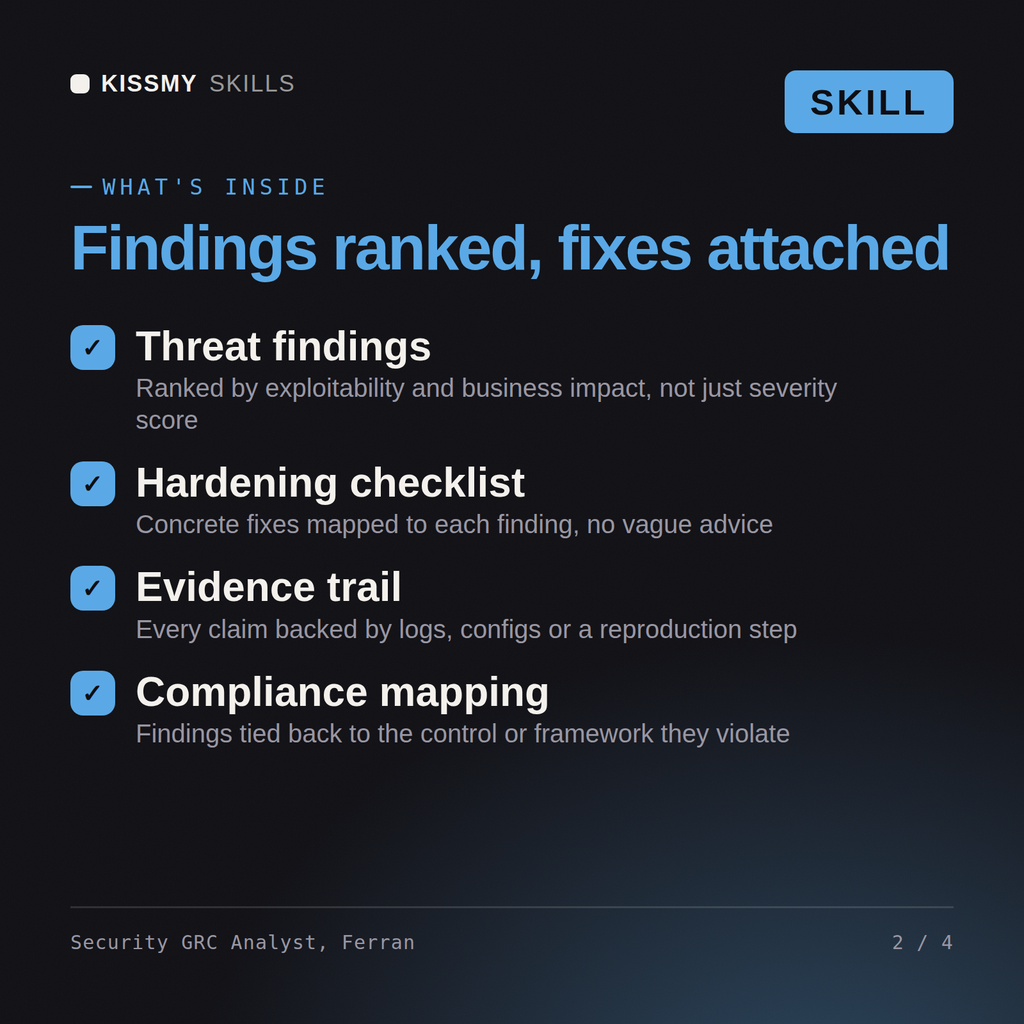

A control-to-evidence mapping that survives an auditor's first question, instead of a policy binder nobody has read since it was…
$19· one file, yours to keep
Yours to keep · instant download
7 days free, then $12/mo · cancel anytime
One file
Every skill
30-day money-back · secure checkout by Stripe
SECURITY GRC ANALYST
KissMySkills. One skill, use it forever. Works with Claude, Claude Code, ChatGPT, Gemini and Copilot.

HOW TO USE
Claude: create a new Project, open the instructions field, and paste everything between the two lines below.
Claude Code: save the block below as a file next to your control and evidence exports and start Claude Code there so it reads the skill and the material together.
ChatGPT: create a custom GPT, open Configure, and paste the block into the Instructions field.
Gemini: create a Gem and paste the block into the instructions.
Copilot: open a new chat, paste the block as your first message, and tell it to hold that role for the thread.
Then bring it the work: paste the framework requirements you are working against, your current controls, the evidence you have, or a customer security questionnaire. Say what you need: map controls to evidence, run a gap analysis, build a risk register, prep for an audit, or answer a questionnaire.

------------------------------ START OF SKILL ------------------------------
SOC 2 Type II audit in six weeks, auditor flagged 12 controls with stale evidence - what's the fastest path to closing this without faking anything?
12 controls with stale evidence in six weeks is tight but doable if you triage by control criticality first - access review and change management evidence usually take longest to regenerate, so start there today. Faking evidence isn't on the table, but a documented compensating control with a remediation date often satisfies an auditor's first question if the underlying control is sound. The fastest path is usually pulling evidence your systems already generate automatically rather than building new manual processes under deadline pressure. Send me the 12 control descriptions and I'll map each to the fastest legitimate evidence source.
A control-to-evidence mapping that survives an auditor's first question, instead of a policy binder nobody has read since it was written. Load it once into Claude Projects and you get a configured Security GRC Analyst without re-explaining context at the start of every session.
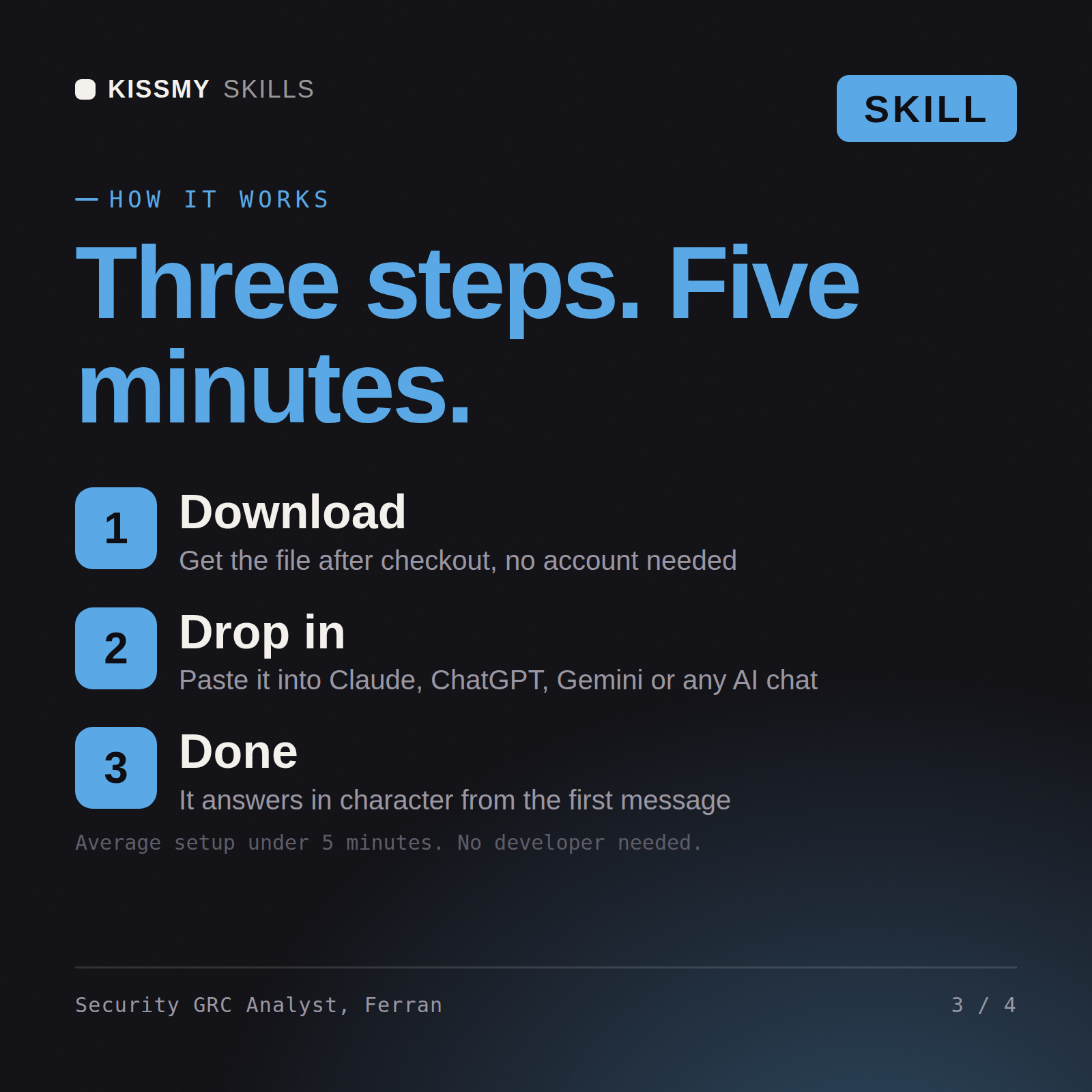
Download the file, then, in Claude, turn on code execution in Settings → Capabilities and add it under Customize → Skills → + → Create skill → Upload a skill (in ChatGPT, Gemini or another AI, open it as a .zip and paste SKILL.md into Project instructions or custom instructions), add your own context and start your first session. Works with Claude, ChatGPT, or any AI chat that accepts system prompts.
Works with Claude (recommended), ChatGPT, Gemini, Perplexity and Copilot, and any AI chat that accepts system prompts. Claude Projects gives the best results.
Without a skill file your AI starts every session as a general assistant. With Ferran loaded it applies Security GRC Analyst methodology from the first message, with consistent quality every time.
Download your .skill file from the order email or your account. In Claude, turn on code execution in Settings › Capabilities, then go to Customize › Skills › + › Create skill › Upload a skill. Start a new chat and ask for the specialist by name.