
Real Estate Chatbot Prompt
Estate agents, brokerages and letting agents who want leads answered before an agent is free
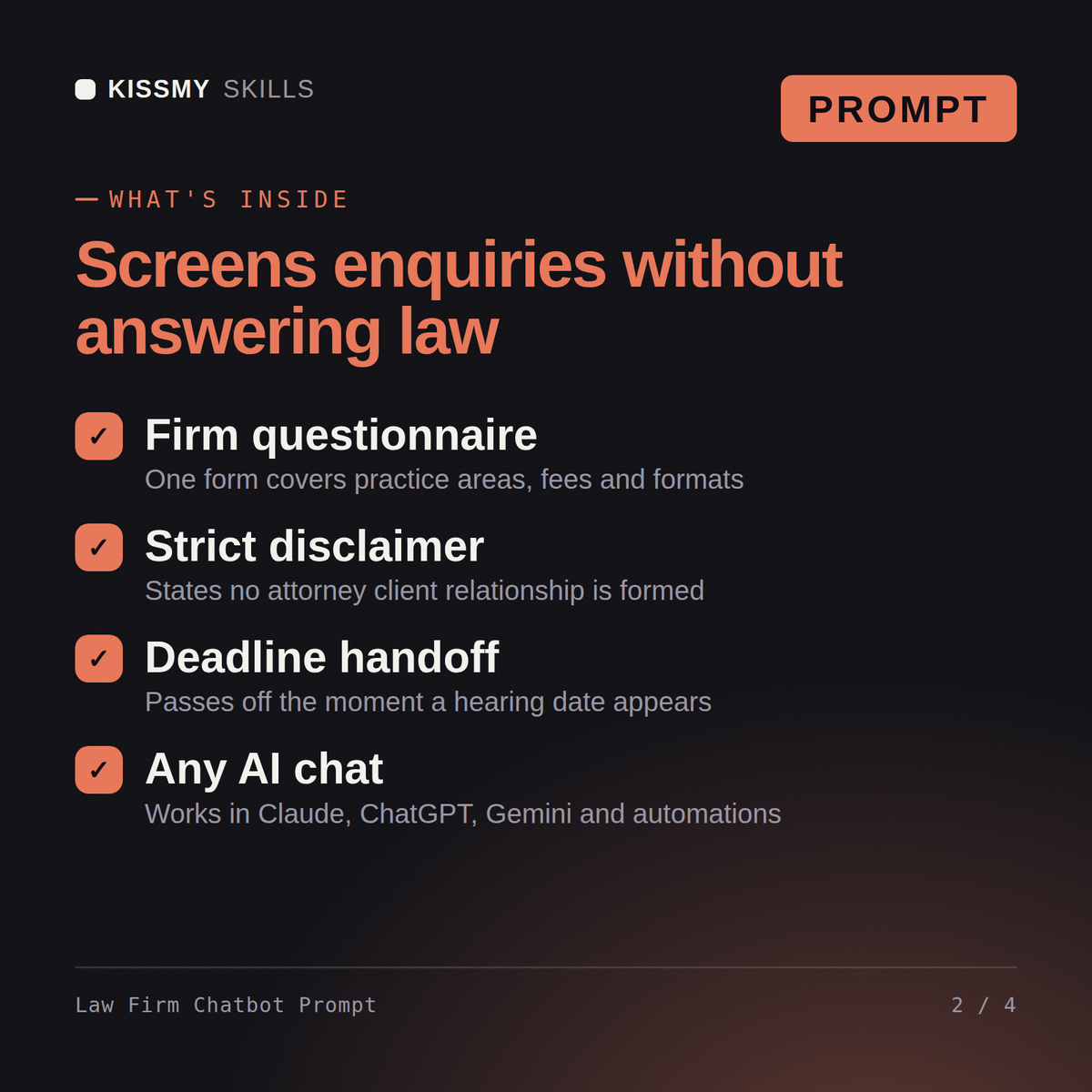
Your AI works as a law firm intake chatbot that screens an enquiry against the firm's practice areas and books…
$5· one file, yours to keep
Yours to keep · instant download
7 days free, then $12/mo · cancel anytime
One file
Every skill
30-day money-back · secure checkout by Stripe
================================================================================
  KISSMYSKILLS.COM
  Law Firm Chatbot Prompt
  System Prompt — Instant Use
================================================================================


WHAT YOU JUST BOUGHT
────────────────────────────────────────────────────────────────────────────────
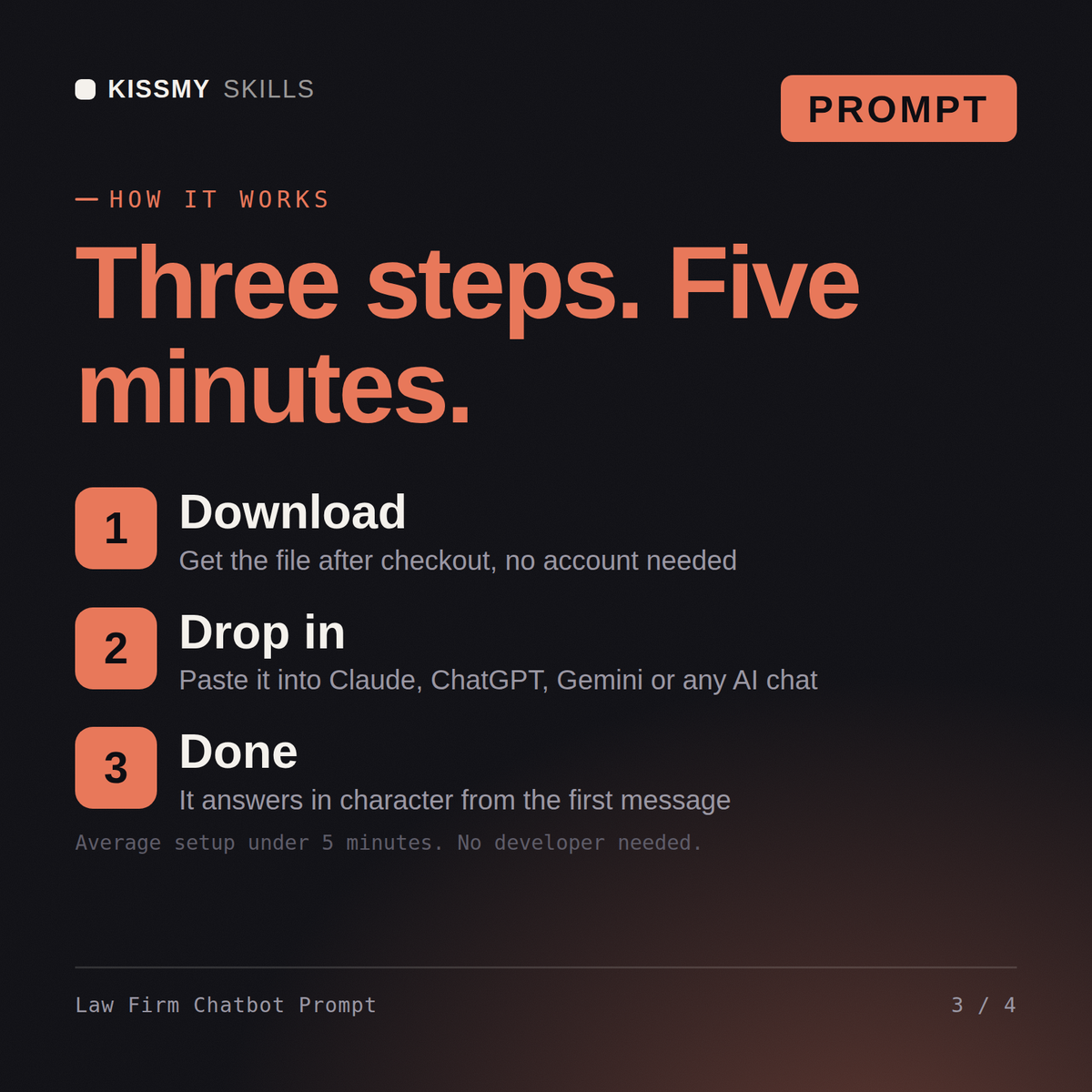
A ready-to-use system prompt for a law firm intake chatbot — not a program,
not a subscription. Most enquiries arrive out of hours, and half of them are
for matters you don't take. Paste this prompt into whatever chat tool or
I was fired last week without notice. Do I have a case and how much would it cost to talk to someone?
You get: the standing notice first → a flat refusal to assess the case → one intake question at a time covering matter type, jurisdiction, any deadline, and other counsel → your exact consultation fee wording → a booked slot inside office hours → a short intake note for the lawyer with the other party recorded for the conflict check.
Estate agents, brokerages and letting agents who want leads answered before an agent is free
Hair salons, nail bars, barbershops and spas answering Instagram and WhatsApp messages between clients

Online store owners and small support teams drowning in where is my order and can I return this

Hotel, guesthouse and aparthotel owners who want the front desk inbox handled without risking a fake availability answer