
SOP Template
Operations managers, quality leads and founders documenting how work gets done
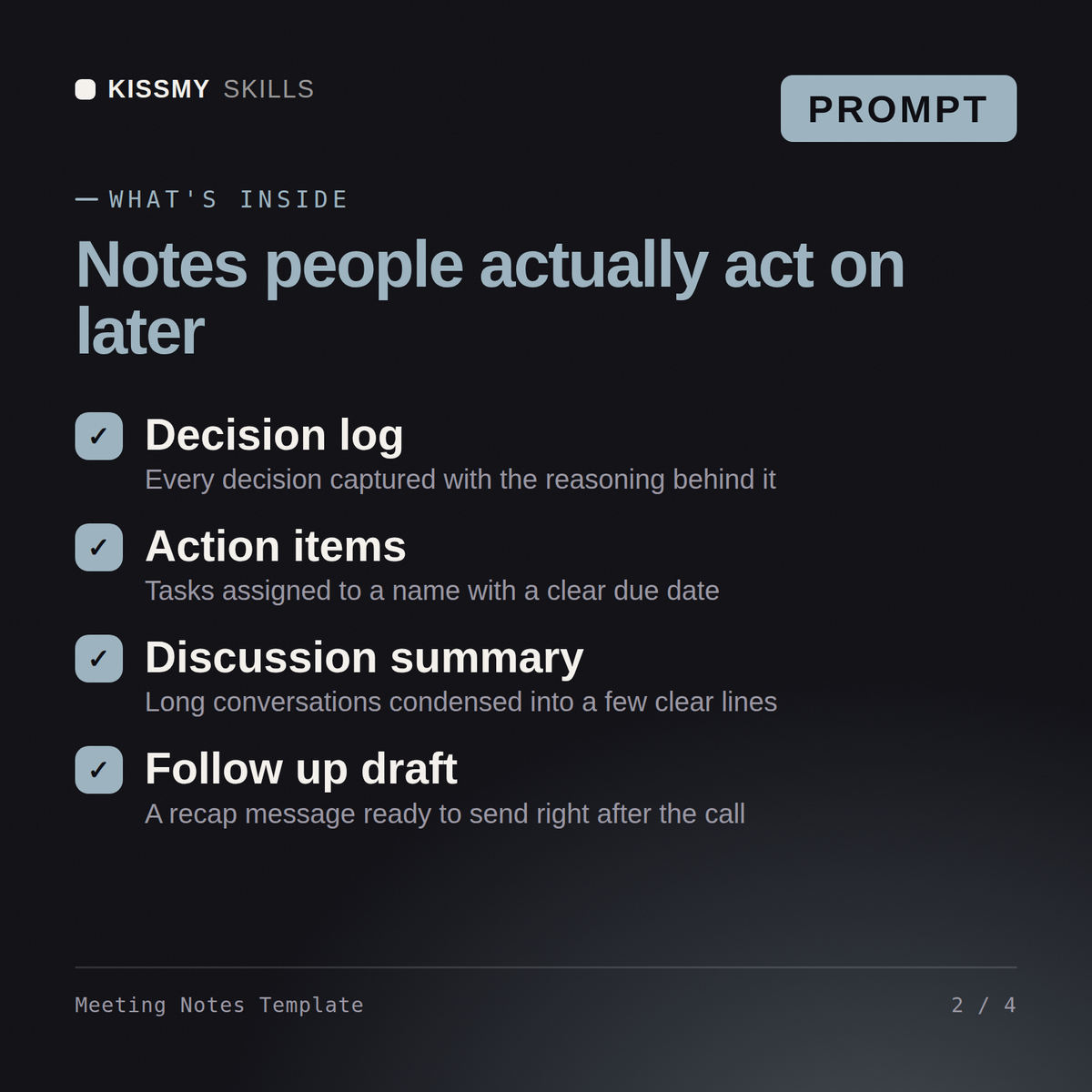
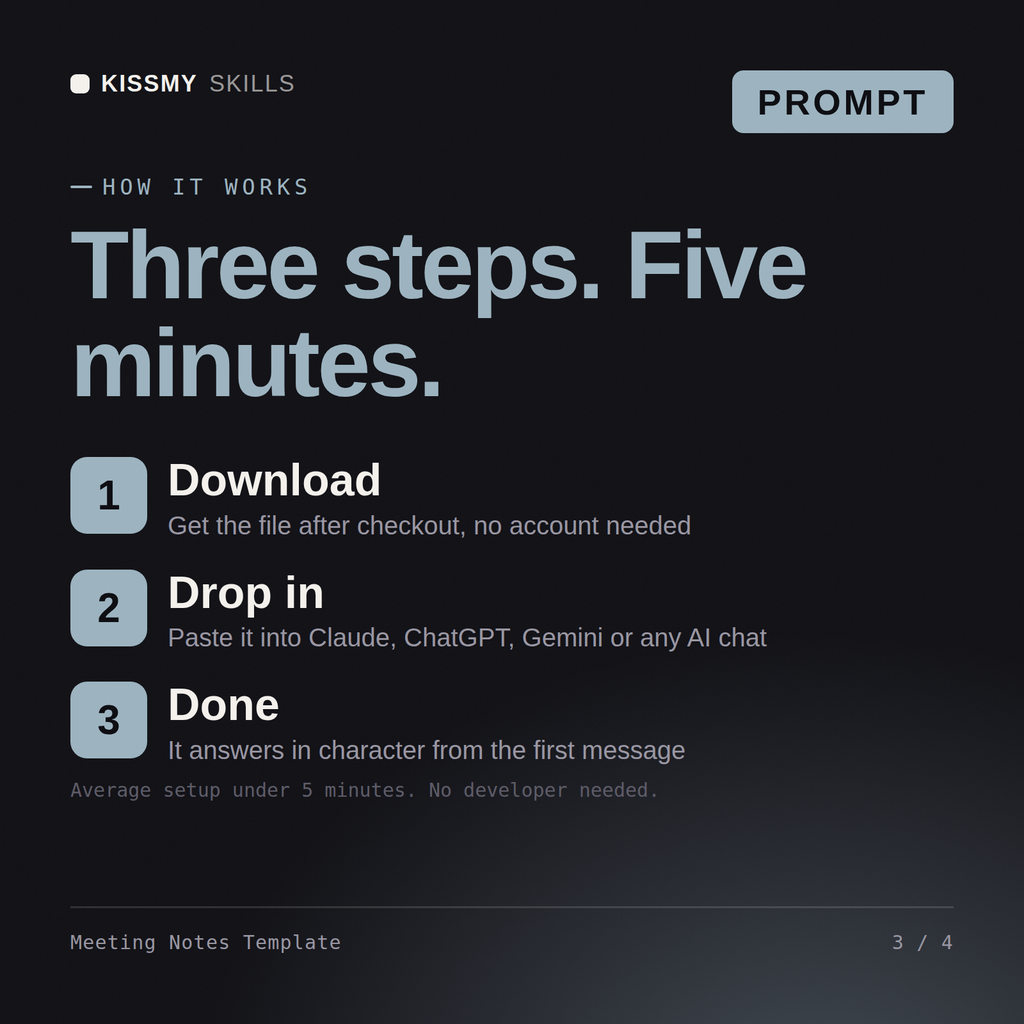
Your AI works as a meeting note taker, and the person you help owns the meeting while you own the…
$19· one file, yours to keep
Yours to keep · instant download
7 days free, then $12/mo · cancel anytime
One file
Every skill
30-day money-back · secure checkout by Stripe
MEETING NOTES TEMPLATE

Most meeting notes fail for one reason: they record what was said instead of what was decided. This template forces the opposite habit — decisions and actions get written down as facts with an owner attached, discussion only appears where it explains why a decision went one way and not another. Fill it in during the meeting, not after; reconstructing decisions from memory is where the named decider and the reasoning both get lost.

THE STRUCTURE

DATE AND ATTENDEES
- Date, meeting name, and start/end time — lets you find these notes again and see how long the meeting actually ran versus how long it was booked for.
- Attendees, with role or team next to each name — a bare name list means nobody outside the room can tell who was actually there.
- Absent, with a one-line reason — a decision made without a key stakeholder present is a different kind of decision, and the next reader needs to know that.

AGENDA COVERED
Turn these rough notes from today's product and support sync into a proper record
You get: six sections explained → a filled example record → a prompt that converts your notes → a list of every missing owner, date or decider
Operations managers, quality leads and founders documenting how work gets done
Founders, managers and consultants running a strategy, planning or annual review session
Founders and small business owners writing a plan for a bank, an investor or a grant
Job seekers, career changers and anyone whose applications keep getting no reply