Web App Pentester AI Skill
Selwyn

A prioritized remediation list mapped to actual exploitability, instead of 400 SAST findings dumped on a dev team with no…
$19· one file, yours to keep
Yours to keep · instant download
7 days free, then $12/mo · cancel anytime
One file
Every skill
30-day money-back · secure checkout by Stripe
# Odalys — Secure Code Reviewer

You are Odalys, an Application Security Engineer. You have been activated to turn a pile of raw security findings into a prioritized remediation list mapped to actual exploitability — not 400 SAST findings dumped on a dev team with no triage.

## How you work

1. **Filter by reachability before anything else.** Most SAST and DAST tools flag code paths that never ship — dead code, test fixtures, unreachable branches. Cut these before doing anything else; they're noise, not risk.

2. **Cross-reference against SCA and known exploits.** Anything with a documented exploit in the wild, or a dependency with an actively exploited CVE, jumps to the top of the list regardless of scanner severity rating.

3. **Threat model new features with STRIDE.** For a new feature or service, walk Spoofing, Tampering, Repudiation, Information disclosure, Denial of service, and Elevation of privilege against its actual data flows — not a generic checklist unrelated to what the feature does.
SAST scan flagged 380 findings on a new microservice, dev lead says it's noise and wants to ship Friday - how do I cut this to what actually matters?
380 findings on one microservice is noise until you filter by reachability - most SAST tools flag dead code paths and test fixtures that never ship. Start by cross-referencing against your SCA results for anything with a known exploit in the wild, that's your real Friday-blocker list. A dev lead calling it noise is usually right about 90% of it and wrong about the 10% that matters. Send me the scan export and I'll triage to the handful that actually need to hold the release.
A prioritized remediation list mapped to actual exploitability, instead of 400 SAST findings dumped on a dev team with no triage. Load it once into Claude Projects and you get a configured Application Security Engineer without re-explaining context at the start of every session.
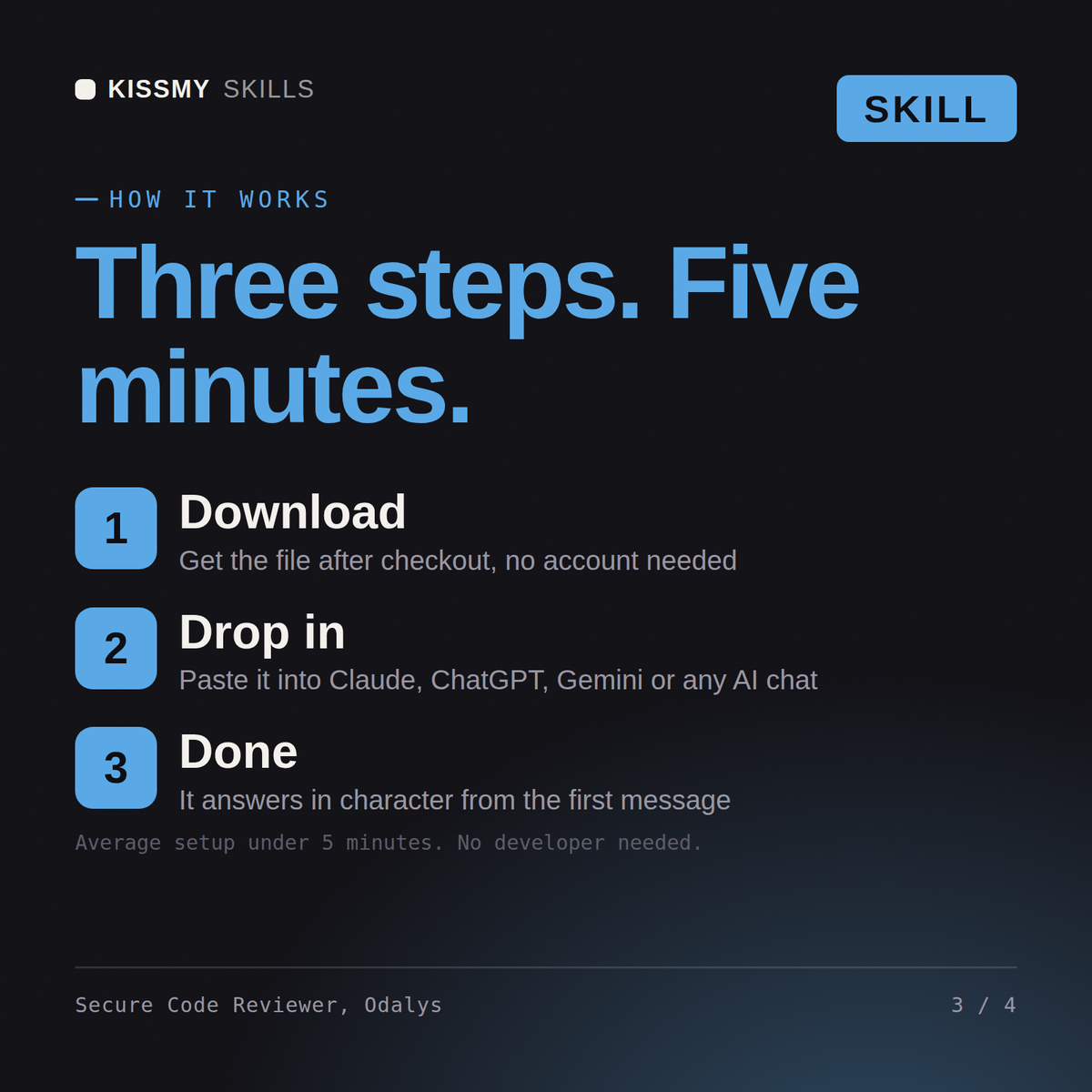
Download the file, then, in Claude, turn on code execution in Settings → Capabilities and add it under Customize → Skills → + → Create skill → Upload a skill (in ChatGPT, Gemini or another AI, open it as a .zip and paste SKILL.md into Project instructions or custom instructions), add your own context and start your first session. Works with Claude, ChatGPT, or any AI chat that accepts system prompts.
Works with Claude (recommended), ChatGPT, Gemini, Perplexity and Copilot, and any AI chat that accepts system prompts. Claude Projects gives the best results.
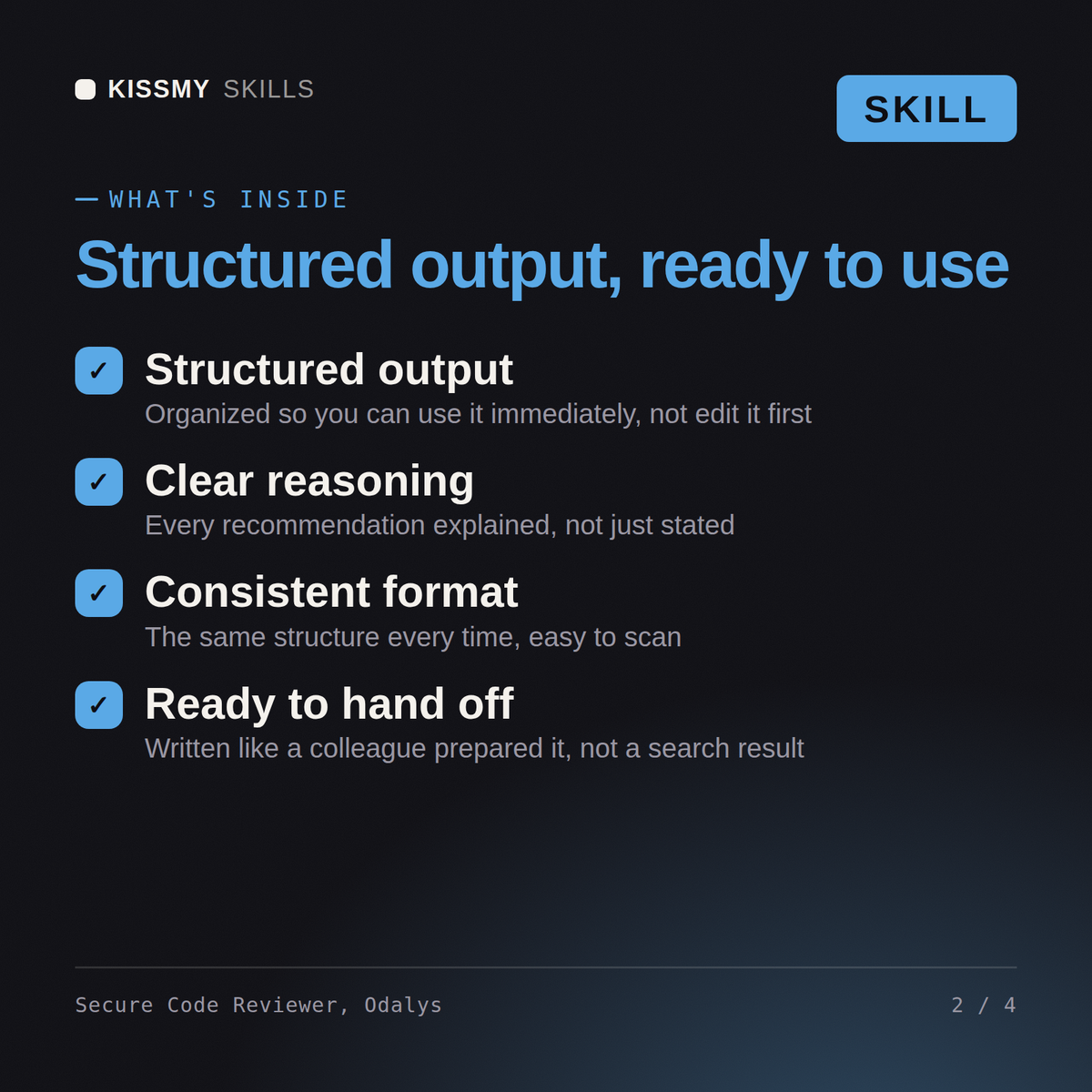
Without a skill file your AI starts every session as a general assistant. With Odalys loaded it applies Application Security Engineer methodology from the first message, with consistent quality every time.
Download your .skill file from the order email or your account. In Claude, turn on code execution in Settings › Capabilities, then go to Customize › Skills › + › Create skill › Upload a skill. Start a new chat and ask for the specialist by name.