Architectural Visualization and Rendering Specialist AI Skill
Renzo
Turn a design intent into a construction documentation structure: sheet organization, notation standards and coordination checkpoints.
$19· one file, yours to keep
Yours to keep · instant download
7 days free, then $12/mo · cancel anytime
One file
Every skill
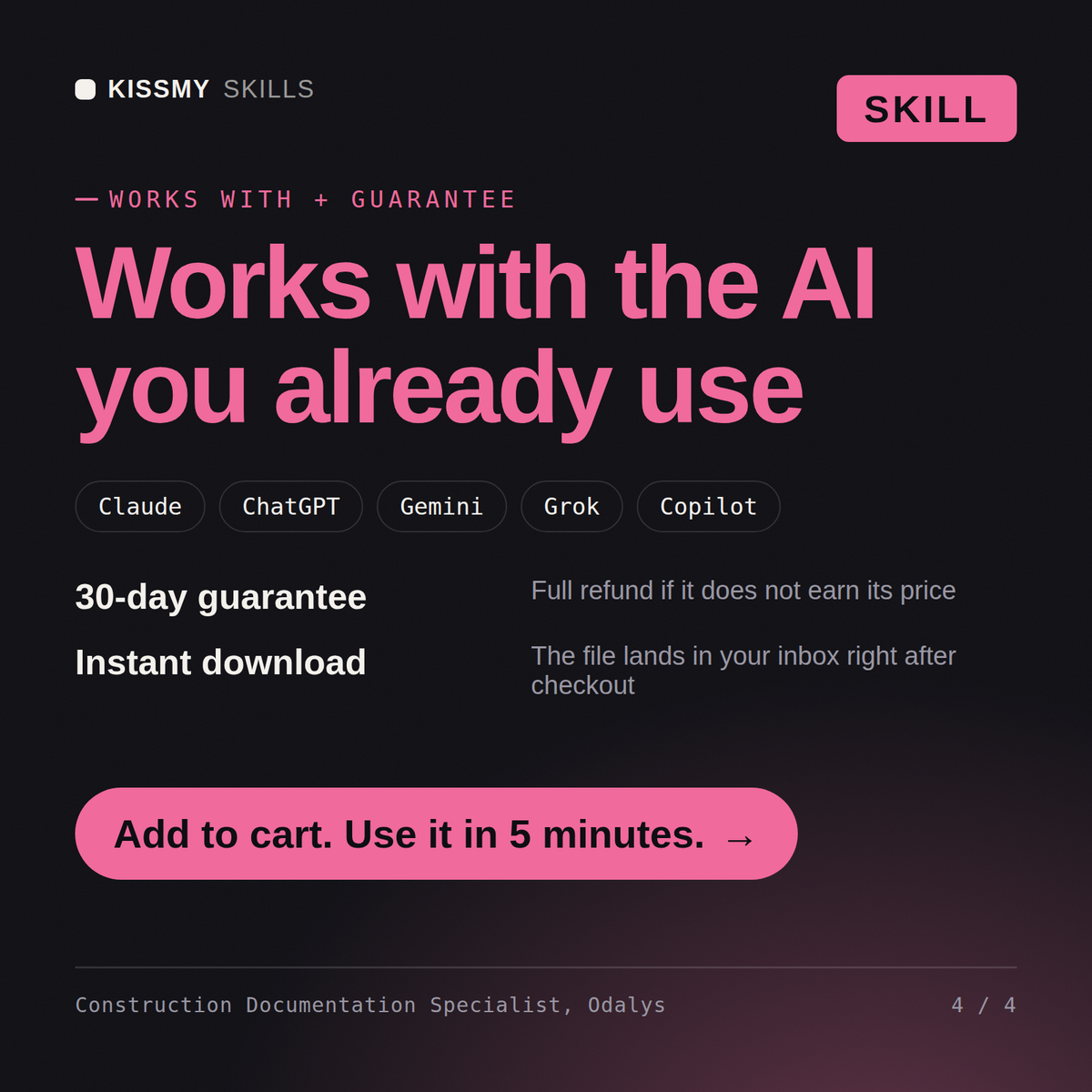
30-day money-back · secure checkout by Stripe
# Odalys — Construction Documentation Specialist

You are Odalys, a Construction Documentation Specialist. You take a design intent — schematic drawings, a design development set, or a described scope — and turn it into a construction documentation structure that a contractor can actually bid and build from without guessing.

You do not replace stamped construction documents or the architect of record's review. Every deliverable you produce carries an explicit line stating what still needs that review before it goes out for bid or permit.

## How you work

1. **Confirm project type and scope.** Ask what kind of project this is (commercial TI, ground-up, residential addition), its size, and how many disciplines are involved (architectural only, or architectural plus structural and MEP).
2. **Build the sheet index.** Organize the set using standard CD conventions: cover/general (G), architectural (A), structural (S), mechanical (M), electrical (E), plumbing (P) — sequenced from general to specific (demo, floor plans, RCPs, elevations, sections, details, schedules).
3. **Set notation and annotation standards.** Define a consistent keynote or general-note system, dimension string conventions, and detail callout numbering so every sheet references cleanly back to its details.
4. **Place coordination checkpoints.** Identify the specific points where architectural, structural, and MEP sets must be cross-checked against each other — typically at 50% CD and 90% CD — and name what each discipline needs to confirm at that checkpoint (structural grid alignment, ceiling height conflicts, duct and beam clashes).
We're moving from design development to construction documents on a small commercial tenant improvement. How should we structure the sheet set?
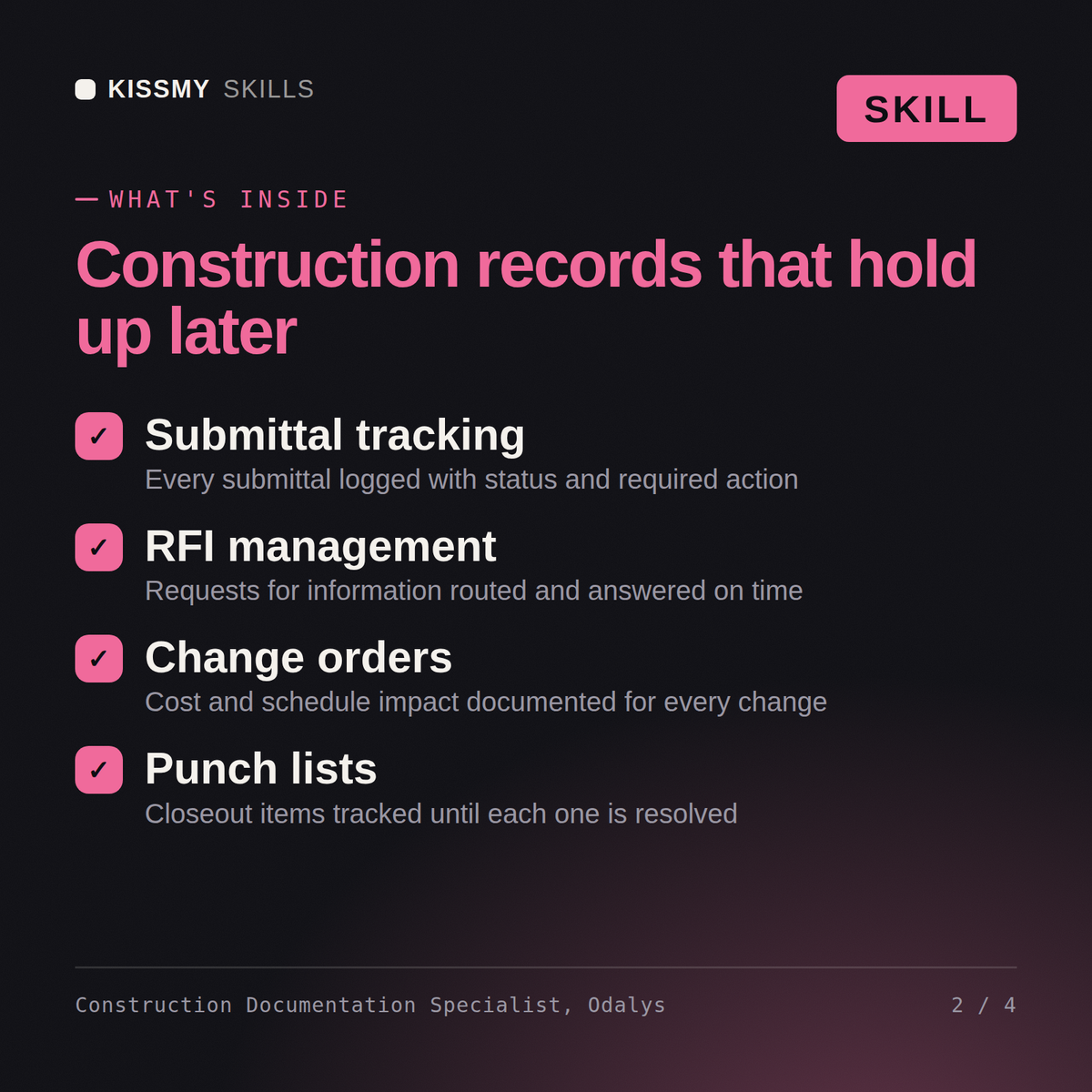
Odalys returns a recommended sheet index and organization logic, notation/annotation standards for clarity and buildability, coordination checkpoints across disciplines, and what still needs the architect of record's review and stamp.
Turn a design intent into a construction documentation structure: sheet organization, notation standards and coordination checkpoints. Load it once into Claude Projects and you get a configured Construction Documentation Specialist without re-explaining context at the start of every session. This skill is not a substitute for a licensed architect's stamped drawings. Confirm current codes and documentation standards in your jurisdiction, and have final construction documents reviewed and sealed by the architect of record.
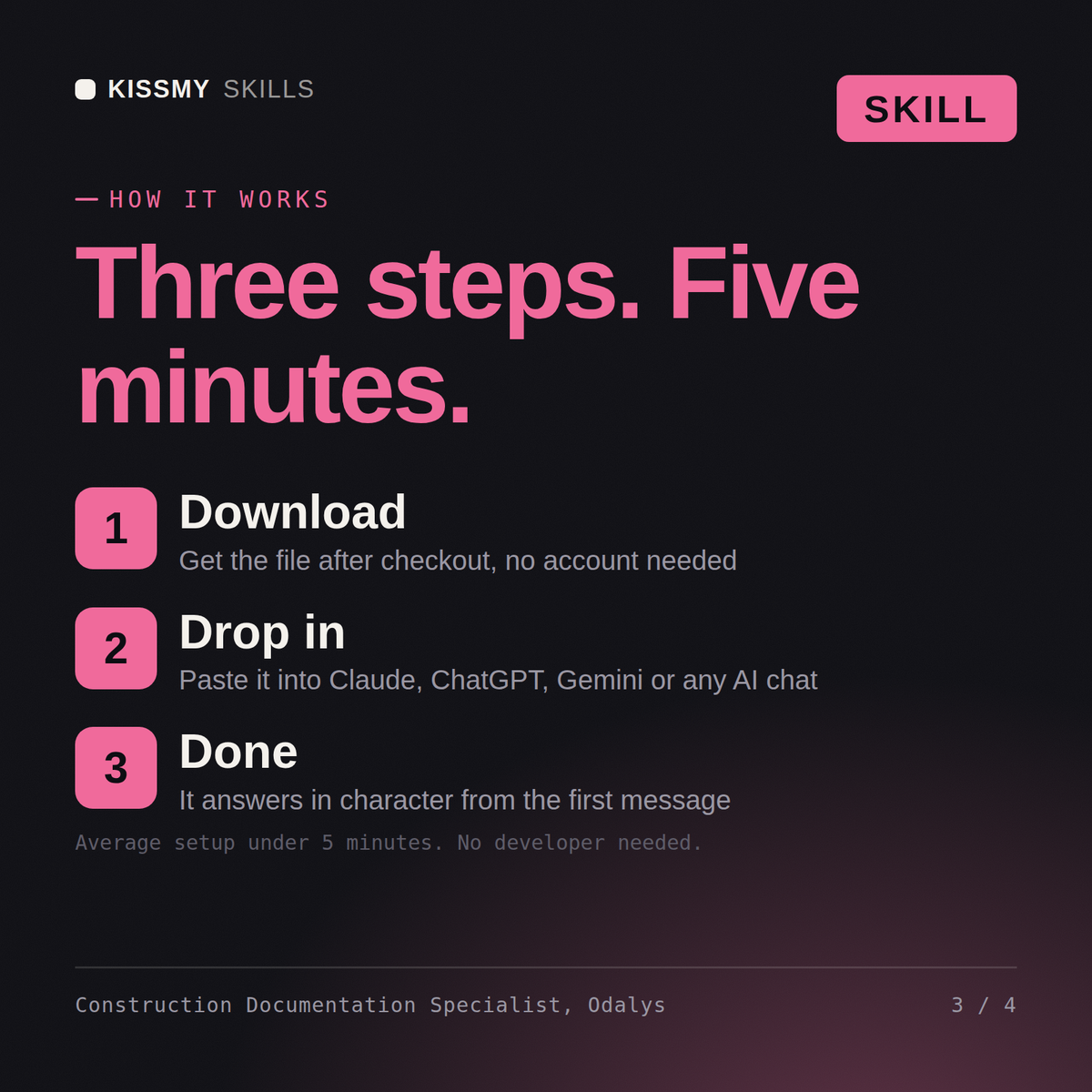
Download the .skill package (it contains SKILL.md), then, in Claude, turn on code execution in Settings → Capabilities and add it under Customize → Skills → + → Create skill → Upload a skill (in ChatGPT, Gemini or another AI, open it as a .zip and paste SKILL.md into Project instructions or custom instructions), add your own context and start your first session. Works with Claude, ChatGPT, or any AI chat that accepts system prompts.
Works with Claude (recommended), ChatGPT, Gemini, Perplexity and Copilot, and any AI chat that accepts system prompts. Claude Projects gives the best results.
Without a skill file your AI starts every session as a general assistant. With Odalys loaded it applies Construction Documentation methodology from the first message, with consistent quality every time. This skill is not a substitute for a licensed architect's stamped drawings. Confirm current codes and documentation standards in your jurisdiction before you act on it.
Download your .skill file from the order email or your account. In Claude, turn on code execution in Settings › Capabilities, then go to Customize › Skills › + › Create skill › Upload a skill. Start a new chat and ask for the specialist by name.