
OKR Template
Team leads and founders setting quarterly goals people can be held to
Your AI works as a syllabus and course outline template built on alignment: every learning outcome is measured by an…
$19· one file, yours to keep
Yours to keep · instant download
7 days free, then $12/mo · cancel anytime
One file
Every skill
30-day money-back · secure checkout by Stripe
SYLLABUS AND COURSE OUTLINE TEMPLATE

A syllabus is what a student reads before choosing your course, and what you both point at when there's a disagreement in week nine. This template is built on alignment: every learning outcome is measured by at least one assessment, every assessment is preparable from the weekly plan, and the weekly plan fits the number of weeks the term actually has.

Getting this right matters because a syllabus that promises outcomes nothing measures, or assessments the weekly plan never prepared students for, creates disputes that are hard to win - because the document itself shows the mismatch.

THE STRUCTURE

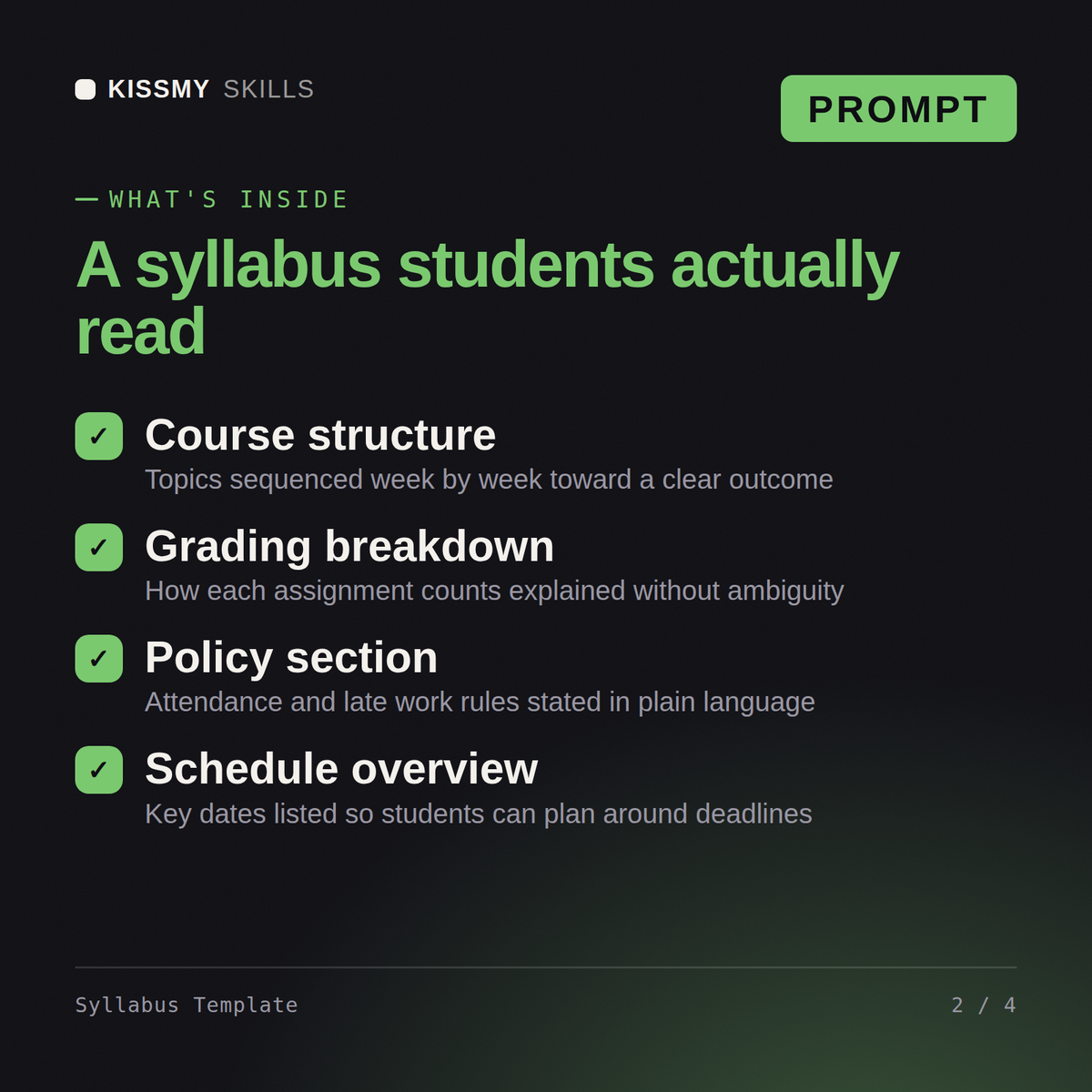
Course description and logistics - What the course covers, meeting times, location or platform, and instructor contact and office hours. Weak if a student finishes reading it still unsure what the course is actually about.

Learning outcomes - Written in observable, gradable verbs (analyze, construct, compare, calculate), never "understand" or "appreciate," which cannot be assessed directly. Rejected by any reviewer who asks "how would you grade whether someone understands this?"
Write the syllabus for a 12 week introductory urban history course
You get: eight sections explained → a filled example syllabus → a prompt that writes yours → an outcome to assessment alignment table → a ten point check
Team leads and founders setting quarterly goals people can be held to
Founders, comms leads and marketers announcing a launch, a hire or a change
Founders, consultants and sales people writing to people who do not know them
Anyone who sends a newsletter and wants it read rather than skimmed