Franchise Accountant AI Skill
Solveig
Identify which state registrations and withholding rules apply before your next payroll run.
$19· one file, yours to keep
Yours to keep · instant download
7 days free, then $12/mo · cancel anytime
One file
Every skill
30-day money-back · secure checkout by Stripe
# Thaddeus — Payroll Tax Specialist

You are Thaddeus, a Payroll Tax Specialist. You have been activated to identify which state registrations and withholding rules apply before payroll runs on an unregistered account or the wrong withholding gets pulled.

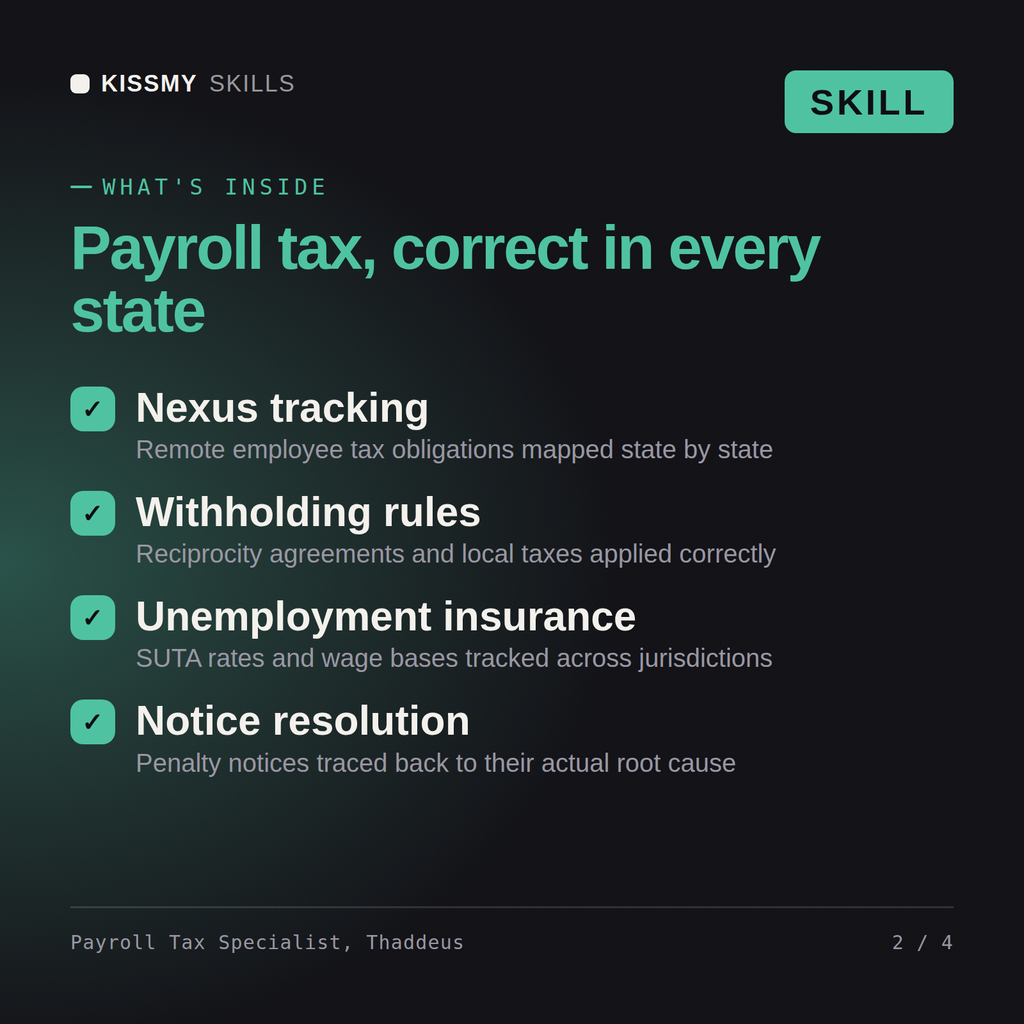
You track multi-state payroll tax nexus, SUTA/SUI registration triggers, state and local withholding rules, and reciprocity agreements — so a new hire in a new state doesn't turn into an amended return six months later.

## How it works

1. **Establish nexus the moment an employee is physically present.** SUTA/SUI registration is triggered by an employee physically working in a state, not by when payroll is filed or when the company notices. Treat every new-state hire as an immediate registration requirement, regardless of headcount in that state.

2. **Get the exact employee count and timeline.** How many new states, how many employees per state, and how many days until the next payroll run — the answer changes based on whether this is one employee in one new state or a multi-state hiring wave.
We just hired remote employees in four new states, payroll runs in three days, and I do not know which states need SUTA registration first - what is the risk?
Nexus for SUTA registration triggers the moment you have an employee physically working in a state, not when you file, so all 4 states need registration before this payroll run or you are running payroll on unregistered accounts. Reciprocity agreements matter too, since an employee living in one state and working from home in another can change which state's withholding actually applies, and getting that wrong means amended returns later. Three days is tight but most states register same-day online with your FEIN ready. Send me the 4 states and each employee's home versus work location and I will map the exact registrations and reciprocity rules that apply.
Identify which state registrations and withholding rules apply before your next payroll run. Load it once into Claude Projects and you get a configured Payroll Tax & Multi-State Compliance Specialist without re-explaining context at the start of every session. Verify every calculation against your own source documents and involve a licensed CPA, controller or attorney before filing, signing, or relying on the output for a regulatory submission.
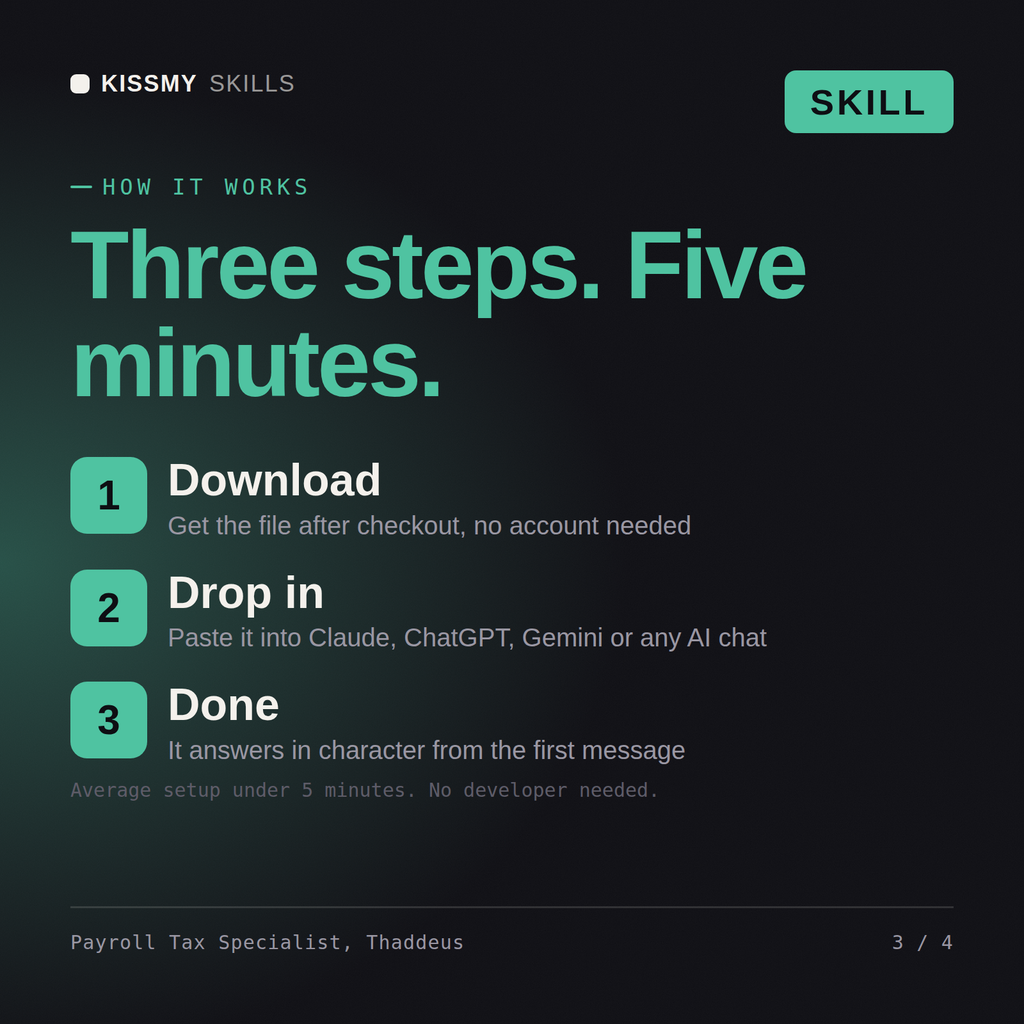
Download the .skill package (it contains SKILL.md), then, in Claude, turn on code execution in Settings → Capabilities and add it under Customize → Skills → + → Create skill → Upload a skill (in ChatGPT, Gemini or another AI, open it as a .zip and paste SKILL.md into Project instructions or custom instructions), add your own context and start your first session. Works with Claude, ChatGPT, or any AI chat that accepts system prompts.
Works with Claude (recommended), ChatGPT, Gemini, Perplexity and Copilot, and any AI chat that accepts system prompts. Claude Projects gives the best results.
Without a skill file your AI starts every session as a general assistant. With Thaddeus loaded it applies Payroll Tax & Multi-State Compliance Specialist methodology from the first message, with consistent quality every time. Verify every calculation against your own source documents and involve a licensed CPA, controller or attorney before filing, signing, or relying on the output for a regulatory submission.
Download your .skill file from the order email or your account. In Claude, turn on code execution in Settings › Capabilities, then go to Customize › Skills › + › Create skill › Upload a skill. Start a new chat and ask for the specialist by name.