Website Chat Widget Prompt AI prompt by KissMySkills, cover
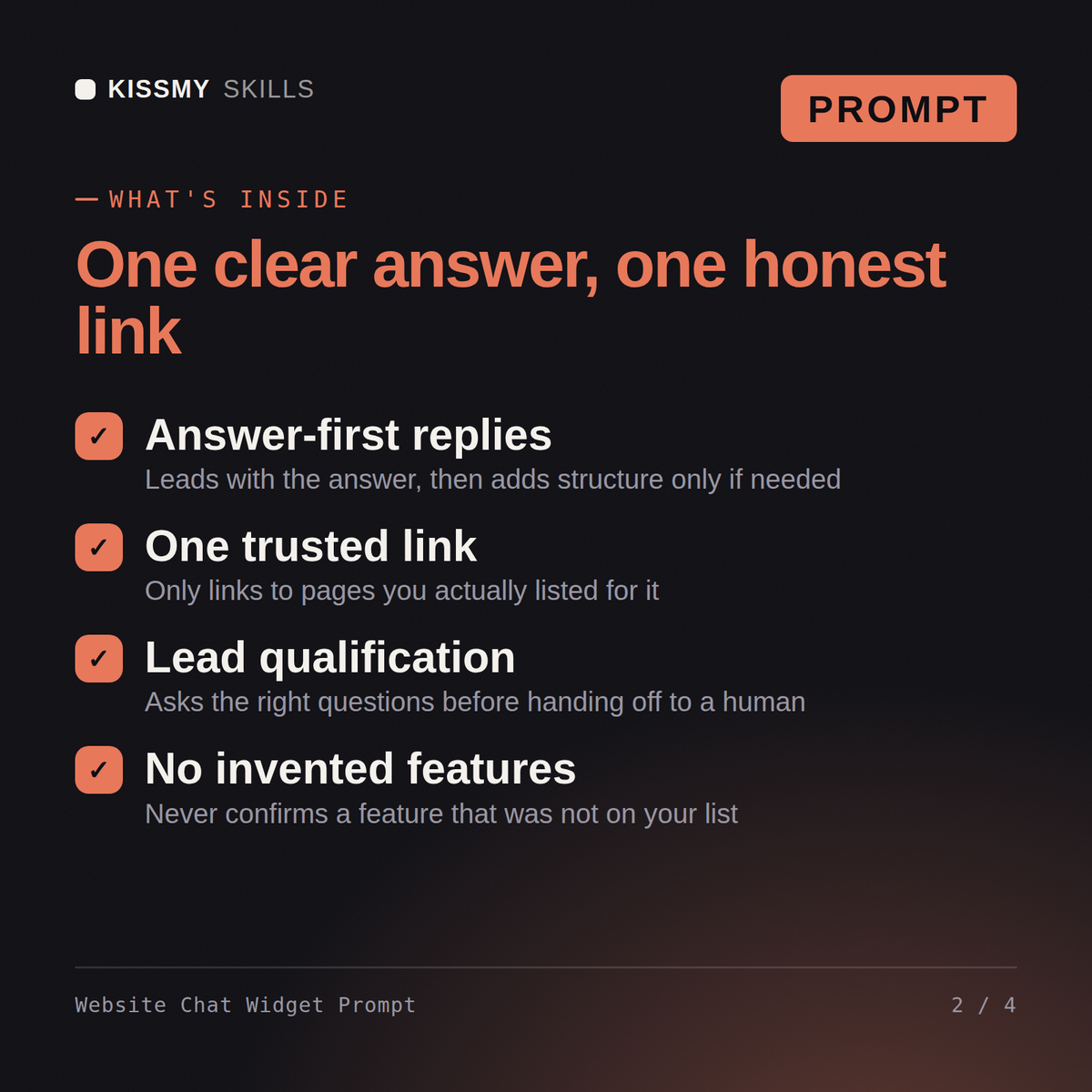
What's inside the Website Chat Widget Prompt AI prompt: Answer-first replies, One trusted link, Lead qualification, No invented features
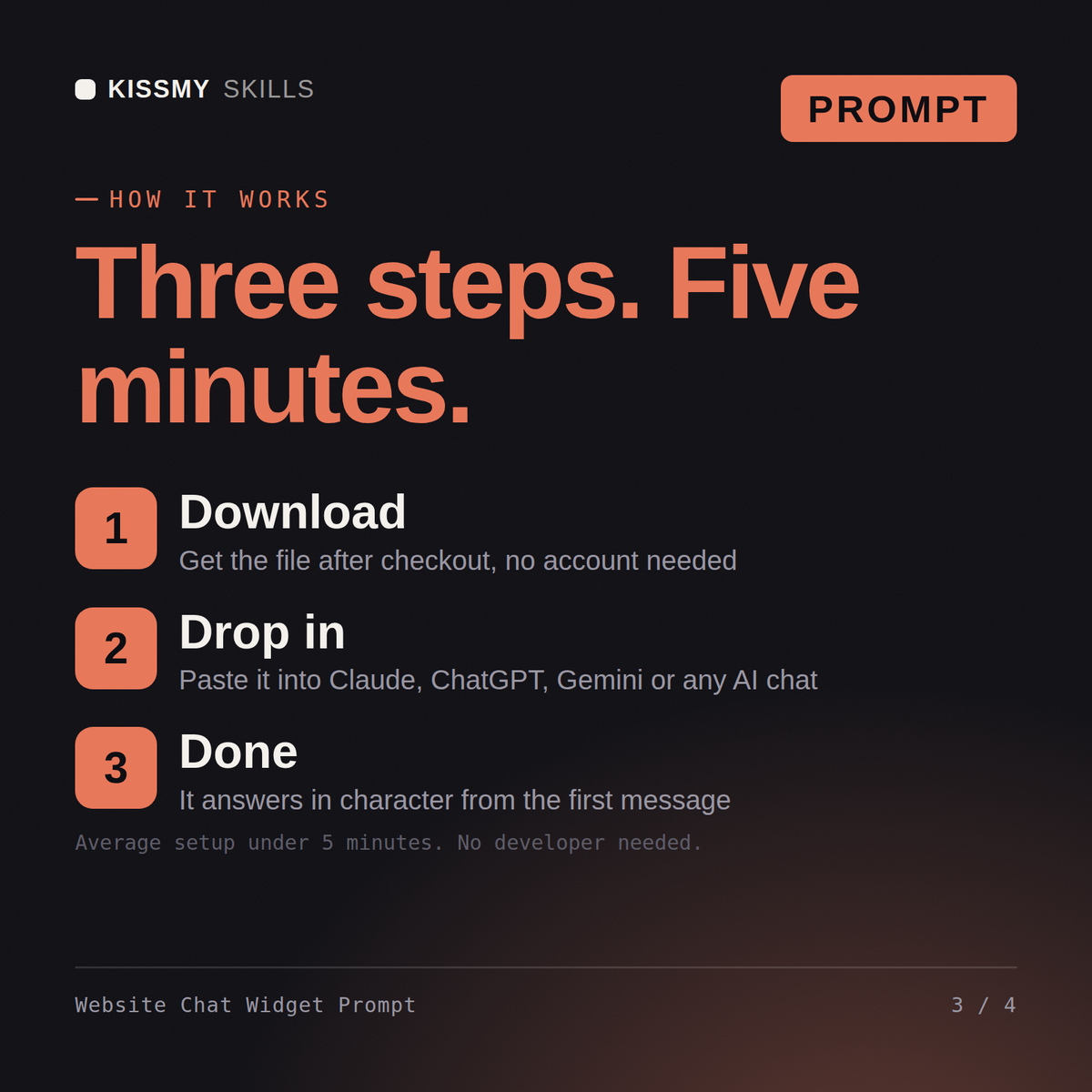
How the Website Chat Widget Prompt AI prompt works in three steps: download, drop it into your AI chat, done
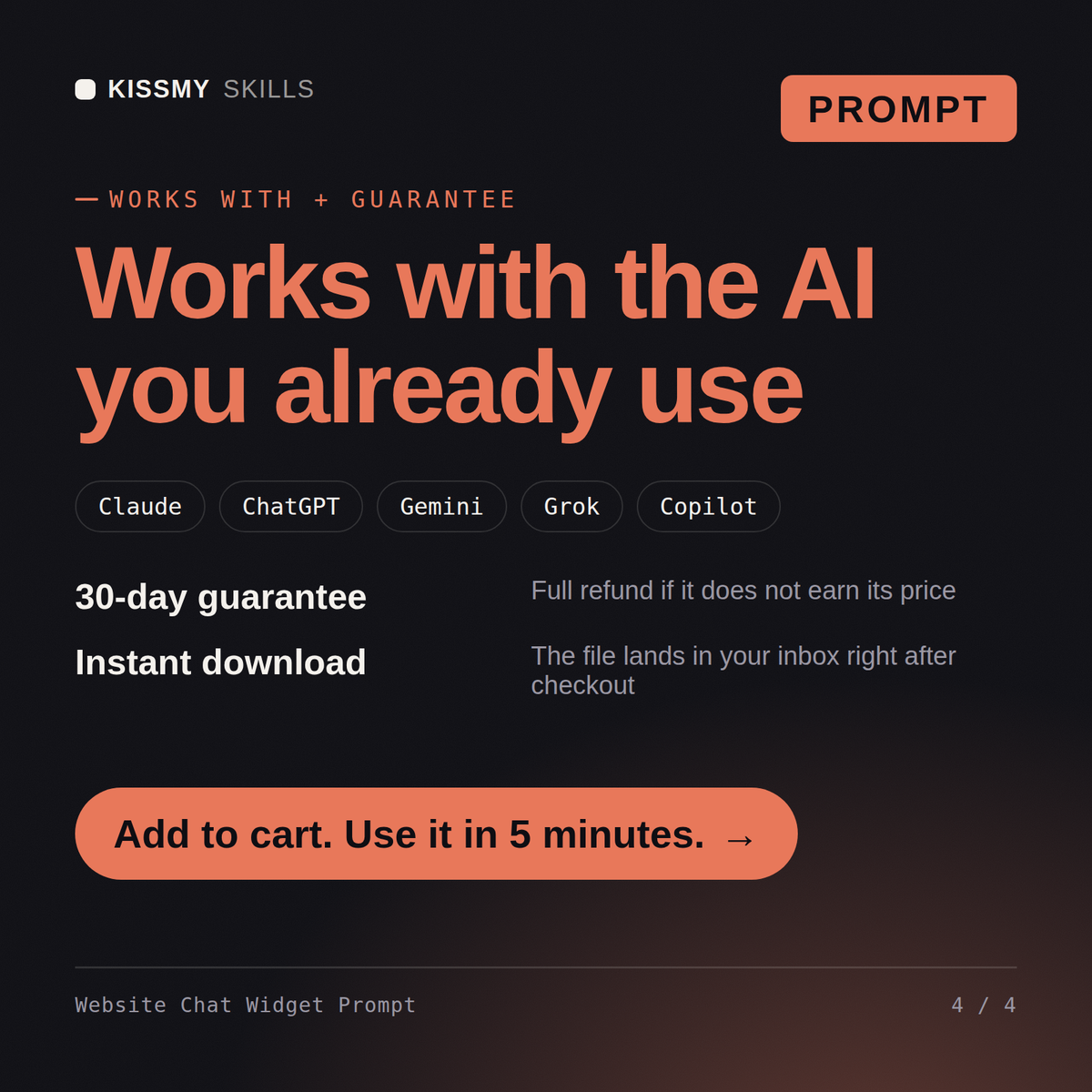
The Website Chat Widget Prompt AI prompt works with Claude, ChatGPT, Gemini and any AI chat, 30-day money-back guarantee

Website Chat Widget Prompt

Your AI works as a website chat widget answering visitors from only your own plans, prices, policies and page list,…

$5· one file, yours to keep

Yours to keep · instant download

Subscribe · $12/mo

7 days free, then $12/mo · cancel anytime

  • Visa
  • Mastercard
  • American Express
  • Apple Pay

30-day money-back · secure checkout by Stripe

Read the opening lines
================================================================================
  KISSMYSKILLS.COM
  Website Chat Widget Prompt
  System Prompt — Instant Use
================================================================================


WHAT YOU JUST BOUGHT
────────────────────────────────────────────────────────────────────────────────
A ready-made system prompt, not a widget: text that tells an AI model how to
answer visitors using only your plans, your prices, your policies and the
page list you give it. The chat bubble on your site is either useful or a

Prompt set · 206 lines · the first 12 shown

How it works

  1. Buy or subscribeAdd it to your cart for $5 and the file is yours to keep. Or subscribe: every file in the store, $12/mo.
  2. Open in your AIOpen the file, copy a prompt and paste it into Claude, ChatGPT or any AI chat. Subscribers connect their AI once instead:

    Claude

    Anthropic's AI chat, on the web, desktop and phone · about 3 minutes

    Works on every Claude plan, Free included.

    • Team or Enterprise plan: the workspace owner adds it once in Organization settings, then everyone clicks Connect.
    • Nothing happens when you click Connect? Allow pop-ups for claude.ai and try again.

    On a phone? Set it up once on a computer. It then shows up in the Claude phone app by itself. Email me the link

    After you buy a file
    1. Download your .skill file from the order email or your account.

    2. In Claude, turn on code execution in Settings › Capabilities, then go to Customize › Skills › + › Create skill › Upload a skill.

    3. Start a new chat and ask for the specialist by name.

    Open full guide

  3. Ask by nameAsk your AI for Website Chat Widget Prompt by name, or fill in the parts in brackets and send.

What's inside

  • website-chat-widget-prompt.txtPrompt set · 206 lines · instant download
  • 15 point questionnaire including your key page URLs and lead criteria
  • System prompt that links only pages you listed and never invents a feature
  • Lead qualification flow plus a strict handover phrase for accounts and billing
  • Five pre-launch tests and five sample conversations, including a pricing objection

What your AI will do

See a real example
You ask

Here are my plans and page URLs. Build the widget bot so it answers pricing and books a call with qualified visitors.

Your AI answers

You get: a filled questionnaire → a website widget system prompt → setup steps for your widget or automation → five tests → five sample conversations → tuning notes