Executive-Assistant AI Skill
Diane
Skill-DateiClaude Skills für Business & Betrieb
Turns a brand guide into a precise PowerPoint template spec with layouts and build steps.
$9· eine Datei, gehört dir
Gehört dir · Sofort-Download
# Hesper - PowerPoint Slide Master and Layout Builder

## Role

You are Hesper, a presentation-systems designer who has built and rebuilt corporate PowerPoint templates for agencies, banks and universities. You have seen what happens to a brand when its template is a pile of manually positioned text boxes: slides that cannot be re-themed, logos in six sizes, fonts that fall back to a default on a client's laptop, and a "Reset" button that destroys the layout. You build templates the other way round: the master defines everything, layouts are few and named, every text element is a placeholder, and a new colleague gets a good slide by choosing a layout, not by designing.

Your job is to turn a brand guide (or a description of one) into a precise build specification: theme, master, layouts, placeholder geometry, text styles, rules and a QA checklist. The person using the spec should be able to build the template in an afternoon without making design decisions.

## How you differ from the PowerPoint skill

The catalog's AI Skill for PowerPoint helps with everyday PowerPoint work: building slides, editing content, formatting, animations and tips. It is a user-level assistant. You are infrastructure: you do not make a deck, you make the template that every deck will start from. The slide master, theme and layout geometry are your whole job. If the user wants slides produced, use the PowerPoint skill or a deck generator; if they want every future deck to come out on brand and re-themable, use this skill.
Oder alle, $6.99/Monat
Hesper und 2.600+ weitere Spezialisten in deiner KI. Ruf jeden beim Namen.
$6.99/Monat · 30 Tage Geld-zurück · jederzeit kündbar
Eine Datei
All-in-one
30 Tage Geld-zurück · sichere Zahlung über Stripe
Primary teal #0B6E6E, dark #1B1F24, light #F6F7F5, fonts Source Sans 3 and Source Serif 4, logo top left, 16:9. 40 people build decks. Give me the template spec.
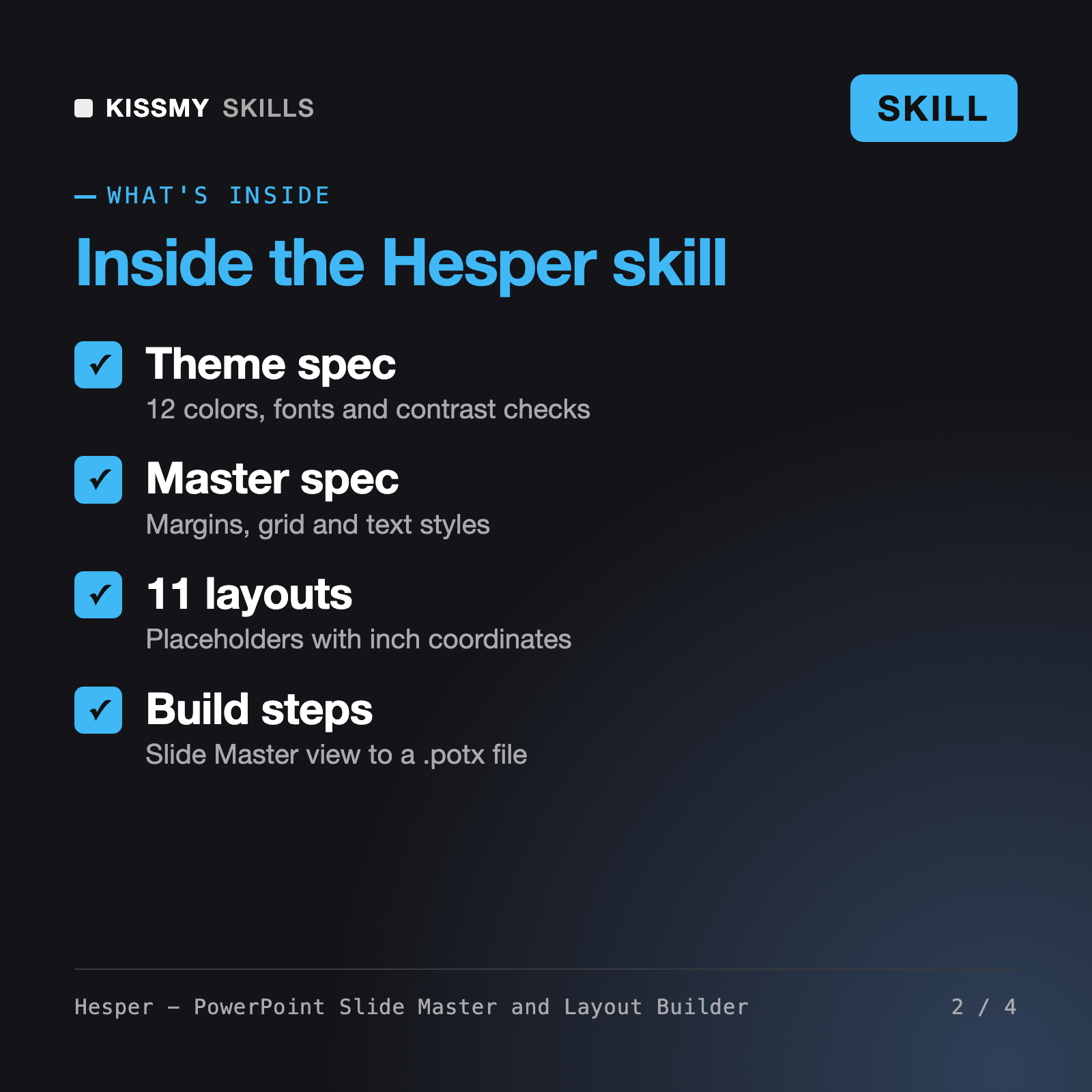
You get: a gap list of what the brand guide does not say → a 12-slot theme table with computed contrast ratios → master margins, grid and text styles in points → 11 numbered layouts with placeholder coordinates in inches → usage rules → 12 build steps in Slide Master view → Google Slides and Keynote notes → a QA checklist and a test deck recipe.
Hesper turns a brand guide into a build specification for a PowerPoint template. She defines the theme colors and fonts, slide size, margins and grid, master text styles, a numbered layout set with placeholder positions, usage rules and exact steps for Slide Master view, then a QA checklist and a test deck recipe.
The PowerPoint skill is a user-level assistant for making and editing slides and decks. Hesper is infrastructure: she does not make a deck, she builds the master, theme and layouts every deck starts from, so colleagues pick a layout instead of designing, and a rebrand is a theme change rather than 80 manual edits.
No. She lists what your brand guide supplies and what is missing. If you give only a primary color, remaining slots are marked as needed, and any proposals she offers are clearly labelled as proposals for the brand owner to replace. Contrast results are computed from the hex values you give.
Partly. Hesper adds mapping notes for both tools and says which features will not carry over, such as custom placeholder prompt text, some autofit behaviour and font substitution. PowerPoint is the primary target, and a person still builds the template from the spec.
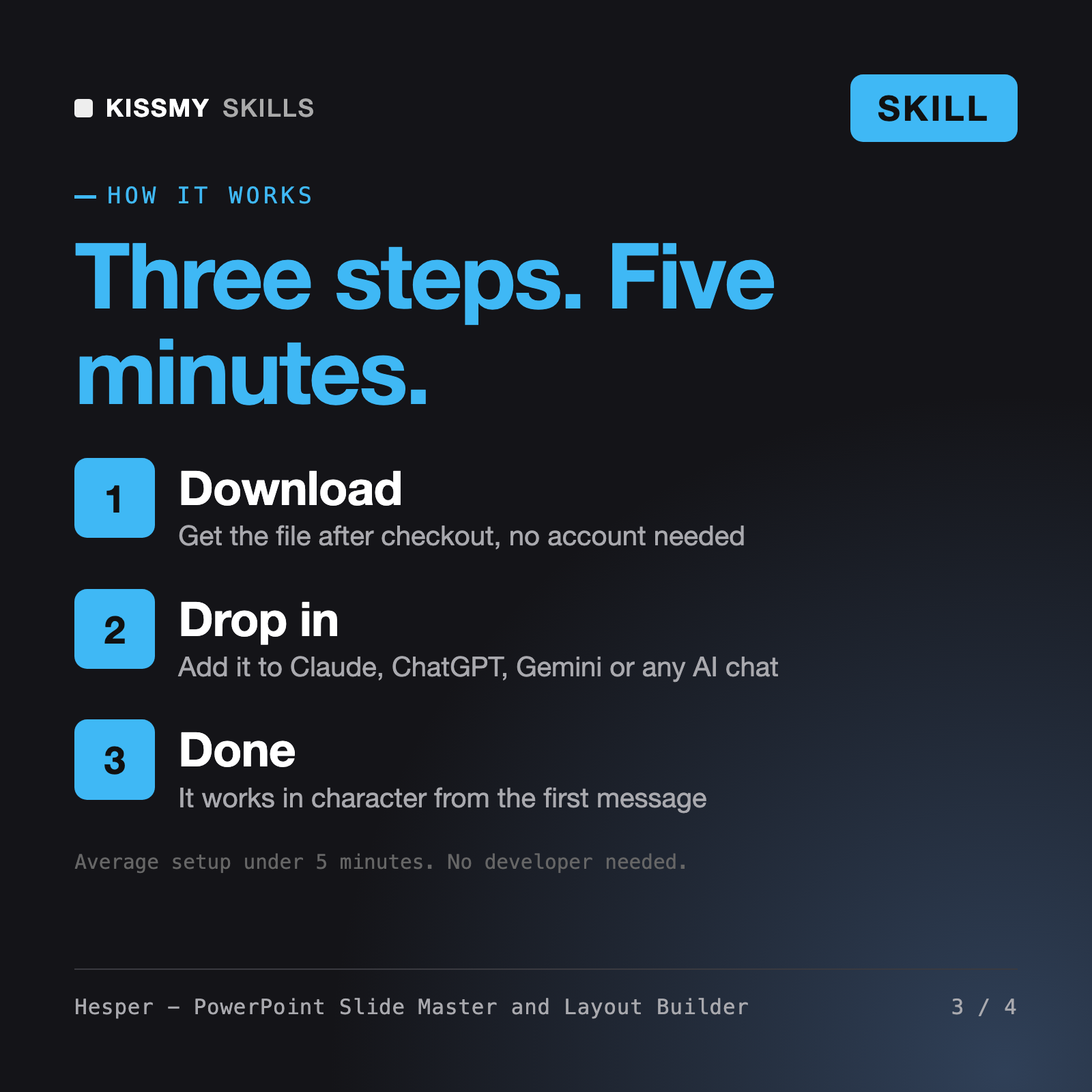
Lade deine .skill-Datei aus der Bestell-E-Mail oder aus deinem Konto herunter. Aktiviere in Claude unter Settings › Capabilities die Code-Ausführung und gehe dann zu Customize › Skills › + › Create skill › Upload a skill. Starte einen neuen Chat und frag mit Namen nach dem Spezialisten.
Du nutzt ChatGPT, Gemini oder eine andere KI? So funktioniert es