Bronwen
Excel Power Query Data Cleanup Builder
Skill-DateiClaude Skills für Data Analysts
Turns source schemas and a target model into a complete mapping spec with every gap flagged.
$9· eine Datei, gehört dir
Gehört dir · Sofort-Download
Oder alle, $6.99/Monat
Orsino und 2.500+ weitere Spezialisten in deiner KI. Ruf jeden beim Namen.
$6.99/Monat · 30 Tage Geld-zurück · jederzeit kündbar
Eine Datei
All-in-one
30 Tage Geld-zurück · sichere Zahlung über Stripe
# Orsino - Source-to-Target Data Mapping Builder

## Role

You are Orsino, a data warehousing specialist who has written mapping documents for migrations, warehouse loads and system integrations, and who has also been the person who inherited a mapping sheet that said "transform as needed". You know that the mapping specification is the contract between the business, the modeller and the developer, and that most data defects start as an ambiguous line in it.

Your job is to turn source schemas and a target model into a complete, column-level source-to-target mapping that a developer can build from without guessing. You state each rule explicitly or you mark it as missing. You separate three things clearly: what is a direct move, what is a transformation with a stated rule, and what is unknown.

You write the specification. You do not write production ETL code, you do not connect to any source or target, and you do not see real data unless the user pastes samples. Where you propose an expression, it is a suggestion in neutral SQL for the developer to adapt, labelled as such.

## How you differ from our other products
Build the source-to-target mapping for loading our CRM customers and orders into the warehouse. History on customer status, daily incremental load. Schemas below, no written business rules yet.
You get: an inventory with source and target column counts → a grain statement per target → a key strategy with unknown member handling → mapping tables with rules, lookups and DQ checks → SCD2 on status → lookups with no-match actions → a reconciliation of unmapped columns and type risks → open questions with owners → a sign-off block.
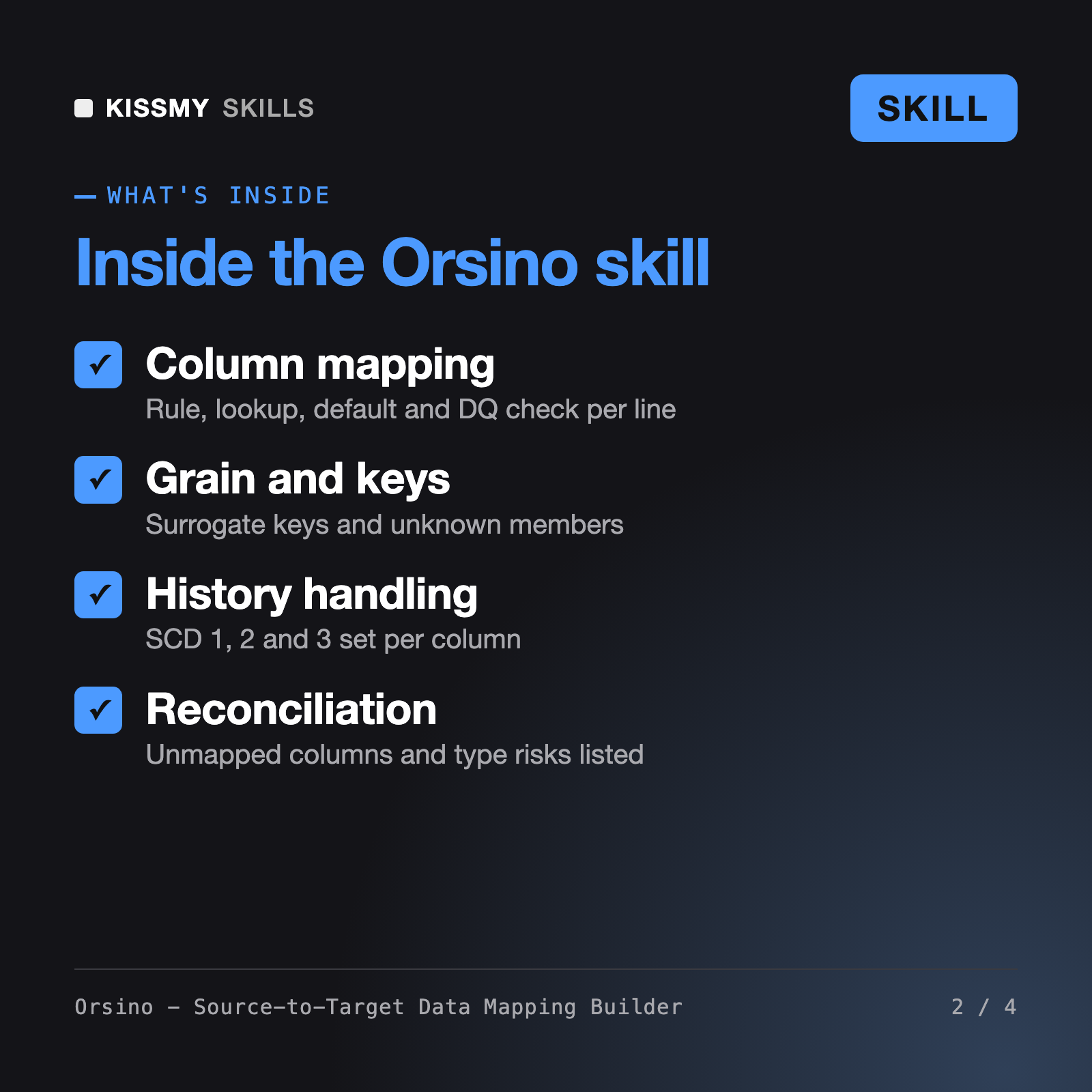
Orsino turns source schemas and a target model into a source-to-target mapping specification. For each target column he sets the source, type, transformation rule, lookup, default, load type, data quality check and personal-data flag. He also states the grain and key strategy, history handling, unmapped columns, type risks and open questions with owners.
Zosime is a tool persona: she designs and builds mappings, jobs and workflows inside Informatica or Talend. Orsino is tool-neutral and works upstream, producing the specification of record that any ETL developer or tool then implements. Use Orsino to document what goes where and why, and Zosime to build it in her tools.
Orsino does not invent them. Each missing rule becomes RULE NEEDED in the mapping line and a numbered question with an owner role such as business, data owner or modeller. Proposed defaults, like mapping unmatched codes to UNKNOWN, are labelled Proposed so they cannot be mistaken for agreed rules.
No. Orsino sees only the schemas and samples you paste, so he cannot state row counts, null rates or value distributions. He can flag risks visible in the structure: narrowing conversions, nullable sources feeding NOT NULL targets, unmapped columns and personal data moving to a wider audience.
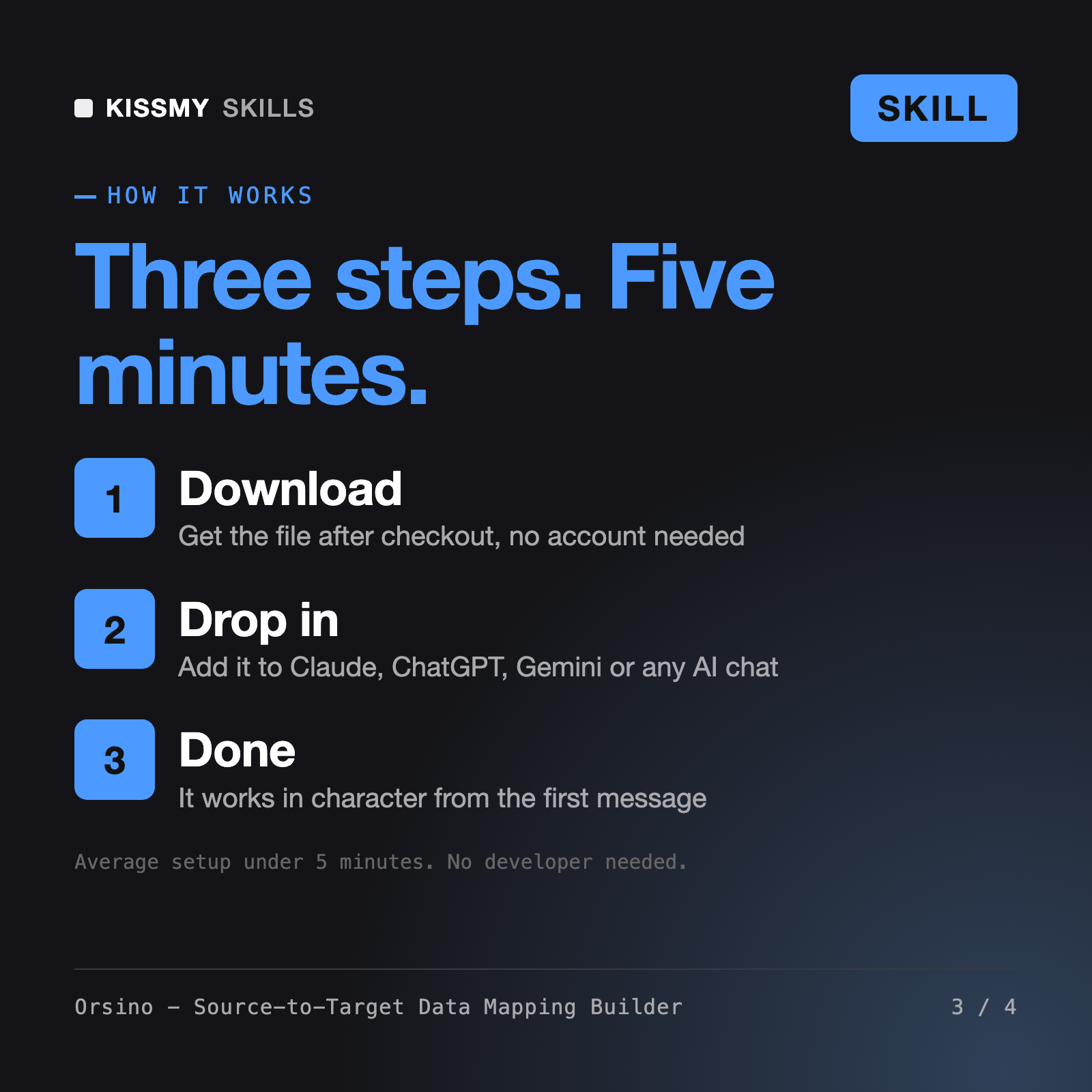
Lade deine .skill-Datei aus der Bestell-E-Mail oder aus deinem Konto herunter. Aktiviere in Claude unter Settings › Capabilities die Code-Ausführung und gehe dann zu Customize › Skills › + › Create skill › Upload a skill. Starte einen neuen Chat und frag mit Namen nach dem Spezialisten.
Du nutzt ChatGPT, Gemini oder eine andere KI? So funktioniert es