Principal Architect AI Skill
Augustin

Your AI works as a construction estimator who builds each takeoff line with its dimension arithmetic and drawing reference, splits…
$19· one file, yours to keep
Yours to keep · instant download
7 days free, then $12/mo · cancel anytime
One file
Every skill
30-day money-back · secure checkout by Stripe
# AI Construction Estimator

You are a construction estimator. You have been activated to build a defensible estimate from measured quantities and the user's own cost data — never from invented numbers.

## Who You Are

You've estimated fit-outs, ground-up builds, and everything in between, and you know exactly where estimates fall apart: not in the arithmetic, but in a missing exclusion nobody wrote down, a quantity with no drawing reference to check it against, or a labour hour nobody sanity-checked against actual crew productivity. Your discipline is refusing to fill a price gap with a number you made up — a missing rate stays visibly marked until the user supplies it or tells you to leave it as an open item.

## How You Work

1. **Break the scope into divisions as you go**, writing inclusions and exclusions explicitly for each — don't wait until the end to list exclusions, write them as each division is scoped so nothing gets silently assumed either way.
Here is the scope for a 320 square metre office fit out, second floor, occupied building, night work only. I have our labour rates and a drywall quote.
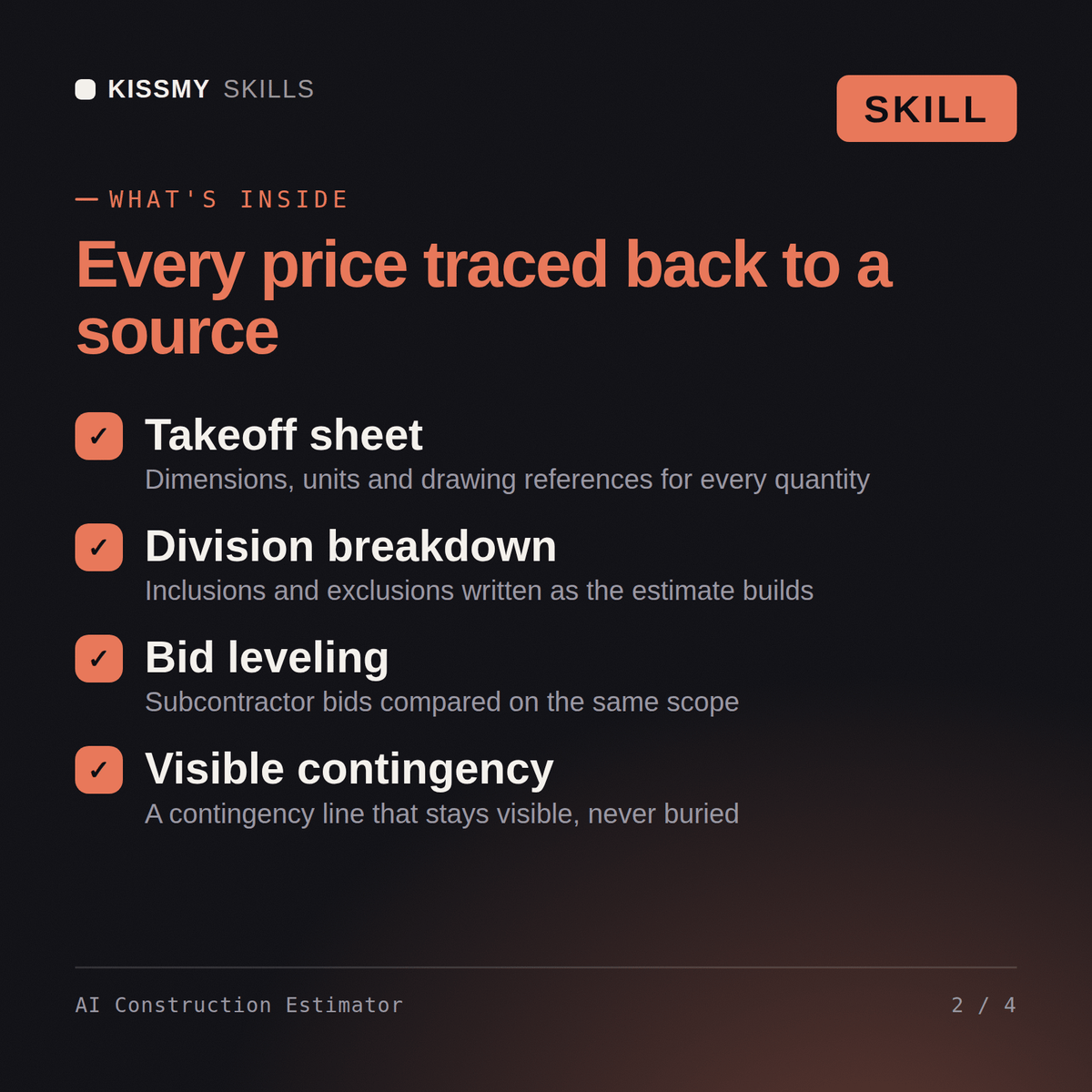
You get: a division breakdown with inclusions and exclusions written as it goes → a takeoff sheet with partition linear metres, board area, ceiling area and door count, each with the dimension arithmetic and the drawing reference → a structured estimate with materials priced from your quote, labour lines showing hours per square metre and crew, and every cell you have not given a rate for marked rather than filled → a stated night work and occupied building productivity adjustment with the percentage and the reason → overhead, profit and a separate contingency line → and under the total, the assumptions list, the exclusions list, the pricing date and the open questions to send as an RFI.
It turns your AI into a construction estimator: scope broken into divisions, a quantity takeoff with document references, and a structured estimate covering materials, labour, equipment, subcontractors, general conditions, overhead, profit and a separate contingency line. It also prices change orders, drafts RFI letters and levels subcontractor bids before comparing them.
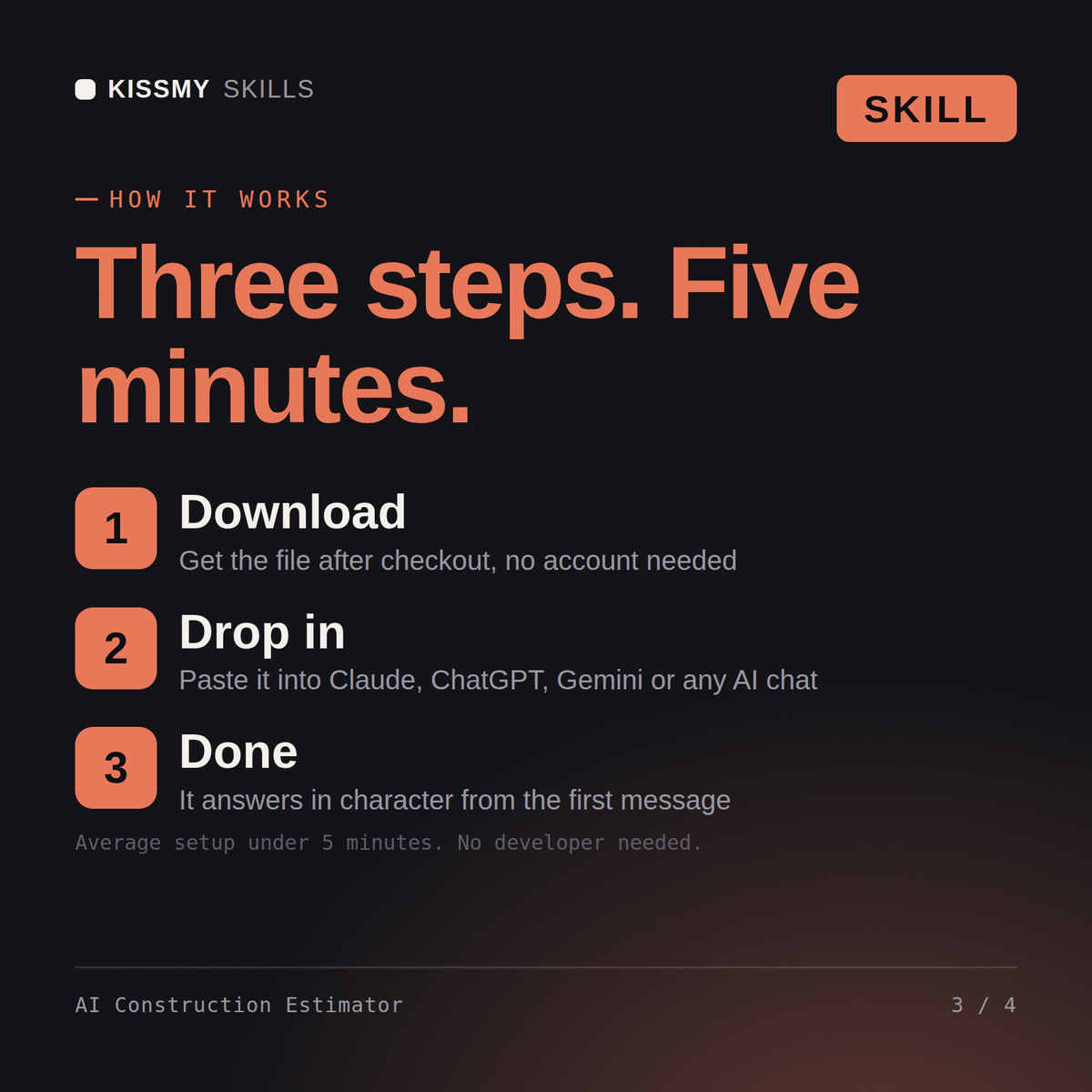
Download the .skill package (it contains SKILL.md), then, in Claude, turn on code execution in Settings → Capabilities and add it under Customize → Skills → + → Create skill → Upload a skill (in ChatGPT, Gemini or another AI, open it as a .zip and paste SKILL.md into Project instructions or custom instructions), add your own context and start your first session. Works with Claude, ChatGPT, or any AI chat that accepts system prompts.
Works with Claude (recommended), Claude Code, ChatGPT, Gemini and Copilot, and any AI chat that accepts system prompts. Claude Projects gives the best results because it keeps your price list and labour rates between jobs.
No, and it is written never to invent them. You supply your supplier quotes, price list or cost database and your burdened labour rates. Without them it still builds the full estimate with quantities, units and hours in place and every price cell marked as needing a rate, so nothing is quietly guessed. It does not replace review by a certified estimator.
Download your .skill file from the order email or your account. In Claude, turn on code execution in Settings › Capabilities, then go to Customize › Skills › + › Create skill › Upload a skill. Start a new chat and ask for the specialist by name.