
AI Riddle and Puzzle Generator
Parents, teachers, party hosts and anyone building a treasure hunt or escape room

Your AI works as an adventure designer who builds dungeons as sets of decisions, with junctions early and a map…
$5· one file, yours to keep
Yours to keep · instant download
7 days free, then $12/mo · cancel anytime
One file
Every skill
30-day money-back · secure checkout by Stripe
================================================================================
  KISSMYSKILLS.COM
  AI Fantasy World and Dungeon Generator Prompt
  Claude Prompt — Instant Use
================================================================================


WHAT YOU JUST BOUGHT
────────────────────────────────────────────────────────────────────────────────
Most generated dungeons are a list of corridors with monsters in them —
nothing to decide, one way through, and a boss fight nobody costed against
the party. This generator builds a dungeon as a set of decisions: every room
Four hour one shot for four level 3 characters, system neutral, grim. A flooded temple under a fishing village.
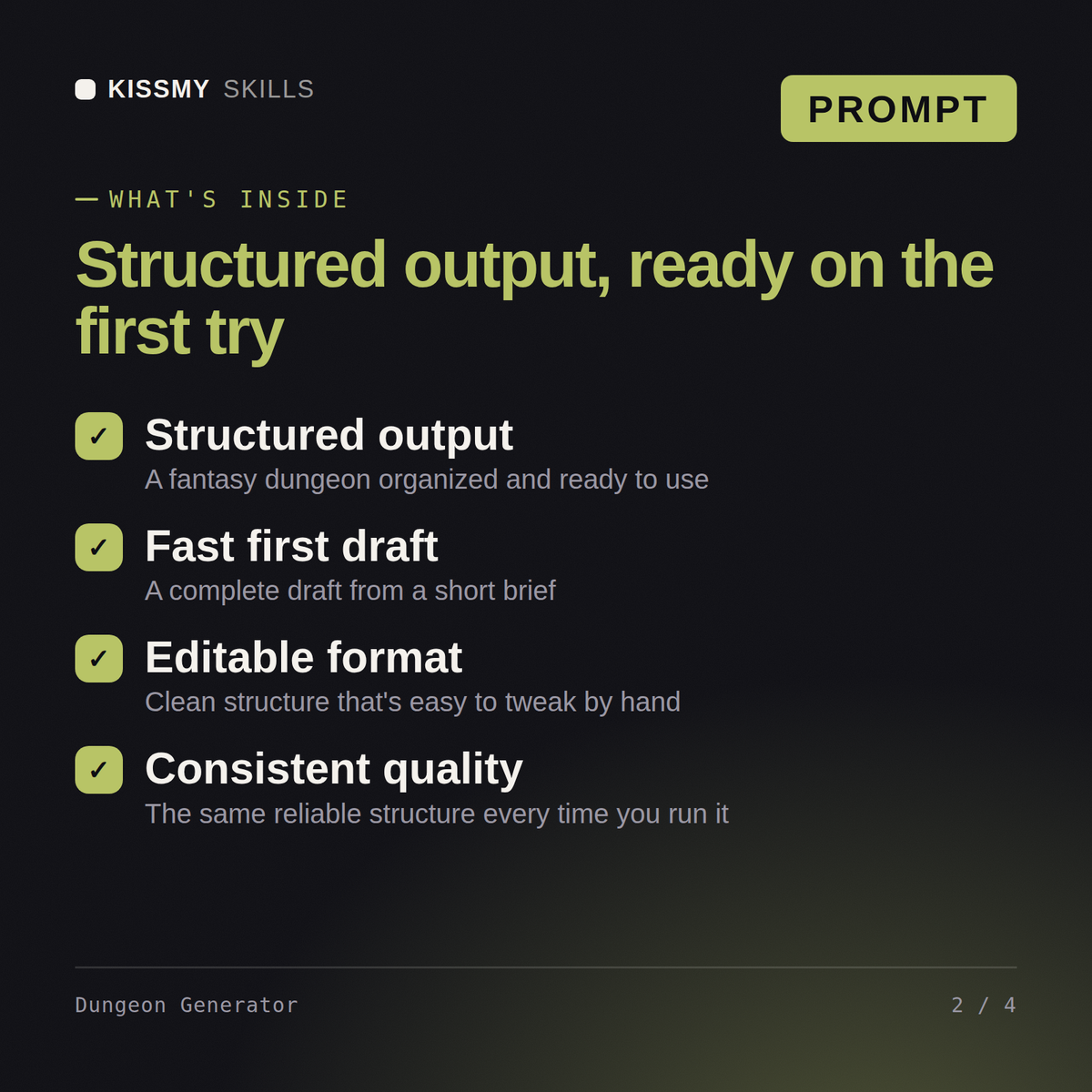
You get: an overview and map shape → twelve keyed rooms with read-aloud text and GM bullets → a connection list to draw from → three factions with named speakers → five costed encounters with three approaches each → treasure, hooks, rumours and a cheat sheet
Turn Claude into an adventure designer, a runnable dungeon in one pass. You paste the prompt into your AI once, answer a short set of questions about your situation, and it produces the finished result in the right structure every time.
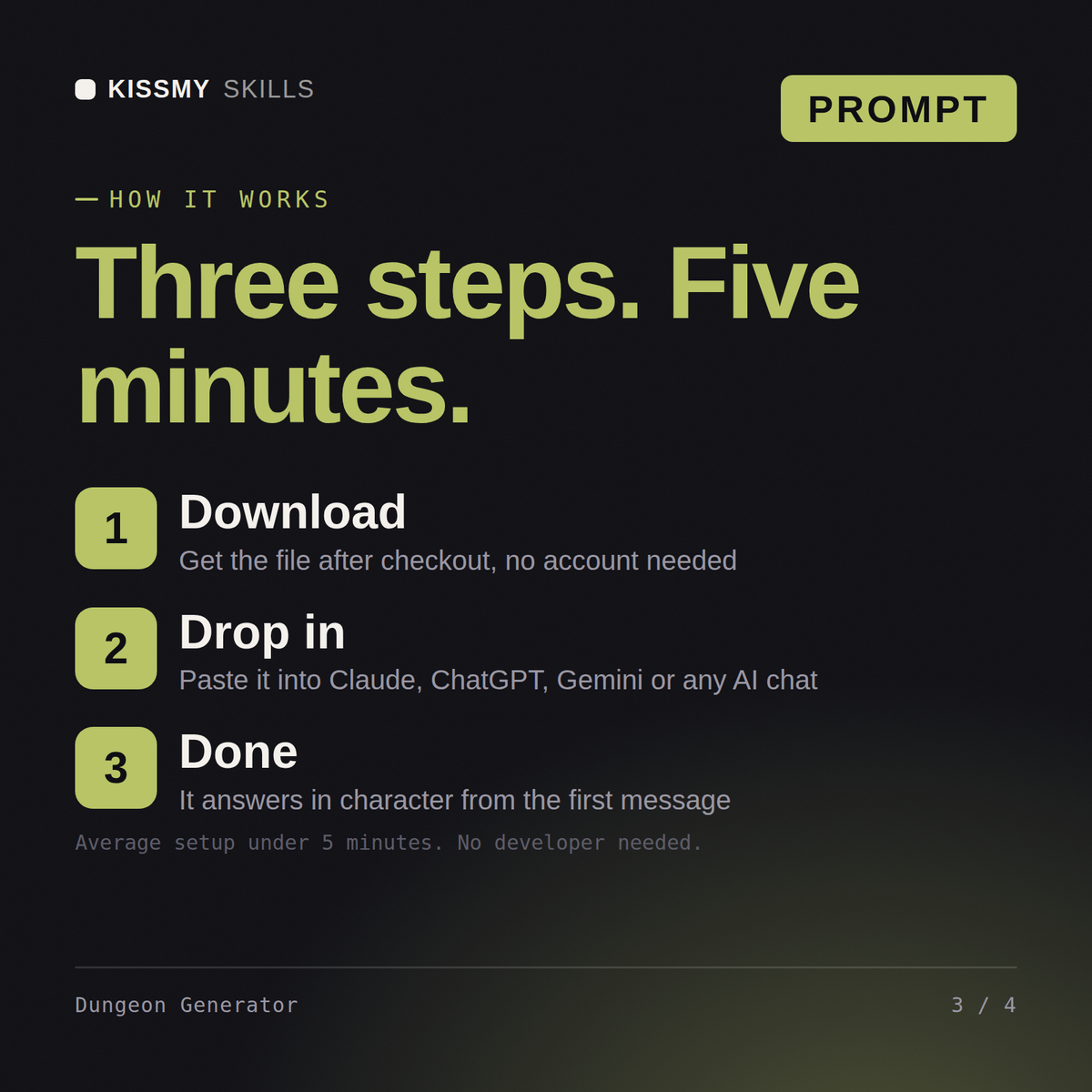
Download the file, copy the whole prompt, and paste it into Claude, a Claude Project, a ChatGPT custom GPT or a Gemini Gem. Then describe what you need in plain English. Setup takes under two minutes and you only do it once.
Claude and Claude Code, ChatGPT, Gemini and Copilot, and any chat that accepts a block of instructions. Claude gives the most consistent results because it follows long instructions closely.
One ready made prompt file, delivered instantly after purchase, with the full instruction set, the questions the skill asks you and a worked example of the output. Pay once, keep forever, yours permanently.
Download your .skill file from the order email or your account. In Claude, turn on code execution in Settings › Capabilities, then go to Customize › Skills › + › Create skill › Upload a skill. Start a new chat and ask for the specialist by name.
Parents, teachers, party hosts and anyone building a treasure hunt or escape room
Anyone writing a birthday roast, a leaving do speech or a group chat burn

Anyone speaking at a wedding, a funeral, a leaving do, a conference or an all-hands

Anyone writing a poem for a card, a wedding, a memorial or a submission