
AI Mission Statement Generator
Founders, marketing leads and nonprofit directors writing or rewriting a mission

Your AI works as a project planner who fixes task logic and dependencies first, computing the critical path by an…
$5· one file, yours to keep
Yours to keep · instant download
7 days free, then $12/mo · cancel anytime
One file
Every skill
30-day money-back · secure checkout by Stripe
================================================================================
  KISSMYSKILLS.COM
  AI Gantt Chart Generator
  Claude Prompt — Instant Use
================================================================================


WHAT YOU JUST BOUGHT
────────────────────────────────────────────────────────────────────────────────
A Claude prompt that builds a Gantt chart the way a real planner does — logic
first, dates second. A Gantt chart drawn straight from a wish list is
decoration: bars shortened until they fit the deadline, no dependencies, no
Moving our 40 person office to a new building, lease starts in eleven weeks, IT is one person at half time
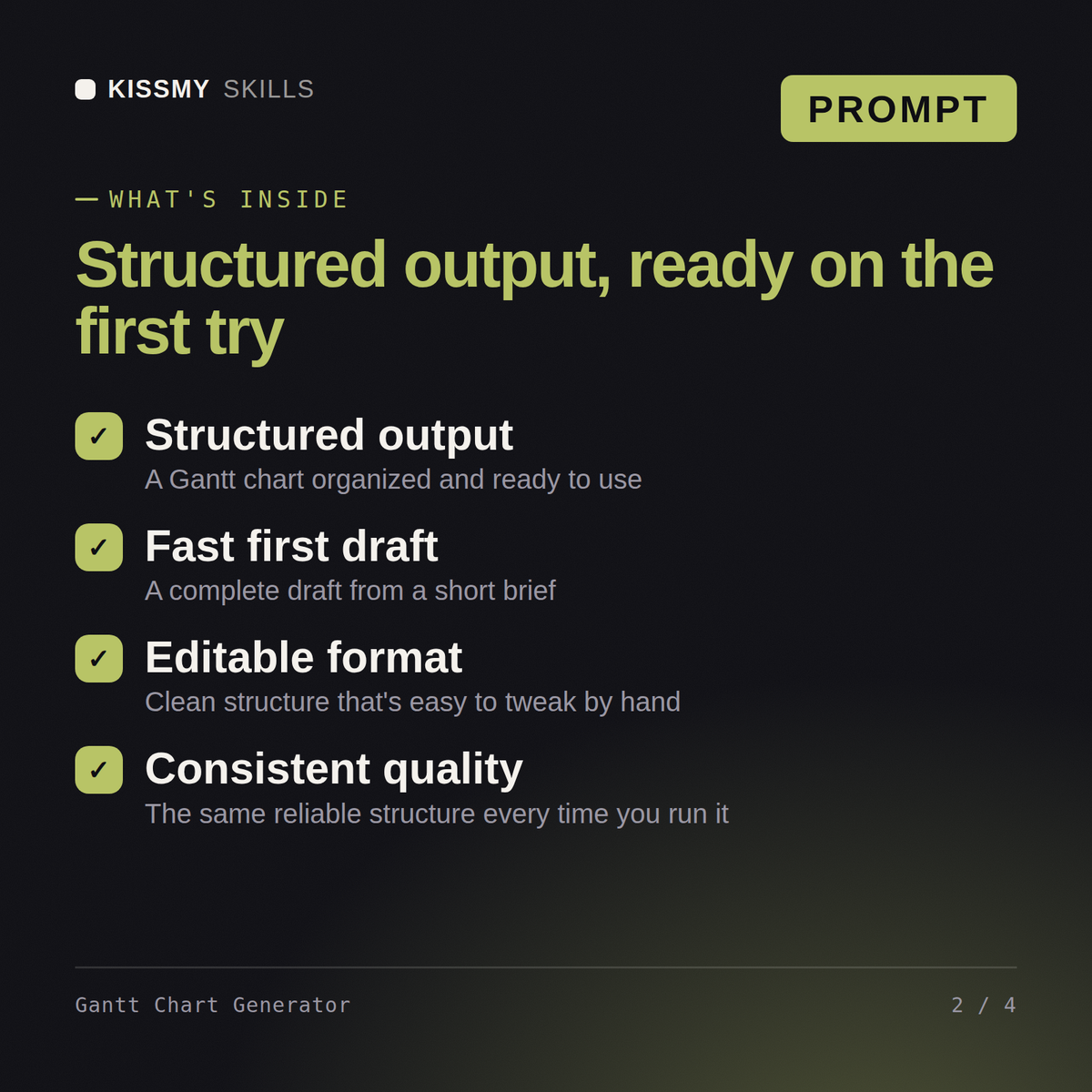
You get: A five question intake on dates, people and the working calendar → a task table with owners, working day durations, dependency types and lags → a computed critical path with total float on every task → milestones each with a verification test → a project buffer and feeding buffers, sized and named → a comma separated block for your sheet and a mermaid gantt block → and a plain statement plus ranked levers when the dates do not fit
A scheduled task table with a computed critical path, float and declared buffer. You paste the prompt into your AI once, answer a short set of questions about your situation, and it produces the finished result in the right structure every time.
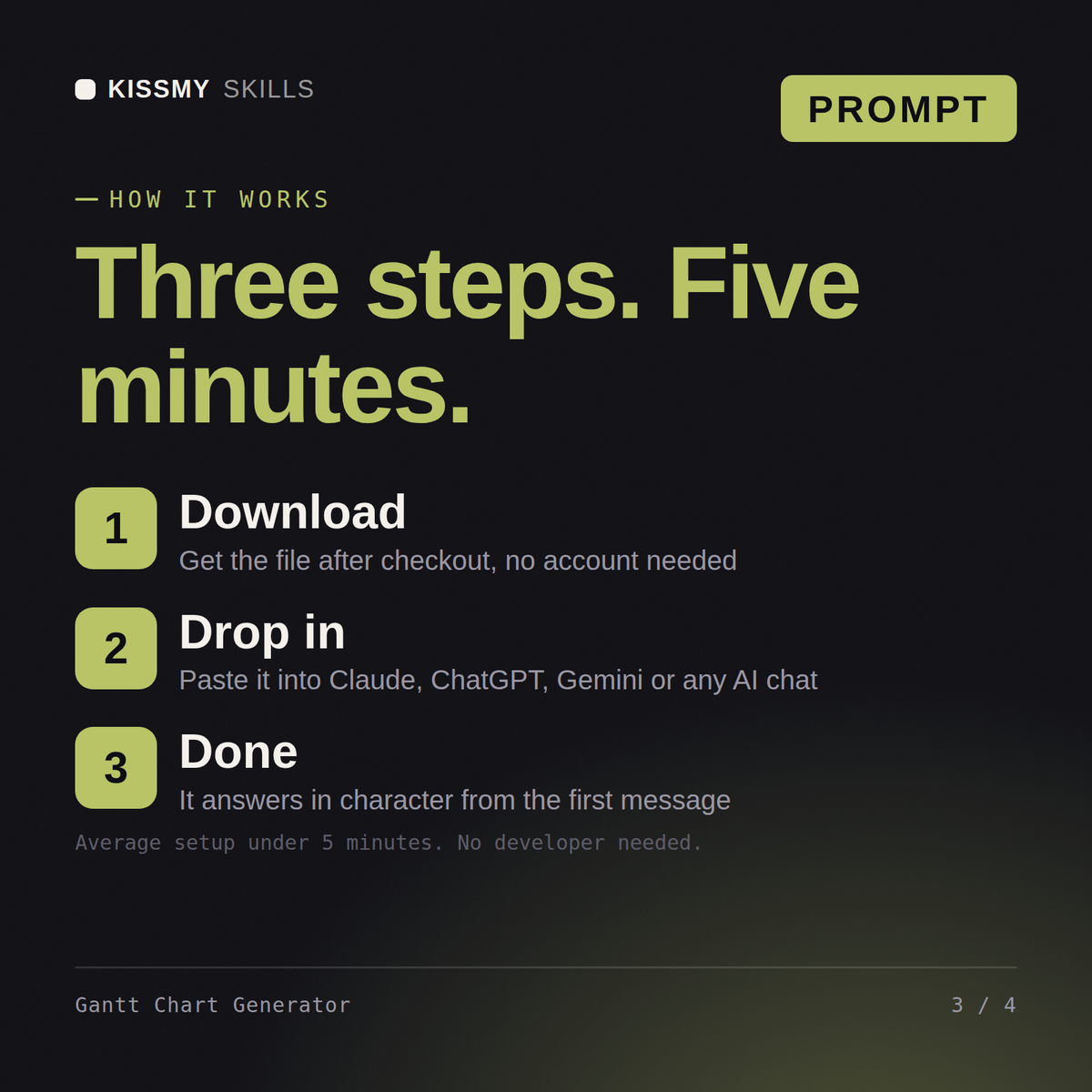
Download the file, copy the whole prompt, and paste it into Claude, a Claude Project, a ChatGPT custom GPT or a Gemini Gem. Then describe what you need in plain English. Setup takes under two minutes and you only do it once.
Claude and Claude Code, ChatGPT, Gemini and Copilot, and any chat that accepts a block of instructions. Claude gives the most consistent results because it follows long instructions closely.
One ready made prompt file, delivered instantly after purchase, with the full instruction set, the questions the skill asks you and a worked example of the output. Pay once, keep forever, yours permanently.
Download your .skill file from the order email or your account. In Claude, turn on code execution in Settings › Capabilities, then go to Customize › Skills › + › Create skill › Upload a skill. Start a new chat and ask for the specialist by name.
Founders, marketing leads and nonprofit directors writing or rewriting a mission
Anyone who sends work email, and office managers rolling out a team standard
Freelancers, small business owners and bookkeepers who need a clean statement without accounting software

Founders, small business owners and grant applicants writing a fundable plan