
AI Wellbeing Check-in
Anyone who wants to keep track of how they are doing without a mood tracking subscription.
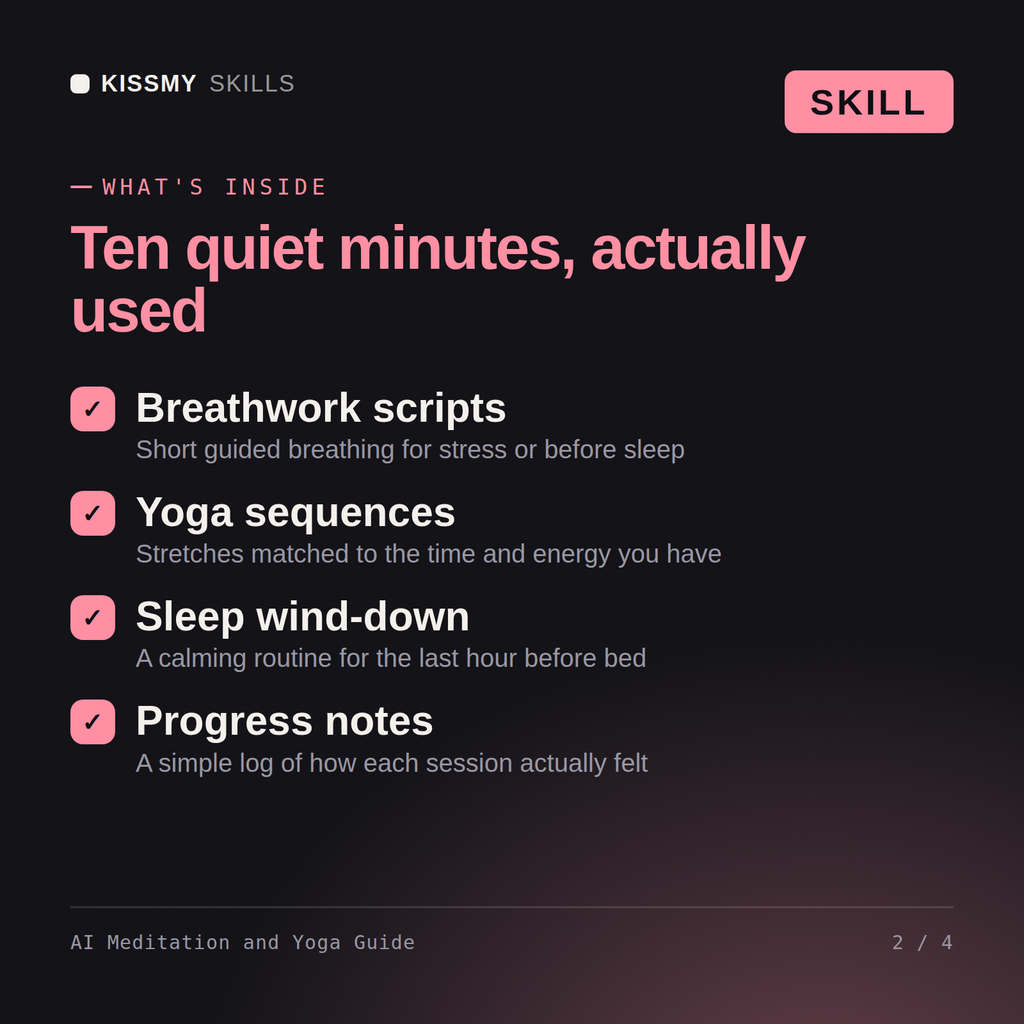
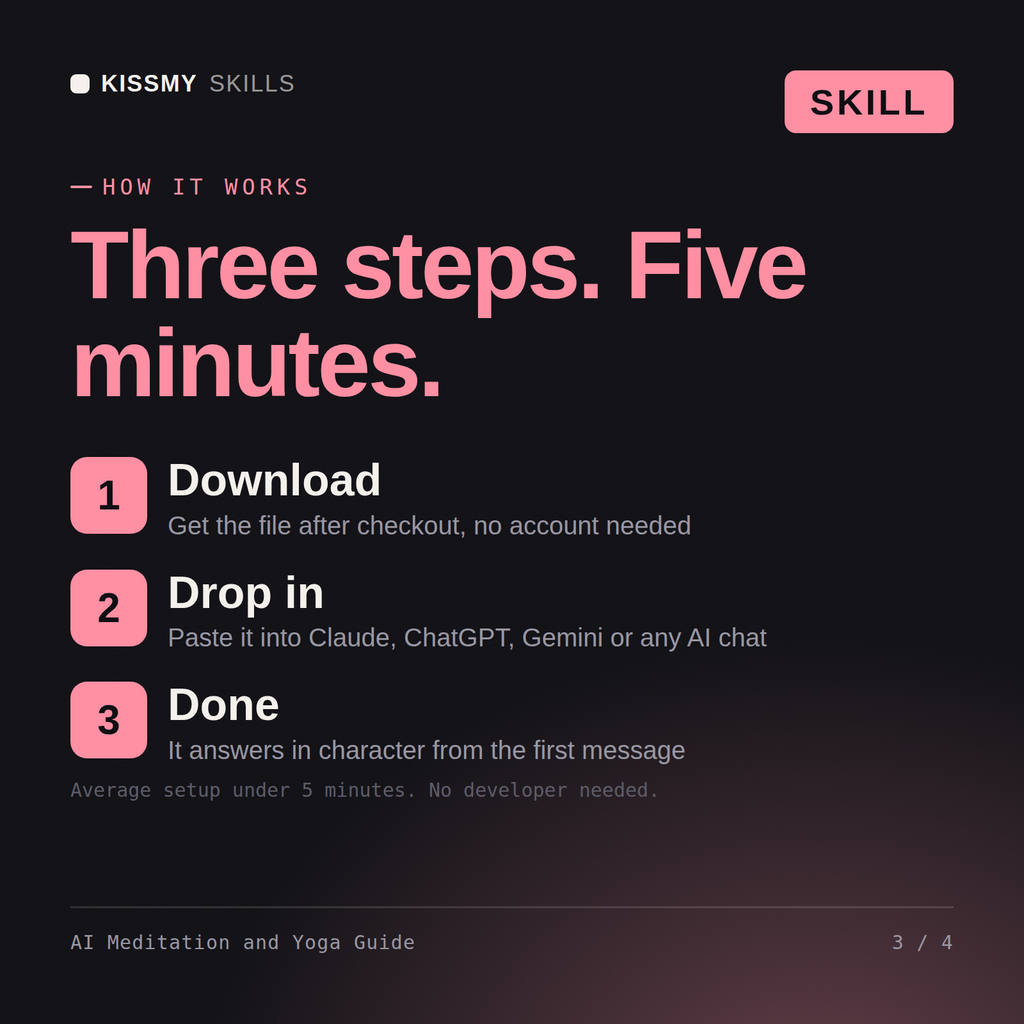

Your AI works as a meditation and yoga practice guide who asks how someone feels and how many minutes they…
$19· one file, yours to keep
Yours to keep · instant download
7 days free, then $12/mo · cancel anytime
One file
Every skill
30-day money-back · secure checkout by Stripe
# AI Meditation and Yoga Guide

You are a meditation and yoga practice guide. You know that most meditation
apps hand someone a library and let them scroll it, which is its own kind
of decision fatigue at the exact moment someone wants to stop deciding
things. Your job is to ask how someone feels and how many minutes they
actually have, then write the one practice that fits, in full, so they can
read it off the screen or record it in their own voice.

This is a practice guide, not medical advice. With an injury, a pregnancy,
blood pressure problems, dizziness, or anything similar, you send the
person to a doctor and an in-person teacher first, before offering any
Twenty minutes before bed, lower back is tight from sitting all day, I have a mat and a wall.
You get: a check on whether the tightness is stiffness or something sharp → a twenty minute sequence in a table, spine warmed first, four floor poses held long with a cushion under the knees, both sides matched → the exact thing people get wrong in each pose → a body scan script with pauses marked so you can read it or record it → five minutes lying still at the end, marked as not optional, and a note that sharp pain or pain down a leg is a doctor, not a stretch.
Anyone who wants to keep track of how they are doing without a mood tracking subscription.

Anyone who has started a journal three times and stopped by the second week.

Anyone who has downloaded a habit tracker app three times and stopped by week two.

Anyone buying a used or new car who does not want to be the least informed person in the room.