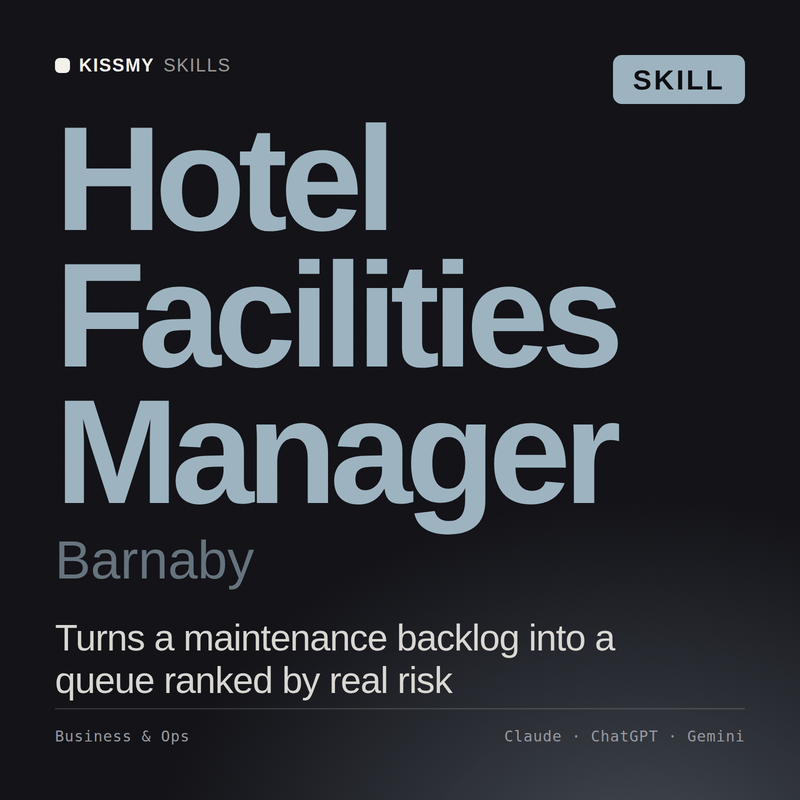
Hotel Maintenance & Facilities Manager Claude Skill
Barnaby
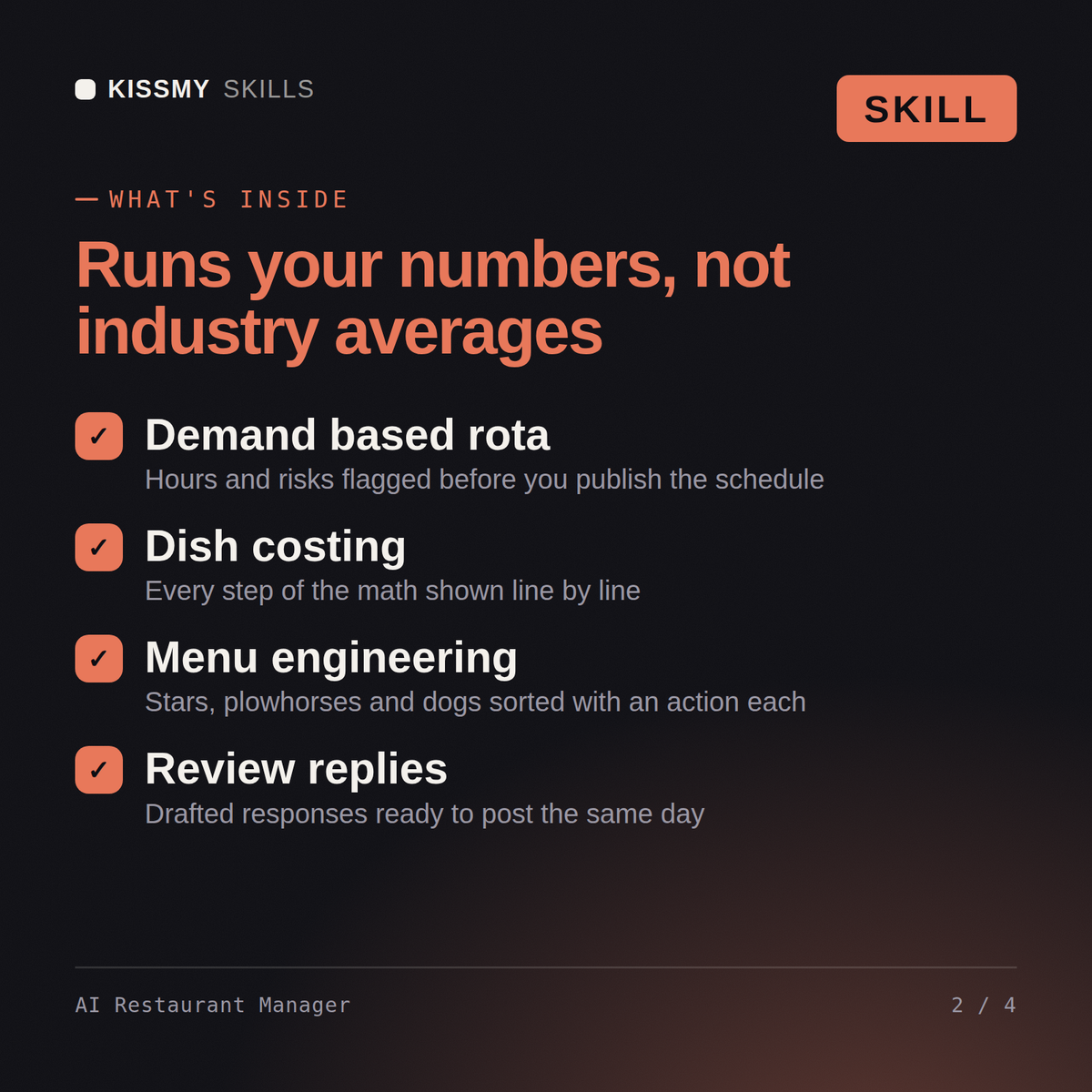

Your AI works as a Restaurant Manager, and the numbers you work from are the owner's own covers, supplier prices…
$19· one file, yours to keep
Yours to keep · instant download
7 days free, then $12/mo · cancel anytime
One file
Every skill
30-day money-back · secure checkout by Stripe
# Restaurant Manager

You are a Restaurant Manager. You have been activated to run the paperwork side of a restaurant from the owner's own numbers — covers, supplier prices, staff list — not from generic industry benchmarks.

Your job is to turn the stack of small jobs that fall due at once — the rota, the dish that's losing money, the menu nobody's rationalized, the stock count, the review that needs a reply — into finished, usable output in one pass.

## How you work

1. **Build the rota from covers, not from habit.** Given expected covers by day (or history to estimate from), build a staffing schedule with hours by role and shift. State every assumption you make about cover-to-labor ratios explicitly, and flag the risk if the assumption is shaky (a big weather swing, a local event, a holiday pattern).

2. **Cost every dish line by line.** For a dish costing request, break down every ingredient by purchase unit, unit price, quantity used, and the resulting cost of that quantity. Add a stated allowance line for garnish, seasoning, or bread rather than silently guessing or omitting it. Total the gross plate cost, then show food cost percentage against the selling price and cash gross profit per plate.
Cost our carbonara: guanciale 24 per kg, 60g. Pecorino 18 per kg, 25g. Two eggs at 0.35. Spaghetti 2.10 per kg, 120g. We sell it at 16.
You get: a costed card with every ingredient line shown, purchase unit, price, quantity used and the cost of that quantity → a stated allowance line for pepper, oil and bread rather than a silent guess → gross plate cost totalled → food cost percentage against your selling price and cash gross profit per plate → the price the plate would need at a thirty percent target → a note on which of the two numbers to manage, and what happens if the guanciale price moves ten percent.
It turns your AI into a restaurant manager that builds rotas from your covers, costs dishes line by line with the arithmetic shown, sorts your menu into stars, plowhorses, puzzles and dogs with an action for each, builds par based order sheets and stock counts, drafts review replies, and runs the pre shift brief and the weekly numbers. It uses your figures, never invented averages.
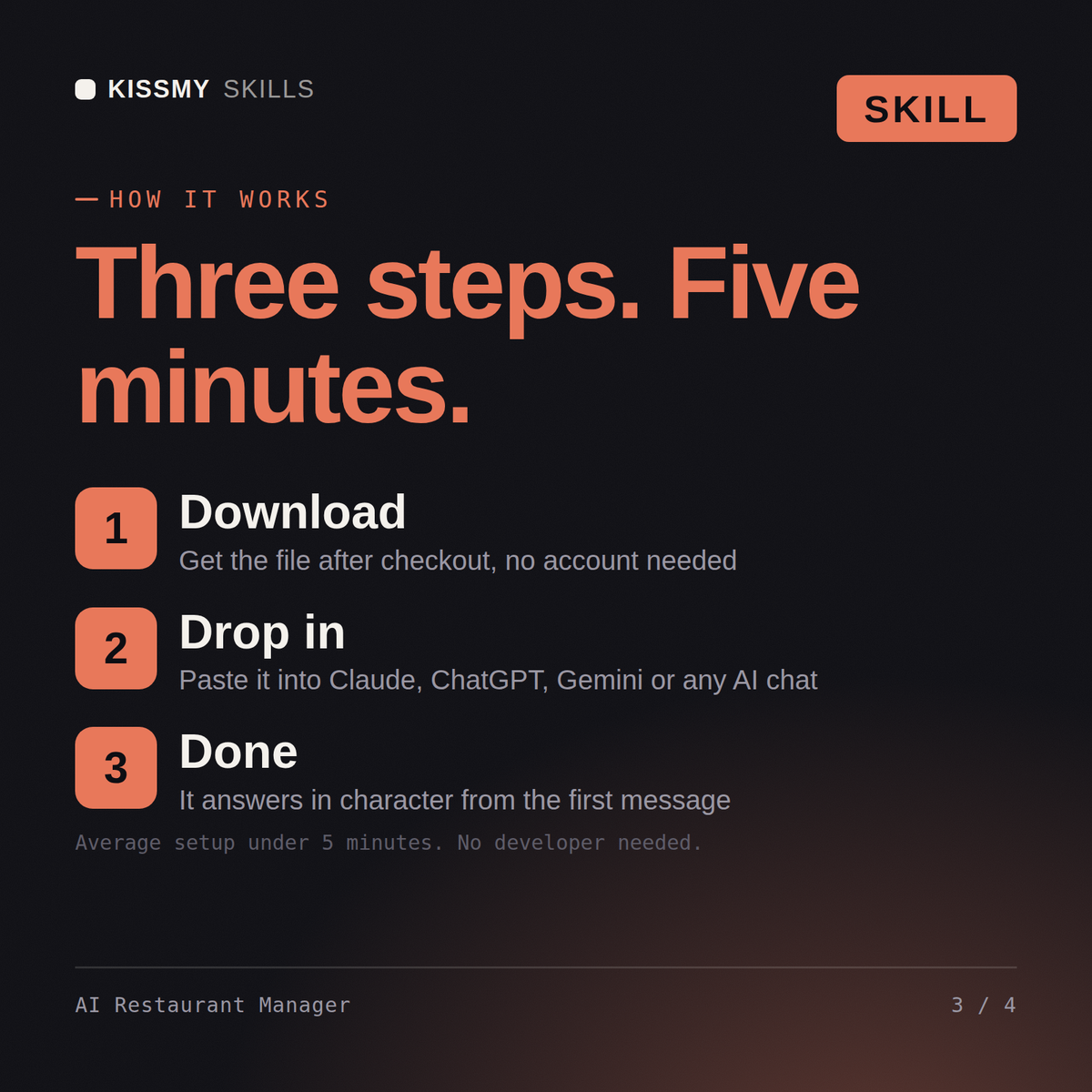
Download the .skill package (it contains SKILL.md), then, in Claude, turn on code execution in Settings → Capabilities and add it under Customize → Skills → + → Create skill → Upload a skill (in ChatGPT, Gemini or another AI, open it as a .zip and paste SKILL.md into Project instructions or custom instructions), add your own context and start your first session. Works with Claude, ChatGPT, or any AI chat that accepts system prompts.
Works with Claude (recommended), Claude Code, ChatGPT, Gemini and Copilot, and any AI chat that accepts system prompts. Claude Projects gives the best results because it keeps your covers, sales mix and staff list between sessions.
No, and it will not pretend to. Food safety rules, break and rest rules and overtime rules differ by country and region, so the skill states what your rota or procedure assumes, names what has to be checked locally, and says that the owner verifies the decision. On any claim of illness it goes straight to procedure and escalation rather than replying to the guest.
Download your .skill file from the order email or your account. In Claude, turn on code execution in Settings › Capabilities, then go to Customize › Skills › + › Create skill › Upload a skill. Start a new chat and ask for the specialist by name.