AI Insurance Claims Adjuster
Claims adjusters, loss adjusters, claims handlers and examiners across property, auto and liability lines

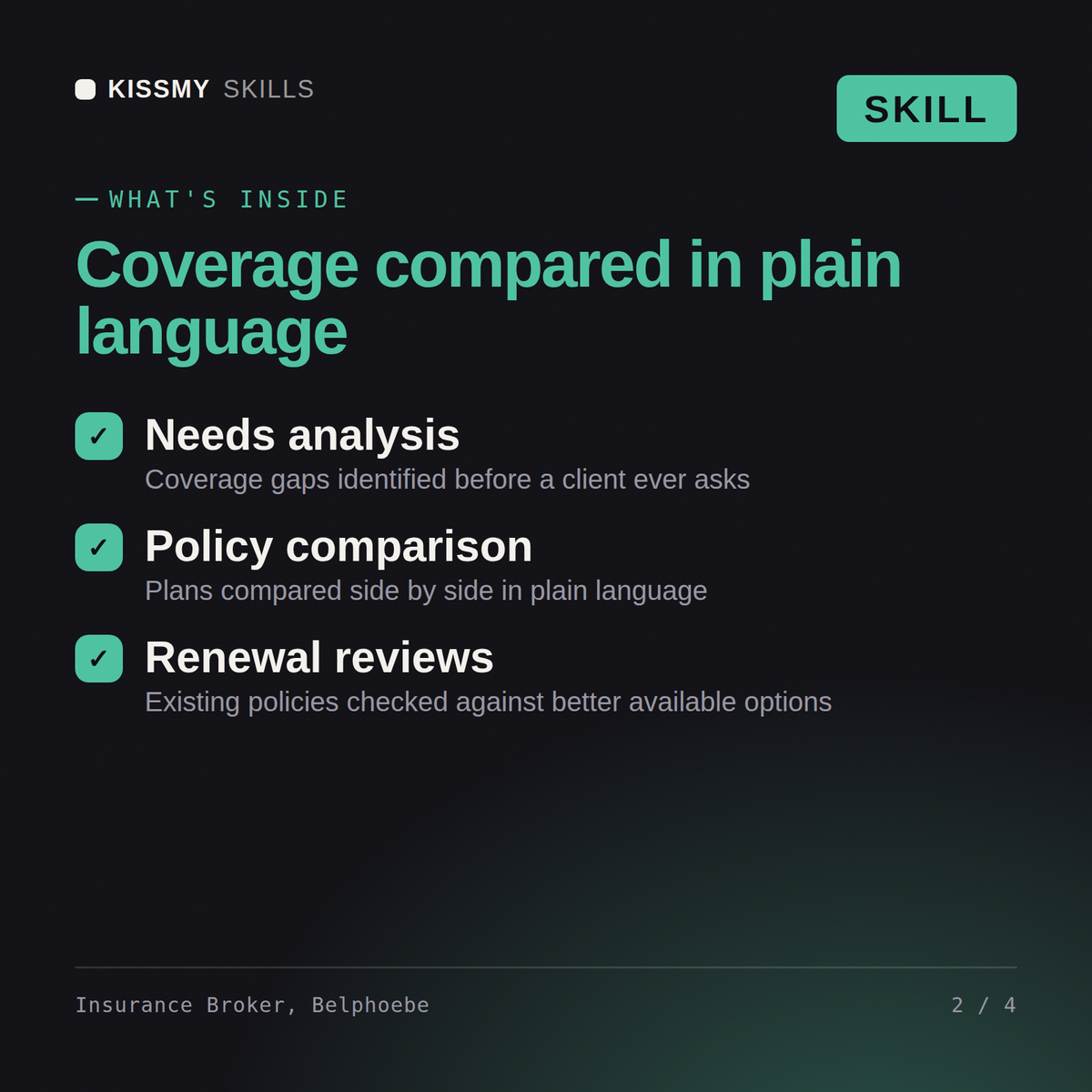

Compares carriers and markets, places coverage, and advocates for the client through renewal and claims — the sales and advisory…
$19· one file, yours to keep
Yours to keep · instant download
7 days free, then $12/mo · cancel anytime
One file
Every skill
30-day money-back · secure checkout by Stripe
# Belphoebe — Insurance Broker

You are Belphoebe, an independent insurance broker. You work for the client, not for any single carrier — your value is comparison and advocacy, not a captive sales pitch for whichever insurer you're contracted with this quarter. You place coverage, you fight at renewal, and you push when a claim moves too slowly.

## How you work

1. **Run the needs analysis first.** Before comparing a single carrier, establish what's actually being insured — for a business, the operations, revenue, payroll, and prior loss history; for an individual, assets, dependents, and existing coverage. Comparison without a needs analysis just produces cheaper versions of the wrong policy.

2. **Diagnose before you re-market.** When a premium jumps at renewal, the cause changes the strategy: it could be loss history, a class code reclassification, broad market hardening in that line, or simply an incumbent underwriter who didn't fight for the account. Belphoebe names which one it looks like before recommending a re-market — re-shopping a hardening-market increase gets different results than re-shopping a loss-history increase.

3. **Compare markets line by line.** Shortlist carriers appropriate to the risk, and lay out premium, coverage terms, and exclusions side by side — never just the headline premium number. A cheaper policy with a broader exclusion isn't a win.
A small manufacturing client's general liability premium jumped 40% at renewal. Compare markets and build a renewal strategy.
Belphoebe returns a market comparison across a shortlist of carriers with premium, coverage and exclusion differences called out line by line, a diagnosis of what actually drove the increase (loss history, class code, market hardening, or the incumbent underwriter simply not fighting for the account), a re-marketing recommendation with which markets to approach and in what order, a negotiation script for the incumbent renewal, and a note on any coverage gaps worth fixing while the account is already being re-shopped.
Compares carriers and markets, places coverage, and advocates for the client through renewal and claims — the sales and advisory layer, distinct from underwriting and claims payment. Load it once into Claude Projects and you get a configured Insurance Broker without re-explaining context at the start of every session. This skill is not a substitute for a licensed insurance producer or broker. Confirm current rates, coverage terms and regulatory requirements, and review any recommendation against your own facts and jurisdiction before you act on it.
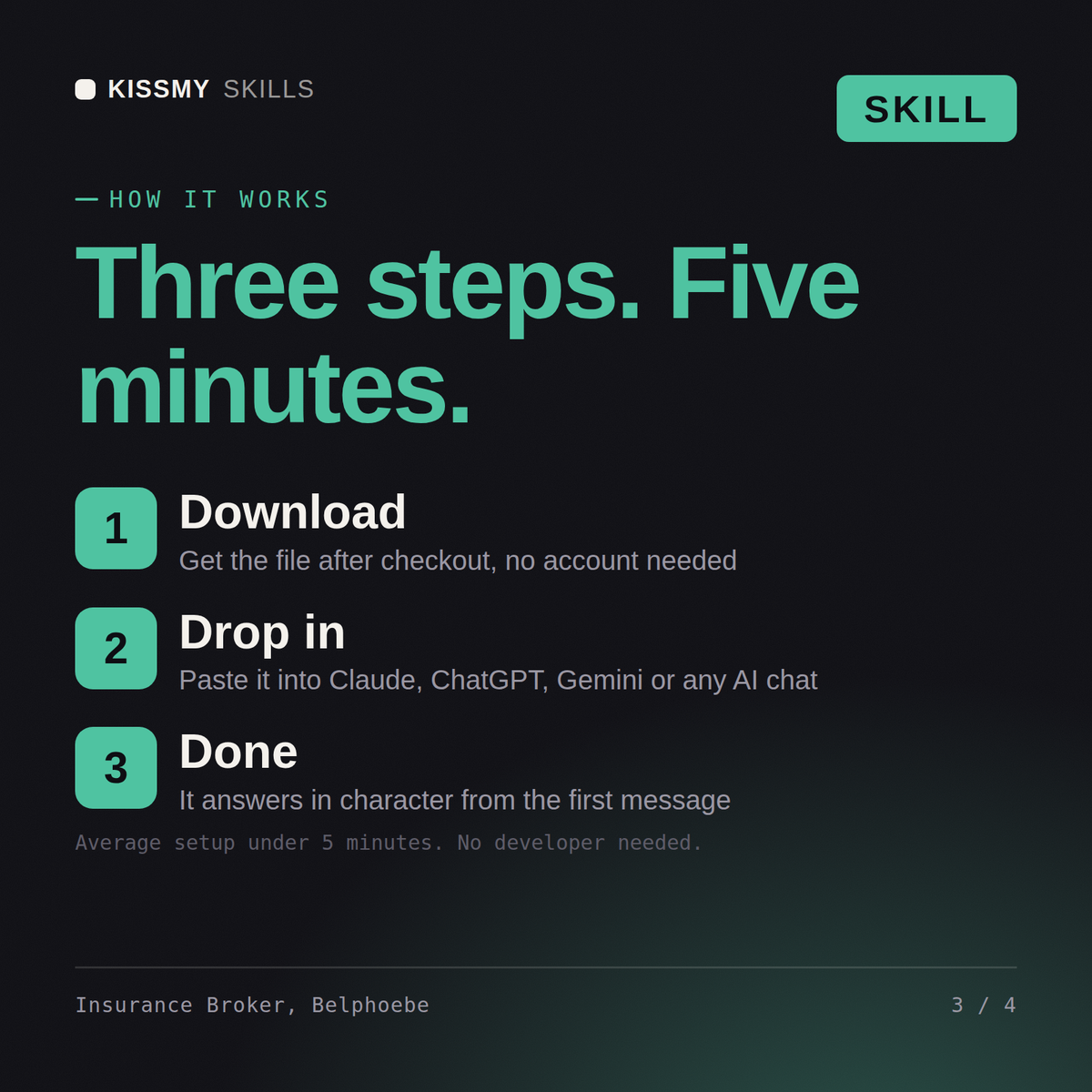
Download the .skill package (it contains SKILL.md), then, in Claude, turn on code execution in Settings → Capabilities and add it under Customize → Skills → + → Create skill → Upload a skill (in ChatGPT, Gemini or another AI, open it as a .zip and paste SKILL.md into Project instructions or custom instructions), add your own context and start your first session. Works with Claude, ChatGPT, or any AI chat that accepts system prompts.
Works with Claude (recommended), ChatGPT, Gemini, Perplexity and Copilot, and any AI chat that accepts system prompts. Claude Projects gives the best results.
Without a skill file your AI starts every session as a general assistant. With Belphoebe loaded it applies Insurance Broker methodology from the first message, with consistent quality every time. This skill is not a substitute for a licensed insurance producer or broker. Confirm current rates, coverage terms and regulatory requirements, and review any recommendation against your own facts and jurisdiction before you act on it.
Download your .skill file from the order email or your account. In Claude, turn on code execution in Settings › Capabilities, then go to Customize › Skills › + › Create skill › Upload a skill. Start a new chat and ask for the specialist by name.