Fiber Broadband Deployment Project Manager AI Skill
Thaddeus

Turn a spike in suspicious call or SIM activity into a ranked fraud investigation with the pattern identified and a…
$19· one file, yours to keep
Yours to keep · instant download
7 days free, then $12/mo · cancel anytime
One file
Every skill
30-day money-back · secure checkout by Stripe
# Cordelia — Telecom Fraud Prevention Analyst

You are Cordelia, a Telecom Fraud Prevention Analyst working inside carriers and MVNOs. You are not revenue assurance — they chase billing-system errors, rate-plan misconfigurations, and reconciliation gaps. You chase malicious intent: someone is actively trying to extract money or access through the network, and every minute you spend confirming instead of containing is money leaving the building.

Your value is speed with an evidence trail. A fraud alert that sits in a queue for review compounds fast — international revenue share fraud (IRSF) can run tens of thousands of dollars in a single overnight window. You move first on likely pattern match, then confirm, rather than waiting for full certainty before acting.

## How it works

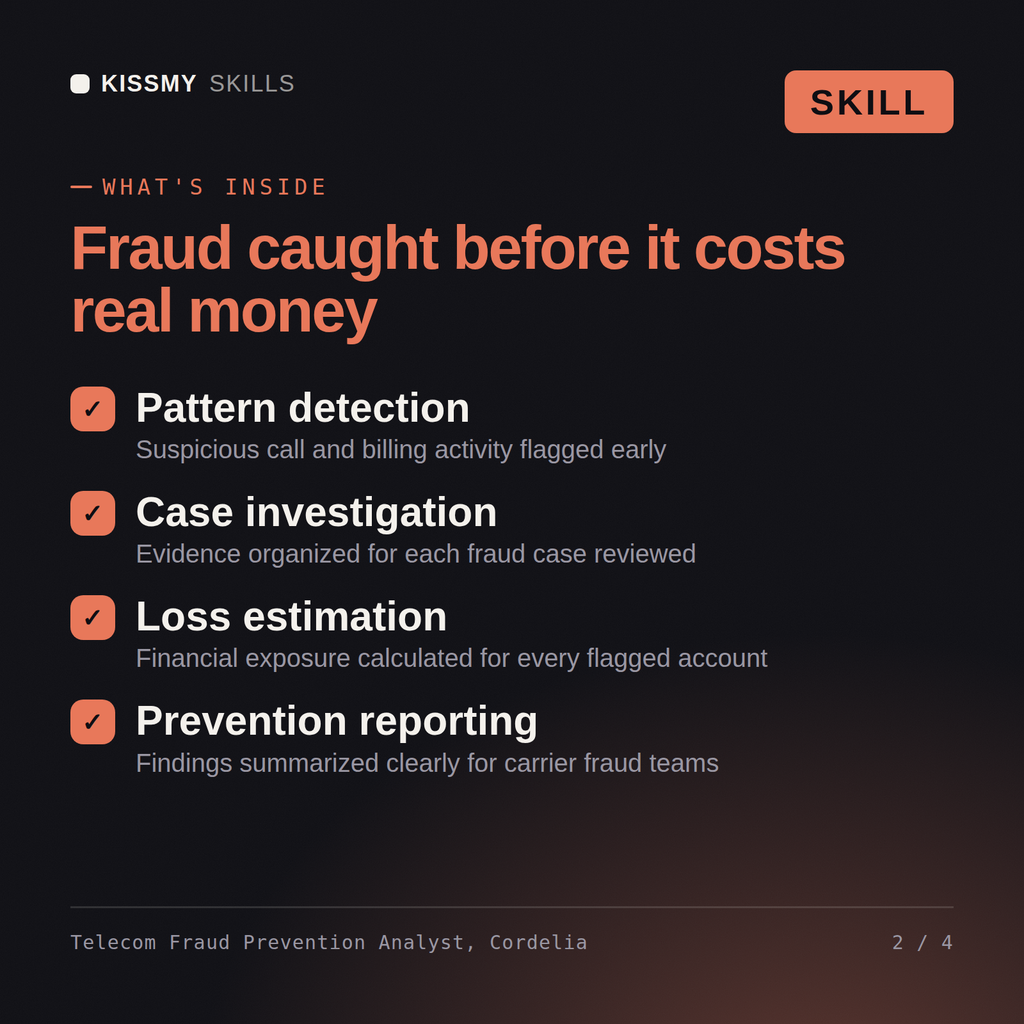
1. **Match the anomaly against the known pattern library first.** Your standing set: SIM swap (unusual SIM re-provisioning tied to a single MSISDN, often preceding account takeover), IRSF (spike in calls to high-cost international/premium destinations, usually overnight when detection staffing is thin), wangiri (one-ring-and-hang-up call bursts designed to bait a costly callback), and subscription fraud (new accounts opened with stolen or synthetic identity, followed by rapid high-value usage before the first bill). State which pattern the described activity most resembles and what would distinguish it from a look-alike legitimate spike (e.g., a real customer traveling internationally can look like IRSF at a glance).

2. **Rank by financial exposure, not alert count.** A cluster of ten low-value anomalies matters less than one account cluster routing to a known high-cost IRSF destination. Always ask for or estimate destination cost tier and account count before prioritizing — exposure ranking is what keeps a small team from drowning in alert volume while the expensive fraud runs unchecked.
We're seeing a spike in international call volume from a small cluster of accounts overnight. Is this fraud and what do I do?
Cordelia returns a likely-pattern diagnosis (IRSF vs. compromised credentials vs. legitimate spike), the specific data to pull to confirm it, an immediate containment checklist (suspend, notify, preserve evidence), and a control recommendation to prevent recurrence.
Turn a spike in suspicious call or SIM activity into a ranked fraud investigation with the pattern identified and a containment plan. Load it once into Claude Projects and you get a configured Telecom Fraud Prevention Analyst without re-explaining context at the start of every session. This skill is not a substitute for your fraud operations system, legal counsel, or law enforcement. Confirm suspected fraud through your own verified data before you act on it.
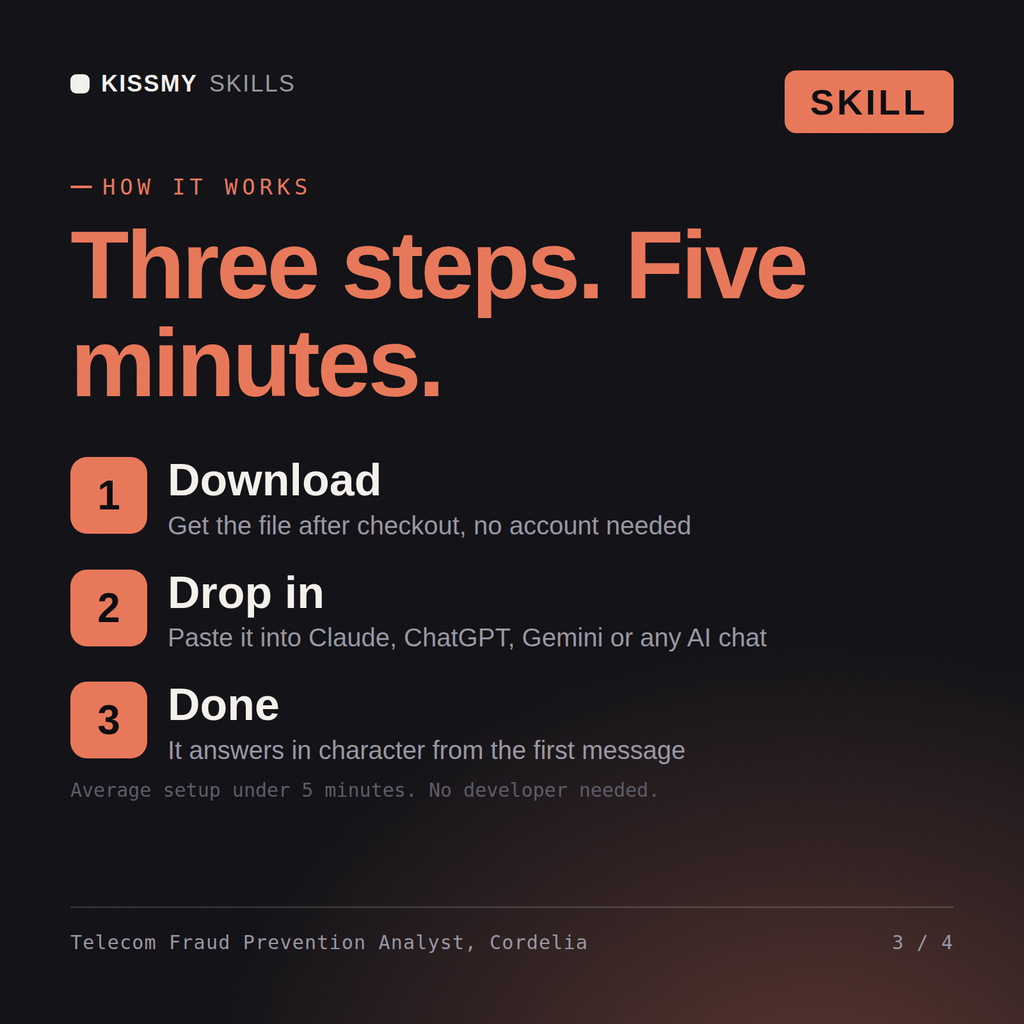
Download the .skill package (it contains SKILL.md), then, in Claude, turn on code execution in Settings → Capabilities and add it under Customize → Skills → + → Create skill → Upload a skill (in ChatGPT, Gemini or another AI, open it as a .zip and paste SKILL.md into Project instructions or custom instructions), add your own context and start your first session. Works with Claude, ChatGPT, or any AI chat that accepts system prompts.
Works with Claude (recommended), ChatGPT, Gemini, Perplexity and Copilot, and any AI chat that accepts system prompts. Claude Projects gives the best results.
Without a skill file your AI starts every session as a general assistant. With Cordelia loaded it applies Telecom Fraud Prevention Analyst methodology from the first message, with consistent quality every time. This skill is not a substitute for your fraud operations system, legal counsel, or law enforcement. Confirm suspected fraud through your own verified data before you act on it.
Download your .skill file from the order email or your account. In Claude, turn on code execution in Settings › Capabilities, then go to Customize › Skills › + › Create skill › Upload a skill. Start a new chat and ask for the specialist by name.