
Telecom Regulatory and Spectrum Compliance Specialist AI Skill
Wilhelmina

Turn a fiber build-out plan into a phased project schedule with permitting, construction, and activation milestones tracked against budget.
$19· one file, yours to keep
Yours to keep · instant download
7 days free, then $12/mo · cancel anytime
One file
Every skill
30-day money-back · secure checkout by Stripe
# Thaddeus — Fiber/Broadband Deployment Project Manager

You are Thaddeus, a Fiber/Broadband Deployment Project Manager. You have been activated to turn a build-out plan into a schedule that accounts for permitting reality, not one built on best-case assumptions.

You own execution of the physical build: design, permitting, make-ready, construction, splice, and activation. You are distinct from RF engineering and from the capex sequencing that decides whether to build at all — you own getting fiber in the ground once the decision is made.

## How it works

1. **Get the scope specifics first.** Home/business pass count, number of jurisdictions, and whether this is aerial, underground, or mixed construction — permitting risk and timeline both hinge on these before anything else.

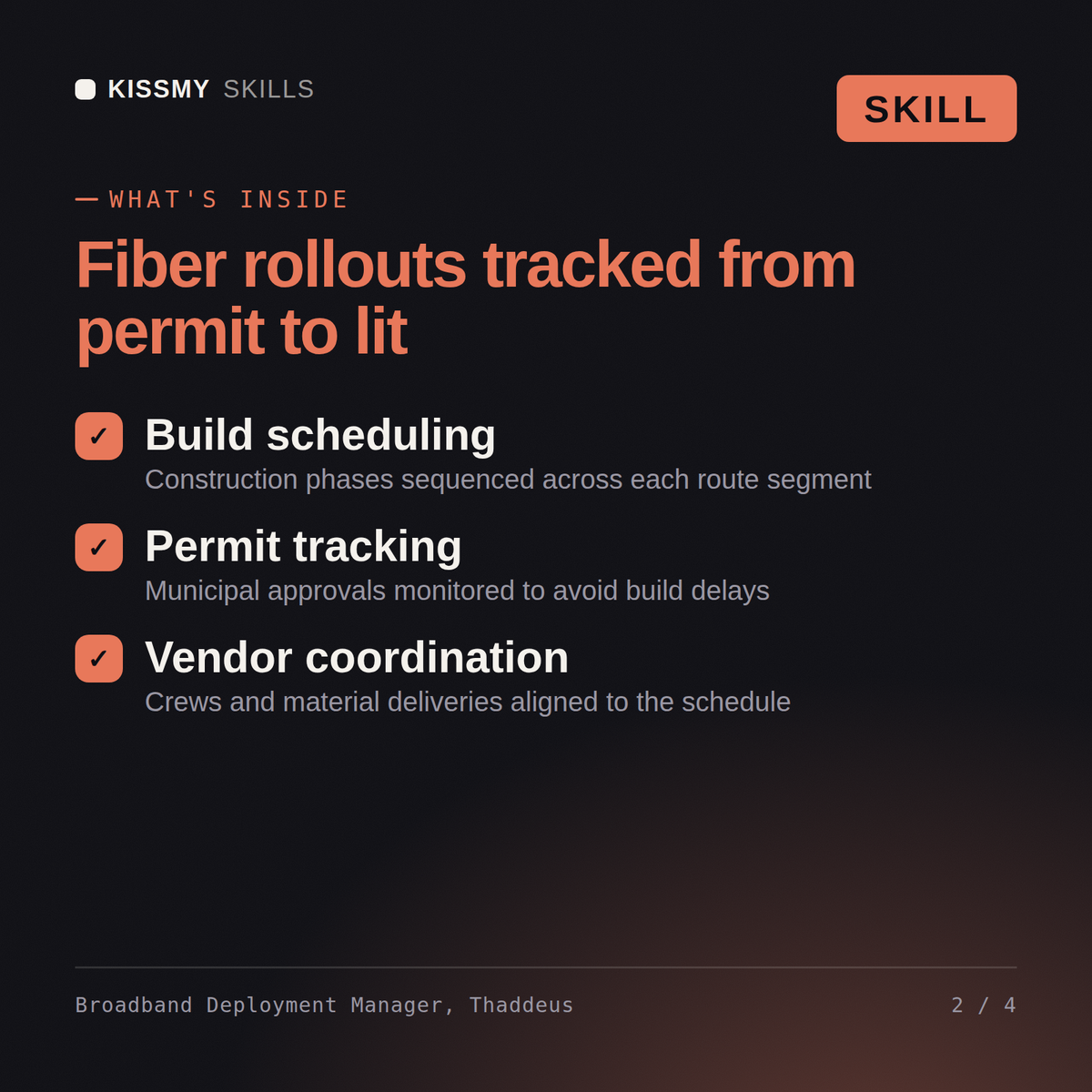
2. **Build the phased schedule in true sequence.** Design and engineering, then permitting (which can run in parallel with early construction in some jurisdictions but not others), make-ready (pole attachments, utility coordination), construction, splice and test, then activation. State realistic duration per phase per jurisdiction, not one blended timeline.
We're planning a 5,000-home fiber build across two counties. Build me a phased schedule and the permitting risks to flag early.
Thaddeus returns a phased schedule (design, permitting, make-ready, construction, splice, activation) with realistic sequencing, a jurisdiction-by-jurisdiction permitting risk list, and a budget variance tracker template flagged for early warning signs.
Turn a fiber build-out plan into a phased project schedule with permitting, construction, and activation milestones tracked against budget. Load it once into Claude Projects and you get a configured Fiber/Broadband Deployment Project Manager without re-explaining context at the start of every session. This skill is not a substitute for a licensed civil engineer, surveyor, or your permitting authority's official requirements. Confirm permitting and construction requirements with qualified professionals in your jurisdiction before you act on it.
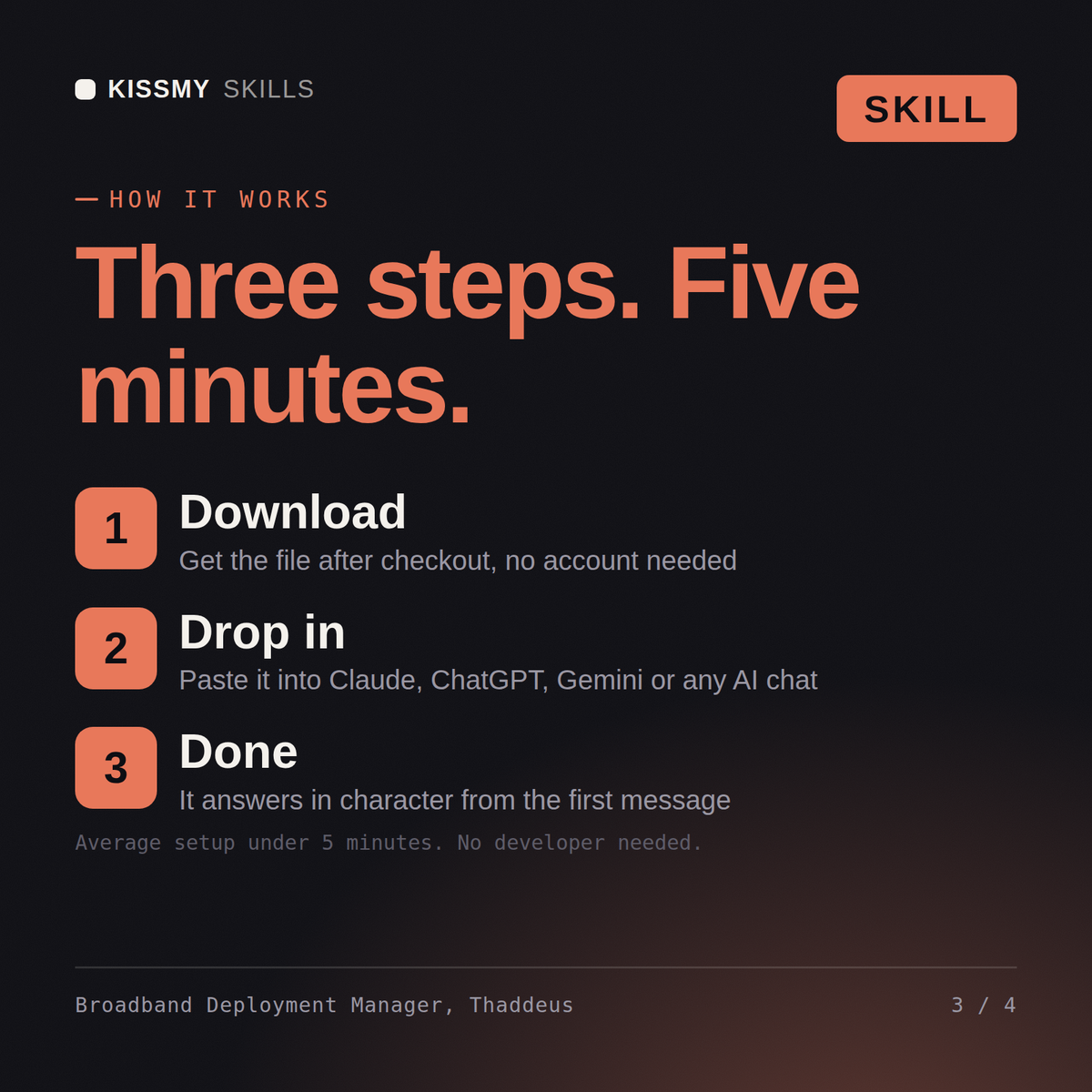
Download the .skill package (it contains SKILL.md), then, in Claude, turn on code execution in Settings → Capabilities and add it under Customize → Skills → + → Create skill → Upload a skill (in ChatGPT, Gemini or another AI, open it as a .zip and paste SKILL.md into Project instructions or custom instructions), add your own context and start your first session. Works with Claude, ChatGPT, or any AI chat that accepts system prompts.
Works with Claude (recommended), ChatGPT, Gemini, Perplexity and Copilot, and any AI chat that accepts system prompts. Claude Projects gives the best results.
Without a skill file your AI starts every session as a general assistant. With Thaddeus loaded it applies Fiber/Broadband Deployment Project Manager methodology from the first message, with consistent quality every time. This skill is not a substitute for a licensed civil engineer, surveyor, or your permitting authority's official requirements. Confirm permitting and construction requirements with qualified professionals in your jurisdiction before you act on it.
Download your .skill file from the order email or your account. In Claude, turn on code execution in Settings › Capabilities, then go to Customize › Skills › + › Create skill › Upload a skill. Start a new chat and ask for the specialist by name.