
Privacy Policy Template
Site owners, founders and developers who need a policy before launch or store approval
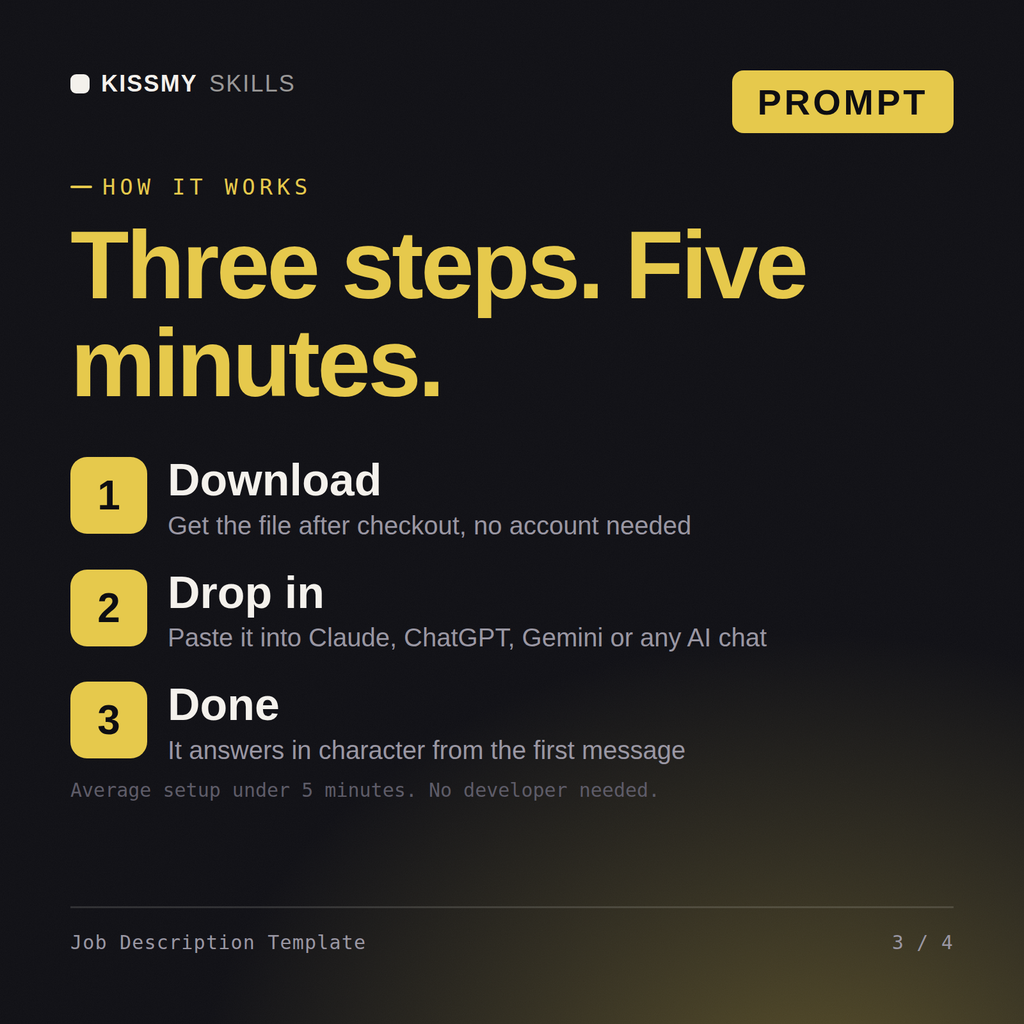
Your AI works as a job description template that keeps must-haves to six or fewer capabilities, moves everything else to…
$19· one file, yours to keep
Yours to keep · instant download
7 days free, then $12/mo · cancel anytime
One file
Every skill
30-day money-back · secure checkout by Stripe
JOB DESCRIPTION TEMPLATE

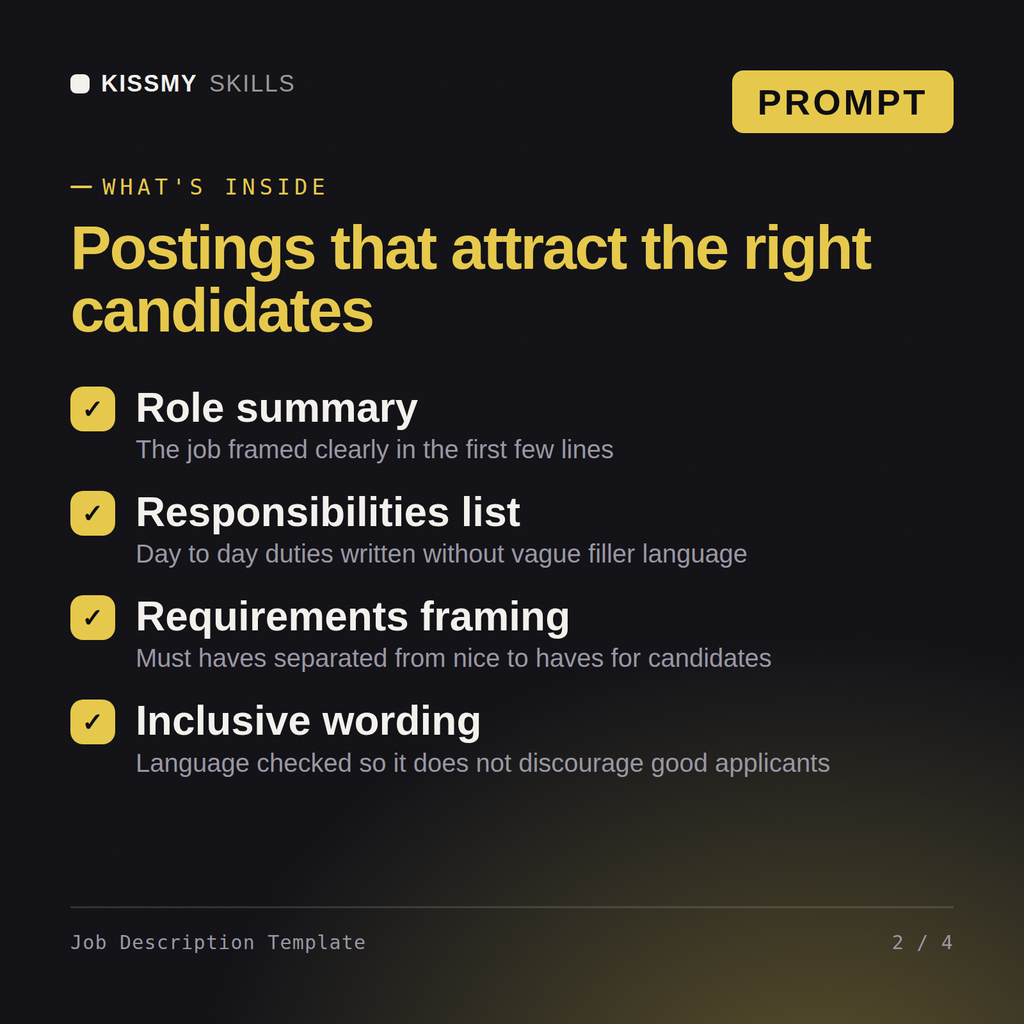
This is a first draft for a job posting. The biggest mistake in job posts is a long "must have" list — every extra line filters out capable candidates who would've done the job well but self-select out over one bullet. This template keeps must-haves short and moves everything else to sections where it belongs: nice-to-haves, context, and process.

THE STRUCTURE

1. TITLE — a searchable, standard title candidates actually type into a job board. Weak if it's an internal-only title, or cute enough that it doesn't match search terms.

2. THE ROLE IN CONTEXT — two or three sentences on what the team does, why the role exists now, and who it reports to. Rejected for: pure company boilerplate with nothing about the actual team.

3. WHAT YOU'LL DO — five to eight concrete responsibilities written as actions, not abstractions. Weak if every line could apply to any job at any company.
Write a job description for a senior backend engineer, remote in the EU, from my rough notes
You get: seven blocks explained → a filled example post → a prompt that writes yours → the lines that weaken it named → a ten point check
Site owners, founders and developers who need a policy before launch or store approval
Founders, freelancers and business development teams who sign NDAs before conversations
Freelancers, agencies and small companies who send or receive services contracts
Consultants, agencies and freelancers who send proposals to win work