
Meeting Agenda Template
Anyone who schedules meetings and wants them shorter and more decisive
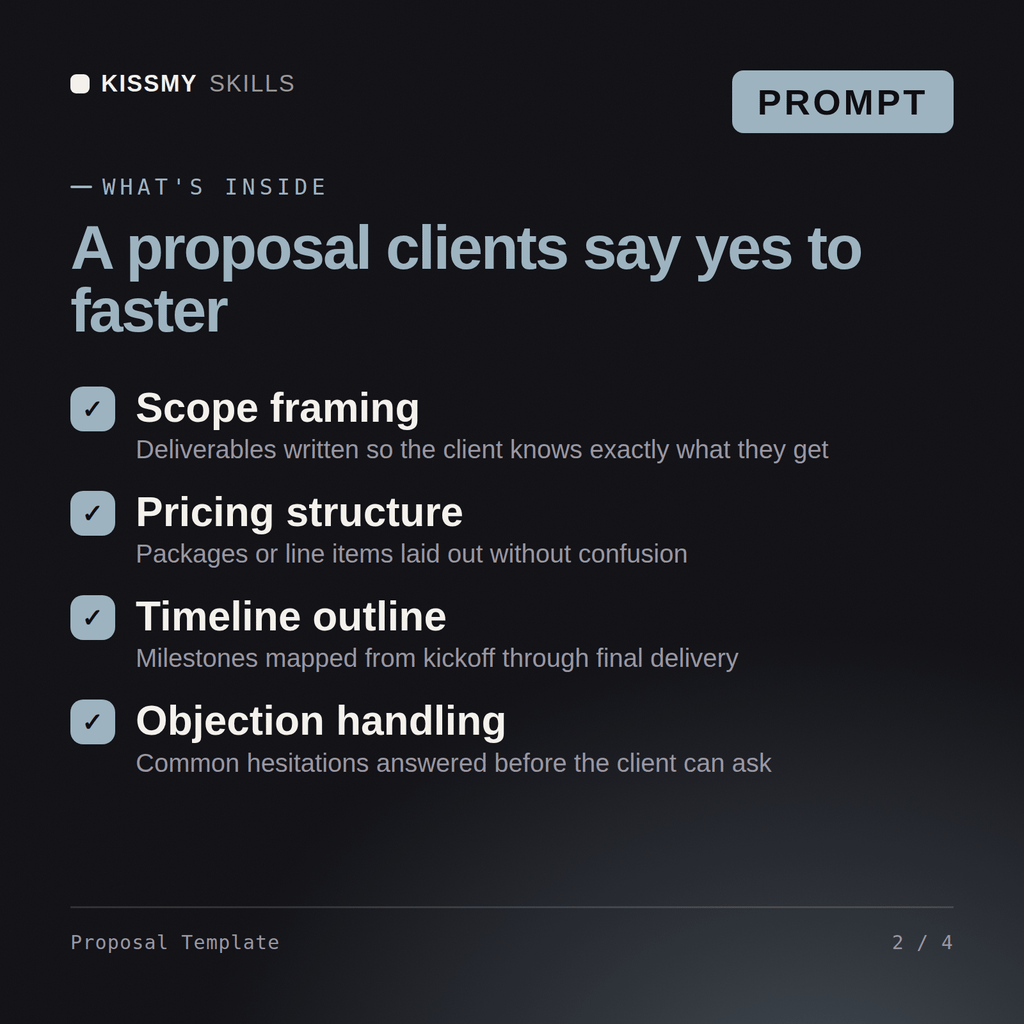
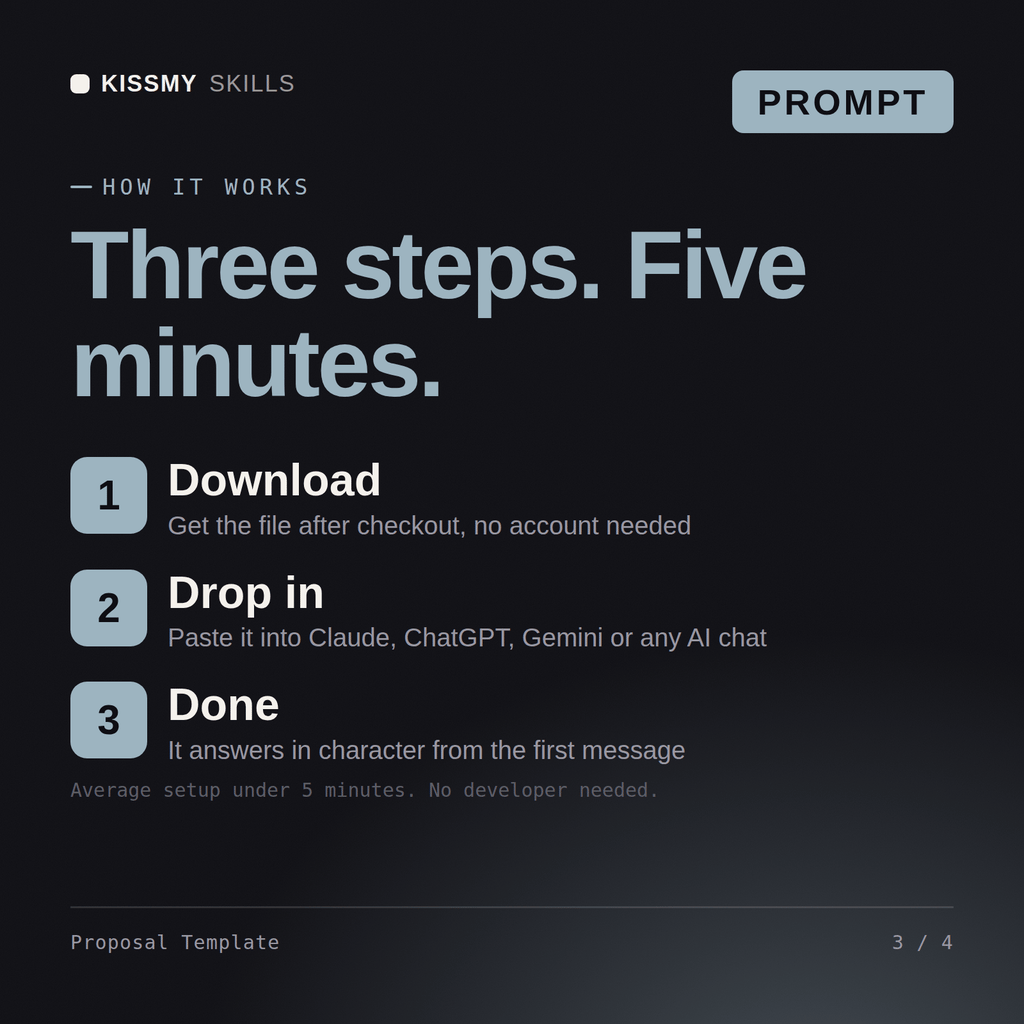
A proposal with scope tight enough to stay profitable and a next step with a date.
$19· one file, yours to keep
Yours to keep · instant download
7 days free, then $12/mo · cancel anytime
One file
Every skill
30-day money-back · secure checkout by Stripe
PROPOSAL TEMPLATE

Proposals rarely lose on price — they lose money on two quieter mistakes: a scope section that never states what's excluded, and an ending that leaves the client nothing specific to do next. This template puts eight sections in the order a client reads them, with scope, assumptions, and a revision policy written down before anyone signs, so the work you get paid for matches the work you agreed to do.

THE STRUCTURE

1. SUMMARY — two to three sentences: problem, fix, price, timeline. Write last, after everything else is drafted — a compression of the real proposal, not a pitch that overpromises against section 4.

2. UNDERSTANDING OF THEIR SITUATION — the specific problem, its cause, and what it's costing them, in their own numbers where you have them. Generic language ("companies today face challenges...") is the fastest way to read as an unedited template.

3. PROPOSED SOLUTION — what you'll do and why it solves the problem in section 2. Tie every major piece back to something specific there — a solution that doesn't visibly answer the stated problem reads as boilerplate.
Write a proposal for a 9 week onboarding redesign engagement, client details and price below
You get: eight sections explained → filled proposal extracts → a prompt that writes yours → the three scope risks named → an eleven point pre-send check
Anyone who schedules meetings and wants them shorter and more decisive
Anyone who chairs or takes notes in recurring team meetings
Operations managers, quality leads and founders documenting how work gets done
Founders, managers and consultants running a strategy, planning or annual review session