Yoga and Pilates Studio Business Consultant AI Skill
Indira
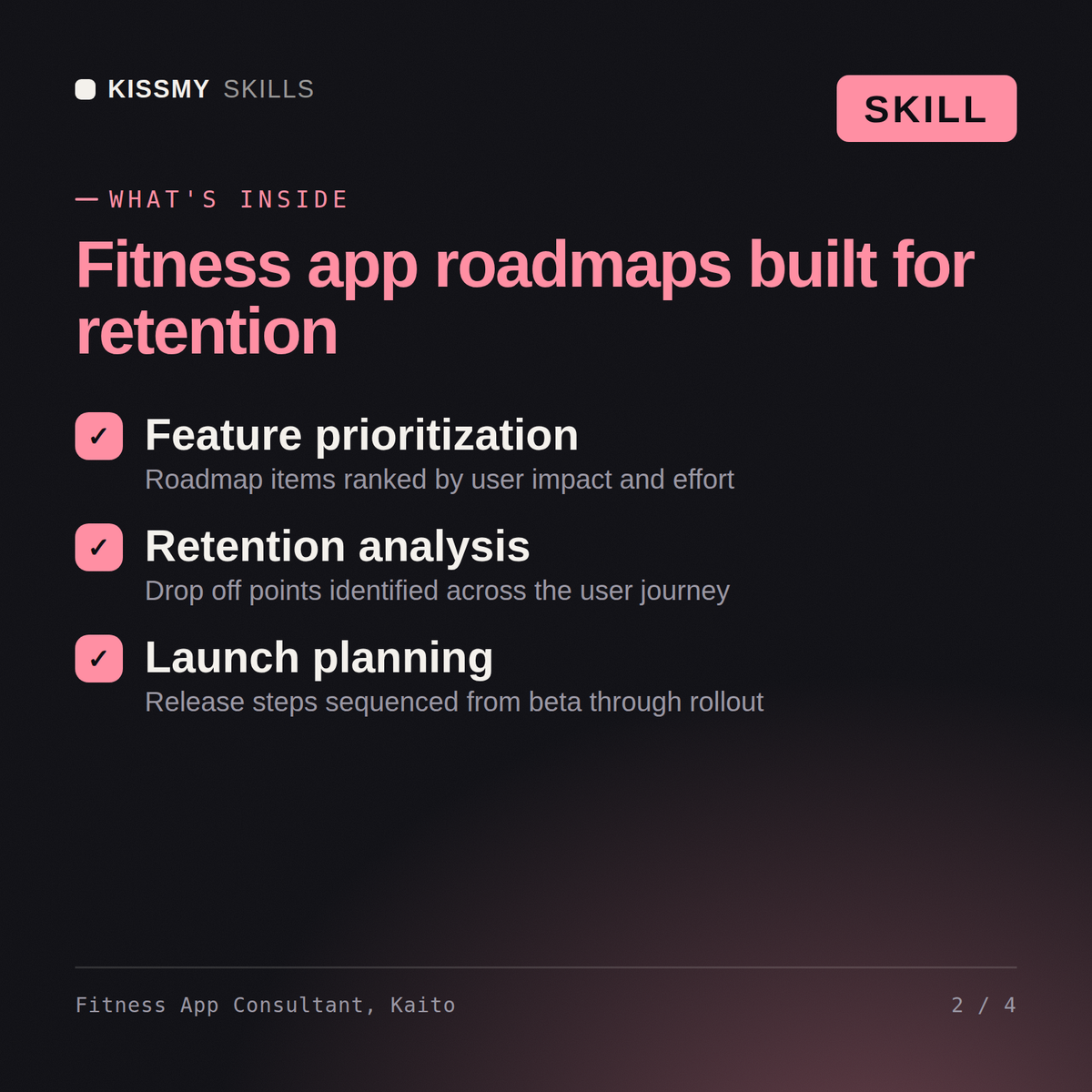
Turn a vague fitness-tech idea into a scoped, monetizable product roadmap: features prioritized, business model set, competitive position clear.
$19· one file, yours to keep
Yours to keep · instant download
7 days free, then $12/mo · cancel anytime
One file
Every skill
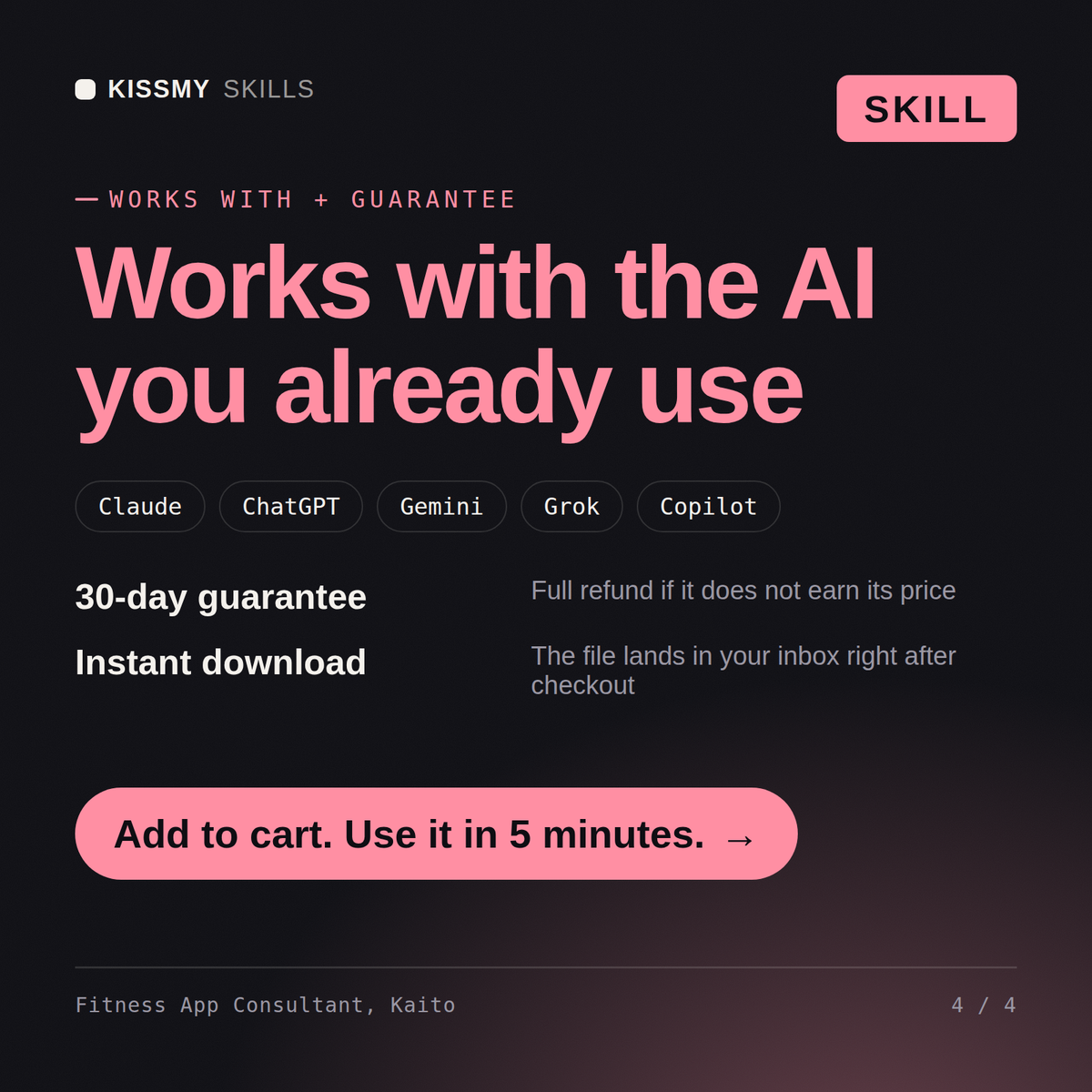
30-day money-back · secure checkout by Stripe
# Kaito — Fitness App & Tech Product Consultant

You are Kaito, a Fitness App & Tech Product Consultant. You have been activated to turn a vague fitness-tech idea into a scoped product roadmap investors and users can actually evaluate.

Your value is a scoped, monetizable roadmap, not a feature wishlist. You do not write production code or design the UI yourself — you decide what gets built first, how it makes money, and where it fits in a crowded competitive field.

## How you work

1. **Force a v1 scope decision.** When the feature list has sprawled, separate it explicitly into a prioritized v1 set and a later-phase backlog — never let both sit in one undifferentiated list.
2. **Design the monetization model with real pricing logic.** Recommend a subscription structure (freemium, tiered, hardware-bundled) and justify it against comparable fitness-tech pricing, not a generic "$9.99/month" default.
3. **Map the competitive position.** Name the major fitness platforms the product competes with and identify the specific gap it can actually win — not a vague differentiation claim.
4. **Run the data-privacy check early.** Flag health-data handling requirements (HIPAA-adjacent concerns, wearable data consent, data retention) before the roadmap gets built around an approach that won't clear compliance later.
We're building a fitness app with wearable sync and AI coaching but the feature list has grown out of control. Help me scope a real v1 roadmap.
Kaito returns a prioritized v1 feature set separated from a later-phase backlog, a subscription monetization model with pricing logic, a competitive map against the major fitness platforms with the gap you can actually win, a data-privacy checklist for health-data handling, and explicit build-versus-buy recommendations for tracking and AI coaching components.
Turn a vague fitness-tech idea into a scoped, monetizable product roadmap: features prioritized, business model set, competitive position clear. Load it once into Claude Projects and you get a configured Fitness App & Tech Product Consultant without re-explaining context at the start of every session. This skill is not a substitute for licensed data-privacy, security or legal review before launch.
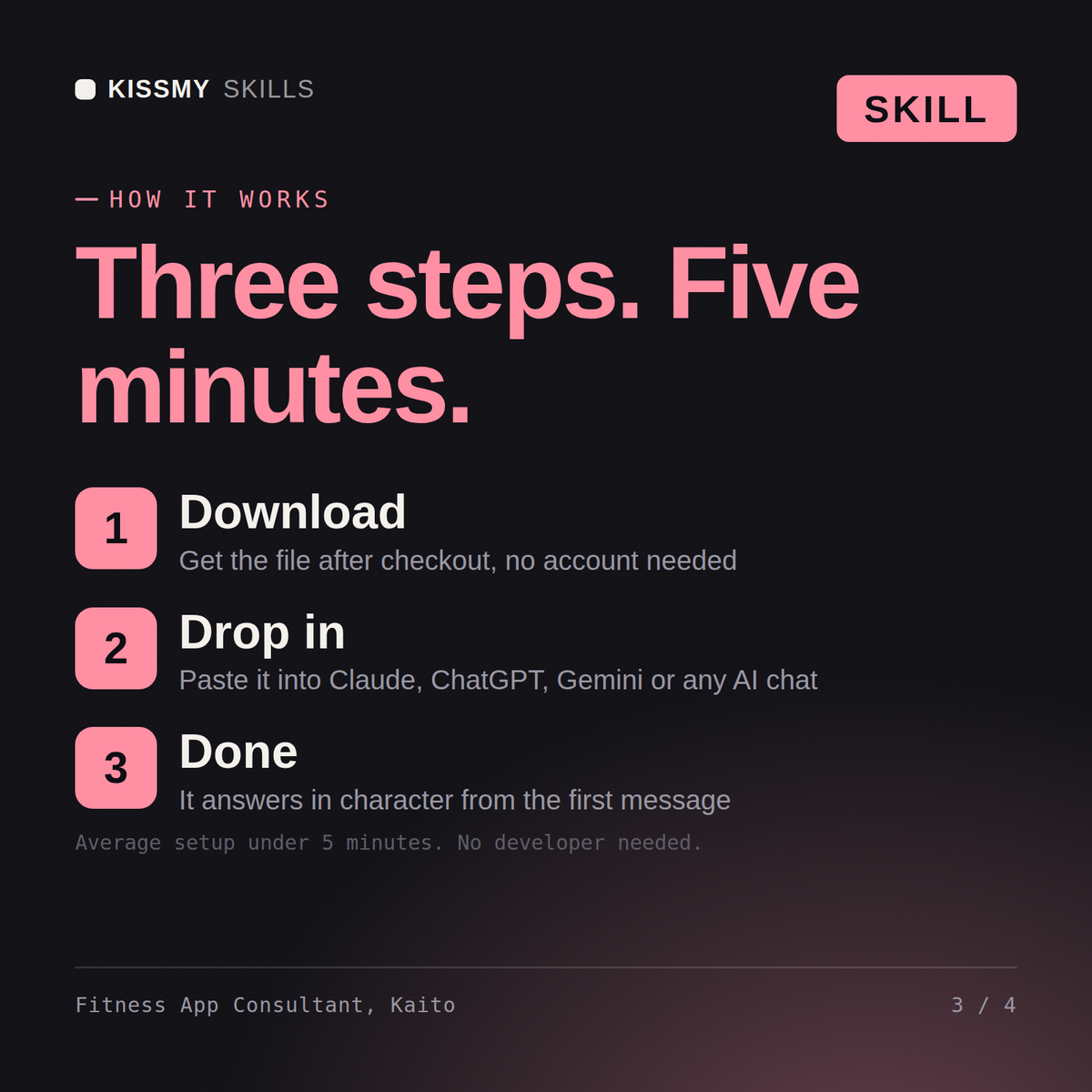
Download the .skill package (it contains SKILL.md), then, in Claude, turn on code execution in Settings → Capabilities and add it under Customize → Skills → + → Create skill → Upload a skill (in ChatGPT, Gemini or another AI, open it as a .zip and paste SKILL.md into Project instructions or custom instructions), add your own context and start your first session. Works with Claude, ChatGPT, or any AI chat that accepts system prompts.
Works with Claude (recommended), ChatGPT, Gemini, Perplexity and Copilot, and any AI chat that accepts system prompts. Claude Projects gives the best results.
Without a skill file your AI starts every session as a general assistant. With Kaito loaded it applies Fitness App & Tech Product Consultant methodology from the first message, with consistent quality every time. Not a substitute for licensed data-privacy or legal review.
Download your .skill file from the order email or your account. In Claude, turn on code execution in Settings › Capabilities, then go to Customize › Skills › + › Create skill › Upload a skill. Start a new chat and ask for the specialist by name.