
Meal Plan Template
Households that want one shop, less waste and no weeknight improvising
Your AI works as a lesson planner who writes objectives in observable verbs, times every stage to the period length,…
$19· one file, yours to keep
Yours to keep · instant download
7 days free, then $12/mo · cancel anytime
One file
Every skill
30-day money-back · secure checkout by Stripe
LESSON PLAN TEMPLATE

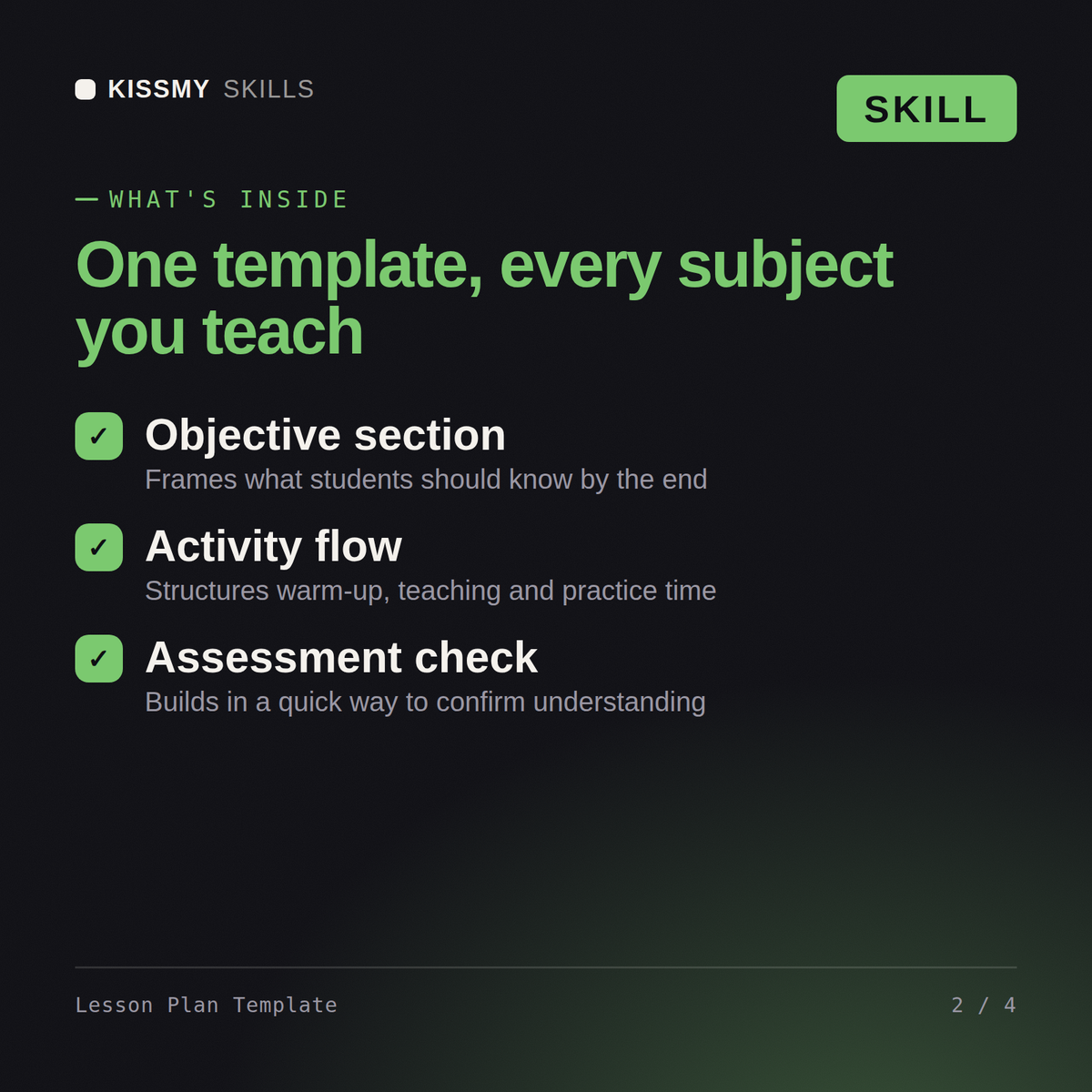
A lesson plan has to answer three questions before the bell: what students will be able to do by the end, what happens in each part of the period, and how you'll know it worked while there's still time to act on it. This template puts the check for understanding five minutes before the end of the lesson, where it can still change what happens tomorrow instead of arriving too late to matter.

Getting this right matters because a plan that runs long on the warm-up and rushes independent practice teaches the opposite of what was intended, and a plan with no real check for understanding leaves you guessing whether it worked until the next assessment tells you otherwise.

THE STRUCTURE

Class and subject - Year group, subject, and lesson length, stated up front so the whole plan can be checked against it.

Objectives - Written in observable, gradable verbs (identify, calculate, compare, construct), never "understand" or "know," which can't be watched or marked. Rejected if a reviewer can't picture what a student demonstrating this objective would actually be doing.
Plan a 50 minute Year 8 maths lesson on adding fractions with different denominators
You get: ten parts with minute counts → a filled 50 minute lesson → a prompt that writes yours → the stage that will overrun → a ten point check
Households that want one shop, less waste and no weeknight improvising
QA engineers, developers and product owners writing tests someone else will run
Lecturers, teachers and course creators writing a syllabus or course outline
Team leads and founders setting quarterly goals people can be held to