

Content Calendar Template
Solo creators, marketing teams and agencies who publish on a schedule
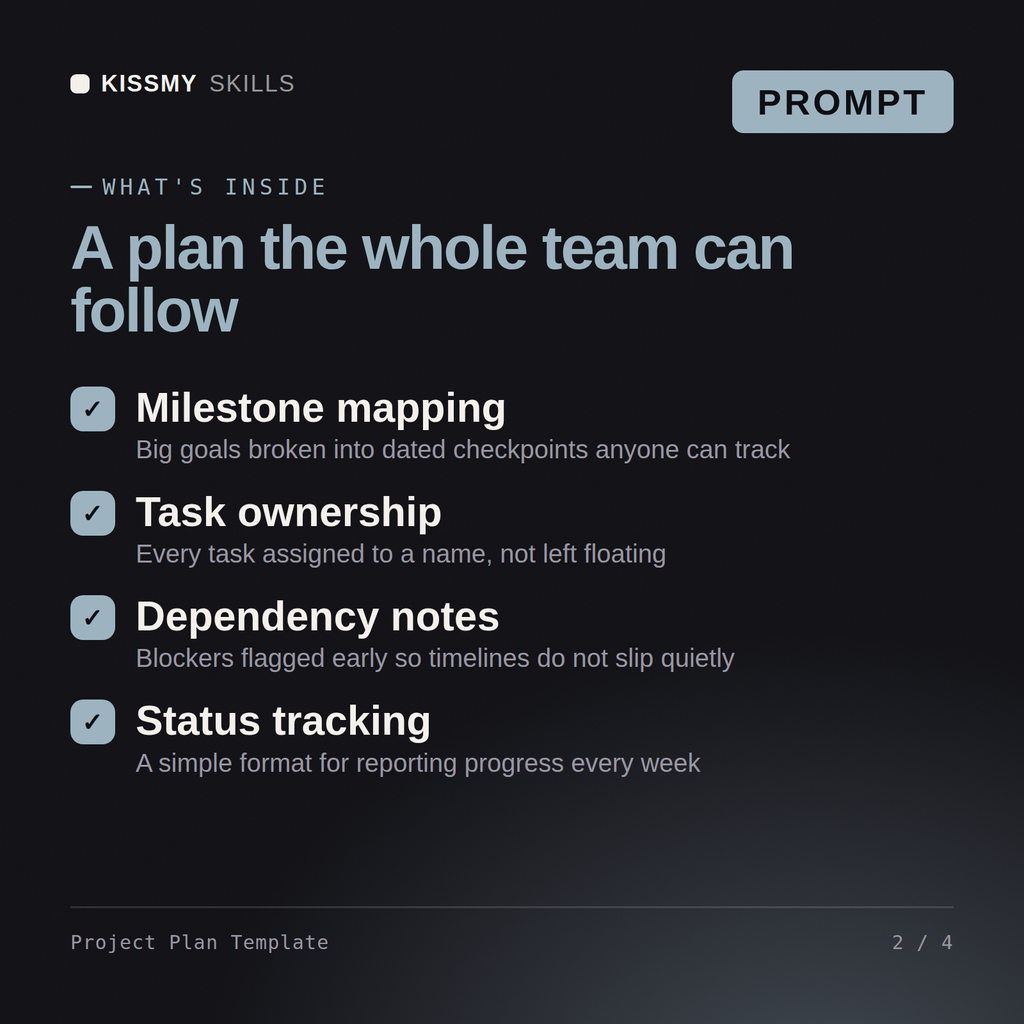
A project plan with measurable criteria, one owner per task and risks that name a trigger.
$19· one file, yours to keep
Yours to keep · instant download
7 days free, then $12/mo · cancel anytime
One file
Every skill
30-day money-back · secure checkout by Stripe
PROJECT PLAN TEMPLATE

Most project plans fall apart in the same two places: a success criterion nobody can actually measure, and an out-of-scope list that was never written because nobody thought to write it. This template walks through the eight sections a real plan needs, with a note on the mistake that most commonly costs the schedule at each one.

THE STRUCTURE

GOAL AND SUCCESS CRITERIA
One sentence stating what "done" looks like, plus 2-4 measurable criteria (a number, a date, or a pass/fail test). Weak version: "improve efficiency" — nobody can check that. Strong version: "reduce order processing time from 48 to 12 hours by June 30."

SCOPE IN AND OUT
What the project covers, and — just as important — an explicit list of adjacent things it does not cover. The out-of-scope list is usually the section people skip, and it's exactly the list that prevents arguments in month two when someone assumes their pet feature was included.
Write a project plan for moving our shop and online store onto one inventory system by mid May
You get: eight sections explained → a filled example plan → a prompt that writes yours → the arithmetic checked against your dates → a ten point pre-send check
Solo creators, marketing teams and agencies who publish on a schedule

Founders, marketing leads and agencies planning a quarter, a year or a launch

Founders raising a pre seed, seed or Series A round
Founders and HR leads writing a first handbook or replacing one nobody reads