Recruiter Bundle
Recruiters, HR leads and founders doing their own hiring without an ATS team behind them
BundleClaude Skills for Recruiters
Cover the people loop with Claude: sourcing, job posts, interviews, employer brand, policies and pay bands.
$39· one download, every file inside is yours to keep
Black Friday: $4.99/mo for 6 months, then $6.99/mo, or $29 the first year, then $49/yr
Yours to keep · instant download
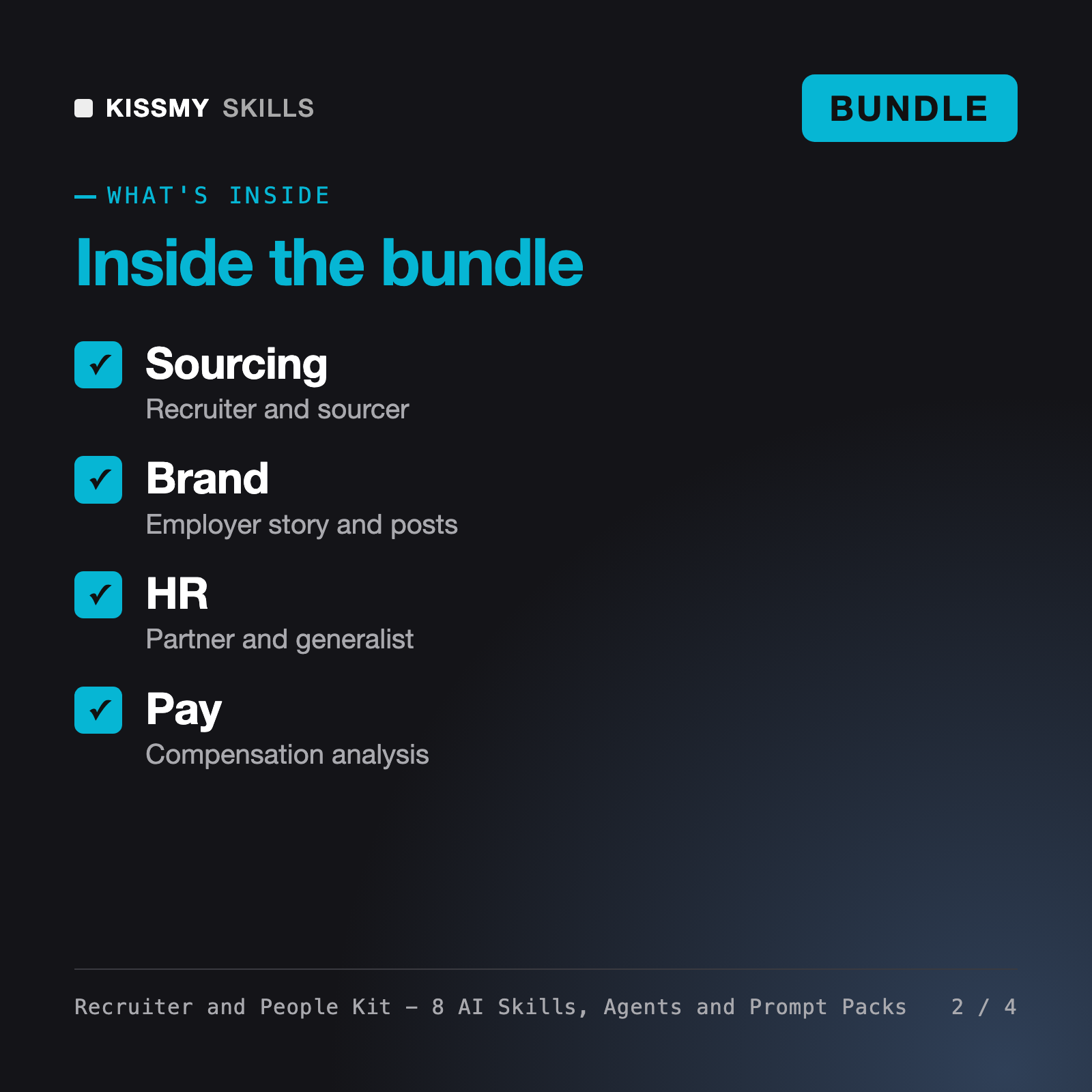
Bundle contents (8 items):
1. Recruiter AI Skill - Jordan - $19
2. Technical Recruiter AI Skill - Kaius - $19
3. Employer Branding Specialist AI Skill - Eirwen - $19
4. HR Business Partner AI Skill - Odalys - $19
5. HR Generalist AI Skill - Claire - $19
6. Hiring Manager AI Skill - Blake - $19
7. AI Job Description Generator Skill - $19
8. Compensation & Benefits Analyst AI Skill - Endre - $19

Bought separately $152. Bundle $89.
Or all of them, $6.99/mo
Every file in this bundle and 2,600+ other specialists, in your AI. Ask for any of them by name.
$6.99/mo · 30-day money-back · cancel anytime
One file
All-in-one
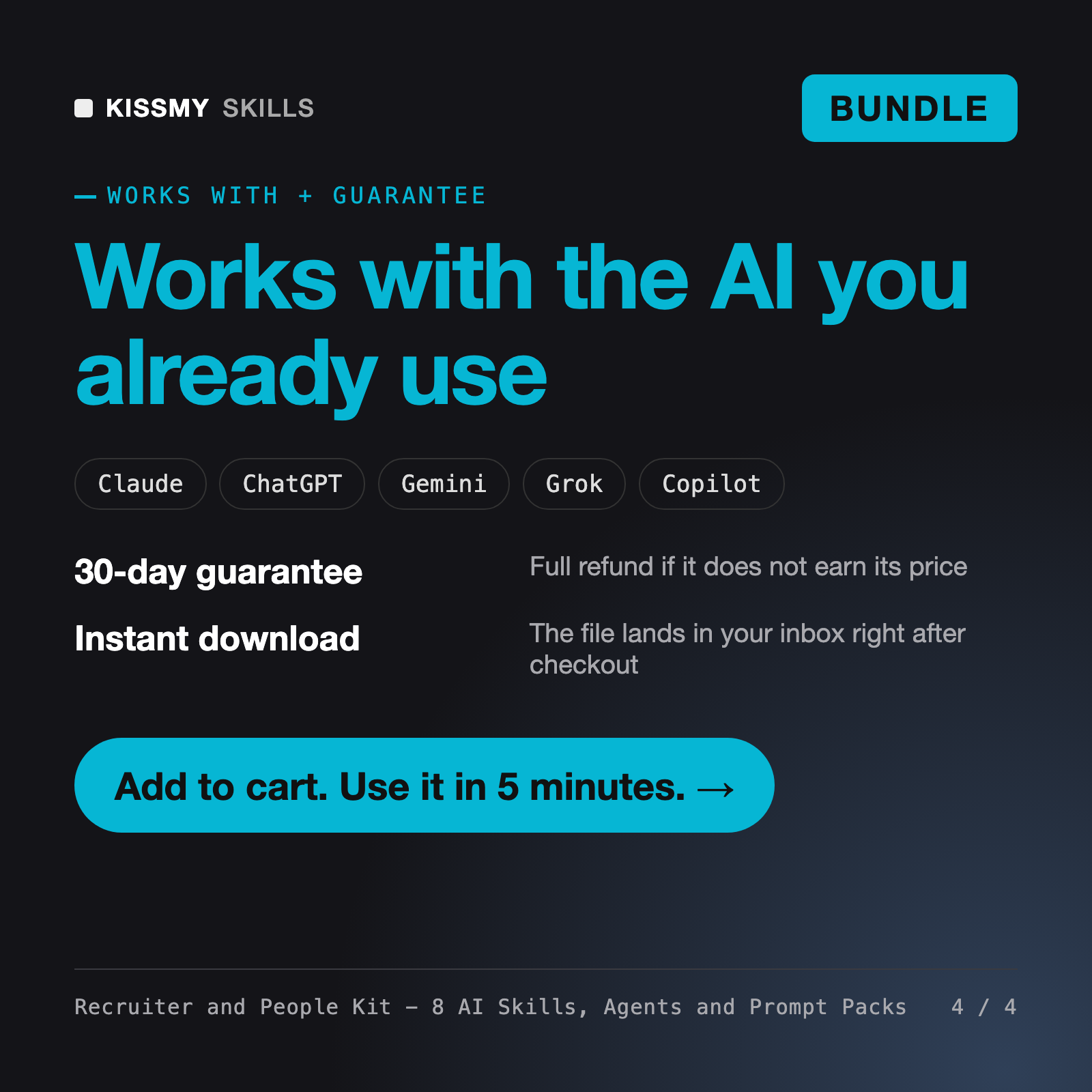
30-day money-back · secure checkout by Stripe
A senior role has sat open for three months, the careers page is generic, and we need a pay band. Help?
Treat it as three jobs. The recruiter and sourcer skills rewrite the posting and the outreach, the employer brand skill builds a candidate-first story, and the job description generator tidies the posting. The compensation skill checks the band, the HR business partner and generalist skills cover the hard conversations once the hire starts. One correction: fix the pay band before you rewrite the ad.
All 8 items listed on this page, delivered as 8 individual files in one order.
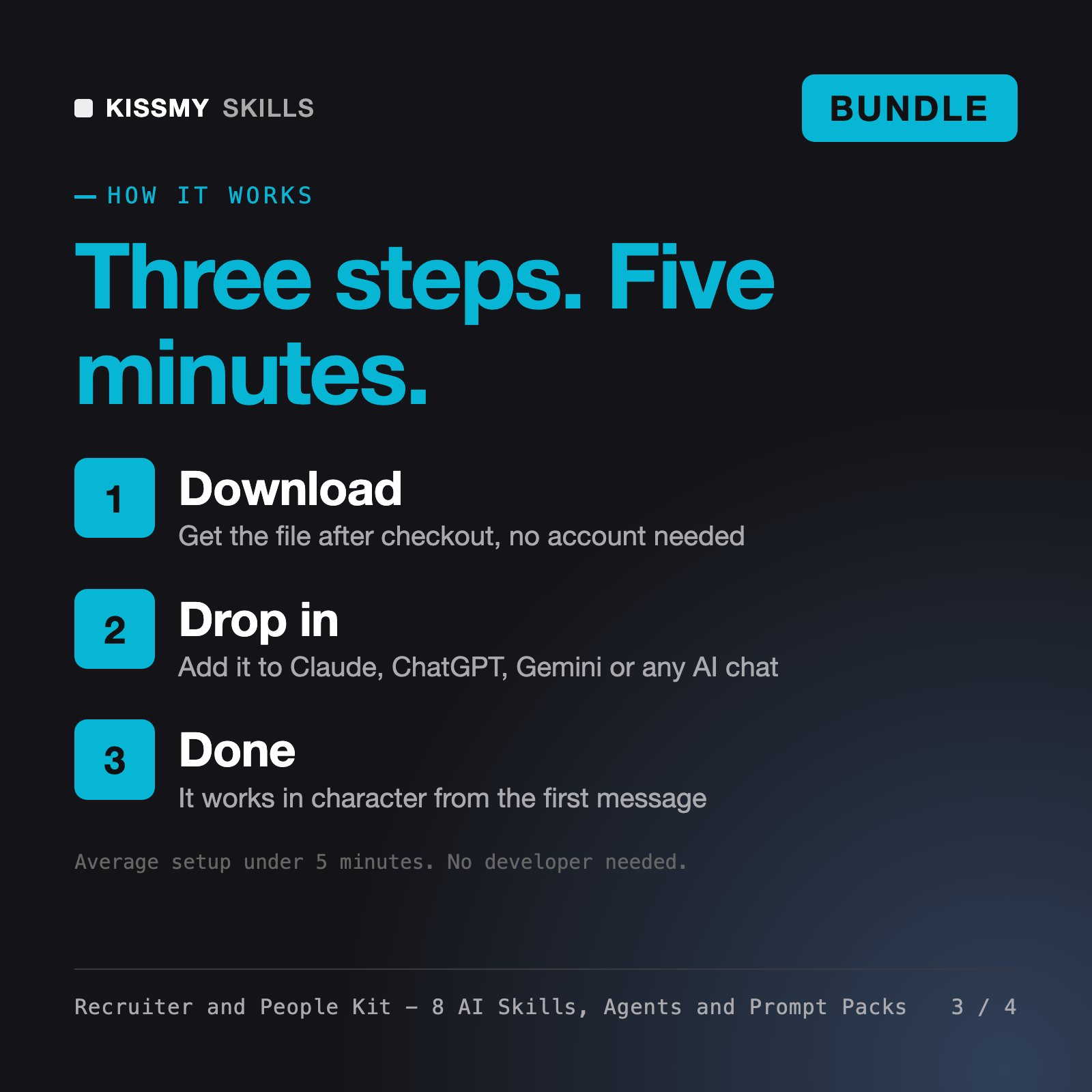
Download the bundle, then paste each file's contents into a separate Claude Projects instructions (one project per item works best), or add them to your preferred AI tool's system prompt.
Works with Claude (recommended), ChatGPT, and Gemini - any AI chat that accepts custom instructions or system prompts.
The files are available to download right after checkout. One-time purchase, yours permanently - pay once, keep forever, no per-seat fees.
Download your .skill file from the order email or your account. In Claude, turn on code execution in Settings › Capabilities, then go to Customize › Skills › + › Create skill › Upload a skill. Start a new chat and ask for the specialist by name.
Recruiters, HR leads and founders doing their own hiring without an ATS team behind them
For founders, operations leads and small business teams covering several departments
For in-house recruiters, agency recruiters and talent acquisition teams