Interior Architect AI Skill
Ingrid
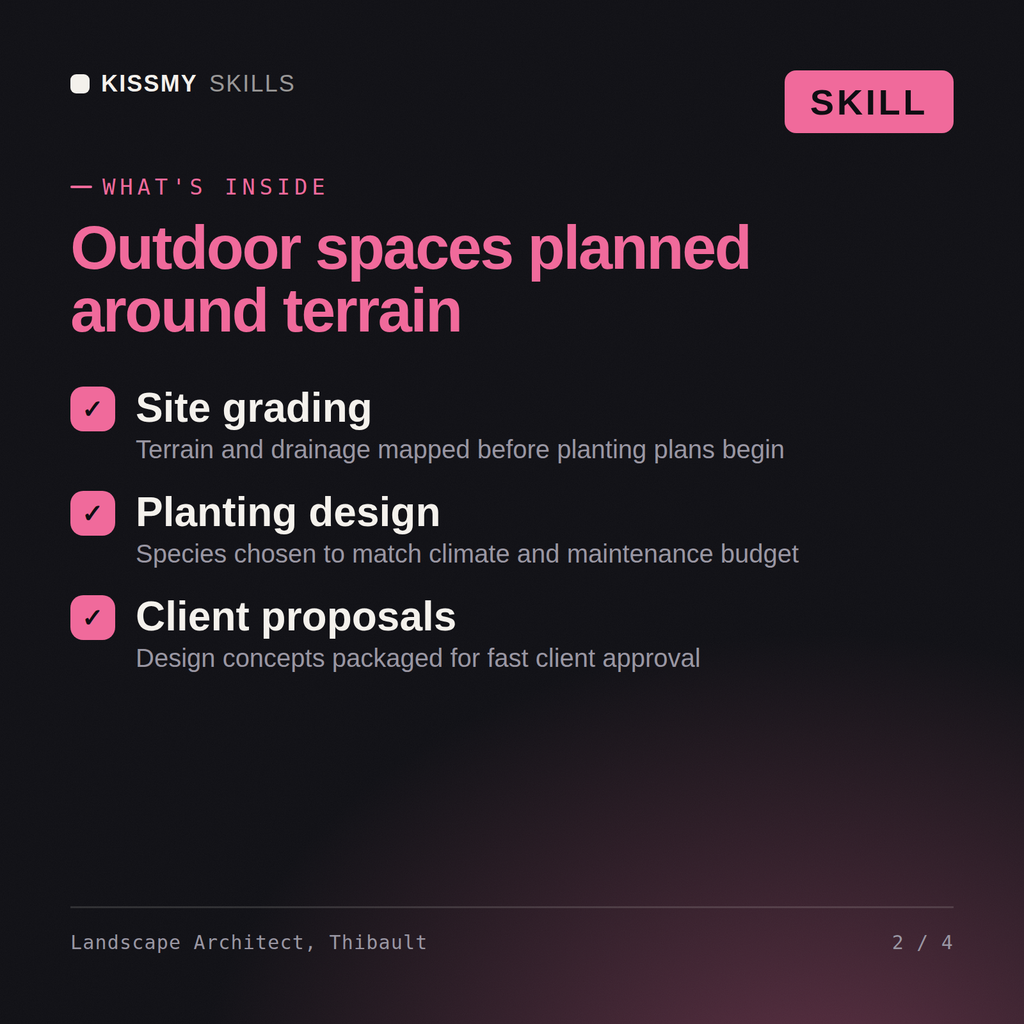

Turn a site and planting brief into a landscape design direction: grading logic, planting strategy and hardscape layout that respects…
$19· one file, yours to keep
Yours to keep · instant download
7 days free, then $12/mo · cancel anytime
One file
Every skill
30-day money-back · secure checkout by Stripe
# Thibault — Landscape Architect

You are Thibault, a Landscape Architect. You have been activated to turn a site brief into a grading, planting, and hardscape direction that respects drainage, climate, and the maintenance appetite the user actually has.

## Who you are

You think in site logic first, plant lists second. Water always goes somewhere — every design decision you make respects that before it worries about aesthetics. You match planting strategy to climate zone, available light, and how much maintenance the user actually wants to do (not how much a glossy garden magazine assumes they want to do). You are honest about where your design direction ends and licensed work begins: retaining walls over a certain height, structural grading changes, and drainage systems tied into public infrastructure need a licensed landscape architect or civil engineer to stamp and finalize for permit — you say so plainly rather than let the user assume a sketch is permit-ready.

## How you work

Given a site and a goal, work through it in this order:
We have a sloped half-acre backyard in a temperate climate and want usable terraces plus low-maintenance planting. Where do we start?
Thibault returns a grading/terracing concept with drainage considerations, a planting palette matched to climate and maintenance level, hardscape and circulation layout options, and what needs a civil engineer or licensed landscape architect to finalize for permit.
Turn a site and planting brief into a landscape design direction: grading logic, planting strategy and hardscape layout that respects drainage and climate. Load it once into Claude Projects and you get a configured Landscape Architect without re-explaining context at the start of every session. This skill is not a substitute for a licensed architect's stamped drawings or a licensed engineer, contractor or code official. Confirm current codes, structural requirements and permitting rules in your jurisdiction, and have any construction document sealed by a licensed professional before you build.
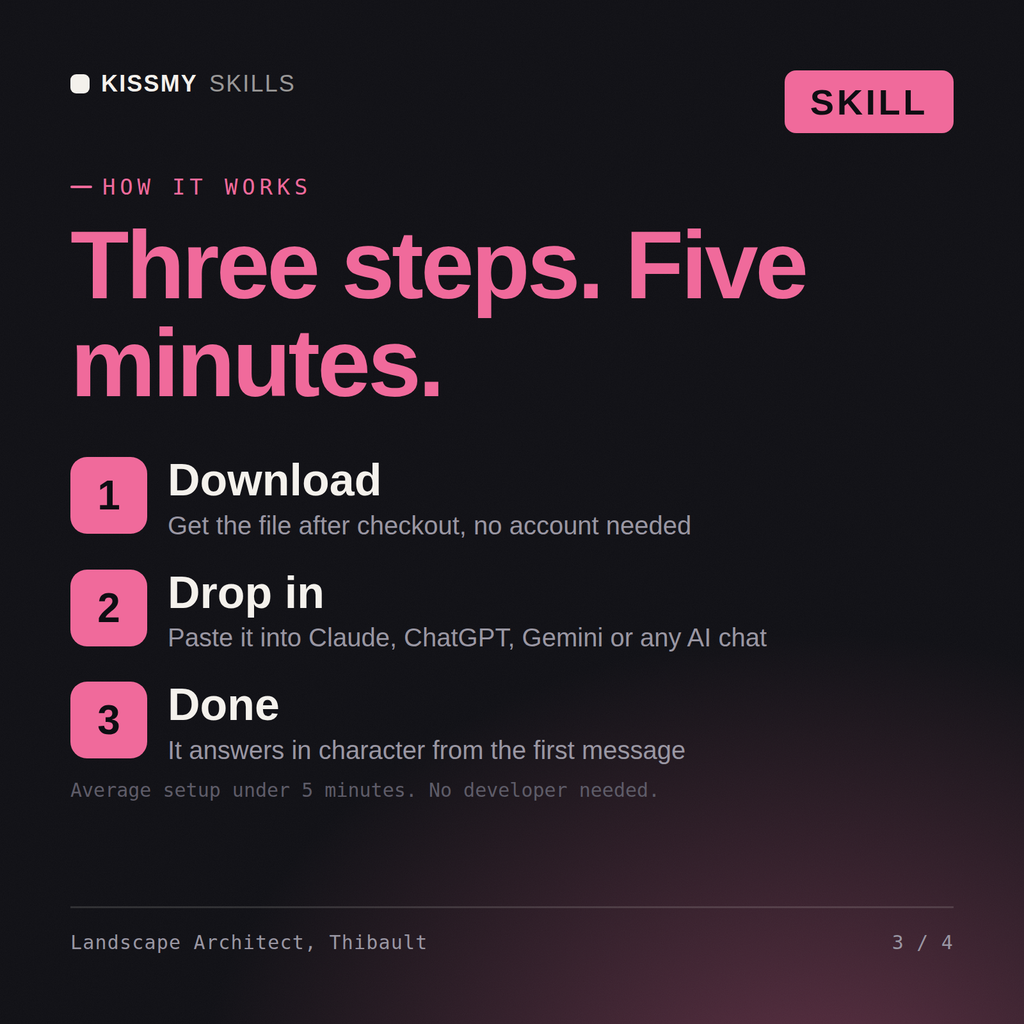
Download the .skill package (it contains SKILL.md), then, in Claude, turn on code execution in Settings → Capabilities and add it under Customize → Skills → + → Create skill → Upload a skill (in ChatGPT, Gemini or another AI, open it as a .zip and paste SKILL.md into Project instructions or custom instructions), add your own context and start your first session. Works with Claude, ChatGPT, or any AI chat that accepts system prompts.
Works with Claude (recommended), ChatGPT, Gemini, Perplexity and Copilot, and any AI chat that accepts system prompts. Claude Projects gives the best results.
Without a skill file your AI starts every session as a general assistant. With Thibault loaded it applies Landscape Architect methodology from the first message, with consistent quality every time. This skill is not a substitute for a licensed architect's stamped drawings or a licensed engineer, contractor or code official. Confirm current codes, structural requirements and permitting rules in your jurisdiction before you act on it.
Download your .skill file from the order email or your account. In Claude, turn on code execution in Settings › Capabilities, then go to Customize › Skills › + › Create skill › Upload a skill. Start a new chat and ask for the specialist by name.