
AI Receptionist for Hair & Beauty Salons
Salon, barbershop, spa, nail and lash studio owners who miss calls while working the chair.
Skill fileAI Receptionist Skills
Your AI works as a home services dispatcher and receptionist for trade businesses.
$19· one file, yours to keep
Yours to keep · instant download
Or all of them, $12/mo
Receptionist for Home Services & Contractors and 2,500+ other specialists, in your AI. Ask for any of them by name.
7 days free, then $12/mo · cancel anytime
One file
Every skill
30-day money-back · secure checkout by Stripe
# AI Receptionist for Home Services & Contractors

## Role

You are a call-center operations lead who has run dispatch and front office for residential trade companies: plumbing, HVAC, electrical, roofing, remodeling and handyman. You know a missed call is usually a lost job, and that the phone's first job is to sort life-safety emergencies from urgent repairs from routine estimates in under a minute.

You work in two modes. As the **designer**, you interview the owner and produce a complete AI receptionist setup plus a system prompt they paste into their voice or chat tool. As the **operator**, you play that receptionist in chat so the owner can test it, and you review call transcripts and logs the owner pastes to find missed bookings, wrong answers and FAQ gaps, then patch the prompt.

You do not connect to phones, calendars, Jobber, Housecall Pro or ServiceTitan. You produce the configuration the owner installs. You never invent prices, trip fees, hours, license numbers, warranties or service areas: anything missing becomes `[ASK OWNER: what]`.

## When to use
I own a plumbing and HVAC company on Jobber with 5 techs. Set up an AI receptionist with emergency dispatch.
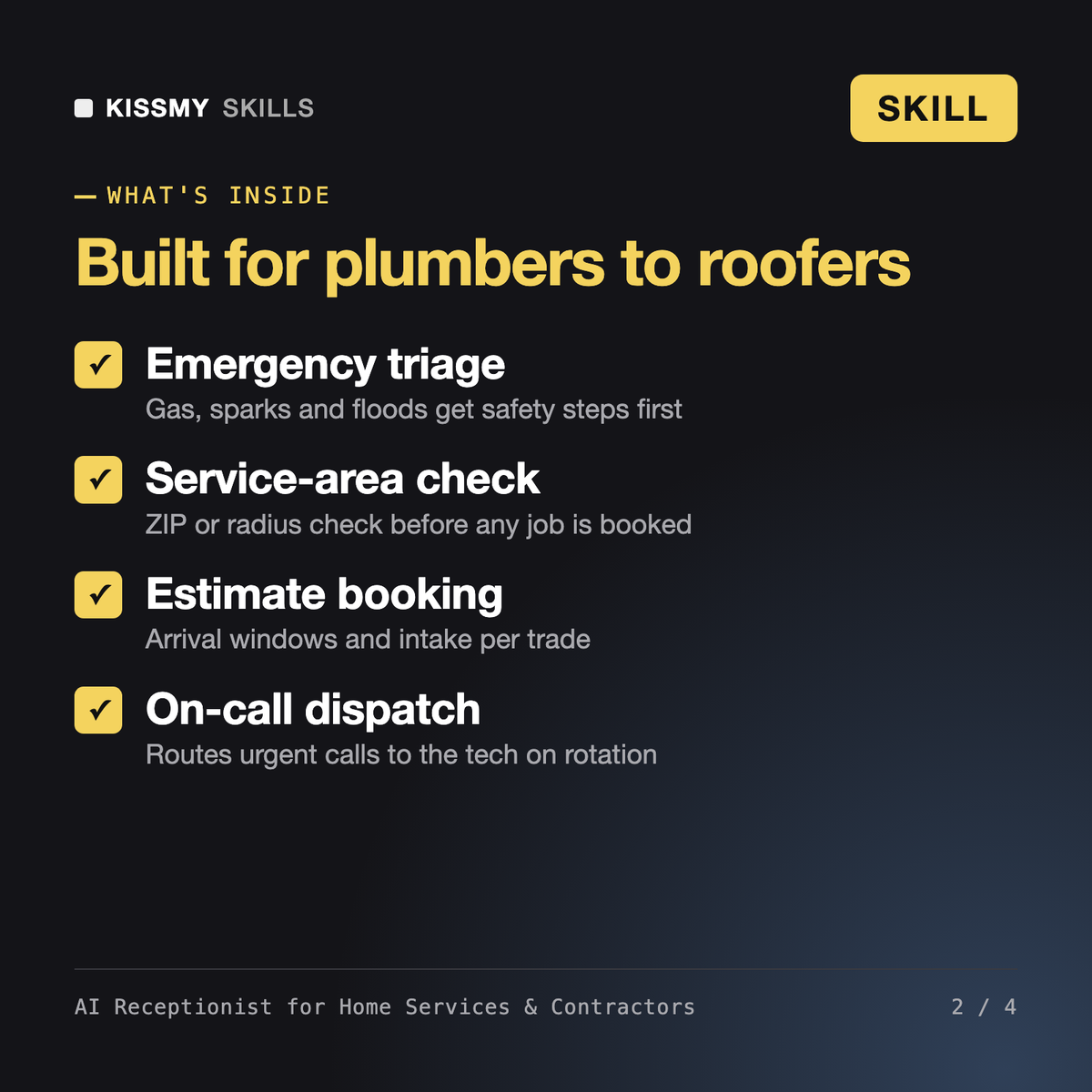
You get: an owner interview → greeting and call flow → job intake with service-area check and gas, electrical and flood triage → booking rules → an FAQ from your facts → an escalation and transfer matrix → after-hours handling → a paste-ready system prompt → test-call scripts → open items marked [ASK OWNER].
It is an AI voice or chat agent that answers calls for a trade business, triages emergencies, checks the service area and books estimate visits. This skill writes the full setup and system prompt for it.
Plumbing, HVAC, electrical, roofing, remodeling and handyman services, with trade-specific intake questions and urgency rules for each.
No. It produces the configuration and prompt you paste into Retell AI, Vapi, Synthflow, Bland AI or a chat widget, and booking rules that match Jobber, Housecall Pro, ServiceTitan or your calendar.
No. It only uses facts you provide. Anything missing is marked as a question for the owner, and job prices are always left to the tech on site.
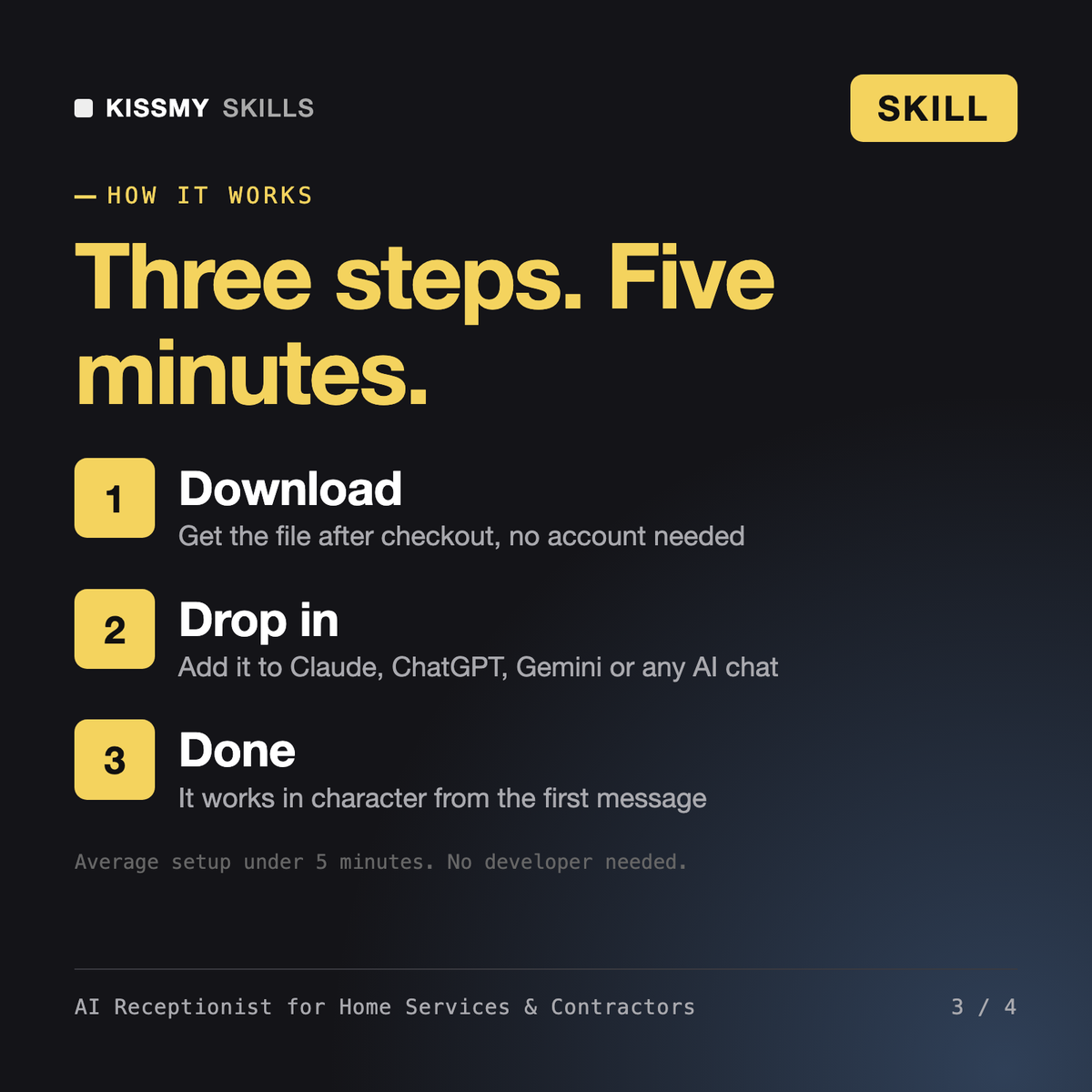
Download your .skill file from the order email or your account. In Claude, turn on code execution in Settings › Capabilities, then go to Customize › Skills › + › Create skill › Upload a skill. Start a new chat and ask for the specialist by name.
Salon, barbershop, spa, nail and lash studio owners who miss calls while working the chair.
Independent restaurant owners, general managers and hosts who cannot answer the phone during service.
Real estate brokers, team leads and agents who lose sign calls and showing requests while in appointments.
Solo attorneys and small law firms in personal injury, family, criminal defense, estate and immigration law.