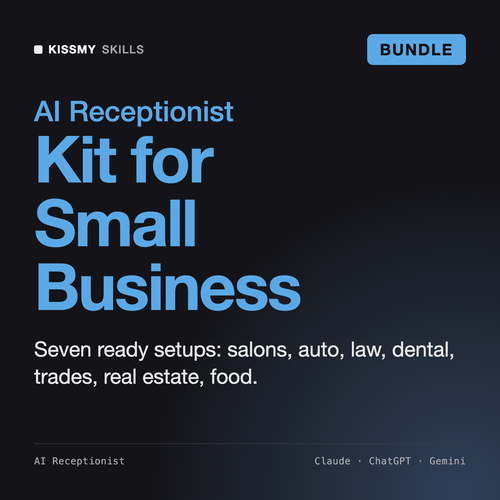
소규모 기업용 AI 접수 담당자 키트
여러 지점 유형을 운영하는 소규모 사업주와 지역 고객을 위해 AI 안내원을 설정하는 대행사를 위한 서비스


Use Claude across the project: CAD and BIM workflows, design direction, code roadmap, drawing set structure and cost estimates.
$39· 한 번 다운로드, 안에 든 모든 파일은 영구 소장
영구 소장 · 결제 후 바로 다운로드
또는 전부, $6.99/월
이 번들의 모든 파일 그리고 다른 2,500+ 전문가가 AI 안에. 이름으로 부르기만 하면 됩니다.
월 $6.99 · 30일 환불 보장 · 언제든 해지 가능
파일 1개
All-in-one
30일 환불 보장 · Stripe 보안 결제
Bundle contents (7 items):
1. AI Skill for AutoCAD - $19
2. AI Skill for Revit - $19
3. AI Skill for ArchiCAD - $19
4. Residential Architect AI Skill - Marisol - $19
5. Building Code and Permit Compliance Specialist AI Skill - Petronella - $19
6. Construction Documentation Specialist AI Skill - Odalys - $19
7. AI Construction Estimator - $19

Bought separately $133. Bundle $79.
New residential project: client brief done, need a design direction, a code check and a drawing set plan. Go?
Work in order. The residential architect skill turns the brief into massing options, the building code skill lists the review triggers, and the construction documentation skill sets sheet structure. The AutoCAD, Revit and ArchiCAD skills give the drafting and BIM workflows, and the estimator builds the takeoff. One correction: settle layer and sheet standards before anyone starts drawing.
All 7 items listed on this page, delivered as 7 individual files in one order.
Download the bundle, then paste each file's contents into a separate Claude Projects instructions (one project per item works best), or add them to your preferred AI tool's system prompt.
Works with Claude (recommended), ChatGPT, and Gemini - any AI chat that accepts custom instructions or system prompts.
The files are available to download right after checkout. One-time purchase, yours permanently - pay once, keep forever, no per-seat fees.
주문 이메일이나 계정에서 .skill 파일을 다운로드하세요. Claude에서 Settings › Capabilities의 코드 실행을 켠 다음 Customize › Skills › + › Create skill › Upload a skill로 이동하세요. 새 채팅을 시작해 전문가를 이름으로 불러 보세요.