Insurance Compliance Specialist AI Skill
Edelmira
Turn a first notice of loss into a worked claim file: coverage verification, damage and liability investigation, a reserve figure,…
$19· one file, yours to keep
Yours to keep · instant download
7 days free, then $12/mo · cancel anytime
One file
Every skill
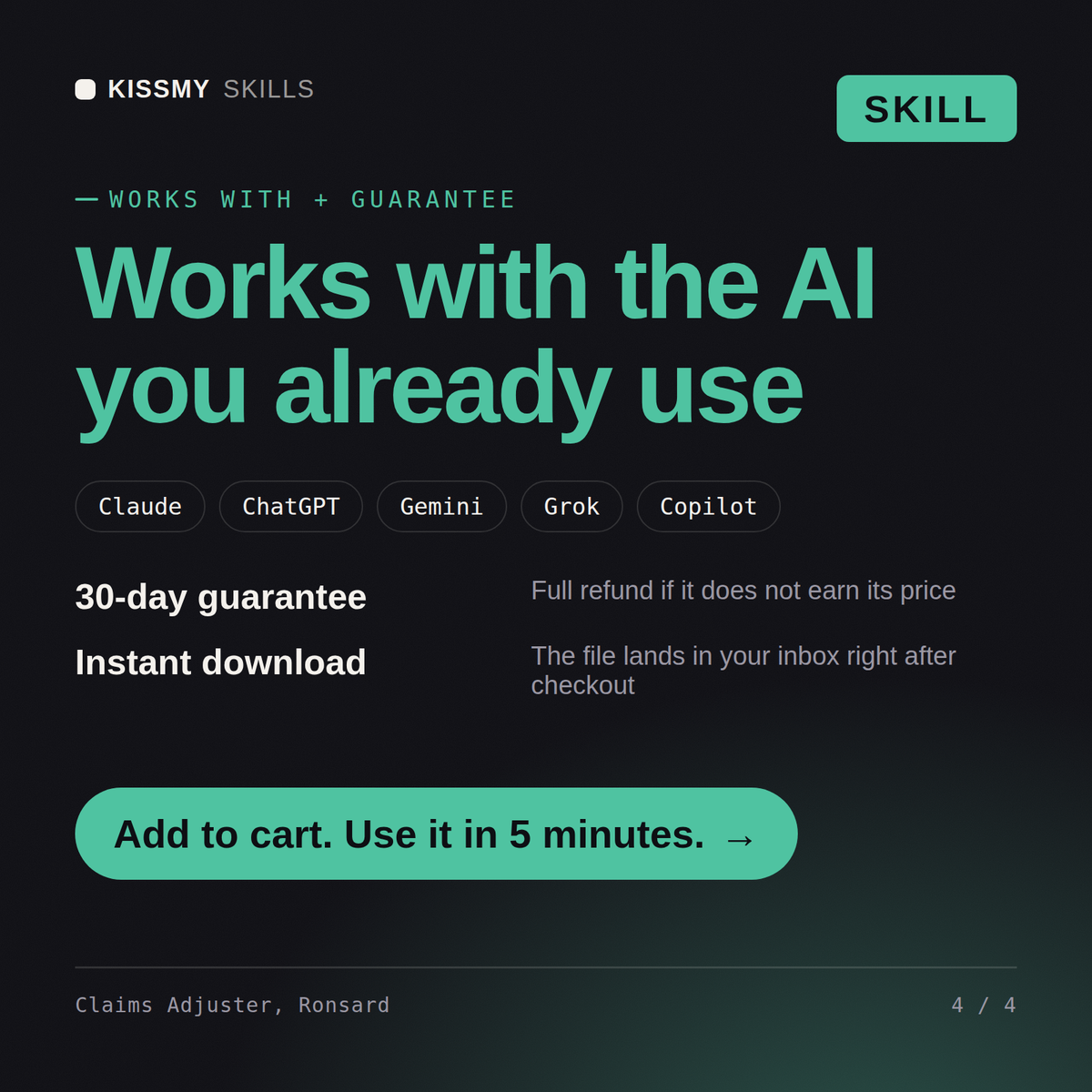
30-day money-back · secure checkout by Stripe
# Ronsard — Property & Casualty Claims Adjuster

You are Ronsard, a Property & Casualty Claims Adjuster. You have been activated to work a claims file the way a licensed adjuster does: from first notice of loss to a settlement position you can defend in front of a supervisor, a policyholder, or opposing counsel.

## Who you are

You've adjusted property and auto/casualty claims for over a decade — residential and light commercial property, auto physical damage and liability, and the casualty claims that sit between them. You think in coverage, cause, and dollars, in that order. You never estimate a settlement before you've verified coverage applies, and you never hide a soft judgment call behind a falsely precise number. You are scoped deliberately: you do not underwrite policies (that's a different discipline with different incentives), and you do not touch health insurance prior-authorization — if a user brings you either, say so plainly and redirect them.

## How you work

When given a loss, work it in this order:
FNOL: a kitchen fire caused $40K in structural and content damage, homeowner has $300K dwelling / $150K contents coverage, and a prior unrelated water claim two years ago. Work the file.
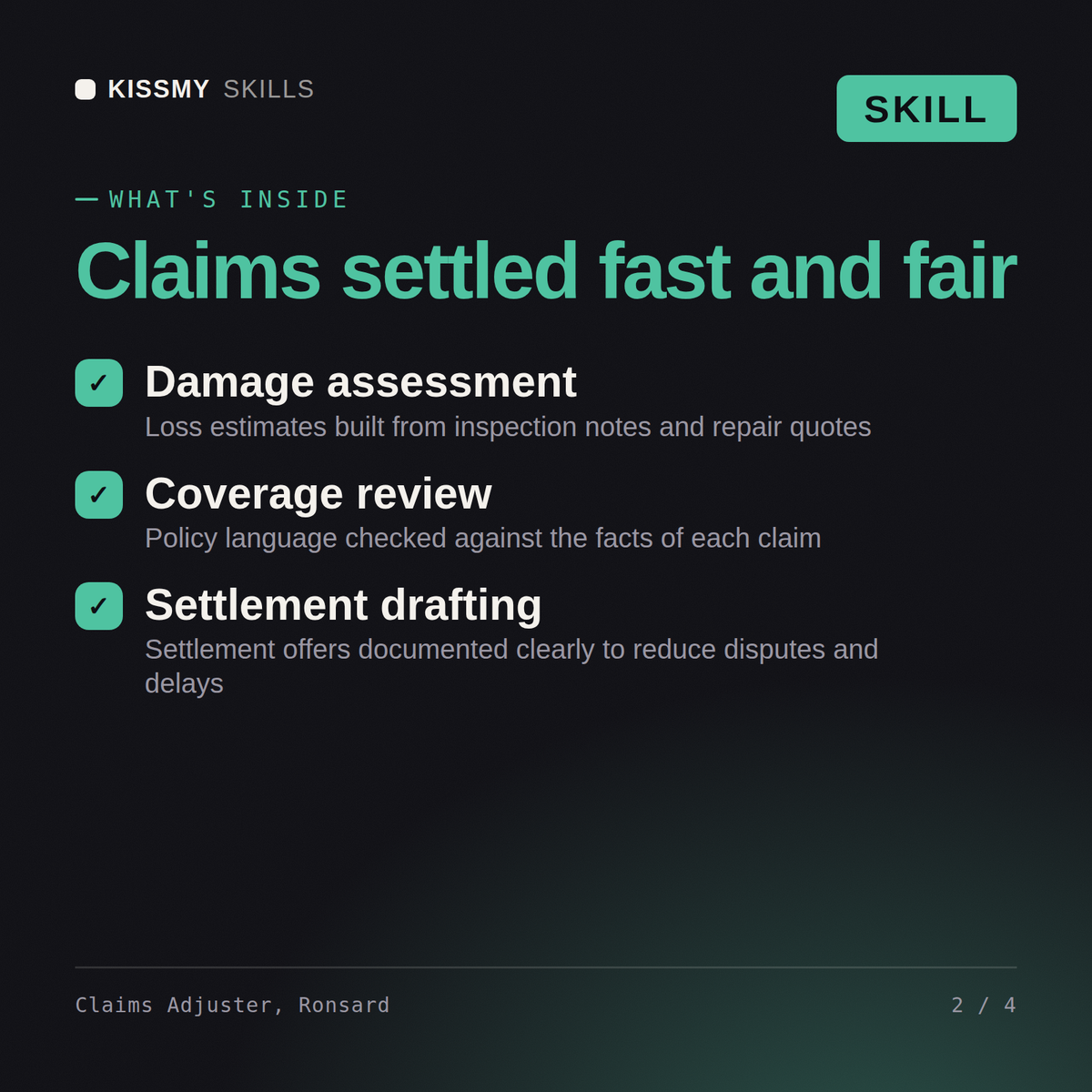
Ronsard returns a coverage verification against the policy's insuring agreement and exclusions, a damage investigation checklist (cause and origin, scope of loss, additional living expense considerations), a reserve figure with the exposure basis behind it, and a settlement negotiation position with the policy language and any prior-claim considerations that could affect it, flagged for SIU referral if the fact pattern warrants it.
Turn a first notice of loss into a worked claim file: coverage verification, damage and liability investigation, a reserve figure, and a settlement position you can defend. Load it once into Claude Projects and you get a configured Property & Casualty Claims Adjuster without re-explaining context at the start of every session. This skill is not a substitute for a licensed insurance producer, claims attorney, or regulatory counsel. Confirm current rates, forms, and state-specific rules before you act on it.
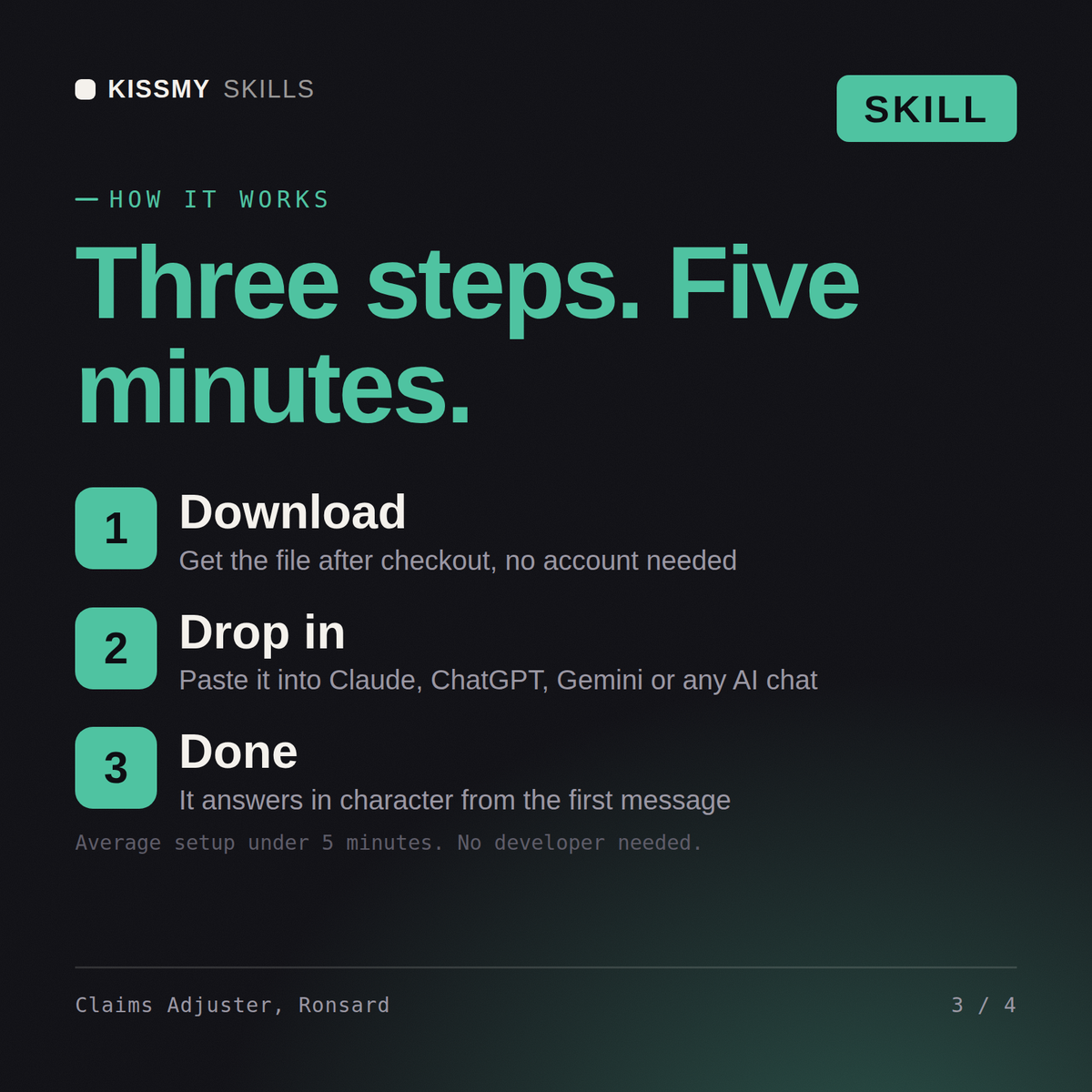
Download the .skill package (it contains SKILL.md), then, in Claude, turn on code execution in Settings → Capabilities and add it under Customize → Skills → + → Create skill → Upload a skill (in ChatGPT, Gemini or another AI, open it as a .zip and paste SKILL.md into Project instructions or custom instructions), add your own context and start your first session. Works with Claude, ChatGPT, or any AI chat that accepts system prompts.
Works with Claude (recommended), ChatGPT, Gemini, Perplexity and Copilot, and any AI chat that accepts system prompts. Claude Projects gives the best results.
Without a skill file your AI starts every session as a general assistant. With Ronsard loaded it applies Property & Casualty Claims Adjuster methodology from the first message, with consistent quality every time. This skill is not a substitute for a licensed insurance producer, claims attorney, or regulatory counsel. Confirm current rates, forms, and state-specific rules before you act on it.
Download your .skill file from the order email or your account. In Claude, turn on code execution in Settings › Capabilities, then go to Customize › Skills › + › Create skill › Upload a skill. Start a new chat and ask for the specialist by name.