
Prompt setClaude Skills for Healthcare & Science
Academic & Research Prompt Library
Your AI works as a senior research analyst and knowledge synthesis specialist, and the text the user pastes is what…
$9· one file, yours to keep
Yours to keep · instant download
All-in-one
Or all of them, $6.99/mo
Academic & Research Prompt Library and 2,500+ other specialists, in your AI. Ask for any of them by name.
Subscribe · $6.99/mo
7 days free, then $6.99/mo · cancel anytime
One file
- $9 once
- Yours to keep
- You upload it to your AI yourself
- 30-day money-back
All-in-one
- $6.99/mo or $49/yr
- 7 days free
- Every file in the store loads by name once your AI is connected
- Cancel anytime
30-day money-back · secure checkout by Stripe
Read the opening lines
================================================================================
  KISSMYSKILLS.COM
  1. AI Summary Generator
  Claude Prompt — Instant Use
================================================================================


WHAT YOU JUST BOUGHT
────────────────────────────────────────────────────────────────────────────────
A Claude prompt that summarises any text — articles, reports, academic papers,
meeting transcripts, legal documents, or long-form content — into a structured
summary at any length, calibrated to the reader's purpose and the type of
How it works
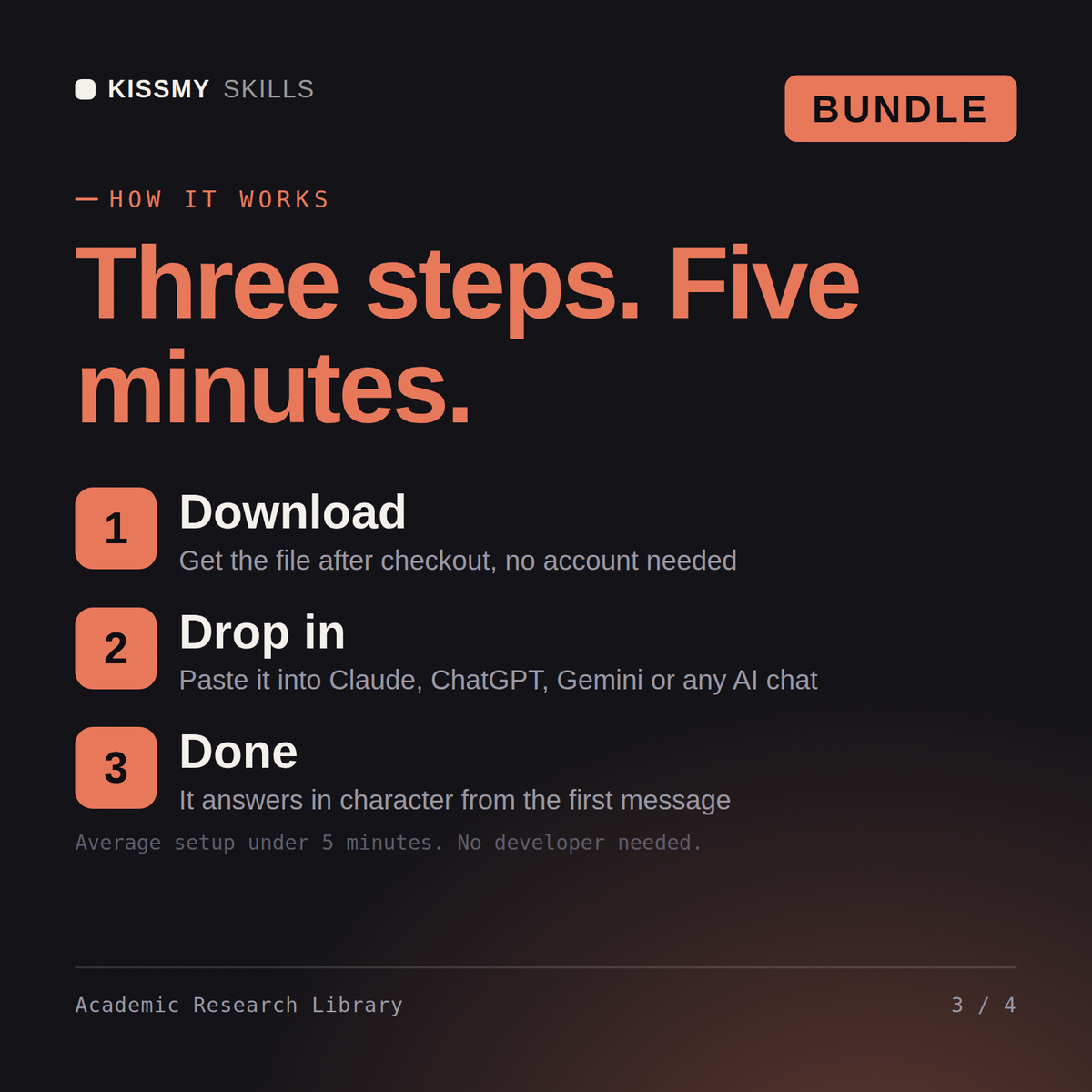
- Buy or subscribeAdd it to your cart for $9 and the file is yours to keep. Or subscribe: every file in the store, $6.99/mo.
- Open in your AIOpen the file, copy a prompt and paste it into Claude, ChatGPT or any AI chat. Subscribers connect their AI once instead:
- Ask by nameAsk your AI for Academic & Research Prompt Library by name, or fill in the parts in brackets and send.
What's inside
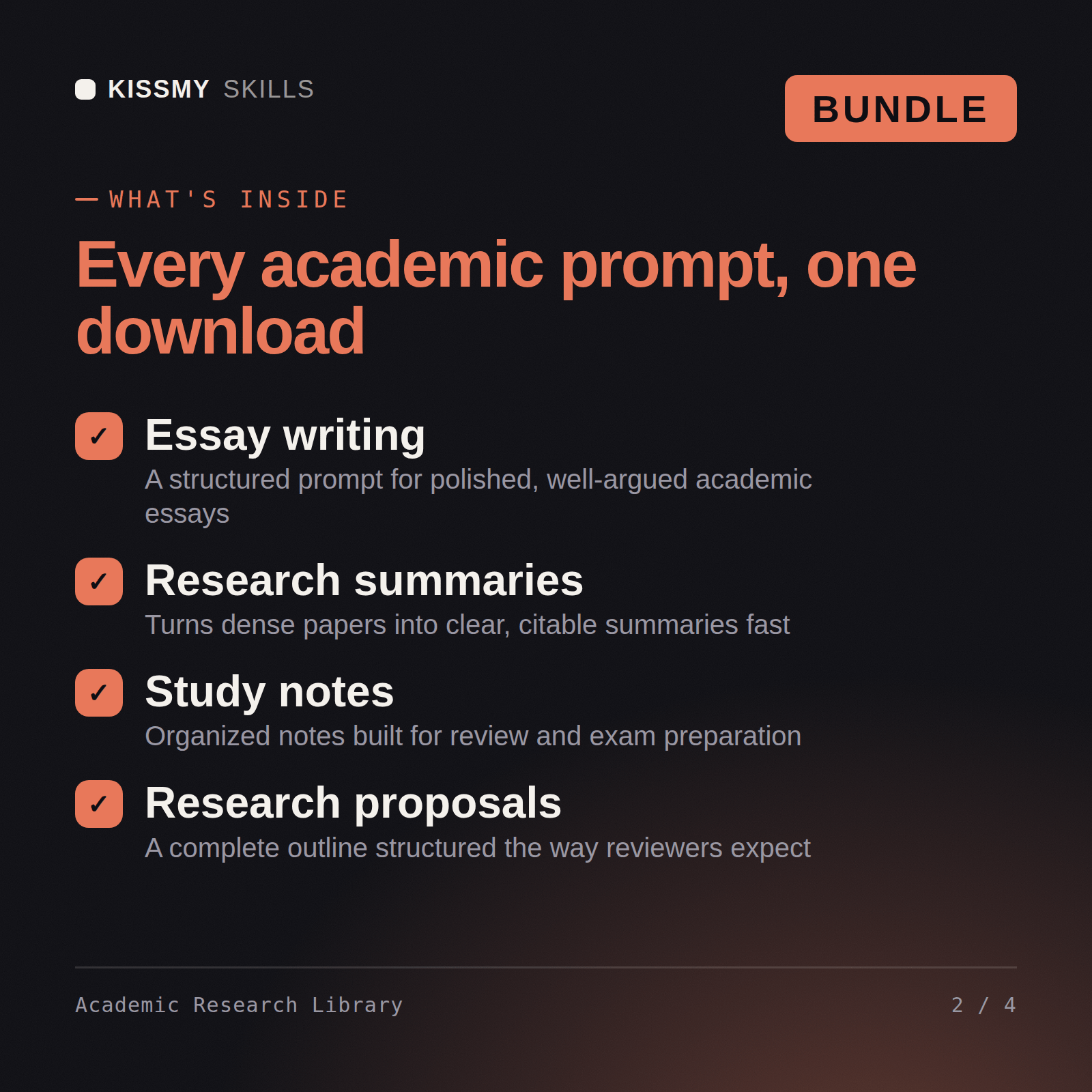
- academic-research-prompt-libraryPrompt set · 226 lines · instant download
- Prompt groups: literature reviews, methodology, citations and abstracts
- Fill-in variables for field of study and citation style
- Usage notes on each prompt describing what to supply
- Copy-paste blocks formatted for Claude, ChatGPT and Gemini
What your AI will do
See a real example
You ask
Give me the prompt for turning my thesis notes into a structured literature review.
Your AI answers
You get: a categorized prompt set covering literature reviews, methodology sections, citation summaries and abstracts → fill-in variables for field and citation style → usage notes on each prompt → copy-paste blocks for Claude, ChatGPT and Gemini.
// faq
Questions before you buy
What's included in the Academic & Research Prompt Library?+
7 ready-to-run prompts as individual .txt files, plus the compiled Academic & Research Prompt Library document that collects 5 prompts with a table of contents - all in one instant download. Each prompt includes the full instruction block, a 60-second how-to, customisation variants, and troubleshooting guidance.
How do I use the prompts in this library?+
Open the .txt file that matches what you are doing, or find the prompt in the library document's table of contents. Copy the block under "THE PROMPT", fill in the bracketed placeholders with your details, and paste it into Claude, ChatGPT, or any AI chat. No technical setup required.
Which AI tools work with these prompts?+
All prompts work with Claude, ChatGPT, Gemini, Copilot, and any AI chat tool that accepts a full text prompt. Claude is recommended for the best instruction-following and output quality.
How do I open it?+
Download your .skill file from the order email or your account. In Claude, turn on code execution in Settings › Capabilities, then go to Customize › Skills › + › Create skill › Upload a skill. Start a new chat and ask for the specialist by name.