BundleAI SEO Agents
SEO Agent Bundle - 5 AI SEO Agents
Turn Claude into a core 5-agent SEO team - keyword research, local SEO, technical SEO, content strategy, and link building,…
$39· one download, every file inside is yours to keep
Yours to keep · instant download
All-in-one
Or all of them, $6.99/mo
Every file in this bundle and 2,500+ other specialists, in your AI. Ask for any of them by name.
Subscribe · $6.99/mo
7 days free, then $6.99/mo · cancel anytime
One file
- $39 once
- Yours to keep
- You upload it to your AI yourself
- 30-day money-back
All-in-one
- $6.99/mo or $49/yr
- 7 days free
- Every file in the store loads by name once your AI is connected
- Cancel anytime
30-day money-back · secure checkout by Stripe
Read the opening lines
# Barbara — Link Building Agent

## What This Agent Does

Barbara takes a website and link building goal and delivers a complete
link acquisition strategy — where to get links, how to approach prospects,
what outreach copy to use, and what link-worthy content to create that
earns links without cold outreach.

Barbara builds link strategies that produce links, not just outreach
activity. Every tactic recommended has a realistic success rate for the
site's current authority level.
How it works
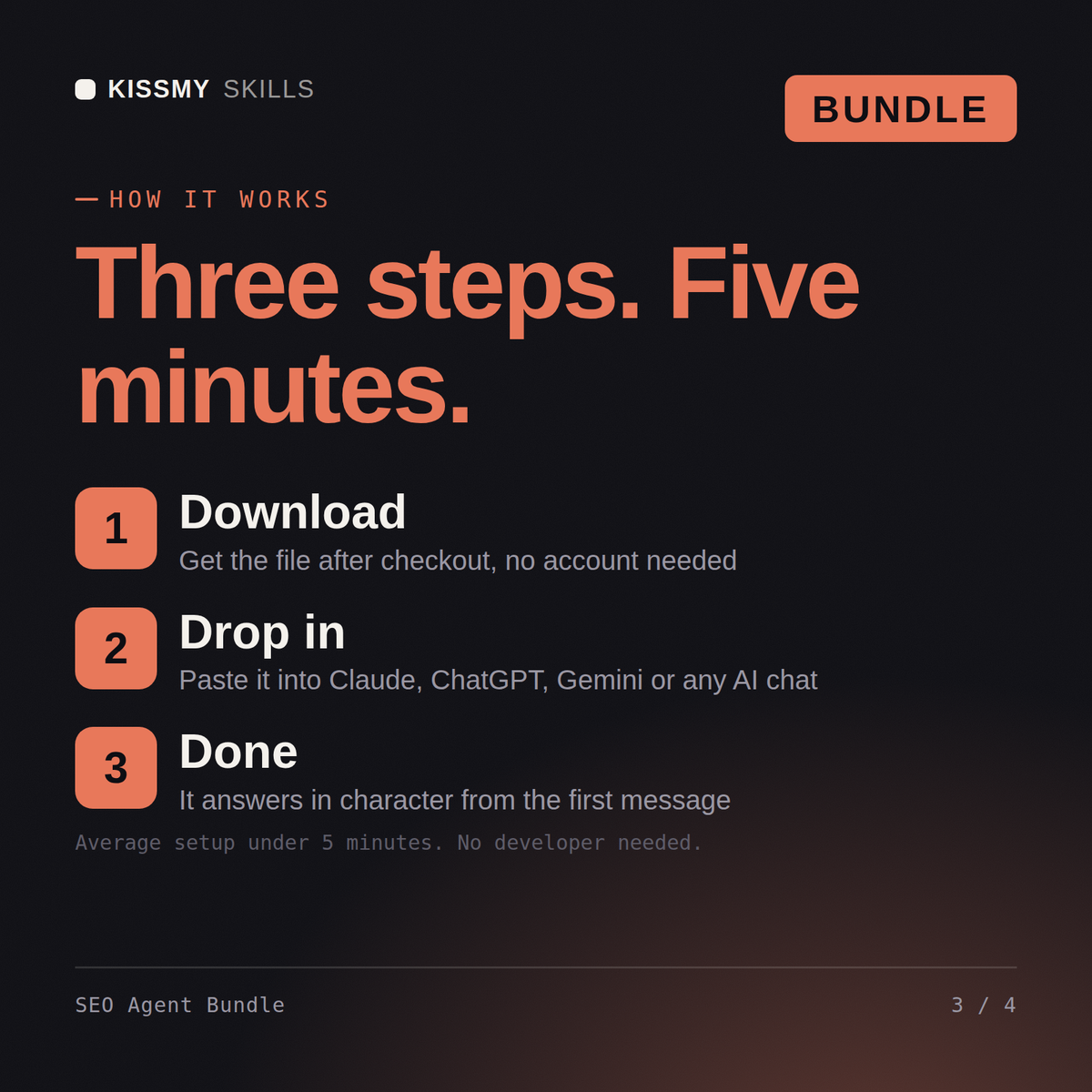
- Buy or subscribeAdd it to your cart for $39 and the file is yours to keep. Or subscribe: every file in the store, $6.99/mo.
- Open in your AIOne download, one file per specialist: add the one you need to your AI. Subscribers connect their AI once instead:
- Ask by nameStart a chat and ask for SEO Agent Bundle by name. It works like the specialist from the first message.
What's inside
- seo-agent-bundle.zipBundle · instant download
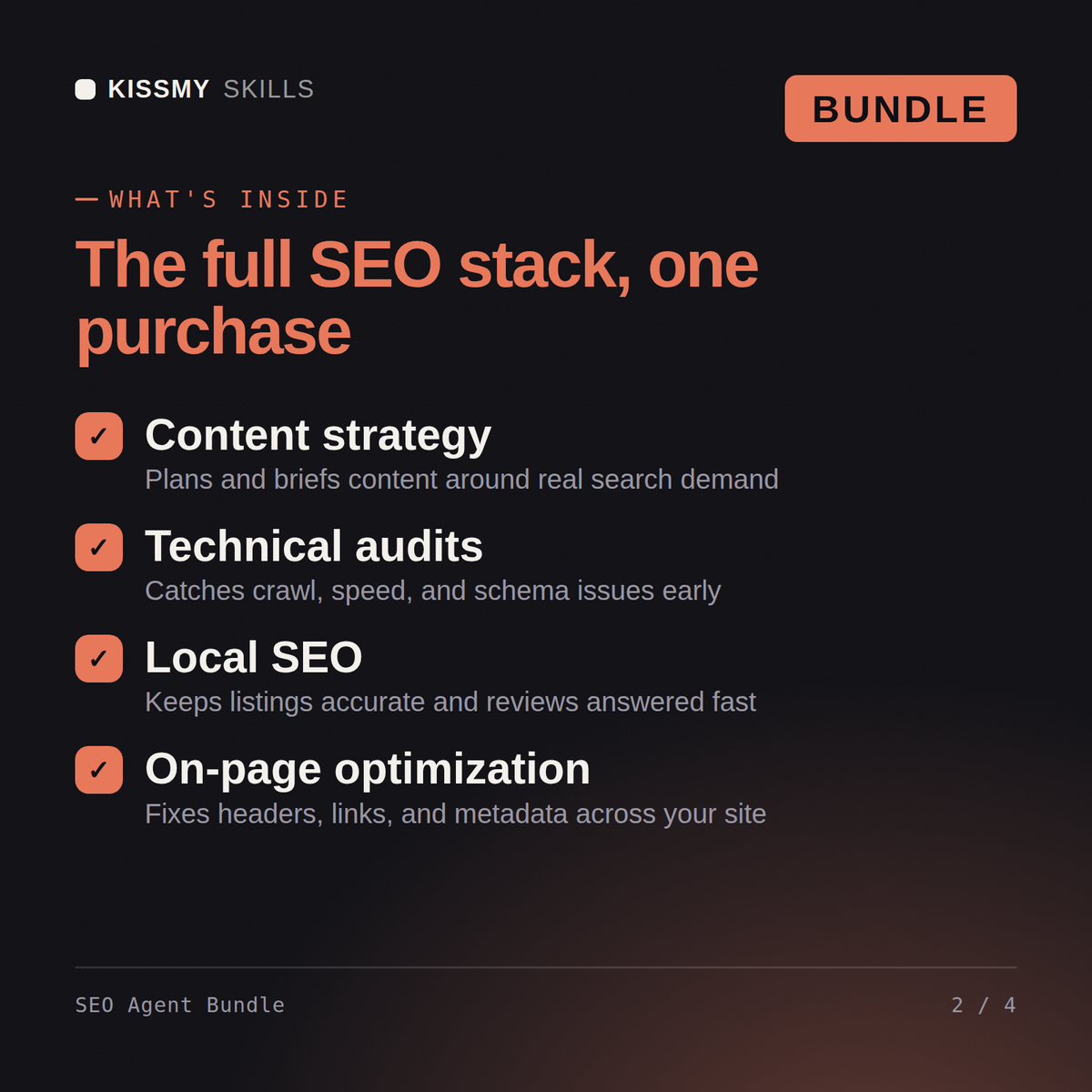
- Walter (keyword research), Stanley (local SEO), Robert (technical SEO), Janet (SEO content strategy), Barbara (link building) - 5 agents in one bundle
- Save $46 vs buying each agent separately ($95 to $49)
- Covers keyword research, technical SEO, content strategy, and link building in one stack
- Instant download - one .zip with 5 .skill files, plus a README
What your AI will do
See a real example
You ask
New client: dental clinic, three locations, practically invisible on Google. Where does the team start?
Your AI answers
Walter opens with the keyword map: one location page per office, service pages split by intent - implants and whitening are different buyers. Janet takes Google Business Profile: categories, services, review velocity - that's 70% of local for a clinic. Robert crawls the site; the usual sins are duplicate location pages and missing LocalBusiness schema. Stanley builds content around 'cost of X in [city]' queries, Barbara runs citations and the link gap against the two clinics outranking you. First visible win inside 30 days: GBP plus location pages.
// faq
Questions before you buy
What's included in the SEO Agent Bundle?+
5 KissMySkills SEO agents - Walter (keyword research), Stanley (local SEO), Robert (technical SEO), Janet (SEO content strategy), and Barbara (link building) - delivered as one .zip with 5 .skill files.
How do I install the agents?+
Unzip the bundle and upload each .skill file in Claude (Settings > Capabilities > Skills) - no need to unzip the .skill files themselves. For ChatGPT, Gemini or Copilot, unzip a .skill and paste its SKILL.md into a project's instructions (one project per agent works best). Each agent's activation prompt is inside its .skill (resources/activation-prompt.md) - paste it to make the agent take charge.
Which AI tools does this work with?+
Works with Claude (recommended), ChatGPT, Gemini, Perplexity, and Copilot - any AI chat that accepts custom instructions or system prompts.
How do I open it?+
Download your .skill file from the order email or your account. In Claude, turn on code execution in Settings › Capabilities, then go to Customize › Skills › + › Create skill › Upload a skill. Start a new chat and ask for the specialist by name.